
Vectorizing QR Codes for Print: Perfect Scanning at Any Size
Learn how to create print-ready vector QR codes that scan perfectly on everything from business cards to billboards. Essential for marketers and designers.
Graphics & Design Experts
Our team of experienced designers and developers specializes in vector graphics, image conversion, and digital design optimization. With over 10 years of combined experience in graphic design and web development.
Key Takeaways
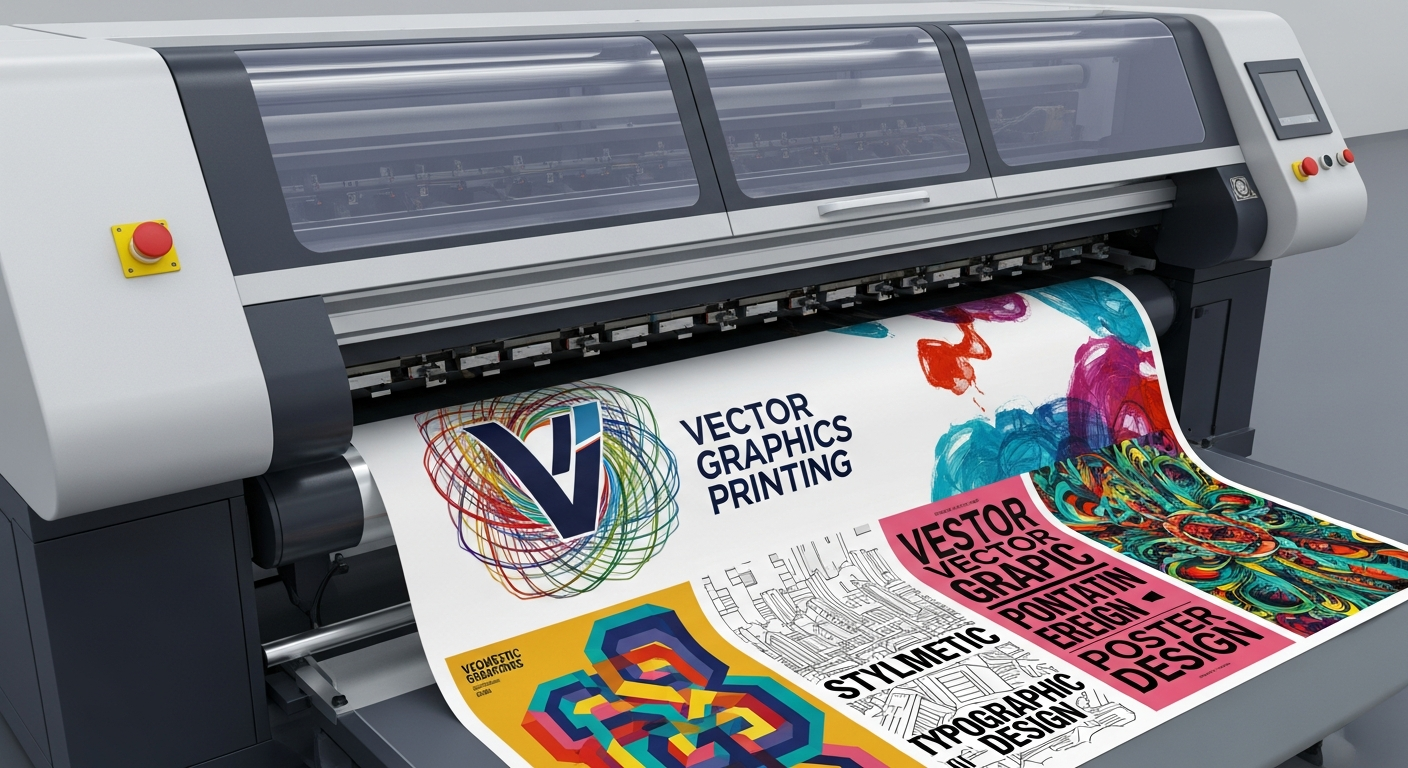
- Vector QR codes maintain pixel-perfect module geometry at every print size -- from 15 mm wristband tags to 3-metre transit posters.
- Error correction level Q (25 %) is the sweet spot for branded codes; drop to L only when data density forces it.
- A code that scans on your phone screen will not necessarily scan on brushed aluminium, stretched polyester, or corrugated cardboard -- substrate testing is non-negotiable.
- Quiet-zone violations and low-contrast colour choices cause more field failures than any other single factor.
Why Vector QR Codes Are a Print Requirement
I have run QR print jobs on substrates from 100 gsm uncoated stock to laser-etched stainless steel. The variable that separates a code that scans every time from one that fails in the field is module edge integrity -- and that starts with the file format.
Raster QR codes are resolution-locked. Scale a 300 px bitmap to fill an A2 poster and every module bleeds into its neighbour. Vector QR codes (SVG, EPS, PDF paths) are mathematically defined: each module is a rectangle with coordinates, not pixels. Scale to any dimension and the edges stay knife-sharp.
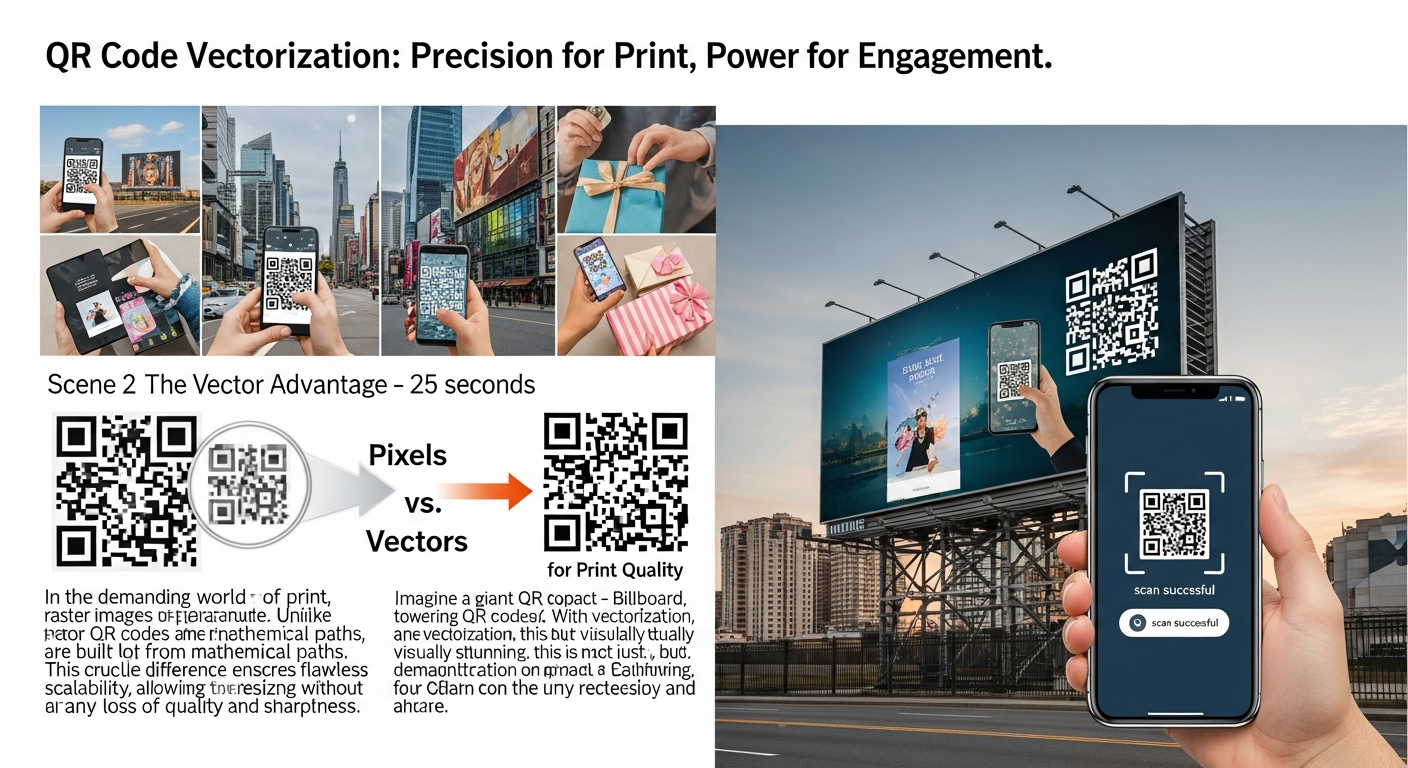
Three reasons every print file should use vector QR
Convert your QR codes to clean SVG paths with VectoSolve's QR Code to SVG tool.
---
Error Correction Levels
QR codes use Reed-Solomon error correction. The spec defines four levels -- choosing the right one is a production decision, not an afterthought.
| Level | Redundancy | Recovery | Best use case | |-------|-----------|----------|---------------| | L | ~7 % | Low | Max data density; screen display only | | M | ~15 % | Moderate | General print on coated stock | | Q | ~25 % | High | Branded codes with logos; outdoor print | | H | ~30 % | Very high | Harsh environments; industrial marking |
My rule: start at Q, drop to M only if module count exceeds your size budget, and never use L for anything physically printed.
---
Minimum Size by Scanning Distance
| Scanning distance | Min. code size | Min. module | Typical application | |-------------------|---------------|-------------|---------------------| | 5 -- 15 cm | 15 x 15 mm | 0.4 mm | Wristbands, jewellery tags | | 15 -- 40 cm | 20 x 20 mm | 0.5 mm | Business cards, product labels | | 40 cm -- 1 m | 30 x 30 mm | 0.76 mm | Menus, brochures, shelf talkers | | 1 -- 3 m | 50 x 50 mm | 1.2 mm | Posters, event signage | | 3 -- 10 m | 150 x 150 mm | 3.5 mm | Transit ads, building wraps | | 10 m + | 300 mm + | 7 mm + | Billboards -- field-test every time |
---
Quiet Zone Requirements
The quiet zone tells the scanner where the code boundary is. Without it, the decoder cannot locate finder patterns -- no finder patterns, no decode.
---
Colour Contrast Requirements
ISO 18004 requires a minimum 40 % reflectance difference between dark and light modules. I target 70 %+ to give the scanner headroom.
Safe pairings: Black (K 100 %) on white | Dark navy on white | Black on pale yellow
Will fail: Medium grey on white | Red on green | Any dark build below 60 % total ink
Apply brand colour to dark modules only and keep light modules pure white. Never invert unless you test exhaustively -- many older decoders reject inverted codes.
---
Custom QR Codes: Where Creativity Breaks Scanning
The creative elements that cause the most trouble:
---
Substrate Considerations
Metal (aluminium, stainless steel)
Specular reflection creates hotspots that blind the camera. Use a matte laminate or etch the code. Laser-etched codes need Level H because contrast is inherently low.Glass and acrylic
Back-lit codes invert contrast depending on ambient light. Test in both daylight and darkness. Print on vinyl and apply; direct UV printing on glass must be tested at installation angle.Fabric and textiles
Weave texture breaks module edges. Use modules 2 mm+ and Level Q/H. Heat-transfer printing gives sharper results than DTG inkjet. Place codes on non-stretch panels.Corrugated cardboard
Flute shadow creates banding. Print on a litho-laminated surface. Allow 15 % size increase to compensate for dot gain.
---
Testing Methodology
QR PRODUCTION SIGN-OFF
-----------------------
Substrate:       _______________
Code version:    ___  EC level: ___
Print size:      ___ x ___ mm
Devices tested:  [ ] iPhone  [ ] Android  [ ] Tablet
Distances:       [ ] Close   [ ] Mid      [ ] Far
Angles:          [ ] 0 deg   [ ] 30 deg   [ ] 45 deg
Lighting:        [ ] Bright  [ ] Indoor   [ ] Dim
Payload correct: [ ] Yes     [ ] No
Approved by:     _______________  Date: ___/___/___
"QR codes are everywhere again -- on every menu, every label, every transit ad. The irony is that most of them are produced from 72 dpi screenshots pasted into InDesign. We can do better.
---
From Raster to Print-Ready in Seconds
VectoSolve uses AI-powered tracing that snaps to QR module boundaries, producing SVG where every module is a clean rectangle. No stray anchor points, no overlapping paths, no hairline gaps.
For dedicated QR conversion with automatic module detection, use the QR Code to SVG converter.
---
| QR Code Parameter | Recommended Value | Effect on Scanning | Print Size Impact |
|---|---|---|---|
| Error Correction Level | Q (25%) | Survives moderate damage/branding | Slightly larger modules |
| Minimum Module Size | 0.75mm (print) / 3px (screen) | Below threshold = scan failure | Sets minimum QR dimensions |
| Quiet Zone | 4 modules minimum | Essential for scanner detection | Adds border around code |
| Foreground Contrast | 40%+ against background | Low contrast = read errors | Limits color palette options |
| Output Format | Vector SVG | Perfect modules at any scale | One file for all print sizes |