
How SVG Files Ensure Brand Consistency Across All Platforms
Learn how using SVG format for your brand assets ensures perfect consistency across web, mobile, print, and social media. A guide for brand managers and designers.
Graphics & Design Experts
Our team of experienced designers and developers specializes in vector graphics, image conversion, and digital design optimization. With over 10 years of combined experience in graphic design and web development.
Key Takeaways
- Brand inconsistency costs enterprises up to 23% of annual revenue (Lucidpress) — SVG eliminates the root cause by serving as a single, scalable source of truth.
- A well-structured SVG design system replaces hundreds of raster exports with one master file per asset, slashing production time and human error.
- CSS custom properties inside SVGs unlock instant theme switching — dark mode, seasonal campaigns, co-branding — without touching a single graphic file.
- The master-SVG-first workflow (SVG to PNG, WebP, PDF, EPS) guarantees pixel-perfect fidelity from a 16 px favicon to a 20-foot trade-show banner.
The Hidden Cost of Brand Inconsistency
Every touchpoint your brand reaches — website, mobile app, email signature, investor deck, trade-show booth — is a chance to build trust or erode it. Lucidpress research shows consistent brand presentation increases revenue by up to 23%, yet 77% of organizations struggle to stay on-brand across channels. McKinsey found that top-quartile design-consistent companies outperform benchmarks by two to one in revenue growth.
The culprit is rarely missing brand guidelines. It is the format of the assets. When your logo exists as 47 PNGs at various sizes, someone will grab the wrong one. When icons live as JPEGs with white backgrounds, someone will paste one onto a dark hero section and ship it.
"Brand consistency is not a creative constraint — it is a growth multiplier. The brands that scale fastest are the ones whose assets are engineered to be impossible to misuse.
SVG changes the equation. A single vector file replaces every raster variant, scales without quality loss, and can be styled with CSS — color and theme adjustments happen in code, not in Photoshop.
---
Why SVG Is the Foundation of a Modern Design System
Design systems like Google's Material Design, IBM's Carbon, and Shopify's Polaris share a common choice: every icon, logo, and illustration ships as SVG. Three strategic reasons drive this.
One File, Infinite Contexts
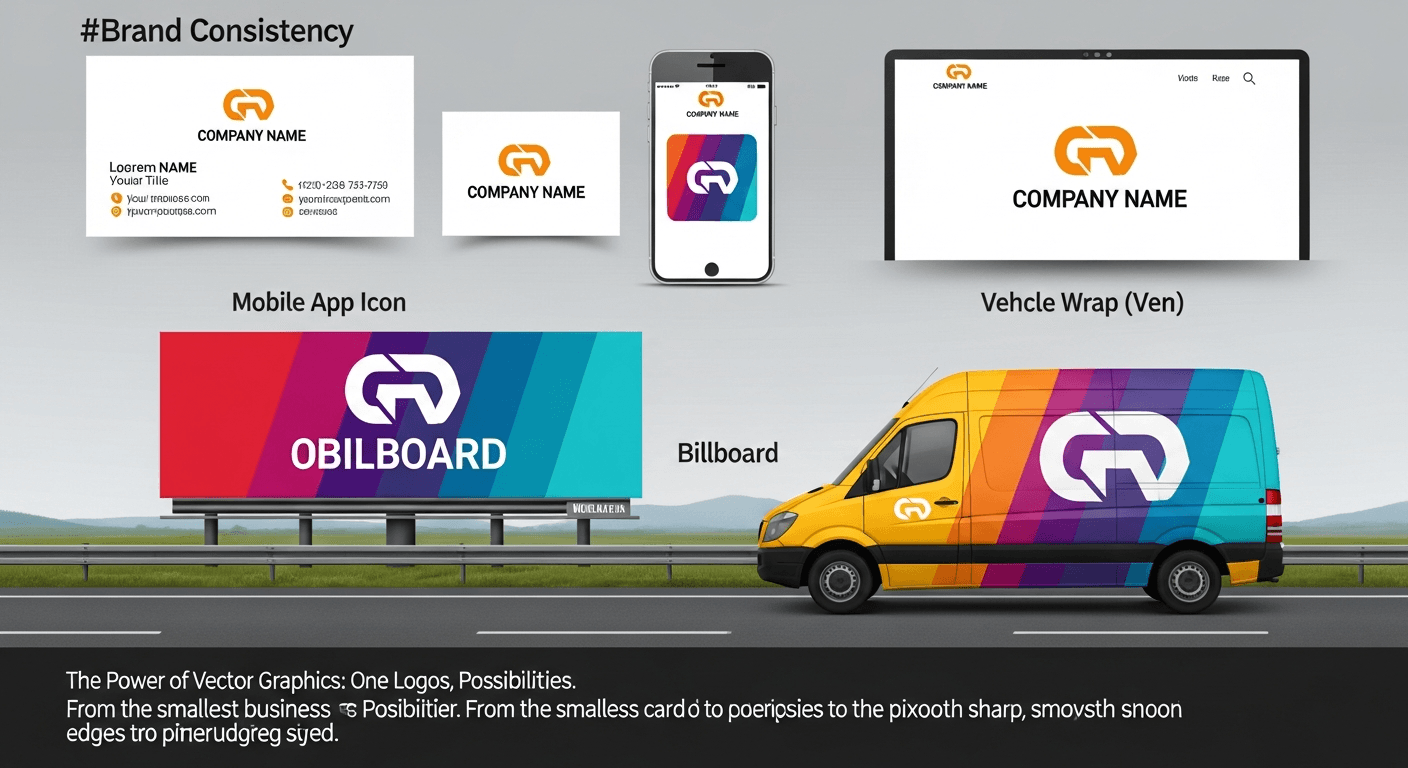
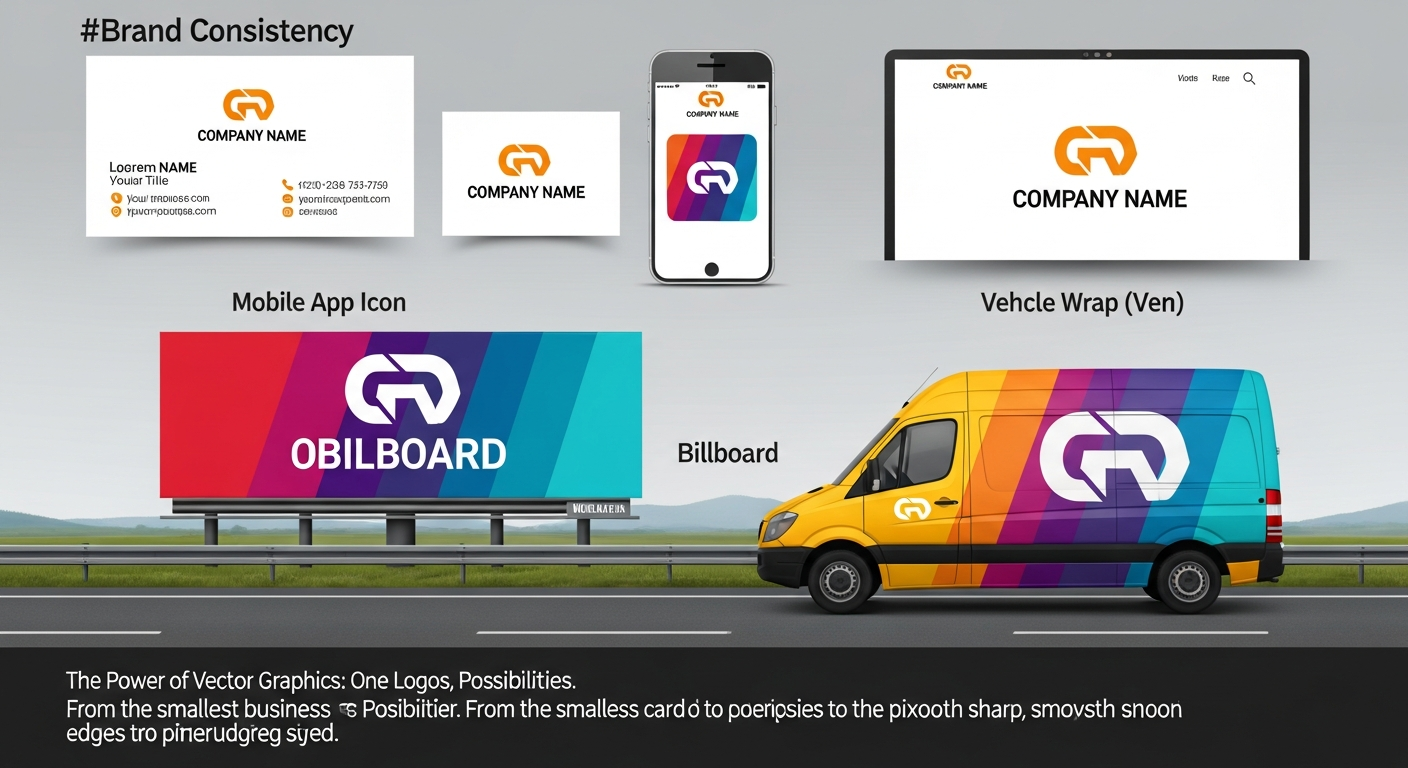
A raster brand kit balloons fast: logo-16.png through logo-1024.png, multiplied by color variants and platforms. You manage hundreds of files. SVG collapses this to a handful of masters. The same logo-mark.svg that prints at 24 inches on a conference backdrop works as a 14 px nav icon.
Mathematically Exact Color
Raster compression introduces color drift — JPEG artifacts shift hues, PNG palette reduction rounds values. SVG stores color as explicit code: fill="#1cb721" is #1cb721 everywhere. For brands defined by Pantone-precise color (Coca-Cola red, Tiffany blue), this is non-negotiable.
Style With Code, Not Redesign
SVG elements accept CSS like HTML. Design tokens flow directly into graphics. Rebranding from blue to green? One CSS variable change propagates across every SVG that references it.
---
Platform Requirements — and How SVG Adapts
| Platform | Requirement | Raster Pain Point | SVG Advantage | |---|---|---|---| | Web | Retina-ready, fast load | 2x/3x PNGs balloon size | Resolution-independent; gzip < 5 KB | | iOS | @1x, @2x, @3x catalogs | Three exports per icon | Single SVG rendered natively | | Android | mdpi through xxxhdpi | Six density buckets per asset | VectorDrawable — one file, all densities | | Print | 300 DPI, vector preferred | Upscaling causes blur | Export PDF/EPS — zero quality loss | | Email | Inline images, Outlook fallback | Multiple pre-sized PNGs | Inline SVG + auto PNG fallback | | Social | Fixed dimensions (1200x630) | Manual cropping | Script one-line export at exact size |
The pattern: start with SVG, derive everything else. The vector master is the source of truth; raster exports are disposable artifacts.
---
CSS Variables Inside SVG: Theme Switching Without New Assets
SVG fully supports CSS custom properties, unlocking dynamic theming — dark mode, seasonal campaigns, co-branding — without duplicating graphics.
Inline this SVG and it inherits your site's CSS custom properties. Toggle dark mode by overriding --brand-primary at :root — every inlined SVG updates in real time. Zero JavaScript, zero asset swaps.
currentColor and CSS Custom Properties — Setting fill="currentColor" makes an SVG element inherit the CSS color of its parent HTML element. Combined with custom properties (var(--brand-primary)), this creates a two-layer theming system: currentColor for monochrome icons, custom properties for multi-color logos where each path needs independent color control.
For seasonal campaigns, shift the palette globally:
:root {
  --brand-primary: #c0392b;   / festive red /
  --brand-secondary: #27ae60; / holiday green /
}
Every SVG asset updates instantly. Campaign over? Remove the override. Design effort: zero.
---
The Master SVG Workflow
Top brand teams follow a master-SVG-first pipeline:
1. Design in vectors from day one. Use Figma, Illustrator, or Sketch. Export the canonical version as SVG.
2. Optimize the master SVG. Run it through VectoSolve's SVG optimizer to strip editor metadata and minimize path data — often achieving 40-60% size reduction.
3. Organize with disciplined naming.
category-name-variant pattern: logo-primary-full.svg, icon-nav-search.svg, illus-hero-onboarding.svg. Prefix with asset type (logo, icon, illus), follow with context, suffix with variant. Assets become grep-able, sortable, and self-documenting — critical past 100 files.
/brand-assets
  /logos
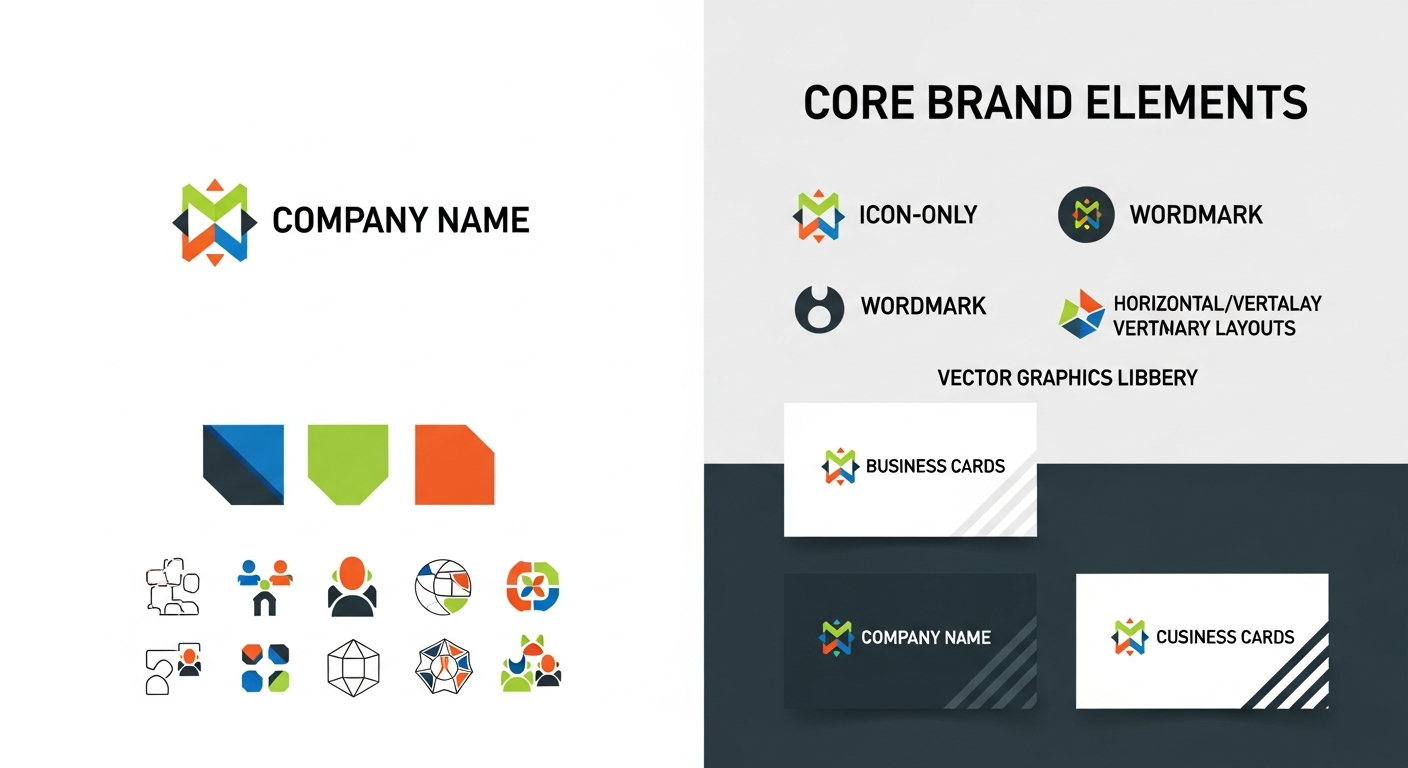
    logo-primary-full.svg
    logo-primary-mono.svg
    logo-primary-reversed.svg
  /icons
    icon-nav-menu.svg
    icon-social-twitter.svg
  /illustrations
    illus-hero-homepage.svg
4. Derive platform exports. Generate PNGs, WebP, and PDF/EPS from each master. Automate with CI or use VectoSolve to batch-export.
5. Version-control the SVGs. Plain-text XML diffs cleanly in Git. Track brand assets like code.
---
Multi-Platform Logo Rendering: A Real Comparison
Consider a SaaS company rolling out a rebrand with a gradient mark and wordmark.
Raster pipeline: Designer exports 22 PNG variants. iOS requests @3x — re-export. Android finds gradient banding — re-export. Marketing needs white-on-transparent — 23rd file. Three weeks later the old logo still ships on Android because the wrong file was in the repo.
Vector pipeline: Designer delivers 3 SVG masters (full-color, mono, reversed). CSS handles web theming. Build tools generate mobile density variants at compile time. Marketing exports a PNG in one click. CI/CD validates all referenced SVGs. The old-logo mishap is caught in a PR check.
The vector pipeline is structurally incapable of the most common brand-consistency failures.
---
Editing and Refining SVG Assets
Even well-crafted SVGs benefit from periodic refinement — tightening paths, adjusting viewBoxes, updating metadata. VectoSolve's SVG editor provides a browser-based environment for these adjustments without round-tripping through desktop software.
---
Putting It All Together
Brand consistency is an engineering problem, not a design problem. SVG gives you a single source of truth that scales infinitely, themes dynamically, diffs in version control, and exports to any format. Audit your assets, convert rasters to clean SVGs with VectoSolve, optimize, organize, and automate the export pipeline. The investment pays back every time a new channel or campaign enters the picture.
---
| Brand Touchpoint | Raster Risk | SVG Advantage |
|---|---|---|
| Website / App | Blurry on Retina/4K screens | Pixel-perfect at any DPI |
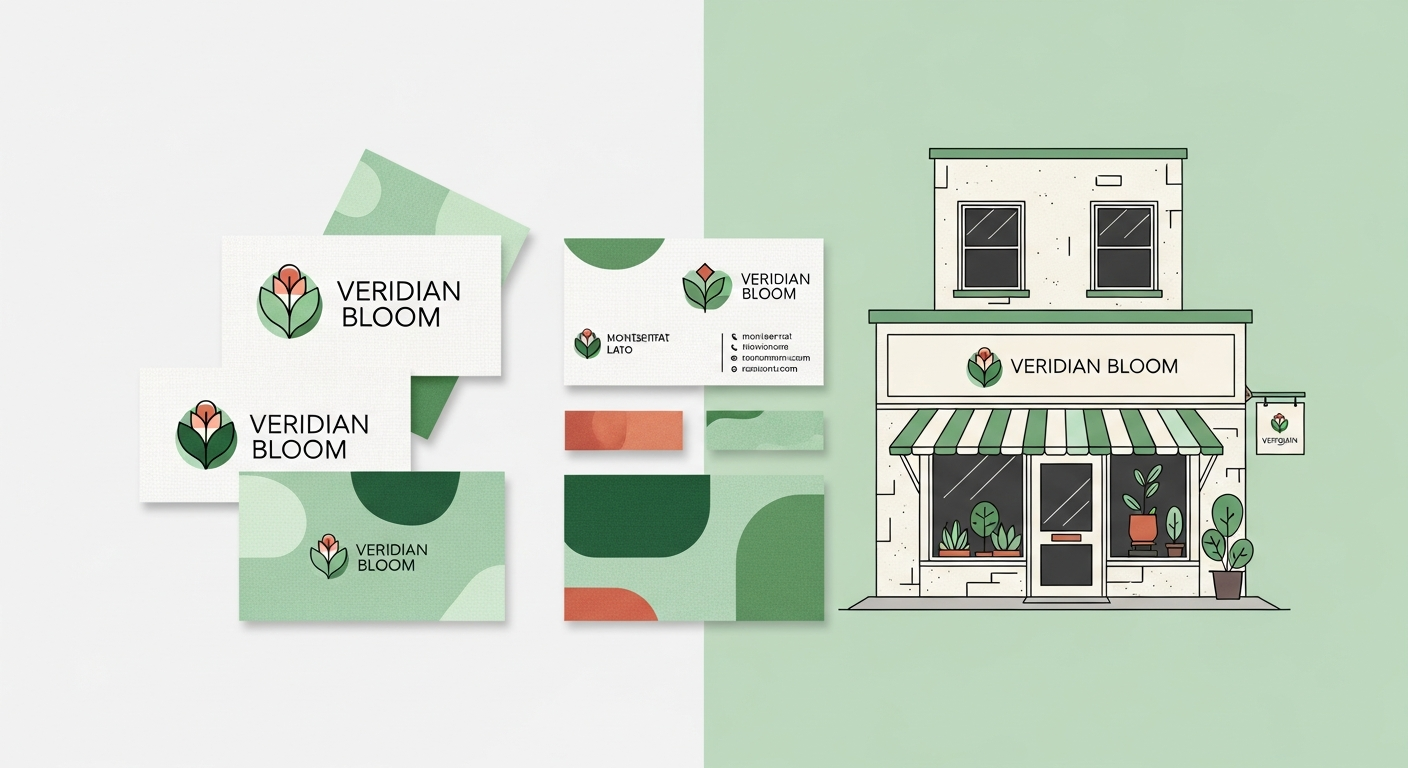
| Print (business cards, brochures) | Pixelation below 300 DPI | Infinite resolution output |
| Social media | Compression artifacts on re-upload | Export at exact platform dimensions |
| Merchandise | Requires separate file per size | One master file scales to any product |
| Signage / vehicle wraps | Unusable at large scale | Sharp from decal to billboard |