
Brand Vectorization Project: A Step-by-Step Example
A step-by-step example of a brand vectorization project, from logo audit to a full asset library.
Founder and developer of VectoSolve
Self-taught developer who founded VectoSolve in 2024. He builds the conversion engine and the cutting, embroidery and 3D printing exports, working with the VectoSolve team of graphic designers.
How this article was made: drafted with AI assistance, then edited and fact-checked before publication. About the author
Try it on your own file
Free preview, no signup. Drop an image and see the vector before deciding anything.
Key Takeaways
- The client had 47 logo variants scattered across departments — with zero vector files and no brand guidelines
- AI-powered vectorization converted the best raster source to clean SVG in minutes, saving 60–75% versus a traditional redesign quote of $3,000–$5,000
- Standardizing colors eliminated 8 different "blue" versions into one official Pantone specification
- The completed project replaced scattered files with one organized library of approved logo versions
- Total project investment was $1,100 with an estimated annual value of $5,000+ in saved costs and prevented brand damage
Project Overview
This case study is an illustrative scenario, not a documented client project. It walks through a complete brand vectorization project for a mid-sized company transitioning from outdated raster graphics to a modern, scalable vector-based brand system.
Client Background
Initial Situation
Client Profile:
Industry: Consumer products
Years in business: 15
Logo age: 12 years
Brand assets: Scattered, inconsistent
Primary issue: Quality degradation
Pain Points
Problems Identified:
- Pixelated logo on signage
- Inconsistent brand application
- No source files available
- Multiple unofficial versions
- Print quality issues
Discovery Phase
Asset Audit
Audit Results:
Files found: 47 logo variants
Usable: 12 files
Vector format: 0
Highest quality: 800x600 JPG
Stakeholder Interviews
Key findings:
- Original designer unavailable
- No brand guidelines existed
- Each department created own versions
- Signage vendor requests went unanswered
This Is More Common Than You Think: According to brand management surveys, over 60% of small and mid-sized businesses have no vector versions of their logo, and nearly 70% lack formal brand guidelines. If this sounds like your organization, you're not alone — and the fix is more affordable than you might expect.
A Full Year of Conversions for $49
Starter Annual: 25 conversions every month, $49 for the whole year. That is about $4.08 a month · Cancel anytime
Get the Annual DealProject Scope
Deliverables Defined
Project Scope:
1. Master vector logo
2. Color variations
3. Size variations
4. File format library
5. Basic brand guidelines
6. Team training
Timeline
Project Schedule:
Week 1: Discovery and planning
Week 2: Vectorization and refinement
Week 3: Variations and exports
Week 4: Guidelines and handoff
Vectorization Process
Source Selection
Source Analysis:
Evaluated 12 candidate files
Selected highest fidelity version
Cleaned and prepared for conversion
Conversion with Vectosolve
Conversion Steps:
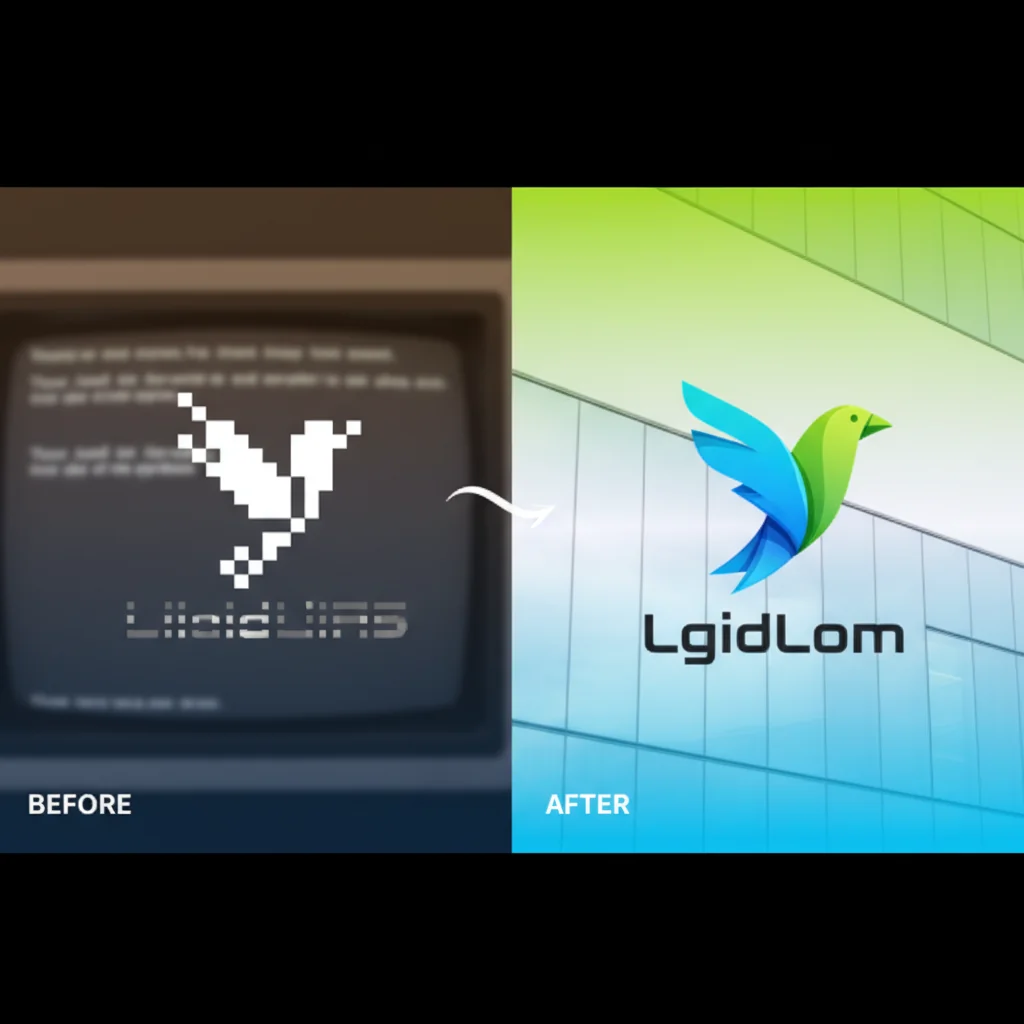
1. Uploaded cleaned PNG
2. Reviewed vector preview
3. Downloaded SVG
4. Opened in design software
5. Refined paths
Refinement Work
Refinements Made:
- Smoothed curves
- Aligned points
- Corrected colors
- Balanced proportions
- Cleaned details
Color Standardization
Color Audit
Color Discovery:
Found 8 different "blue" versions
Ranged from #1E4D78 to #2A6DB0
No official specification
Print varied significantly
Color Definition
Final Color Specs:
Primary Blue: #1E56A0
Secondary Blue: #4A90D9
Neutral Gray: #4A4A4A
White: #FFFFFF

Pantone: 7462 C
CMYK: C:87 M:58 Y:14 K:2
Free SVG Tools for Crafters
Design Checker · Color Separator · Mat Preview · Offset Generator · Text to SVG
Check Your SVG FreeFile Format Library
Deliverable Set
File Deliverables:
/brand-assets
  /master
    logo_master.svg
    logo_master.ai
  /web
    logo.svg
    logo_light.svg
    logo_dark.svg
    favicon.svg
  /print
    logo_CMYK.pdf
    logo_CMYK.eps
    logo_pantone.eps
  /office
    logo_large.png
    logo_medium.png
    logo_small.png
    email_signature.png
  /social
    profile_400.png
    cover_fb.png
    cover_linkedin.png
Organization System
Naming Convention:
logo_[variation]_[color]_[size].[format]
Example: logo_horizontal_blue_1000px.png
Brand Guidelines
Document Structure
Guidelines Contents:
1. Logo usage rules
2. Clear space requirements
3. Minimum sizes
4. Color specifications
5. Typography guidance
6. Do's and Don'ts
7. File format guide
Key Rules Established
Usage Rules:
- Minimum size: 1" / 72px
- Clear space: 0.5x logo height
- No modification allowed
- Approved colors only
Pro Tip: Naming Convention Matters: Adopt a consistent file naming system like logo_[variation]_[color]_[size].[format] from day one. When team members and vendors can find the right file instantly, you eliminate the "I just used whatever I could find" problem that creates brand inconsistencies.
Results and Impact
Expected Improvements
Expected Results:
Print quality: Perfect at any size
File requests: Answered immediately
Brand consistency: One approved version everywhere
Production time: No more re-creating files
Business Impact
Business Outcomes:
- Professional signage installed
- Consistent marketing materials
- Faster vendor fulfillment
- Improved brand perception
A Full Year of Conversions for $49
Starter Annual: 25 conversions every month, $49 for the whole year. That is about $4.08 a month · Cancel anytime
Get the Annual DealCost Analysis
Project Investment
Cost Breakdown:
Vectorization: $200
Refinement: $300
Guidelines: $400
Training: $200
Total: $1,100

Traditional quote: $3,000-5,000
Savings: 60-75%
ROI Calculation
ROI Factors:
- Eliminated re-creation costs
- Reduced production time
- Avoided quality complaints
- Prevented brand damage
Estimated annual value: $5,000+
Lessons Learned
What Worked
Success Factors:
- Thorough discovery
- Quality source selection
- Systematic approach
- Clear deliverables
- Stakeholder involvement
Challenges Overcome
Challenges:
- No original files
- Multiple stakeholder opinions
- Color inconsistency
- Legacy material transition
Recommendations
For Similar Projects
Project Tips:
1. Start with thorough audit
2. Select best source material
3. Define scope clearly
4. Include all stakeholders
5. Document everything
6. Provide training
Vectosolve Role
Automation benefits:
- Fast initial conversion
- Cost-effective starting point
- Consistent quality
- Multiple format outputs
Free SVG Tools for Crafters
Design Checker · Color Separator · Mat Preview · Offset Generator · Text to SVG
Check Your SVG FreeConclusion
This brand vectorization project demonstrates the value of transitioning from raster to vector graphics. With systematic planning, the right tools, and proper execution, companies can achieve significant improvements in brand consistency and operational efficiency. Vectosolve provided the foundation for fast, affordable conversion.
| Phase | Time (Traditional) | Time (AI-Assisted) | Cost Savings |
|---|---|---|---|
| Logo audit & collection | 8–12 hours | 2–3 hours | 70% |
| Vector conversion (47 variants) | 40–60 hours | 4–6 hours | 90% |
| Brand guideline creation | 20–30 hours | 15–20 hours | 35% |
| Template & asset rollout | 15–20 hours | 8–10 hours | 50% |
| Total project | 83–122 hours | 29–39 hours | 60–75% |