
For Cricut, Silhouette and laser
Graduation SVG Files From Your Own Picture
Drop a drawing, a photo of hand lettering or a design you made for the cap. The background comes off and you get an SVG for Cricut Design Space, Silhouette Studio or your laser software.
- Opens in
- Cricut Design Space, Silhouette Studio Designer Edition, LightBurn, xTool Creative Space
- Preview
- Free preview, no signup
- Clean file
- Buy that one file or take a plan. The price shows before you pay.
Real pictures, and the files made from them
Each pair is one real conversion made on vectosolve.com on October 1 or 2, 2026, with the settings named under it. The right image is drawn from the SVG the converter returned, without the preview watermark and with nothing retouched. What the file does not do is written under each pair.
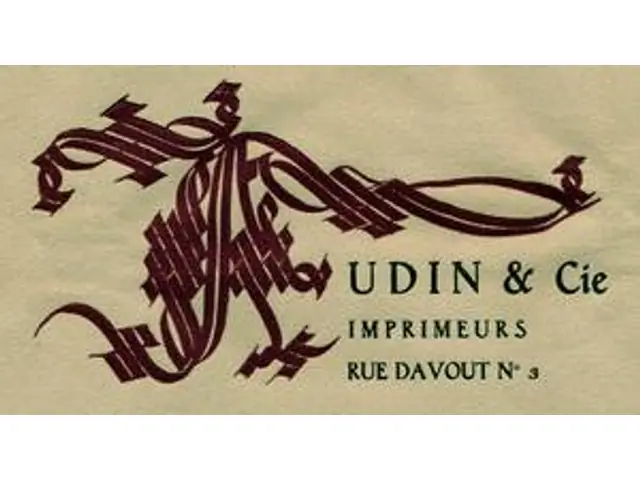
Uploaded 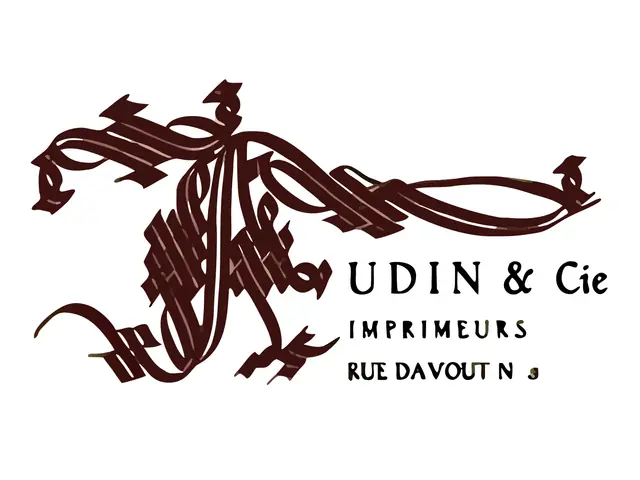
SVG returned A 300 px logo cut from a 1920s letterhead
The paper is gone: the monogram and the lettering come back as clean shapes, 124 in all.
Limit: At 300 px wide the smallest text cannot be rebuilt: the 3 of the address came back as a blob. Start from your largest copy.
Settings: free preview, Balanced preset. Converted on October 2, 2026. Scan: Musée de l'imprimerie, Lyon, Wikimedia Commons, public domain.
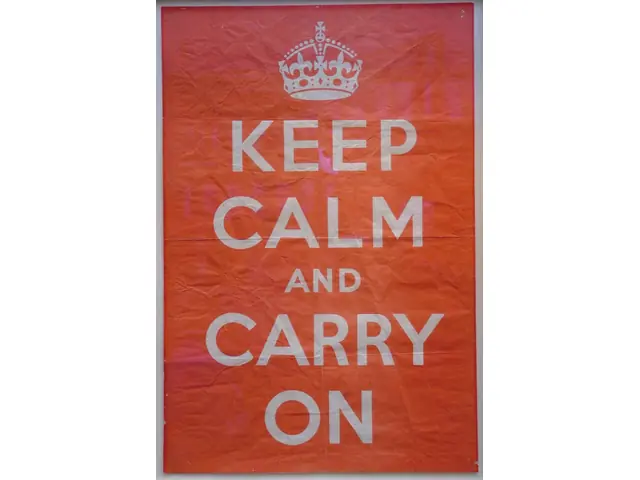
Uploaded 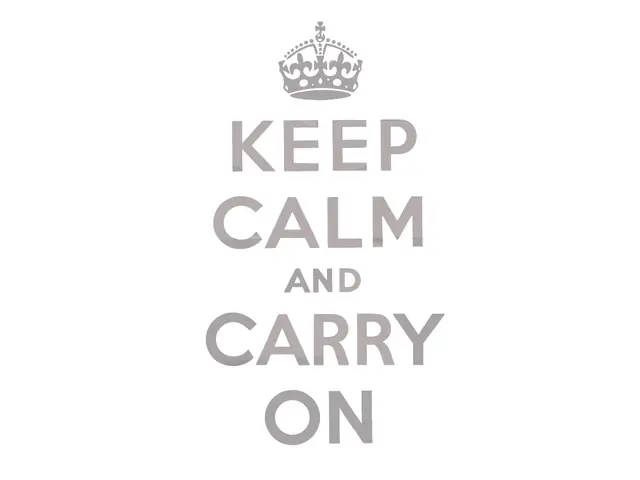
SVG returned A 1939 poster photographed under glass
The frame is gone: the text and the crown come back as clean vector shapes, 81 in all.
Limit: The red of the poster was removed with the background: the letters came back grey with a few reddish specks, so recolour them in your editor.
Settings: free preview, Flat Logo preset. Converted on October 1, 2026. Photo: Tagishsimon, poster by the UK Government, Wikimedia Commons, public domain.
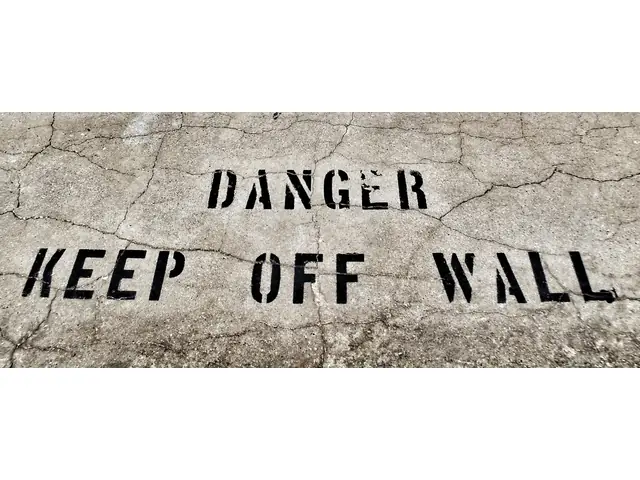
Uploaded 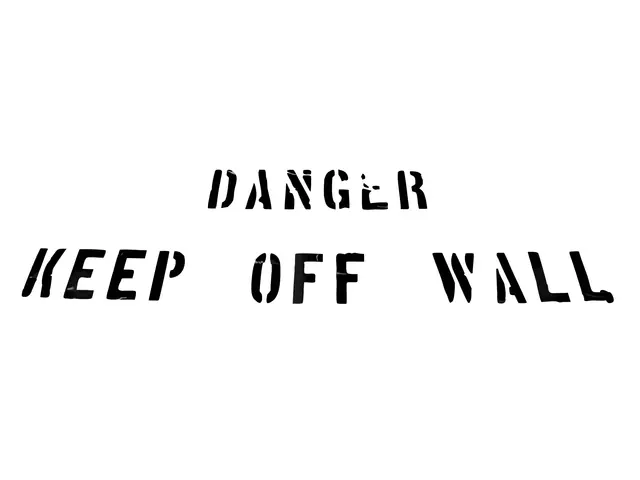
SVG returned Stencilled lettering on a cracked concrete wall
The concrete is gone: only the black stencil letters are left, and the stencil bridges stay real gaps.
Limit: Grey streaks where cracks cross the paint stay inside some letters: recolour them black or delete them.
Settings: free preview, Balanced preset. Converted on October 2, 2026. Photo: David Whelan, Wikimedia Commons, CC0.
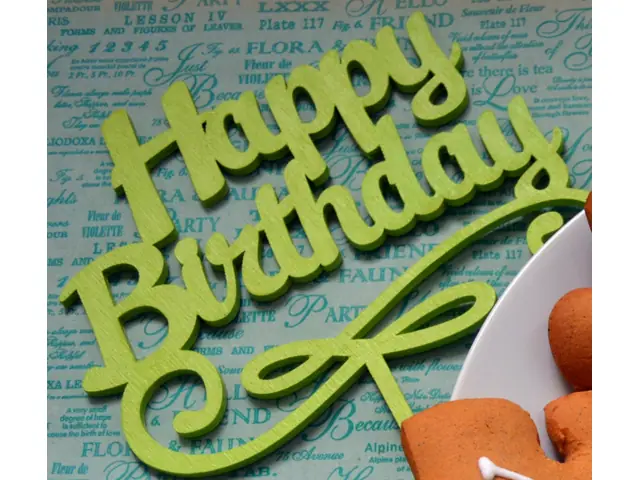
Uploaded 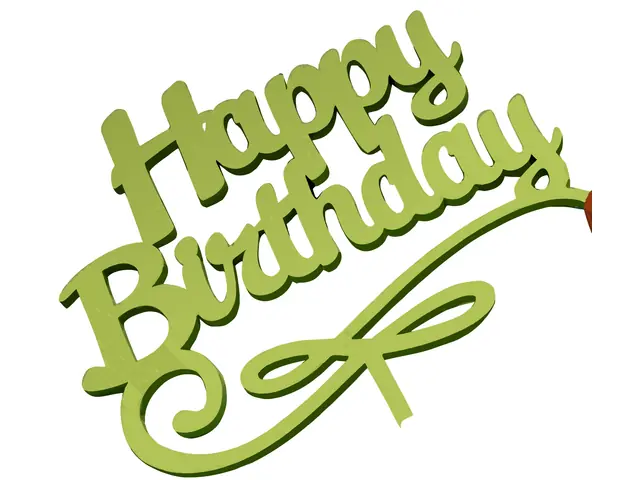
SVG returned A laser-cut wooden Happy Birthday cake topper
The patterned paper and the plate are gone: the lettering and the swirl come back in flat greens.
Limit: The side of the wood came back as a darker green rim, and a sliver of a cookie stayed at the right edge, 355 shapes in all: weld or delete them before you cut.
Settings: free preview, Clean Cut preset. Converted on October 1, 2026. Photo: AnnaKhrobolova (WMUA), Wikimedia Commons, CC0.
Your project
Pick Your Graduation Project
Each page below has a converter for that machine and explains which file to use.
Cap toppers
Cut the design from cardstock, glitter vinyl or thin wood, sized to the top of the cap.
Class of lettering
Class of and the year, a name, a motto: type it in Text to SVG, a free tool that works in your browser.
Senior and class shirts
Iron-on vinyl, DTF or screen printing for the whole class.
Signs and banners
Yard signs and party banners, cut in vinyl or on the laser.
Cake toppers and party favors
A name and the year as a topper, favor tags with Print then Cut.
Engraved keepsakes
Wood frames, acrylic plaques and slate coasters. Engrave the traced shapes, or keep only the outline as your cut line.
From Your Picture to the Cut File in 3 Steps
- 1
Drop your picture
A phone photo, a scan or a PNG. A plain background and good light give the cleanest file.
- 2
Check the free preview
See the traced file before you pay anything. No signup.
- 3
Get the clean file and cut
Buy that one file or take a plan, then open the SVG in Design Space, Silhouette Studio or your laser software.
Graduation SVG FAQ
Are there ready-made Graduation SVG files on this page?
No. This page turns your own picture into an SVG: the preview is free, the clean file is paid. For Class of lettering and names, Text to SVG is a free tool that turns typed text into a cut file. Our template library has no graduation set.
Can I convert Graduation clipart I found online?
Only if you have the right to use it. Converting a picture to SVG does not change who owns it. For things you sell, start from your own drawing or photo, or from a design licensed for commercial use.
Which pictures give the cleanest cut file?
Flat colors on a plain background: a logo, lettering, a drawing. The 1920s letterhead monogram above came back as 124 clean shapes. Start from the largest copy you have: at 300 px wide, the smallest text cannot be rebuilt.
Will the SVG open in Cricut Design Space and Silhouette Studio?
Yes in Design Space: choose Upload, then Upload Image, and pick the SVG. Silhouette Studio opens SVG files from the Designer Edition up; with the Basic Edition, use a DXF instead (see our Silhouette Studio page).
How long does a conversion take?
Usually a few seconds per picture. You see the preview on this page, with no account.
What does it cost?
The preview is free, with no signup. The clean file is paid: you can buy just that file or take a plan, and the price shows before you pay.
Related pages: