
Vectors for T-Shirt Printing
Your printer asked for a vector file? Upload the logo or artwork you have and get a vector with flat spot colors, ready for screen printing, plus a PNG of the same design for DTF and DTG.
- Flat spot colors, each one a screen
- Smooth edges at any print size
- A PNG of the same design for DTF and DTG
Works with Illustrator, CorelDRAW, Inkscape and Affinity for the separations, and with DTF and DTG RIP software.
From a picture to a print-ready t-shirt vector
- 1
Upload the artwork
Drop the logo, drawing or photo as PNG, JPG or WebP. The free preview shows the traced colors before you pay.
- 2
Choose a preset
Spot Color for logos and illustrations, 1-2 Color for bold, simple artwork, Photo-like to keep more shades. The file you download merges close shades into flat spot colors.
- 3
Download SVG and PNG
Take the SVG into Illustrator, CorelDRAW or Inkscape to set up the screens, and the PNG for DTF or DTG printing.
- 4
Print it
For screen printing, output one film per color from the SVG. For DTF and DTG, place the PNG at print size in the RIP software, which builds the white underbase.
Which file each printing method needs
Screen printing
One screen per ink color, so the vector should use a few flat colors with no gradients. Shading is printed as halftone dots, which the halftone generator makes from any image.
DTF and DTG
These printers print full color from a raster file. A PNG with a transparent background at print size works; the vector keeps the edges sharp when you enlarge the design first.
Heat transfer vinyl
Iron-on vinyl is cut, not printed: it needs a vector cut file, mirrored before cutting because the vinyl is cut face down.
Sublimation
Sublimation prints full color on polyester or polymer-coated blanks, from a PNG at print size. The vector lets you enlarge the design without blur before you export the PNG.
T-shirt artwork problems, and the fix
The printer says the logo is too low resolution
A small JPG cannot be enlarged without blur. Convert it to a vector here: the edges stay sharp at full chest or back size.
Too many colors to screen print
Every ink is another screen and another setup. The download merges close shades into flat spot colors; recolor or merge the rest in your vector editor.
A white box around the design on a dark shirt
The background was printed with the design. The converter removes it, so only the artwork reaches the PNG and the SVG.
Thin lines vanish on the shirt
Very thin strokes do not hold on the mesh or the film. Thicken them in the vector before you print, or enlarge the design.
For screen printers and apparel shops
Customer artwork ready for screens, DTF or DTG
Customers send logos as tiny JPGs and screenshots. Convert each one here, or send the order for a quote and get clean vector files with flat colors, checked before delivery.
Free preview of the traced colors, no signup. The quote prices every design in the order.
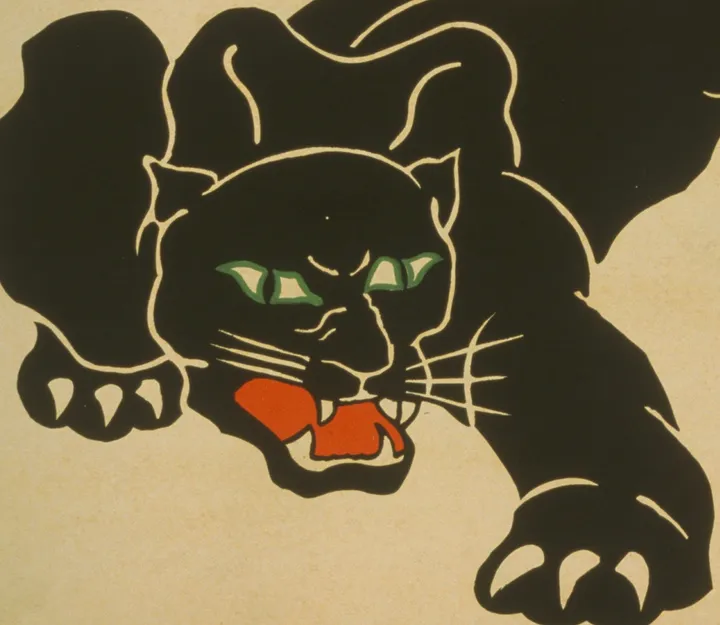
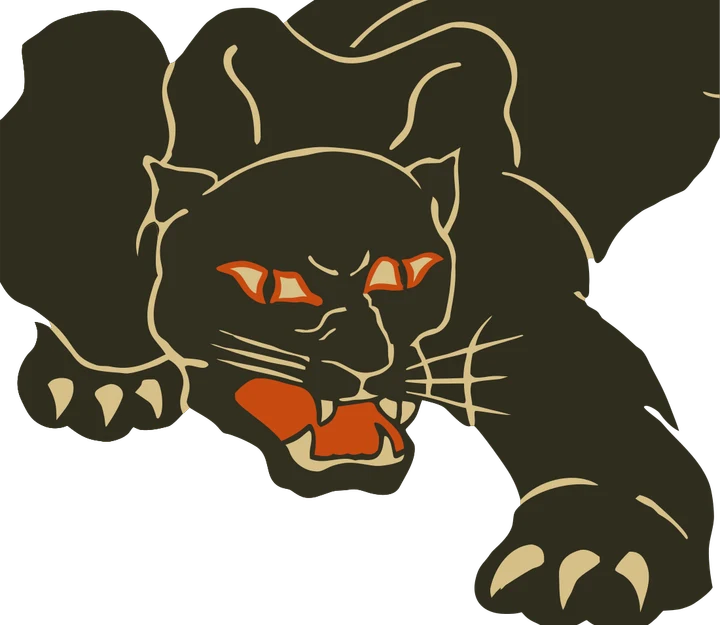
Where each file goes in the print shop
- SVG Illustrator, CorelDRAW or Inkscape, to set up the separations
- PNG DTF and DTG RIP software, placed at print size
Product photos are mockups: each design is the real VectoSolve file, not retouched. Source photos are public domain or CC0. Scan: WPA poster, 1937, Library of Congress, public domain.
Custom · On quote
Top-of-market quality for complex jobs: large-format murals, detailed illustrations, photo to vector, multi-layer print files. Finished by hand by our team and checked before delivery.
Working from a logo or a photo with no machine in mind? Use the AI vectorizer; for a vinyl or paper cut, the PNG to SVG converter.
Vector for t-shirt printing FAQ
Do I need a vector file to print t-shirts?
For screen printing and vinyl, yes: the printer separates or cuts the colors from vector shapes. For DTF and DTG, a sharp PNG at print size is enough, and a vector is the easiest way to make one.
How do I convert an image to vector for a t-shirt?
Upload the image here, check the free preview, then download the SVG for screen printing and the PNG for DTF or DTG.
How many colors should a screen printed design have?
As few as the design allows, since each color is a separate screen. Flat spot colors in the vector make the count easy to check before the quote.
Can I print a photo on a t-shirt from a vector?
A photo traced to vector becomes flat color shapes, which suits a poster or illustration look. For a true photo print, use DTF or DTG with the original photo, or halftones for screen printing.
Which file does my DTF printer need?
Usually a PNG with a transparent background, sized to the print. Ask your printer for the size and resolution they want; the PNG from this page comes with the background removed.
More machine guides: all VectoSolve tools