
How AI Image-to-Vector Conversion Works: The Technology Explained
Discover the machine learning technology behind modern vectorization tools. Learn how AI converts pixels to paths with unprecedented accuracy.
Founder and developer of VectoSolve
Self-taught developer who founded VectoSolve in 2024. He builds the conversion engine and the cutting, embroidery and 3D printing exports, working with the VectoSolve team of graphic designers.
How this article was made: drafted with AI assistance, then edited and fact-checked before publication. About the author
Try it on your own file
Free preview, no signup. Drop an image and see the vector before deciding anything.
The AI Revolution in Vectorization
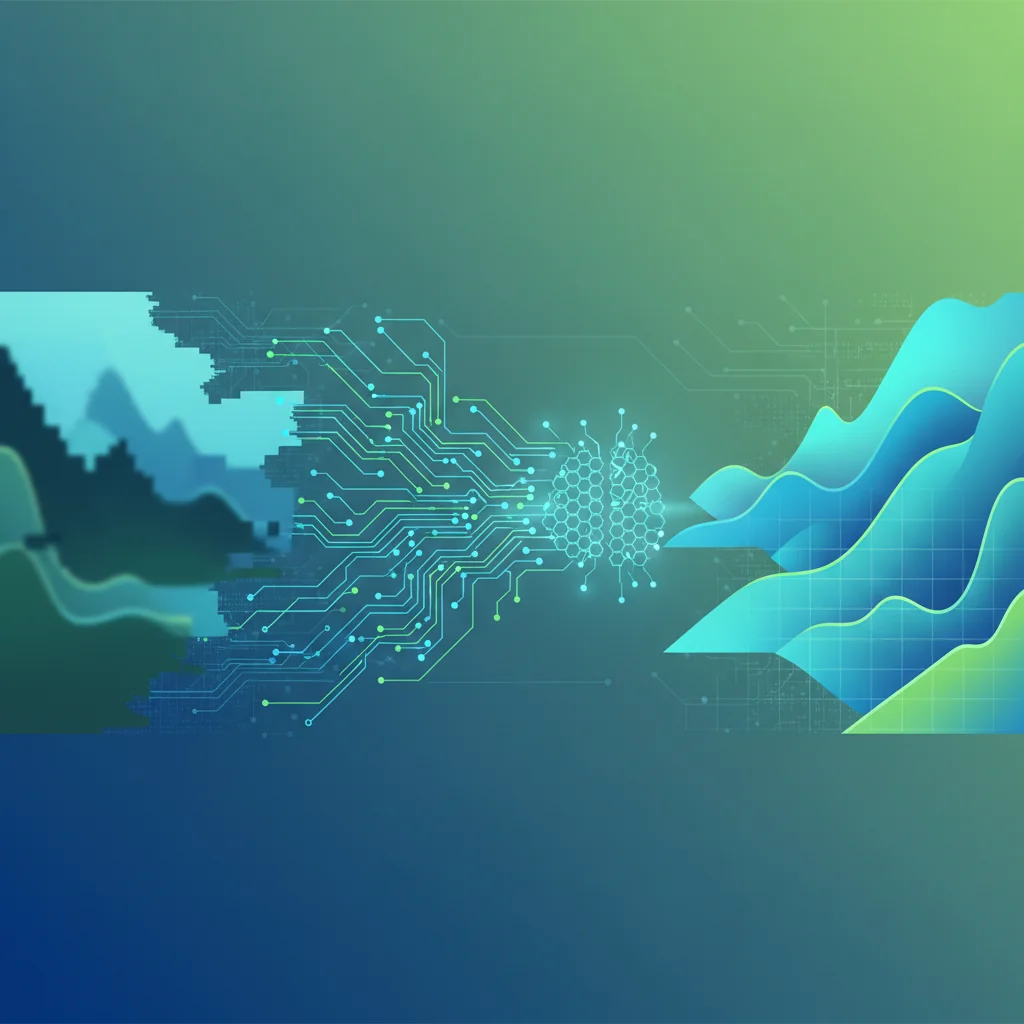
If you've ever zoomed into a JPEG and watched it dissolve into blurry squares, you already grasp the core problem: raster images are prisoners of their pixel grid. Vector graphics escape that grid entirely, describing shapes with mathematical curves that stay crisp at any scale. The hard part has always been translation — converting a PNG into those clean, scalable paths.
Traditional tools approached this like a photocopier: scan pixels, trace edges, hope for the best. AI-powered vectorization — the engine behind VectoSolve — works more like a human illustrator studying a reference. The neural network doesn't just see pixels; it understands shapes, separates foreground from background, and reconstructs artwork as intelligent geometry.
"AI vectorization doesn't trace pixels — it interprets visual meaning the way a designer reads a composition, recognizing intent behind every curve and color boundary."
How Traditional Vectorization Works (And Where It Breaks Down)
The classical approach makes three coarse passes:
Thresholding reduces continuous color to discrete buckets — gradients get stairstepped and subtle shifts vanish. Edge detection (Sobel, Canny) scans for steep brightness gradients and marks candidate edges — fine for high-contrast logos, noisy on illustrations. Path tracing (Potrace) connects those edge pixels into Bezier paths, but the result is often a dense tangle that recreates pixel noise rather than artistic intent.
The fatal flaw: traditional pipelines have no concept of meaning. They cannot distinguish intentional halftone texture from JPEG artifacts, and they have zero awareness of semantic objects — a letter "A" is just another blob of contrast.
The AI Vectorization Pipeline: Step by Step
Here is the six-stage sequence running under the hood of VectoSolve:
Stage 1 — Preprocessing & Normalization
The input image is resized to the model's expected resolution, color-normalized, and noise-profiled. This ensures consistent input whether you uploaded a 200 px favicon or a 4000 px poster.
Stage 2 — Semantic Segmentation
A U-Net encoder-decoder divides the image into meaningful regions. Trained on millions of labeled images, it distinguishes object boundaries from texture boundaries and outputs a per-pixel class map: "this is the letter B," "this is background," "this is a drop shadow to discard."
Stage 3 — Edge Detection with Learned Filters
Instead of hand-crafted kernels, learned convolutional filters adapt to content type. On geometric logos they produce razor-sharp edges; on organic illustrations they preserve hand-drawn character. The output is a subpixel-accurate edge probability map.
Stage 4 — Intelligent Path Generation
A path-prediction head converts edges into Bezier control points — predicting the minimum set that reconstructs each curve within perceptual tolerance. An "S" curve needing 48 anchors with Potrace may need only 6 here.
Stage 5 — Color & Gradient Reconstruction
A color module examines each region and decides: flat fill, linear gradient, or radial gradient? Colors are mapped to the smallest accurate palette, and gradients become native SVG definitions instead of banded fills.
Stage 6 — Optimization & Cleanup
A reinforcement-learning optimizer merges redundant paths, removes sub-perceptual details, and balances quality against file size — targeting the smallest SVG indistinguishable from the original at display size.
A Full Year of Conversions for $49
Starter Annual: 25 conversions every month, $49 for the whole year. That is about $4.08 a month · Cancel anytime
Get the Annual DealTraditional vs AI: Head-to-Head Comparison
| Metric | Traditional (Potrace) | AI-Powered (VectoSolve) |
|---|---|---|
| Anchor points (complex logo) | ~2,800 | ~160 |
| Color accuracy | 75–80 % | 96–99 % |
| Gradient handling | Stairstepped bands | Native SVG gradients |
| Noise rejection | None | Learned artifact removal |
| Semantic awareness | None | Object-level understanding |
| Edge smoothness (1–10) | 5–6 | 9–10 |
| SVG file size | 150–200 KB | 18–30 KB |
| Processing time | ~3 s | ~5 s |
The trade-off is a couple of extra seconds for dramatically cleaner output. For bulk workloads, VectoSolve Batch parallelizes the pipeline across hundreds of images.
Deep Learning Architecture Under the Hood
VectoSolve combines a U-Net encoder-decoder for segmentation with Transformer attention for global context. The U-Net captures fine local detail — crisp corners, thin strokes — while the Transformer keeps distant elements consistent (e.g., matching stroke widths across a logo). A lightweight GAN discriminator scores outputs during training, pushing the generator toward results indistinguishable from hand-crafted vectors. The full architecture runs as an optimized ONNX graph for fast CPU inference.
Quality Metrics: How to Judge Results
Five signals that separate good vectorization from bad:
- SSIM (Structural Similarity) — Scores above 0.95 mean near-invisible differences from the original.
- Anchor-Point Density — AI achieves 5–10x fewer points for the same visual fidelity.
- File Size Ratio — Well-optimized AI output is typically 10–15 % of the raster file.
- Gradient Fidelity — Smooth gradients when zoomed, not banding.
- Editability — Clean, logically grouped paths in Figma or Illustrator.
Key Takeaways
- AI vectorization understands image content, not just brightness — producing cleaner paths and smaller files.
- The pipeline flows through six stages: preprocessing, segmentation, edge detection, path generation, color reconstruction, and optimization.
- Expect 5–10x fewer anchor points and up to 85 % smaller SVGs versus traditional tracing.
- Quality is measurable via SSIM, anchor density, file size ratio, gradient fidelity, and editability.
- VectoSolve and VectoSolve Batch deliver the full AI pipeline in seconds.
Pro Tip: Preparing Images for Best AI Results
Supply the highest-resolution source you have — AI upscaling before vectorization introduces synthetic detail the tracer may misinterpret. Crop tightly so the segmentation model focuses on your artwork, not empty margins. Use PNG or TIFF to avoid JPEG artifacts; if JPEG is unavoidable, export at quality 95+. For logos with transparency, keep the alpha channel intact — the model uses it as a strong background-separation signal.
Warning: Where AI Vectorization Still Struggles
Abstract art with intentionally chaotic strokes can confuse segmentation — the AI may "clean up" texture that was meant to be messy. Very low-resolution inputs (below ~100 px) lack enough information to reconstruct meaningful paths; fine details become guesswork. Dense photographic scenes with hundreds of overlapping objects push path counts high enough to lose the editability advantage. For these edge cases, manual tracing by a skilled illustrator still wins.
What Makes VectoSolve Different
Most online "vectorizers" still run Potrace behind a web UI. VectoSolve is built around a purpose-trained neural network for the assets designers use daily: logos, icons, UI illustrations, and brand marks.
- Background Intelligence — Automatic detection and removal, even when subject and backdrop share similar colors.
- Color Optimization — Brand-aware palette simplification plus native gradient reconstruction.
- Batch Processing — VectoSolve Batch converts entire folders into production-ready SVGs.
- Continuous Learning — Every conversion feeds anonymized quality metrics back into training.
Free SVG Tools for Crafters
Design Checker · Color Separator · Mat Preview · Offset Generator · Text to SVG
Check Your SVG FreeConclusion
AI has elevated image-to-vector conversion from blunt pixel tracing into intelligent, content-aware reconstruction. By layering segmentation, learned edge detection, path prediction, and RL optimization, modern pipelines produce SVGs that are cleaner, smaller, and far more editable than traditional tools can achieve.
Ready to see the difference? Upload an image to VectoSolve and compare the AI output against your current workflow — the quality gap speaks for itself.
| Pipeline Stage | Technology | Processing Time | Output |
|---|---|---|---|
| Preprocessing | Noise reduction, contrast normalization | ~200ms | Clean raster input |
| Edge detection | CNN feature extraction | ~500ms | Edge probability map |
| Path generation | Bezier curve fitting | ~800ms | Raw vector paths |
| Optimization | Node reduction, path merging | ~400ms | Clean SVG output |
| Color quantization | k-means clustering | ~300ms | Optimized palette |