
Convert JPG to AI (Illustrator) Online
Upload your image to convert to AI
Drag & drop or click — PNG, JPG, WebP up to 25MB
A JPEG is a grid of pixels with no shapes stored in it, so it cannot be unwrapped into vector paths — it has to be redrawn as them. VectoSolve traces the edges into clean Bezier curves and writes a PDF-compatible .ai that Illustrator opens natively. Expect a strong result from a flat logo, and a posterised one from a photograph, because that is what vectorising continuous tone produces.
For print shops and sign makers
JPG to AI for the supplier who asked for vector artwork
The job is stuck: the printer wants an .ai and the customer sent a JPG. Upload the JPG here. It is traced into real shapes and saved as a PDF-compatible .ai, with the EPS, SVG, PDF and PNG of the same paths in the download.
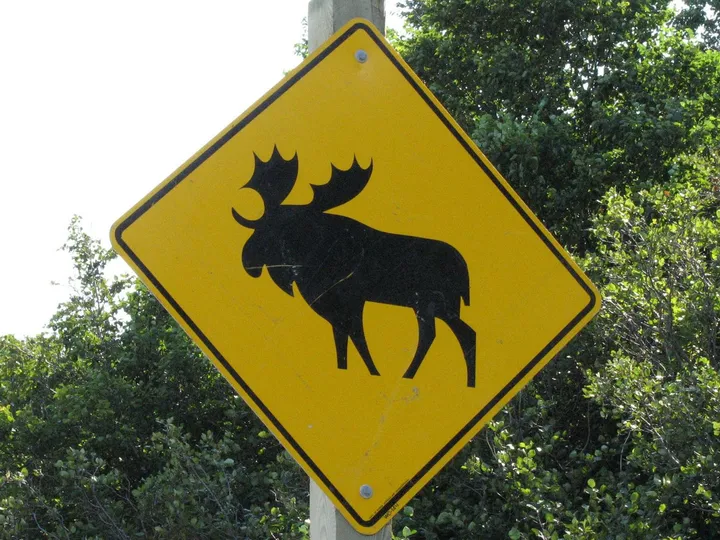
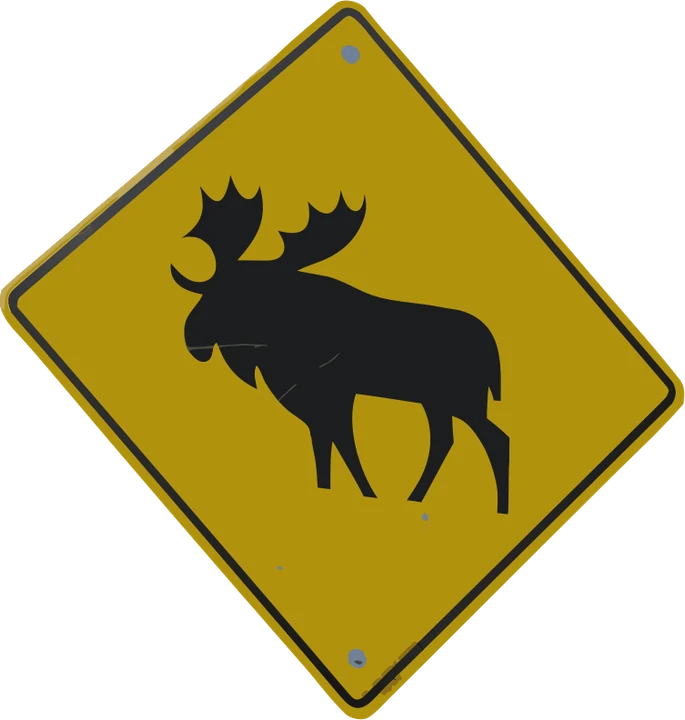
One JPG, the file each supplier asks for
- AI Illustrator, InDesign and Photoshop, CorelDRAW and Affinity Designer
- EPS RIP software and sign makers who still ask for EPS
- PDF a vector proof the customer can open anywhere
- SVG vinyl cutters, Cricut and the web
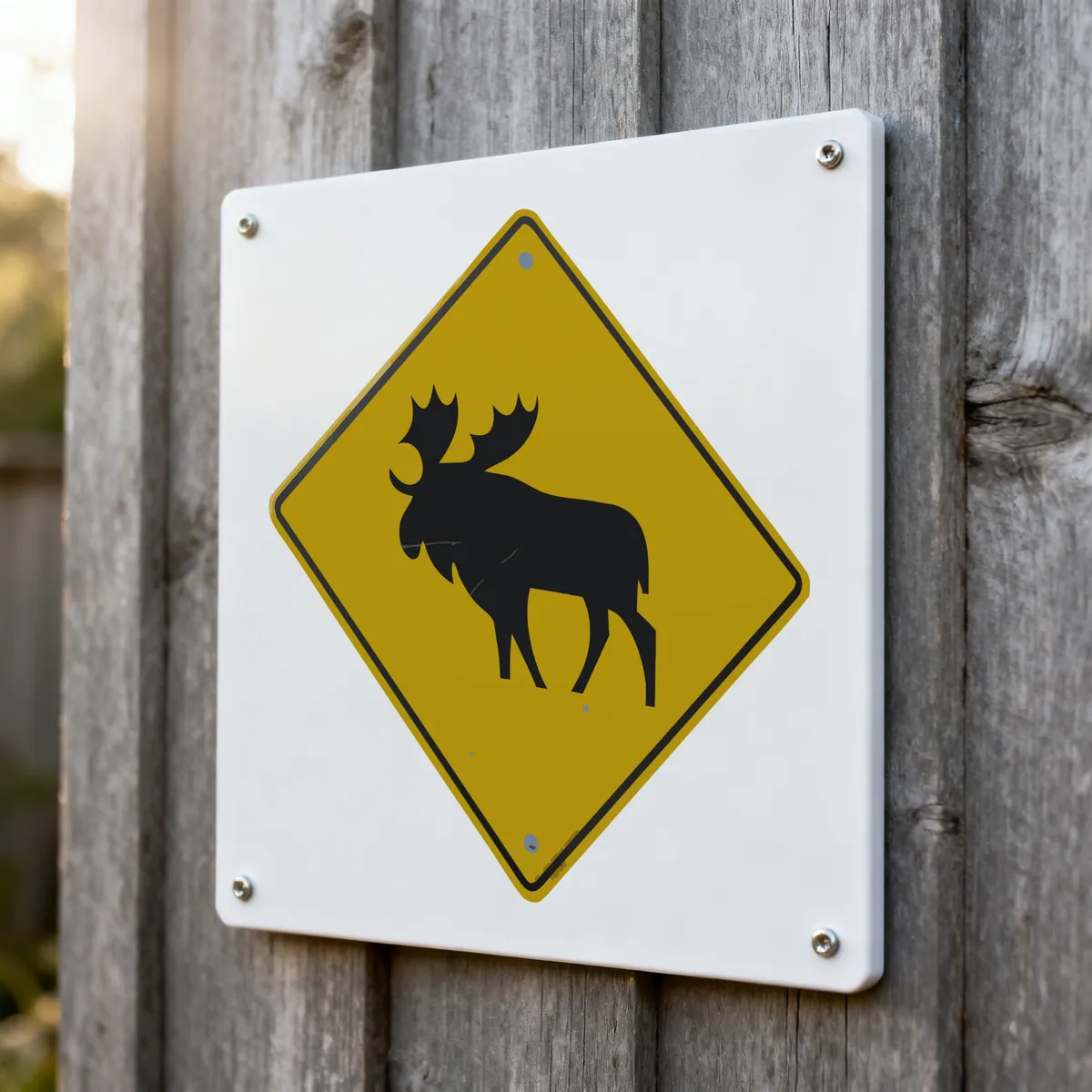
Product photos are mockups: each design is the real VectoSolve file, not retouched. Source photos are public domain or CC0. Photo: JPark99, Wikimedia Commons, public domain.
Custom · On quote
Top-of-market quality for complex jobs: large-format murals, detailed illustrations, photo to vector, multi-layer print files. Finished by hand by our team and checked before delivery.
Why JPEG is the hardest starting point
Of the sources people convert, JPEG is the one that punishes you most, and the reason is in how it compresses. It throws away detail the eye is unlikely to notice, and it does so in blocks. Around a hard edge — precisely where a logo lives — that leaves a faint ringing halo.
You will not see it at normal size. An edge detector sees nothing else. It has no way to know that the halo was an artefact rather than a soft shadow someone drew on purpose, so it traces it.
The practical consequence is simple: if a PNG of the same artwork exists, use it. PNG is lossless, its edges are exactly where the designer put them, and the difference in the resulting paths is obvious. Convert from PNG at PNG to AI.
What you get, and what to do with it
The file you get is a PDF-compatible .ai: its internal structure is PDF, wearing the extension and header Illustrator expects.
Illustrator opens it natively and every shape is individually selectable, so tidying up is straightforward: merge the near-identical colours the compression created, delete stray specks, and set your exact brand values.
That last step is worth doing regardless of how clean the trace came out. A converter can match what it sees; it cannot know that your red is meant to be a specific Pantone. Five minutes there is the difference between artwork that passes a print check and artwork that comes back.
Need a different container? JPG to vector covers the general case, and JPG to DXF is the one to use if the file is heading for a cutter rather than a press.
What Do Users Ask About This Converter?
9 questions about JPG to AI conversion
Because JPEG stores appearance, not structure. It records what colour each pixel is, and nothing about where a shape starts or ends. Enlarge it and there is no additional information to draw on, so it softens. Vector paths store the geometry itself, which is why they hold at any size.
They can, and this is the single biggest cause of disappointing results. JPEG compression leaves faint blocky halos around hard edges, invisible at normal viewing size but very visible to an edge detector, which traces them as real detail. A PNG of the same artwork converts noticeably cleaner. If both exist, always send the PNG.
Around 1000 pixels on the long edge is a comfortable floor for a logo. Below roughly 500 the edges are already soft before any conversion begins, and the trace inherits that softness as wobbling curves. Enlarging a small JPG first does not help, because it adds pixels without adding information.
The conversion groups similar pixels into flat colour regions, so a JPEG that looks like one solid red is often several near-identical reds after compression. Expect a faithful but simplified palette. For print work, set your exact brand values in Illustrator afterwards, which is the right place for it anyway since spot colours are a print decision.
You can, and it is worth setting expectations. A phone photo brings uneven lighting, perspective distortion and paper texture, all of which the tracer reads as part of the artwork. Crop tightly, straighten it, and expect to tidy up in Illustrator. A scan at 300 DPI or more does much better.
EPS, SVG, PDF and PNG of the same paths, in one download. Different suppliers ask for different containers and this covers the common ones without converting again.
Yes. The .ai holds the traced paths, saved PDF-compatible the way Illustrator saves by default, so the shop can open, scale and separate it. If they ask for EPS or a PDF instead, both are in the same download.
Open the .ai, select one fill and use Select, Same, Fill Color to gather the near-identical shades, then merge them and delete the specks. When the source is a thumbnail, ask the customer for a larger copy first.
No, the AI is for editing and print. A cutter wants the SVG from the same download, or a DXF: the JPG to DXF page writes closed polylines for lasers and plotters.