
AI SVG Generator: How to Create Vector Art from Text Prompts in 2026
Learn how to use AI to generate unique SVG vector illustrations from simple text descriptions. 10 styles, instant download, commercial use.
Founder and developer of VectoSolve
Self-taught developer who founded VectoSolve in 2024. He builds the conversion engine and the cutting, embroidery and 3D printing exports, working with the VectoSolve team of graphic designers.
How this article was made: drafted with AI assistance, then edited and fact-checked before publication. About the author
Try it on your own file
Free preview, no signup. Drop an image and see the vector before deciding anything.
Key Takeaways
- AI SVG generators create production-ready vector art from text prompts in seconds, not hours
- VectoSolve offers 10 distinct styles including flat design, line art, isometric, and geometric
- Each generation costs 0.25 credits, drawn from any plan from $7.99 a month
- Writing specific prompts with color palettes and composition details yields the best results
- AI-generated SVGs are fully editable with clean paths, unlike traced bitmaps
Vector illustrations have traditionally required hours of meticulous work in programs like Adobe Illustrator or Inkscape. Bezier curves, anchor points, color palettes — mastering vector art took years. In 2026, AI has fundamentally changed the equation. With VectoSolve's AI SVG Generator, you can create production-ready vector illustrations from a simple text description in seconds.
This tutorial walks you through everything you need to know: how it works, the styles available, pricing, and expert tips for getting the best results.
What Is an AI SVG Generator?
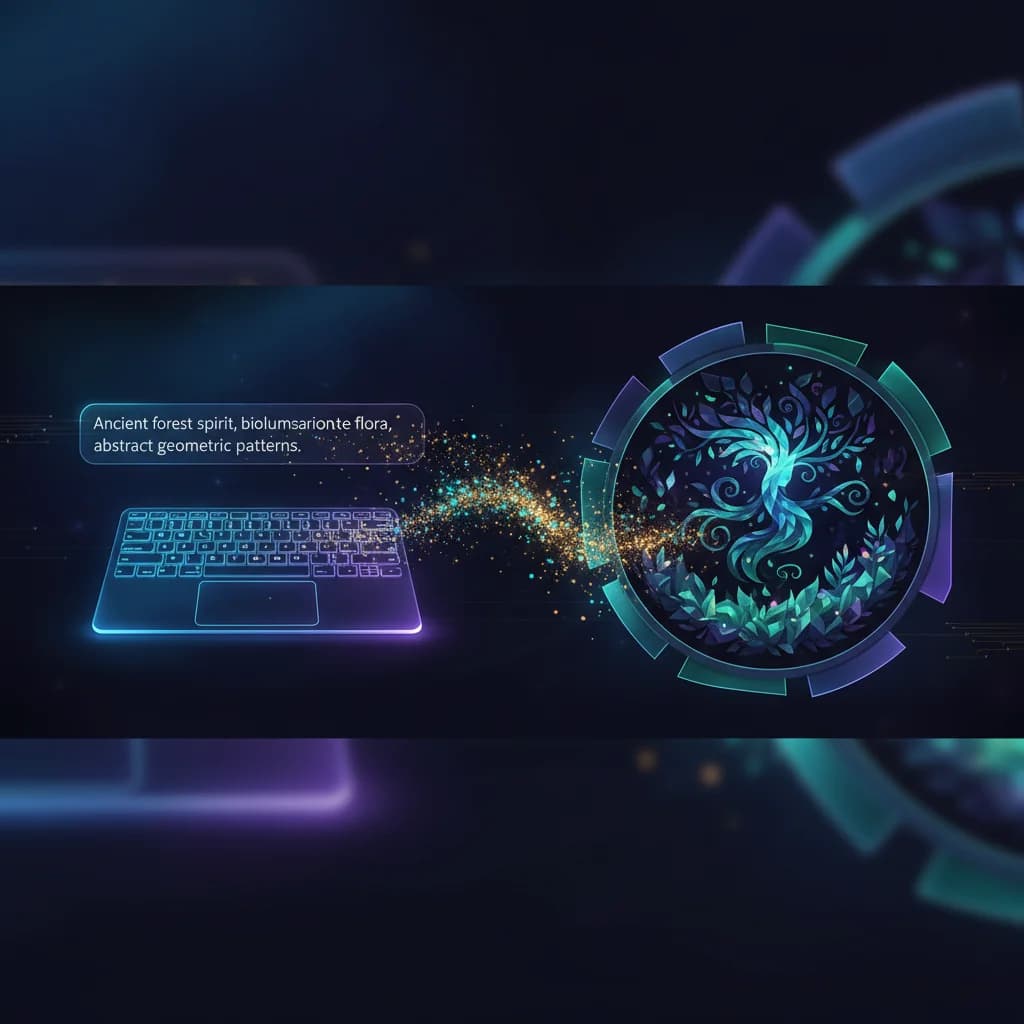
An AI SVG generator takes a natural language text prompt — like "a minimalist mountain landscape at sunset" — and produces a scalable vector graphic (SVG) file. Unlike raster images (PNG, JPEG), SVGs are resolution-independent. They look crisp at any size, from a favicon to a billboard.
VectoSolve's generator uses advanced diffusion models fine-tuned specifically for vector output. The result is clean, editable SVG code with well-structured paths — not a traced bitmap with thousands of noisy nodes.
How It Works
Using the tool is straightforward:
- Go to /generate-svg and enter your text prompt
- Choose a style from the 10 available options
- Click Generate — the AI creates your illustration in 10-20 seconds
- Preview and download your SVG file instantly
Each generation costs 0.25 credits, drawn from your monthly allowance.
Pro Tip: Start with the Flat Design style if you're unsure — it produces the most versatile results and works well for web graphics, presentations, and social media.
The 10 Available Styles
VectoSolve offers 10 distinct illustration styles to match any project:
- Flat Design — Clean, modern shapes with bold colors. Perfect for web UI and infographics.
- Line Art — Elegant single-weight outlines. Great for logos and minimalist branding.
- Geometric — Abstract compositions using circles, triangles, and polygons.
- Isometric — 3D-perspective illustrations ideal for tech and SaaS graphics.
- Hand-Drawn — Organic, sketchy feel that adds warmth to designs.
- Gradient — Smooth color transitions for eye-catching hero graphics.
- Duotone — Two-color compositions with high visual impact.
- Retro/Vintage — Nostalgic aesthetics with muted palettes and classic typography cues.
- Kawaii/Cute — Adorable characters and objects for stickers and children's products.
- Abstract — Artistic, non-representational compositions for backgrounds and textures.
A Full Year of Conversions for $49
Starter Annual: 25 conversions every month, $49 for the whole year. That is about $4.08 a month · Cancel anytime
Get the Annual DealUse Cases for AI-Generated SVGs
Web Graphics
Hero illustrations, feature icons, empty states, and onboarding screens. SVGs load faster than PNGs and look perfect on retina displays.
Print Materials
Business cards, flyers, posters, and brochures. Since SVGs are vector-based, they print at any resolution without quality loss.
Merchandise
T-shirts, mugs, tote bags, and stickers. SVG files work directly with print-on-demand services and cutting machines like Cricut and Silhouette.
Presentations
Slide decks for Keynote, PowerPoint, and Google Slides. Custom illustrations make your presentations stand out from stock-photo-heavy competitors.
"For most use cases — blog graphics, social media, presentations, MVPs — the AI generator delivers professional results at a fraction of the cost and time.
Tips for Writing Great Prompts
The quality of your output depends heavily on your prompt. Here are proven strategies:
- Be specific about the subject: "a golden retriever sitting in a garden" beats "a dog"
- Mention the color palette: "in pastel pink and mint green" gives the AI clear direction
- Describe the composition: "centered, with negative space around it" helps with layout
- Reference the use case: "icon suitable for a mobile app" signals the right level of detail
- Keep it concise: 10-25 words usually works better than a paragraph
Example Prompts That Work Well
- "Flat design rocket launching from a laptop screen, blue and orange"
- "Minimalist line art coffee cup with steam, black on white"
- "Isometric workspace with desk, monitor, and plant, pastel colors"
- "Geometric fox face in triangles, forest green and gold"
All generated SVGs come with clean, well-structured paths that you can edit in any vector editor — Adobe Illustrator, Figma, Inkscape, or even a code editor. No messy auto-traced nodes.
AI Generator vs. Manual Illustration
| Factor | AI SVG Generator | Manual Illustration |
|---|---|---|
| Time | 10-20 seconds | 2-8 hours |
| Cost | 0.25 credits per image | $50-$500 per image |
| Skill required | None | Years of practice |
| Editability | Full SVG paths | Full SVG paths |
| Uniqueness | Unique each time | Fully custom |
| Consistency | Style-dependent | Artist-controlled |
For most use cases — blog graphics, social media, presentations, MVPs — the AI generator delivers professional results at a fraction of the cost and time. For brand-critical assets like a primary logo, you may still want a human designer to refine the output.
Free SVG Tools for Crafters
Design Checker · Color Separator · Mat Preview · Offset Generator · Text to SVG
Check Your SVG FreeBeyond Illustrations
VectoSolve offers a complete suite of AI-powered vector tools:
- Logo Generator — Create brand logos from text prompts
- Pattern Generator — Design seamless repeating patterns
- SVG Templates — Browse and customize pre-made vector templates
Getting Started
Ready to create your first AI-generated SVG? Head to the AI SVG Generator, type a prompt, pick a style, and download your vector illustration in seconds. No account required for your first generation.
Whether you're a designer looking to speed up your workflow, a marketer who needs quick graphics, or an entrepreneur building a product — AI-generated SVGs save you time and money while delivering professional quality.
| SVG Style | Best Prompt Pattern | Typical Use Case | Generation Cost |
|---|---|---|---|
| Flat design | Specific subject + flat colors + minimal shadows | Icons, UI elements, infographics | 0.25 credits |
| Line art | Subject + single stroke weight + no fill | Coloring pages, sketches, tattoos | 0.25 credits |
| Isometric | Object + isometric perspective + 3D appearance | Tech illustrations, product diagrams | 0.25 credits |
| Geometric | Subject + geometric shapes + angular composition | Logos, abstract art, patterns | 0.25 credits |
| Watercolor style | Subject + soft edges + gradient fills | Cards, invitations, wall art | 0.25 credits |