
Christmas Eve Design Tips: Last-Minute Graphics That Impress
It is Christmas Eve and you need festive graphics fast. Here are quick design tips and templates to create beautiful holiday visuals in minutes.
Founder and developer of VectoSolve
Self-taught developer who founded VectoSolve in 2024. He builds the conversion engine and the cutting, embroidery and 3D printing exports, working with the VectoSolve team of graphic designers.
How this article was made: drafted with AI assistance, then edited and fact-checked before publication. About the author
Try it on your own file
Free preview, no signup. Drop an image and see the vector before deciding anything.
Key Takeaways
- You do NOT need hours for stunning holiday graphics — most ideas here take under 15 minutes
- SVG templates and VectoSolve AI Animate let you skip the blank-canvas panic entirely
- Printers are closed on Christmas Eve, so lean into digital-first designs you can share instantly
- A consistent color palette (pick ONE scheme) is the fastest path to looking polished
- Social quick posts, animated email headers, and printable gift tags are your highest-impact wins
Your Christmas Eve Design Rescue Plan
It's December 24th. Maybe you forgot the company holiday email. Maybe your cousin just asked for a "quick little graphic" for the family party. Maybe you glanced at your brand's social feed and realized it looks like the holidays skipped you entirely.
Take a breath. You've got this.
Every idea below comes with a time estimate so you know exactly what you can pull off between wrapping presents and preheating the oven. No fluff, no five-hour tutorials — just fast, professional results.

10 Last-Minute Christmas Eve Design Ideas
1. Festive Email Header (5 min)
Drop a holiday gradient background into your email tool, layer your logo, add seasonal text. Done.
.holiday-header {
  background: linear-gradient(135deg, #c41e3a 0%, #1a472a 50%, #c41e3a 100%);
  padding: 24px;
  text-align: center;
  border-radius: 8px;
}
.holiday-header h1 {
  color: #fff;
  font-family: 'Georgia', serif;
  text-shadow: 2px 2px 4px rgba(0,0,0,0.3);
}
2. Instagram / Facebook Holiday Post (3 min)
Square canvas (1080x1080), solid holiday color, bold white text "Happy Holidays from [Brand]," logo in corner. Upload and schedule.
3. Animated Email Header With AI Animate (6 min)
Head to VectoSolve AI Animate, upload any static SVG holiday graphic, and let the AI add subtle animation — floating snowflakes, a twinkling star, a swaying ornament. Export as animated SVG or GIF. Recipients will think you planned this weeks ago.
4. Printable Gift Tags (8 min)
Four tags on one A4 layout: holiday palette, simple icons, handwriting-style font. Export as PDF, print at home, cut.
5. Website Holiday Banner (2 min)
<div class="holiday-banner">
❄ Happy Holidays! Orders placed today ship Jan 2nd ❄
</div>6. Social Story Countdown (4 min)
Vertical canvas (1080x1920), bold countdown number, festive background. A "0 days to go!" story drives instant engagement.
7. Client Thank-You Graphic (5 min)
"Thank you for an amazing year" with your brand colors plus one holiday accent. Send via email or LinkedIn.
8. Holiday Out-of-Office Image (3 min)
Attach a branded holiday graphic to your auto-reply. Subtle touch that makes your OOO feel intentional.
9. Digital Team Holiday Card (10 min)
Collage team photos on a holiday background, add a message, export as shareable image or PDF.
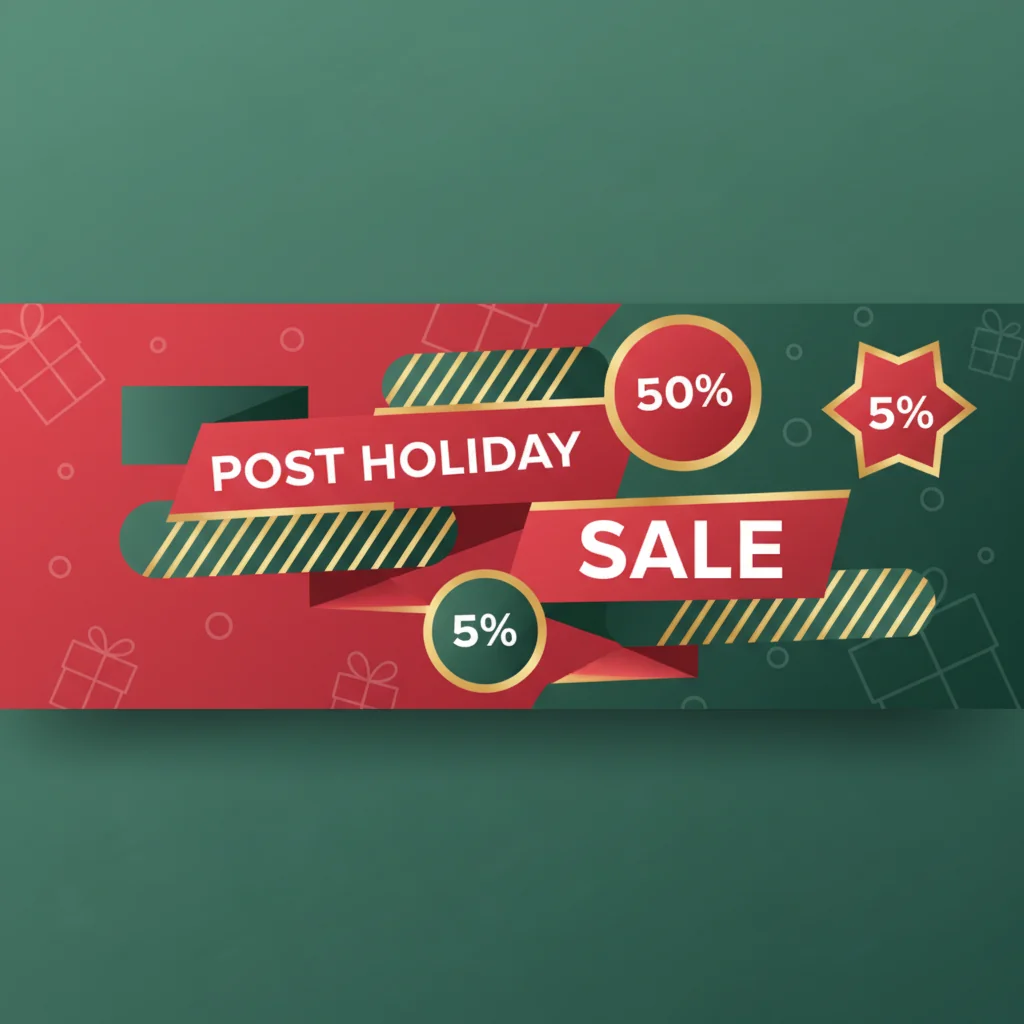
10. Post-Christmas Sale Teaser (7 min)
Design a "Boxing Day Sale" teaser now so you can post the moment the holiday wraps.
Quick Wins Table
| Design | Time Needed | Tools | Difficulty |
|---|---|---|---|
| Festive Email Header | 5 min | CSS + email tool | Easy |
| Social Media Post | 3 min | Canva / VectoSolve Templates | Easy |
| Animated Email Header | 6 min | VectoSolve AI Animate | Easy |
| Printable Gift Tags | 8 min | Design tool + home printer | Medium |
| Website Holiday Banner | 2 min | HTML + CSS | Easy |
| Social Story Countdown | 4 min | Canva / Figma | Easy |
| Client Thank-You Graphic | 5 min | VectoSolve Templates | Easy |
| Out-of-Office Image | 3 min | Any design tool | Easy |
| Digital Team Card | 10 min | Canva / PowerPoint | Medium |
| Post-Christmas Sale Teaser | 7 min | VectoSolve Templates | Medium |
Pro Tip: Skip the blank canvas entirely. Browse VectoSolve's template library for pre-made holiday SVG templates — swap colors, drop in your logo, export. Most templates go from "opened" to "done" in under 3 minutes. Because they're SVGs, they scale perfectly for everything from an Instagram post to a 6-foot banner.
A Full Year of Conversions for $49
Starter Annual: 25 conversions every month, $49 for the whole year. That is about $4.08 a month · Cancel anytime
Get the Annual DealSocial Media Quick Posts: Copy-Paste Starters
- Instagram / Facebook: "From our family to yours — wishing you a magical Christmas Eve! #HappyHolidays #ChristmasEve"
- LinkedIn: "Grateful for every client, partner, and team member who made this year unforgettable. Wishing you a wonderful holiday season."
- X / Twitter: "It's Christmas Eve! Last-minute design panic? We've been there. You've got this."
Pair any caption with a quick graphic from idea #2 and you have a polished, on-brand post in under five minutes.
Gift Tag Designs: The Personal Touch That Costs Nothing
- Canvas at 3.5 x 2 inches (standard tag size)
- Subtle holiday background — solid color or simple pattern
- One SVG icon (star, holly, ornament) from VectoSolve templates
- "To:" and "From:" in a handwriting font
- Duplicate four times on A4, export PDF, print, cut
Warning: Most print shops are closed on Christmas Eve. You are limited to your home printer (or a 24-hour office supply store if you are lucky). Design with home printing in mind — avoid full-bleed color that eats through ink, stick to standard paper sizes, and test-print one copy before committing to a batch.
Animated Email Headers: Your Secret Weapon
Static emails are fine. Animated emails get noticed. Here is why VectoSolve AI Animate is a game-changer on Christmas Eve:
- Upload any holiday SVG (or vectorize a PNG first with VectoSolve)
- Choose animation — the AI suggests contextually appropriate motion
- Preview and tweak speed, easing, and loop behavior
- Export as animated SVG (web) or GIF (email clients)
Six minutes. Your recipients see a gently animated holiday header and assume you planned it weeks ago.
Why SVG for holiday graphics? SVG files are resolution-independent — crisp on 4K monitors and budget smartphones alike. They are also tiny compared to PNGs, meaning faster load times on spotty holiday Wi-Fi.
Free SVG Tools for Crafters
Design Checker · Color Separator · Mat Preview · Offset Generator · Text to SVG
Check Your SVG FreeYour 15-Minute Holiday Design Sprint
| Minutes | Task | Why It Matters |
|---|---|---|
| 0 – 3 | Email header (static or animated) | Lands in every inbox |
| 3 – 6 | Social media holiday post | Visible to your entire audience |
| 6 – 9 | Website holiday banner | Shows visitors you are active |
| 9 – 12 | Client thank-you graphic | Builds loyalty |
| 12 – 15 | Post-Christmas sale teaser | Gets ahead of competitors |
Wrapping Up (Pun Intended)
Christmas Eve design does not have to mean Christmas Eve stress. Pick a color palette, grab a template from VectoSolve's library, animate it with AI Animate if you want extra polish, and ship it.
Every idea here can be executed with tools you already have. No expensive software, no design degree, no time machine.
You've got this. Now go make something beautiful — then go enjoy your holiday.
Happy Christmas Eve from the VectoSolve team. May your vectors always be scalable and your last-minute designs surprisingly impressive.
| Last-Minute Project | Time Required | Difficulty | Tools Needed |
|---|---|---|---|
| Social media greeting card | 5–10 minutes | Beginner | SVG template + Canva or VectoSolve |
| Animated SVG email header | 10–15 minutes | Beginner | VectoSolve AI Animate |
| Gift tag (print-at-home) | 10–15 minutes | Beginner | Printer + SVG template |
| Custom wrapping paper pattern | 15–20 minutes | Intermediate | SVG editor + printer |
| Video greeting with animation | 15–30 minutes | Intermediate | VectoSolve AI Animate + video tool |