
What is SVG Format? Complete Technical Guide for 2026
Learn everything about SVG (Scalable Vector Graphics) format: how it works, when to use it, and why it's essential for modern web design.
Founder and developer of VectoSolve
Self-taught developer who founded VectoSolve in 2024. He builds the conversion engine and the cutting, embroidery and 3D printing exports, working with the VectoSolve team of graphic designers.
How this article was made: drafted with AI assistance, then edited and fact-checked before publication. About the author
Try it on your own file
Free preview, no signup. Drop an image and see the vector before deciding anything.
Key Takeaways
- SVG is an XML-based, W3C-standard vector format that scales infinitely without quality loss
-
Inline SVG gives full CSS/JS control;
<img>tags offer caching — choose based on your use case -
Accessibility is built in:
<title>,<desc>,role, andaria-labelmake SVGs screen-reader friendly - Animation spans four approaches: SMIL, CSS, JavaScript, and the Web Animations API
- Always sanitize SVG from untrusted sources — the format can embed scripts
- Optimize with VectoSolve's SVG optimizer to strip metadata and compress paths

What is SVG, Really?
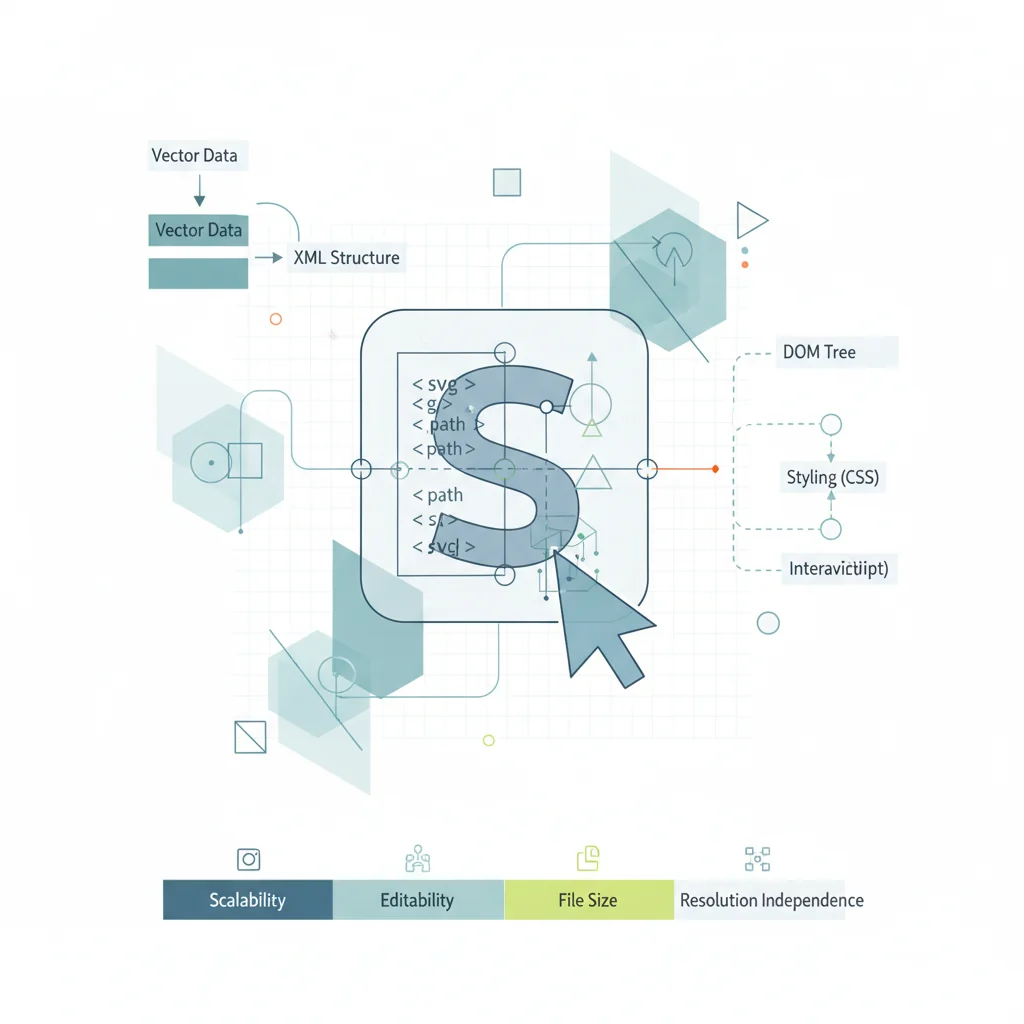
SVG (Scalable Vector Graphics) is not just another image format. It is a full XML vocabulary that describes two-dimensional graphics using mathematical coordinates, geometric primitives, and style declarations. It lives on the same plane as HTML: text-based, human-readable, DOM-integrated, and styleable with CSS.
The W3C defines SVG as "a language for describing two-dimensional graphics in XML." Because it is XML, every SVG is a structured document you can open in a text editor, manipulate with JavaScript, and validate against a schema. No other mainstream image format offers this.
SVG Anatomy: XML Structure and viewBox
Every SVG starts with a root <svg> element. Understanding its attributes is key to mastering the format.
<svg xmlns="http://www.w3.org/2000/svg"
     viewBox="0 0 200 100"
     width="400" height="200">
  <rect x="10" y="10" width="180" height="80" rx="8"
        fill="#0f172a" stroke="#38bdf8" stroke-width="2"/>
  <text x="100" y="58" text-anchor="middle"
        fill="#f8fafc" font-size="18">Hello, SVG!</text>
</svg>xmlnsdeclares the SVG namespace — required in standalone.svgfiles, optional when inlined in HTML5viewBox="0 0 200 100"defines the internal coordinate system: origin at(0,0), 200 units wide, 100 tallwidth/heightset the rendered size; the browser maps the viewBox onto this viewport
The viewBox decouples the coordinate space from pixel dimensions. A viewBox="0 0 24 24" icon renders identically at 16px or 512px — the browser scales the coordinate system. This is why SVG scales infinitely.
SVG uses a coordinate system with y-axis pointing downward (same as CSS and Canvas), origin at top-left.
SVG is plain XML. You can create, edit, and debug SVG files with any text editor — VS Code, Vim, even Notepad. This is fundamentally different from binary formats like PNG or JPG. Need a visual interface? Use VectoSolve's SVG editor for live code output.
History: W3C, Browser Wars, and Modern Adoption
- 1998: W3C forms the SVG Working Group, merging Adobe's PGML and Microsoft's VML proposals
- 2001: SVG 1.0 becomes a W3C Recommendation
- 2003: SVG 1.1 refines and modularizes the spec
- 2011: SVG 1.1 Second Edition — the version most browsers fully implement
- 2018: SVG 2.0 reaches Candidate Recommendation, aligning with CSS and HTML
The IE Saga
IE 8 and below had zero SVG support. IE 9 (2011) shipped basic rendering but with gaps: no SMIL animation, limited filters, viewBox quirks. The true turning point came when Microsoft retired IE for Edge (Chromium) in 2022. Today SVG has 98.5% global browser support.
A Full Year of Conversions for $49
Starter Annual: 25 conversions every month, $49 for the whole year. That is about $4.08 a month · Cancel anytime
Get the Annual DealSVG Element Reference
| Element | Purpose | Common Use |
|---|---|---|
<path> | Arbitrary shapes via draw commands (M, L, C, Z) | Icons, logos, outlines |
<rect> | Rectangles with optional rounded corners (rx/ry) | Buttons, cards, backgrounds |
<circle> | Circle by center point and radius | Dots, avatars, pie charts |
<polygon> | Closed shape from coordinate points | Stars, hexagons, arrows |
<text> | Rendered, selectable, searchable text | Labels, watermarks |
<g> | Group element for collective transforms/styles | Layer control, grouping |
<defs> | Reusable definitions (not rendered directly) | Gradients, patterns, clips |
<use> | Clones an element defined elsewhere | Icon reuse, sprites |
<symbol> | Like <g> in <defs>, but with its own viewBox | Icon libraries, sprite sheets |
Inline SVG vs img vs CSS Background vs object
| Method | CSS Styling | JS Access | Caching | Accessibility | Best For |
|---|---|---|---|---|---|
Inline <svg> | Full | Full DOM | No | Excellent | Icons, interactive graphics |
<img> tag | None | None | Yes | Good (alt) | Static logos, illustrations |
CSS background | None | None | Yes | Poor | Decorative patterns only |
<object> | Internal only | Via contentDocument | Yes | Moderate | Legacy interactive SVGs |
Choose inline when you need hover states, animation, or JS interaction. Choose <img> for static assets you want cached. Use CSS background only for decoration. The <object> approach is rarely the best choice in 2026.
Accessibility: role, aria-label, title, desc
SVG has first-class accessibility baked into the spec:
<svg role="img" aria-labelledby="logoTitle logoDesc"
     viewBox="0 0 120 40">
  <title id="logoTitle">VectoSolve Logo</title>
  <desc id="logoDesc">Geometric V and S lettermark in gradient blue</desc>
  <path d="M10 35L30 5L50 35Z" fill="url(#grad)"/>
</svg>role="img"— tells assistive tech this is an image<title>— the accessible name (equivalent toalton<img>)<desc>— longer description for complex graphicsaria-labelledby— links to<title>and<desc>elementsaria-hidden="true"— use on purely decorative SVGs to hide from screen readers
Free SVG Tools for Crafters
Design Checker · Color Separator · Mat Preview · Offset Generator · Text to SVG
Check Your SVG FreeAnimation: SMIL, CSS, JavaScript, Web Animations API
SMIL (SVG's Native Animation)
<circle cx="50" cy="50" r="20" fill="#ef4444">
  <animate attributeName="r" values="20;35;20" dur="1.5s" repeatCount="indefinite"/>
</circle>
CSS Animations
Apply @keyframes, transition, and transform to SVG elements — the same CSS you already know.
JavaScript Libraries
GSAP, Anime.js, and Snap.svg provide timeline-based control for complex path morphing and sequenced animations.
Web Animations API
The modern standards-based approach combining JS power with CSS performance:
element.animate(
  [{ transform: 'rotate(0deg)' }, { transform: 'rotate(360deg)' }],
  { duration: 2000, iterations: Infinity }
);
Pro Tip: Use SVG sprites for icon systems. Define icons as <symbol> elements in a single hidden SVG, reference each with <use href="#icon-name"/>. One HTTP request, full CSS control, browser caching. The modern replacement for icon fonts — smaller, more accessible, sharper at every size.
Warning: SVG can execute JavaScript. Because SVG supports <script> elements, event handlers (onload, onclick), and external references, untrusted SVGs can be a vector for XSS attacks.
Protect yourself: sanitize with DOMPurify before inlining, prefer <img> tags for user-uploaded SVGs (browsers block scripts in <img> context), set a strict CSP, and strip <script>, <foreignObject>, and event handlers during upload processing.
Performance Optimization
SVGs from design tools carry bloat — editor metadata, redundant groups, excessive decimal precision.
| Optimization Step | Typical Savings |
|---|---|
| Remove metadata | 10-25% |
| Reduce decimal precision | 15-30% |
| Merge groups, clean IDs | 5-15% |
| GZIP/Brotli (server-side) | 60-75% |
| Combined (pre-compression) | 40-60% |
Key techniques: strip editor metadata, reduce coordinate precision to 1-2 decimals, flatten nested <g> elements, use viewBox instead of fixed dimensions, enable GZIP/Brotli (SVG compresses exceptionally well), and automate with VectoSolve's optimizer.
Get Started with SVG
VectoSolve provides AI-powered tools for the full SVG workflow:
- Convert raster to vector — upload PNG/JPG, get clean optimized SVG
- Edit visually — use the SVG editor to tweak paths and colors
- Optimize — run files through the optimizer to strip bloat
SVG is the web's native graphics language — open, standardized, accessible, animatable, and performant. In 2026, fluency in SVG is not optional. It is foundational.
| SVG Feature | Browser Support | Use Case |
|---|---|---|
| Inline SVG with CSS/JS control | All modern browsers (98%+) | Interactive icons, animations, theming |
| <img> tag embedding | Universal | Static logos, illustrations with caching |
| SMIL Animation | All except IE (95%+) | Declarative SVG motion without JavaScript |
| SVG Filters (feGaussianBlur, etc.) | All modern browsers (97%+) | Blur, drop shadows, color manipulation |
| Accessibility (title, desc, aria) | Screen readers + all browsers | Inclusive design for visually impaired users |