
How to Upscale AI Art for Printing: From DALL-E to Gallery-Quality Prints
AI art looks great on screen but prints blurry? Here's how to upscale ChatGPT, Midjourney, and Stable Diffusion images for perfect prints.
Founder of VectoSolve
Self-taught developer, founder and sole developer of VectoSolve since 2024. He builds the conversion engine and the cutting, embroidery and 3D printing exports.
How this article was made: drafted with AI assistance, then edited and fact-checked before publication. About the author
Try it on your own file
Free preview, no signup. Drop an image and see the vector before deciding anything.
Key Takeaways
- AI generators output 1024x1024 pixels but an 18x24 poster needs 5400x7200 — a 7x gap that upscaling bridges
- 4x AI upscaling is recommended for most print use cases: posters, canvas, t-shirts, and A3+ formats
- AI super-resolution generates genuinely new detail, unlike Photoshop interpolation which just blurs
- Midjourney 2048x2048 upscaled 4x with VectoSolve gives you 8192x8192 — billboard-quality resolution
- For the ultimate workflow, upscale first for maximum detail, then vectorize for infinite scalability
AI Art Has a Resolution Problem
You generated a stunning image with ChatGPT. It looks amazing on your screen. You want it as a poster, a canvas print, or a t-shirt. So you send it to a printer and... it comes back blurry, pixelated, and disappointing.
The problem is resolution. AI image generators output relatively small images:
ChatGPT / DALL-E: 1024x1024 pixels
Midjourney: 1024x1024 (base), up to 2048x2048 with upscale
Stable Diffusion: 512x512 to 1024x1024 depending on model
For a standard 18x24 inch poster at 300 DPI, you need 5400x7200 pixels. That is 7x more than what DALL-E gives you.
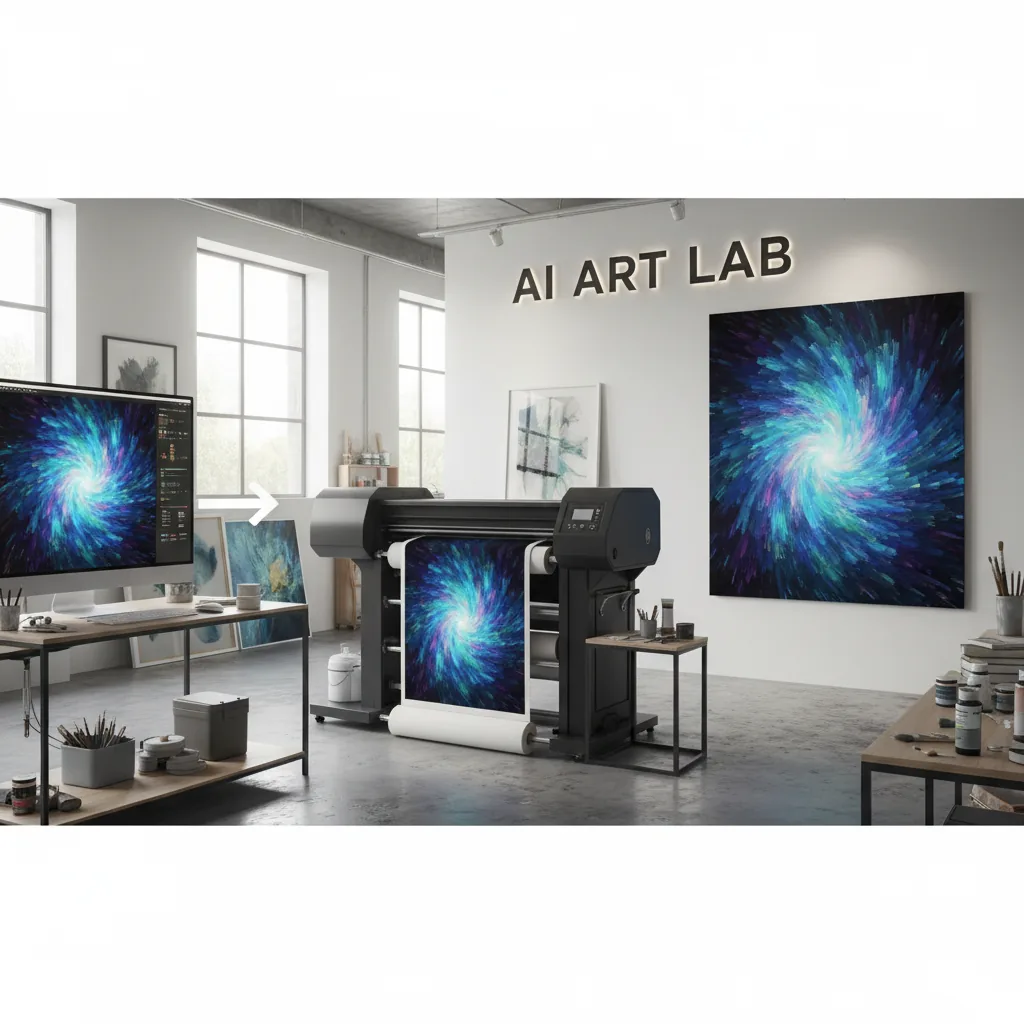
VectoSolve's AI upscaler bridges this gap, enhancing your AI art to 2x or 4x resolution while preserving details and sharpness.
"AI made everyone an artist. Upscaling makes every AI artist print-ready.
Print Resolution Cheat Sheet
| Print Format | Print Size | Pixels Needed (300 DPI) | DALL-E Output | Upscale Needed |
|---|---|---|---|---|
| Social media post | Screen only | 1080x1080 | 1024x1024 | None |
| Small print (5x7) | 5x7 inches | 1500x2100 | 1024x1024 | 2x |
| A4 print | 8.3x11.7 in | 2490x3510 | 1024x1024 | 4x |
| A3 poster | 11.7x16.5 in | 3510x4950 | 1024x1024 | 4x |
| Large poster (18x24) | 18x24 inches | 5400x7200 | 1024x1024 | 4x+ |
| Canvas print (24x36) | 24x36 inches | 3600x5400 (150 DPI) | 1024x1024 | 4x |
| T-shirt graphic | 12x16 inches | 3600x4800 | 1024x1024 | 4x |
| Phone case | 3x5 inches | 900x1500 | 1024x1024 | None |
Pro Tip: Always save your AI-generated images as PNG, not JPG. JPG compression introduces artifacts that become amplified during upscaling. A clean PNG source gives you dramatically sharper results after 4x enhancement.
Step-by-Step: Upscale AI Art for Print
Generate your image in ChatGPT, Midjourney, or Stable Diffusion. Save at the highest quality available (PNG preferred over JPG).
Go to VectoSolve.com and select the Upscale tool.
Upload your AI image.
Choose 2x or 4x upscaling. For most print use cases, 4x is recommended:
- 1024x1024 → 2x = 2048x2048 (good for small prints, mugs, phone cases)
- 1024x1024 → 4x = 4096x4096 (good for posters, canvas, t-shirts)
Download your high-resolution image.
Send to printer or upload to your POD platform.
A Full Year of Conversions for $49
Starter Annual: 25 conversions every month, $49 for the whole year. That is about $4.08 a month · Cancel anytime
Get the Annual DealUpscale vs. Vectorize: Which Should You Choose?
VectoSolve offers both upscaling and vectorization. Here is when to use each for AI art:
| Choose Upscaling When... | Choose Vectorization When... |
|---|---|
| Photorealistic AI images | Flat illustrations and icons |
| Complex paintings with gradients | Logo designs and text |
| Detailed textures and patterns | Line art and sketches |
| You need a specific pixel resolution | You need infinite scalability |
| Canvas prints and posters | Cricut cutting projects |
| Print-on-demand products | Web graphics and SVG elements |
Tips by AI Tool
ChatGPT / DALL-E
Always download the image directly — do not screenshot it (screenshots lose quality)
DALL-E 3 outputs at 1024x1024 which is perfect for 4x upscaling to 4096x4096
For art prints, add "highly detailed, sharp focus" to your prompt for cleaner upscaling input
Midjourney
Use Midjourney's built-in upscaler first (U1-U4 buttons), then upscale further with VectoSolve
Midjourney's 2048x2048 upscaled to 4x = 8192x8192 — enough for billboard-quality prints
For the cleanest results, use --quality 2 in your prompt
Stable Diffusion
Generate at the highest resolution your hardware allows
Use hires.fix or ultimate-upscale extensions for initial upscaling, then VectoSolve for the final pass
SDXL (1024x1024 native) gives better upscaling results than SD 1.5 (512x512)
Chaining upscalers (Midjourney built-in + VectoSolve 4x) does not degrade quality. Each AI upscaler adds its own learned detail. The key is to always work from the highest resolution available as your starting point.
What Makes VectoSolve's Upscaler Different
Standard upscaling (like Photoshop's "Image Size") just adds pixels by interpolating between existing ones. The result is soft, blurry, and obviously stretched.
VectoSolve uses AI super-resolution. The neural network understands image content — it knows what a sharp edge, a texture, or a facial feature should look like — and generates genuinely new detail that did not exist in the original image. The result is a larger image that looks like it was generated at high resolution from the start.
Free SVG Tools for Crafters
Design Checker · Color Separator · Mat Preview · Offset Generator · Text to SVG
Check Your SVG FreeWhere to Print Your AI Art
Printful / Printify — print on demand, no minimum order
Redbubble — marketplace with built-in audience
Society6 — art-focused prints, wall art, home decor
Local print shops — for gallery-quality fine art prints on premium paper
Etsy — sell digital downloads (upscaled images as print-at-home files)
Frequently Asked Questions
Will upscaling make my AI art look worse?
No. AI upscaling adds genuine detail and sharpness. The result looks better than the original at the same viewing size, and dramatically better when printed at larger sizes.
Can I upscale an image that was already upscaled by Midjourney?
Yes. VectoSolve's upscaler works great as a second pass after Midjourney's built-in upscaler. Midjourney 2048x2048 → VectoSolve 4x = 8192x8192 pixels — enough for any print format.
What is the maximum file size VectoSolve accepts?
VectoSolve accepts images up to 10MB. For most AI-generated images (1-4 megapixels), this is well within the limit.
Is it legal to sell prints of AI-generated art?
In most cases, yes. ChatGPT, Midjourney, and Stable Diffusion all allow commercial use of generated images under their current terms. Always check the specific platform's latest policy. Upscaling does not change the licensing.
Can I use the upscaled image for commercial products?
Yes. VectoSolve does not add any restrictions to your upscaled images. If you have commercial rights to the original AI art, you have commercial rights to the upscaled version. Get a free preview of your first upscale.
From AI Prompt to Gallery Wall
AI image generation has democratized art creation. VectoSolve's upscaler democratizes print quality. You no longer need expensive tools or professional services to go from a creative prompt to a gallery-quality print.
Upscale Your AI Art for Print — Free Preview →
| Print Size | Native AI Output (1024px) | After 4x Upscale (4096px) | Recommended DPI |
|---|---|---|---|
| 8x10 inches | 102 DPI — too low | 410 DPI — excellent | 300 DPI |
| 18x24 inches | 43 DPI — unusable | 170 DPI — acceptable | 150–300 DPI |
| 24x36 poster | 28 DPI — unusable | 114 DPI — passable at distance | 150 DPI |
| Canvas wrap (30x40) | 26 DPI — unusable | 102 DPI — acceptable for canvas | 100–150 DPI |