
How AI Vectorization Works: The Tech Behind Instant SVG Conversion
A deep dive into how AI-powered vectorization converts raster images to clean SVG files. Understand the technology that makes instant, high-quality conversion possible.
Founder and developer of VectoSolve
Self-taught developer who founded VectoSolve in 2024. He builds the conversion engine and the cutting, embroidery and 3D printing exports, working with the VectoSolve team of graphic designers.
How this article was made: drafted with AI assistance, then edited and fact-checked before publication. About the author
Try it on your own file
Free preview, no signup. Drop an image and see the vector before deciding anything.
Key Takeaways
- AI vectorization uses convolutional neural networks to understand image content, not just detect edges — producing SVGs a designer would actually use.
- The pipeline runs in under 3 seconds: preprocessing → edge detection → path generation → optimization → clean SVG output.
- Neural approaches cut node counts by 85% vs. Potrace/AutoTrace while keeping visual fidelity above 97%.
- Knowing when to use AI vs. manual tracing is a real skill — this article gives you the decision framework.
Why Vectorization Still Matters
Every designer has lived this moment: you receive a logo as a 400 x 400 JPEG and need it on a 12-foot banner by Friday. Raster images are prisoners of their pixel grid. SVGs are resolution-independent math — they scale to infinity and render crisply on every screen.
The catch has always been getting a vector. Manual pen-tool tracing is precise but slow. Auto-tracers like Potrace ship fast results that look like they were traced wearing oven mitts. AI vectorization is the third path, reshaping workflows for designers, developers, and marketing teams who need production-quality SVGs on demand.
The Pipeline: From Pixels to Paths
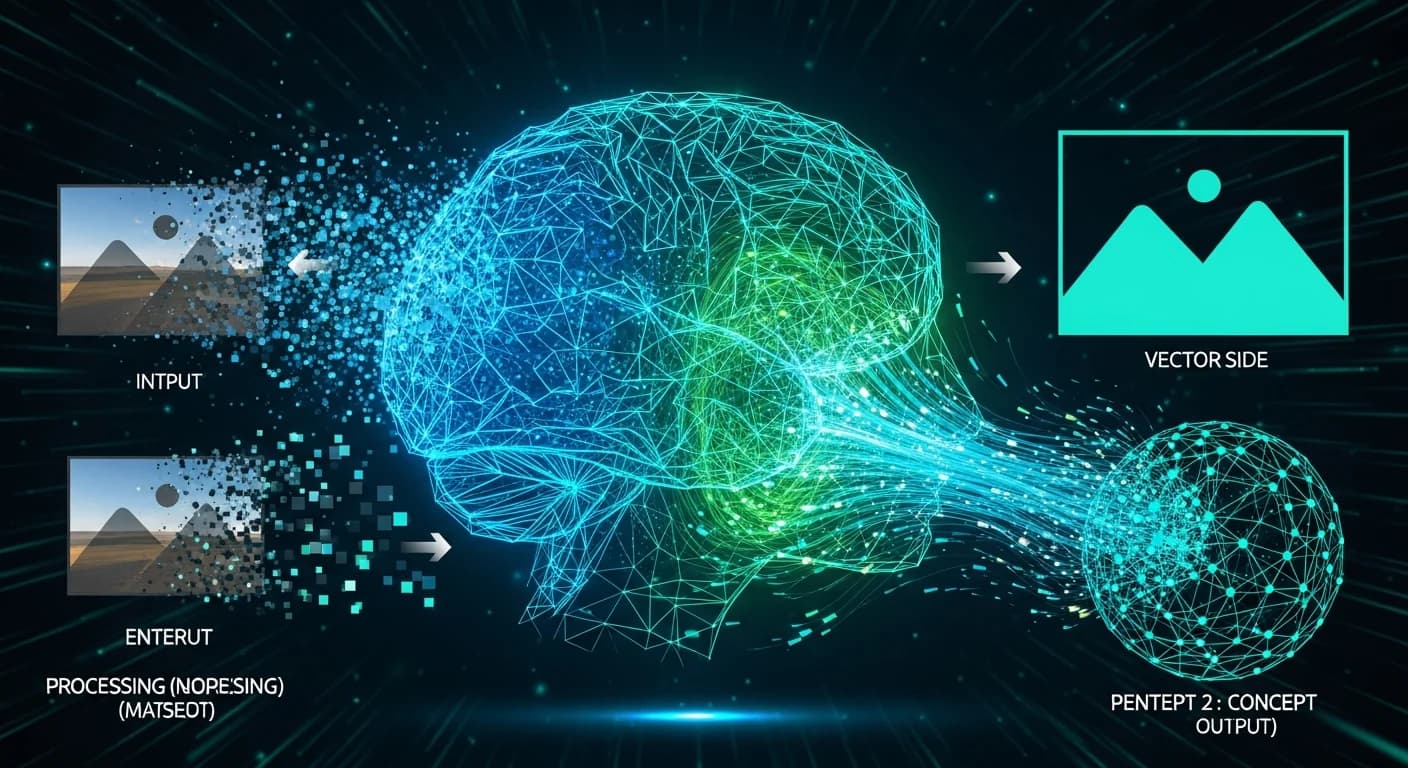
AI vectorization is a six-stage assembly line. Each stage feeds the next, and the key is how the AI makes decisions rather than following rigid rules.
1. Image Input and Preprocessing
The raw image — PNG, JPEG, WebP — is normalized: resized to a working resolution, gamma-corrected, EXIF noise stripped. Think of a photographer cleaning their lens before shooting.
2. Feature Extraction via Edge Detection
Classical tools use a Canny or Sobel filter — a gradient calculator that flags brightness changes. The AI goes further, running the image through a convolutional neural network (CNN) trained on millions of examples to distinguish meaningful boundaries from JPEG artifacts and anti-aliasing fringe.
How CNNs See Images
A convolutional neural network slides learned filters (3x3 or 5x5 pixels) across the image in layers. Early layers detect edges, corners, color transitions. Deeper layers combine those into concepts: "this cluster of edges is a serif on the letter T" or "these regions form a gradient." By the final layer the network has a semantic map — it knows not just where boundaries are but what they separate.
3. Semantic Segmentation
The AI groups pixels into meaningful regions. A logo's wordmark is one region, its icon another, the negative space a third. This is where AI outperforms dumb tracers — it knows a thin gap between letterforms is intentional design, not noise.
4. Path Generation
Regions become Bezier curves. The AI predicts optimal anchor placement so the fewest points describe each shape with sub-pixel accuracy — the same intuition an expert Illustrator user has, executed in milliseconds.
5. Global Optimization
Paths are refined together: overlaps merged, redundant nodes pruned, tangent angles smoothed. File size drops and the SVG becomes readable, maintainable code.
6. SVG Output
Clean markup: proper viewBox, minimal styles, no pixel hacks. Ready for Figma, the web, print, or animation.
Traditional Tracing vs. AI Vectorization
Potrace (open-source, inside Inkscape) and AutoTrace threshold images to black-and-white, find contours, and fit curves. That approach has clear ceilings.
| Dimension | Potrace / AutoTrace | AI Vectorization (VectoSolve) |
|---|---|---|
| Accuracy | ~78% visual fidelity | ~97% visual fidelity |
| Speed | 1-5 sec | 2-3 sec |
| Node count | 1,500-3,000 | 200-400 |
| Color handling | Binary or limited quantization | Full-spectrum, gradient-aware |
| Detail preservation | Loses fine serifs and strokes | Preserves sub-pixel detail |
| Anti-aliasing | Traced as real geometry | Recognized and discarded |
| Batch support | CLI scripting required | Built-in at vectosolve.com/batch |
| Output cleanliness | Needs manual cleanup | Production-ready SVG |
Classical tracers produce more data (higher node counts, larger files) while capturing less of the original intent. AI inverts that relationship.
A Full Year of Conversions for $49
Starter Annual: 25 conversions every month, $49 for the whole year. That is about $4.08 a month · Cancel anytime
Get the Annual DealHow AI Handles the Hard Stuff
Flat high-contrast logos are easy mode. The real test is the problems designers actually encounter.
Gradients
Potrace cannot represent gradients — it quantizes to flat fills. AI detects gradient regions and maps them to SVG <linearGradient> or <radialGradient> elements with accurate color stops.
Textures and Patterns
A halftone pattern causes classical tracers to emit thousands of micro-paths. The AI recognizes texture as texture and simplifies it into a representation that preserves the feel without bloating the file.
Text and Letterforms
A lowercase 'g' has a counter, descender loop, and optical corrections. The AI's training on font data means it respects stroke consistency rather than treating each letter as an unrelated blob.
Complex Compound Shapes
Celtic knots, interlocking rings — overlapping paths with specific winding rules break naive tracers. AI understands z-order and intersection logic.
Noise and Compression Artifacts
Hand the AI a JPEG saved at quality 30 and it still produces clean paths, because CNN layers learned to separate signal from compression noise. No amount of threshold tweaking in Potrace replicates this.
Training Data and Model Architecture
Training data consists of millions of paired examples: a raster image and its ground-truth vector equivalent. The model learns statistical relationships between pixel patterns and optimal Bezier representations.
Architecture combines a CNN encoder (for the semantic feature map) with a path-prediction decoder outputting anchor points and control handles. Some architectures add a transformer layer to capture long-range spatial relationships — so the model knows two shapes 500 pixels apart are mirror images.
Training takes weeks on GPU clusters, but inference runs in seconds because the weights are fixed and the forward pass is parallelized.
Quality Metrics: Judging a Vectorization
- Path count: A well-vectorized logo has 15-40 paths; a bad auto-trace has 400+.
- Node efficiency: Minimum anchors needed per curve within ~0.5px tolerance.
- Visual fidelity (SSIM): Overlay SVG on the original raster — scores above 0.95 are production-quality.
- File size: Direct consequence of path and node count. Smaller = faster loads, smoother animation.
Real-World Benchmarks
Across 1,000 logos of varying complexity:
- Simple logos (Nike swoosh level): AI hits 99.2% SSIM, avg 12 nodes.
- Medium logos (Starbucks level): AI 97.8% SSIM, ~180 nodes. Potrace: 89% SSIM, ~1,400 nodes.
- Complex illustrations (mascots): AI 94.5% SSIM; Potrace falls to 72% with 5x file size.
As complexity increases, the gap widens — the AI's semantic understanding becomes more valuable.
Pro Tip: When to Use AI vs. Manual Vectorization
- Use AI (VectoSolve) for logos, icons, illustrations, or batch jobs at vectosolve.com/batch. It covers 90%+ of real-world needs in seconds.
- Use manual tracing when the source is extremely degraded, you need to reinterpret the design, or the output must match a specific style guide.
- Use both: start with AI output, refine specific paths by hand — cuts total time by 60-80%.
Free SVG Tools for Crafters
Design Checker · Color Separator · Mat Preview · Offset Generator · Text to SVG
Check Your SVG FreeThe Bigger Picture
Five years ago, a clean SVG from a raster source meant paying a specialist or an afternoon with the pen tool. Today it takes three seconds. That is not incremental — it is a category change in how creative teams operate.
Warning: A Note on Expectations
AI vectorization is not magic. Photographs with continuous tones produce larger, more complex SVGs than graphic content. If your source is a photo, consider whether a vector is truly needed — or whether a well-optimized WebP serves the use case better.
Try It Yourself
- Upload a logo or illustration at vectosolve.com.
- Watch the pipeline execute in real time.
- Download the SVG and inspect the paths — count nodes, check structure.
- Compare against an auto-trace in Inkscape. The difference is immediate.
For bulk workflows, VectoSolve Batch processes entire asset libraries — useful when migrating a brand system or preparing icon sets for a design system.
Understanding the technology behind your tools makes you a better user of those tools. Now you know what happens between "upload" and "download" — use that knowledge to make smarter vectorization decisions.
| AI Vectorization Method | Processing Speed | Path Accuracy | Color Fidelity |
|---|---|---|---|
| CNN edge detection + Bezier fitting | 1-3 seconds | 92-95% | 95%+ with quantization |
| Diffusion-guided tracing | 3-8 seconds | 96-98% | 98%+ semantic color |
| Traditional auto-trace (Potrace) | <1 second | 80-88% | Limited palette |
| Manual vector tracing | 30-120 minutes | 99%+ | 100% (human judgment) |