
SVG Optimization for Page Speed: A Practical Guide
A detailed case study showing how SVG optimization reduced page weight by 70% and improved LCP by 1.2 seconds. Includes before/after benchmarks and the exact techniques used.
Founder and developer of VectoSolve
Self-taught developer who founded VectoSolve in 2024. He builds the conversion engine and the cutting, embroidery and 3D printing exports, working with the VectoSolve team of graphic designers.
How this article was made: drafted with AI assistance, then edited and fact-checked before publication. About the author
Try it on your own file
Free preview, no signup. Drop an image and see the vector before deciding anything.
Key Takeaways
- Optimized SVGs are usually far lighter than PNG/WebP for icons, logos and simple illustrations
- Core Web Vitals: optimized SVGs can help LCP, prevent layout shift (CLS) and keep the DOM light for INP
- SVGO + Brotli compresses SVGs 92-97% from raw editor output
- Inline critical SVGs, lazy-load below-fold, cache aggressively on CDN
- Complex SVGs (1000+ paths) can be SLOWER than raster — always benchmark
On many sites, one of the highest-impact performance changes is simple: fix your SVGs. Not switch frameworks. Not rewrite your JavaScript bundle. Just optimize the vector assets you already ship.
This guide is a practical playbook: production configs, worked examples and what to measure.
SVG vs Raster: Where the Savings Come From
Measure your own pages with WebPageTest or Chrome DevTools (throttled to a slow connection) before and after each change. The general pattern:
For flat graphics such as icons, logos and simple illustrations, an SVG cleaned with SVGO and served with Brotli is usually several times smaller than the same image as PNG or WebP, and it stays sharp at any size. For photos, the opposite is true (see the warning further down).
Core Web Vitals Impact: LCP, CLS, and INP
Google's Core Web Vitals directly determine your search ranking. Here's how SVG optimization moves each metric.
Largest Contentful Paint (LCP)
If your hero image or above-the-fold illustration is an SVG, its load time directly hits LCP. A heavy, unoptimized SVG hero can push LCP past Google's 2.5-second "good" threshold; a lean inline SVG helps keep it under.
The key: inline SVGs eliminate the network request entirely. The browser parses them as part of the HTML document, rendering during initial paint — not after a separate fetch.
Cumulative Layout Shift (CLS)
SVGs with explicit viewBox and CSS dimensions produce zero layout shift. The browser knows the exact aspect ratio before rendering.
<!-- Zero CLS: SVG with explicit dimensions -->
<svg viewBox="0 0 800 400" width="800" height="400"
     class="hero-illustration" role="img"
     aria-label="Dashboard performance metrics">
  <!-- paths -->
</svg>

<!-- CLS risk: Image without dimensions -->
<img src="/hero.png" alt="Dashboard">
<!-- Browser doesn't know size until loaded = layout jump -->
Interaction to Next Paint (INP)
Every unnecessary SVG node adds to DOM size and slows event handlers. Stripping a typical Illustrator SVG down to the nodes it actually needs keeps the DOM small, which helps INP on mid-range Android devices. Editor metadata, empty <g> tags, and hidden layers are the worst offenders.
SVGO Configuration for Maximum Compression
SVGO is the industry standard, but defaults aren't aggressive enough for production.
npm install -g svgo
svgo --config svgo.config.js input.svg -o output.svg
svgo -f ./src/assets/icons/ -o ./dist/icons/  # batch process
Production Config
// svgo.config.js — maximum compression
module.exports = {
  multipass: true,
  plugins: [
    {
      name: 'preset-default',
      params: {
        overrides: {
          removeViewBox: false,       // KEEP for responsive scaling
          cleanupIds: { minify: true, remove: false },
          convertPathData: { floatPrecision: 2, transformPrecision: 3 },
          mergePaths: { force: true },
          removeDesc: true,
        },
      },
    },
    'removeDimensions',
    'sortAttrs',                     // Better gzip dictionary matching
    'removeXMLNS',                   // Remove xmlns for inline SVGs
    { name: 'removeAttrs', params: { attrs: ['data-name', 'class'] } },
  ],
};
Optimization Results by Technique
| Technique | Before | After | Improvement |
|---|---|---|---|
| Remove editor metadata | 48.3 KB | 31.2 KB | 35% |
| Convert path data (precision 2) | 31.2 KB | 19.8 KB | 37% |
| Merge paths | 19.8 KB | 14.1 KB | 29% |
| Remove unused defs/clips | 14.1 KB | 11.6 KB | 18% |
| Minify IDs + sort attrs | 11.6 KB | 8.2 KB | 29% |
| Cumulative | 48.3 KB | 8.2 KB | 83% |
Use VectoSolve's SVG Optimizer for the cleanup steps without the CLI (metadata, comments, editor data, empty groups, ID shortening) — drag, drop, download. Path precision and path merging still need SVGO.
A Full Year of Conversions for $49
Starter Annual: 25 conversions every month, $49 for the whole year. That is about $4.08 a month · Cancel anytime
Get the Annual DealGzip + Brotli Compression for SVG
SVGs are XML text. They compress extremely well — Brotli delivers 20-30% better ratios than Gzip. Configure your server to compress .svg responses.
Nginx
gzip on;
gzip_types image/svg+xml;
gzip_comp_level 6;

brotli on;
brotli_types image/svg+xml;
brotli_comp_level 6;
Apache
AddType image/svg+xml .svg .svgz

<IfModule mod_deflate.c>
  AddOutputFilterByType DEFLATE image/svg+xml
</IfModule>
<IfModule mod_brotli.c>
  AddOutputFilterByType BROTLI_COMPRESS image/svg+xml
</IfModule>
With SVGO + Brotli, that 48 KB Figma export becomes 1.8-2.5 KB over the wire. Smaller than most favicons.
Critical Rendering Path: Inline vs External vs Data URI
Where you put your SVG matters as much as how you optimize it.
| Method | HTTP Request | Cacheable | Best For |
|---|---|---|---|
Inline <svg> | No | No (part of HTML) | Above-fold icons, logos < 5 KB |
External <img> | Yes | Yes | Large illustrations, below-fold |
CSS background-image | Yes | With CSS file | Decorative patterns, non-critical |
| Data URI in CSS | No | With CSS file | Tiny icons < 1 KB, critical CSS |
<use> sprite ref | 1 (for sprite) | Yes | Icon systems with 10+ icons |
Pro Tip: SVG sprites replace icon fonts — and they should. Icon fonts trigger FOUT (Flash of Unstyled Text), download the entire glyph set even if you use 3 icons, and fail silently when the font file doesn't load. SVG sprites are selectively loadable, fully styleable with CSS, and degrade gracefully. Use <symbol> + <use> for any icon system with 5+ icons. Clean up each icon first, for example in VectoSolve's SVG Editor, then combine them into the sprite.
Lazy Loading Strategies for Below-Fold SVGs
Don't load what the user can't see. Use the Intersection Observer API with a generous root margin to start loading before the user scrolls there.
const svgObserver = new IntersectionObserver(
  (entries) => {
    entries.forEach((entry) => {
      if (entry.isIntersecting) {
        const img = entry.target;
        img.src = img.dataset.src;
        img.removeAttribute('data-src');
        svgObserver.unobserve(img);
      }
    });
  },
  { rootMargin: '200px' }
);

document.querySelectorAll('img[data-src$=".svg"]')
  .forEach((img) => svgObserver.observe(img));
For native lazy loading without JavaScript:
<img src="/illustrations/dashboard-chart.svg"
     alt="Dashboard analytics chart"
     width="800" height="400"
     loading="lazy" decoding="async">
Warning: Complex SVGs can be SLOWER than raster images. An SVG with 1000+ path nodes, heavy filter effects (<feGaussianBlur>, <feTurbulence>), or embedded raster data (<image> tags inside SVG) will choke the rendering engine. Rule of thumb: if your SVG has 500+ path nodes or any filter primitives, benchmark against WebP. Use raster for photographic content and complex generative art. Use SVG for icons, logos, UI elements, and simple illustrations.
Free SVG Tools for Crafters
Design Checker · Color Separator · Mat Preview · Offset Generator · Text to SVG
Check Your SVG FreeCDN and Caching Strategies for SVG Assets
SVGs are static assets. Cache them aggressively with content-hashed filenames.
Cache-Control: public, max-age=31536000, immutableUse hashed filenames like logo.a3f8b2.svg for safe year-long TTLs. Your build tool handles cache-busting automatically.
CDN checklist: serve with image/svg+xml MIME type, enable Brotli at the edge, set Vary: Accept-Encoding, consider HTTP/2 server push for critical above-fold SVGs, and use the immutable directive.
The HTTP/2 and SVG sprite obsolescence debate. Some developers argue HTTP/2 multiplexing makes sprites unnecessary — just serve individual files. In practice, sprites still win for icon-heavy pages. Multiplexing reduces request cost but doesn't eliminate connection overhead or TLS negotiation. The gain is clearest on pages with 15+ icons, even over HTTP/2. Under 10 icons, individual files are fine.
Full Pipeline: Before and After
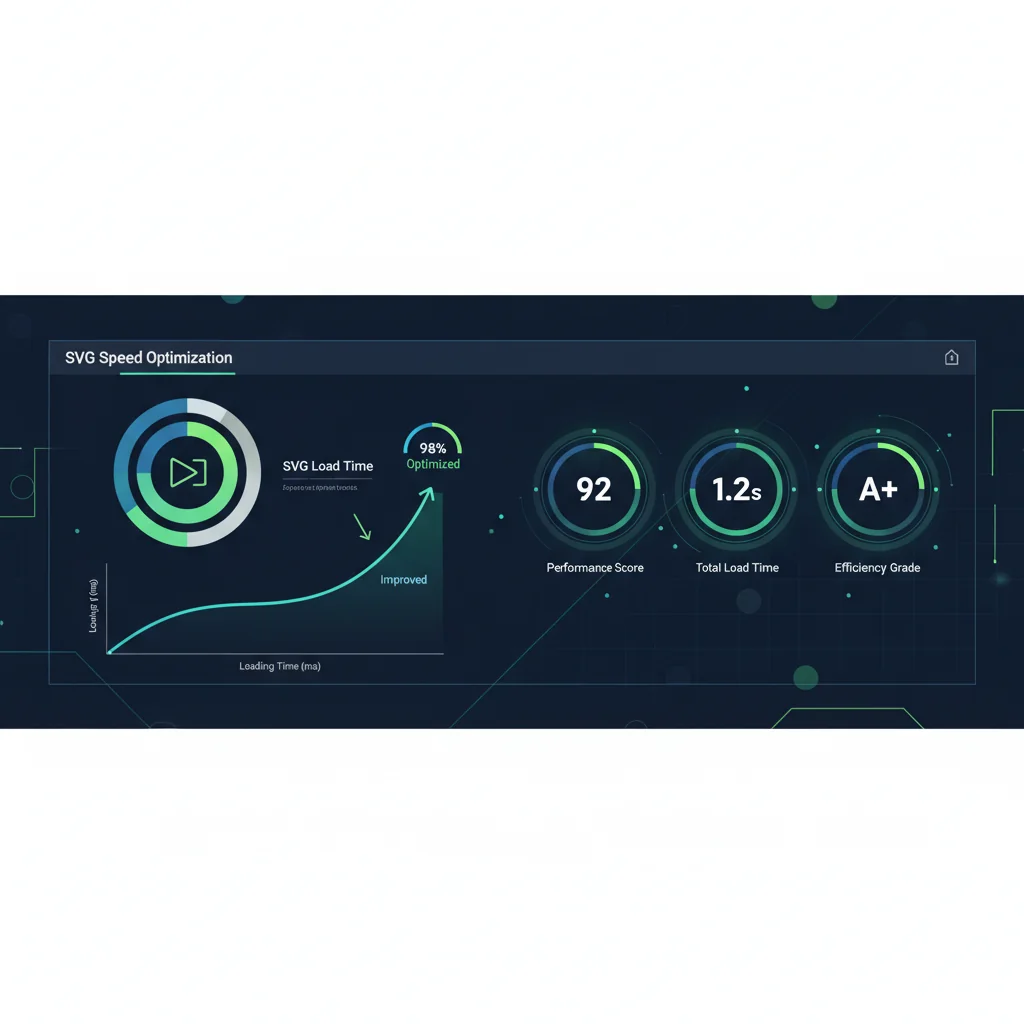
Measure the same metrics before and after: total SVG payload, the number of SVG requests, LCP, CLS, INP and the Lighthouse Performance score. Recording them first is the only way to know what each change did.
Start with the highest-impact changes: run SVGO on existing SVGs (a few minutes of work), inline your logo and above-fold icons, enable Brotli for image/svg+xml, and add loading="lazy" to below-fold SVG images.
Need production-ready optimized SVGs? VectoSolve's optimizer handles the cleanup steps in your browser. For creating SVGs with clean markup from the start, VectoSolve's SVG Editor exports minimal code that compresses beautifully.