
Introducing the VectoSolve Chrome Extension: Vectorize Any Image with One Click
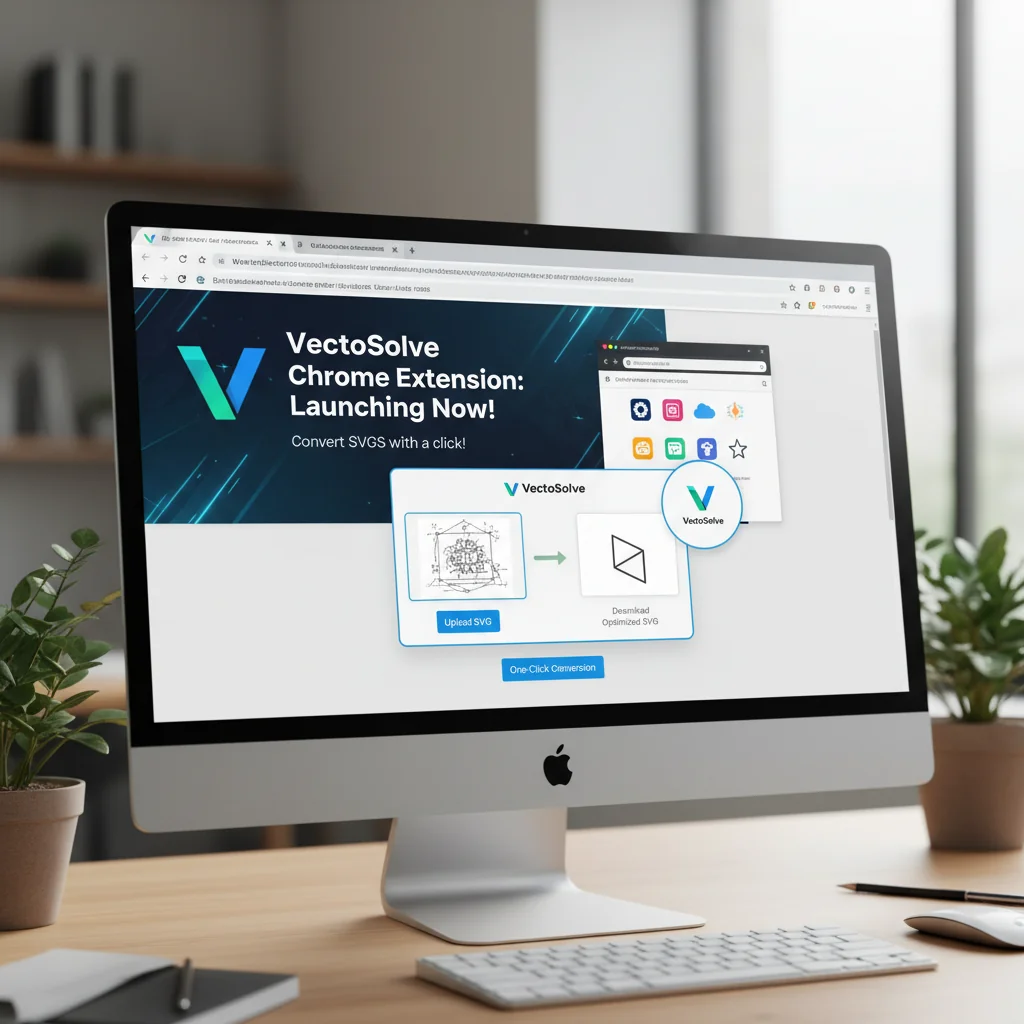
We're excited to announce the VectoSolve Chrome Extension, letting you convert any image to SVG directly from your browser. Right-click to vectorize, no more downloading and uploading.
Founder and developer of VectoSolve
Self-taught developer who founded VectoSolve in 2024. He builds the conversion engine and the cutting, embroidery and 3D printing exports, working with the VectoSolve team of graphic designers.
How this article was made: drafted with AI assistance, then edited and fact-checked before publication. About the author
Try it on your own file
Free preview, no signup. Drop an image and see the vector before deciding anything.
Key Takeaways
- The VectoSolve Chrome Extension lets you vectorize any image on any website with one right-click
- Works on any image you can see in your browser — no downloading and re-uploading
- Available for Chrome and Firefox (Chromium-based browsers supported too)
- Same AI vectorization quality as the main app, directly in your browser
You are browsing a client's website and spot their logo in the footer. It is a PNG. They need it as an SVG for print. Normally you would: right-click, save image, open VectoSolve, upload, convert, download. Six steps.
With the Chrome Extension: right-click the image, click "Vectorize with VectoSolve." One step. The SVG is ready in seconds.
Why a Browser Extension?
Designers and developers encounter images that need vectorizing everywhere — not just in their own file system. Client websites, competitor analysis, design inspiration, stock photo previews, social media assets, documentation screenshots.
The extension brings vectorization to where you already are: your browser.
How It Works
Step 1: Install
Get it from the Chrome Web Store or Firefox Add-ons. Search for "VectoSolve" and click install. The extension icon appears in your browser toolbar.
Step 2: Right-Click Any Image
Navigate to any webpage. Right-click on any image — PNGs, JPGs, WebPs, even SVGs that you want to re-optimize. The context menu shows "Vectorize with VectoSolve."
Step 3: Convert
Click the menu option. The extension sends the image to VectoSolve's AI vectorization engine. In 5-15 seconds, your SVG is ready.
Step 4: Download
A preview opens showing the vectorized result. Download the SVG directly or open it in VectoSolve's dashboard for further editing, animation, or content generation.
Pro Tip: The extension works on images loaded from any source — even images embedded in CSS backgrounds, canvas elements, and inline base64 data URIs. If you can see it in your browser, you can vectorize it.
Real Workflow Examples
Client Logo Recovery
Your client's original logo files are lost. Their website has a 200x80 pixel PNG in the header. Right-click, vectorize, deliver a clean SVG back to them. Total time: 30 seconds.
Design Research
Browsing Dribbble for icon inspiration. See a style you want to reference. Vectorize the screenshot to get clean paths you can study and learn from in your vector editor.
Competitive Analysis
Reviewing competitor websites. Need their icon style as a reference? Vectorize a few examples to analyze path structures, stroke weights, and design patterns in your vector software.
Quick Asset Extraction
A developer needs SVG icons from a design system documentation page. Instead of requesting access to the Figma file, right-click each icon and vectorize. Ship the feature now.
A Full Year of Conversions for $49
Starter Annual: 25 conversions every month, $49 for the whole year. That is about $4.08 a month · Cancel anytime
Get the Annual DealWhat Makes It Different from Screenshot-to-SVG Tools
Some extensions just trace screenshots. VectoSolve's extension sends the actual image data (not a screenshot of it) to the same AI vectorization engine that powers the main app. This means:
- Full resolution input. The extension grabs the original image file, not a screen-resolution capture
- Same quality as the web app. Identical AI processing pipeline
- Clean SVG output. Optimized paths, proper viewBox, minimal file size
Supported Browsers
| Browser | Support | Install Link |
|---|---|---|
| Google Chrome | Full | Chrome Web Store |
| Microsoft Edge | Full (Chromium) | Chrome Web Store |
| Brave | Full (Chromium) | Chrome Web Store |
| Opera | Full (Chromium) | Chrome Web Store |
| Firefox | Full | Firefox Add-ons |
| Safari | Not yet | Coming soon |
Extension Settings
Click the VectoSolve icon in your toolbar to access settings:
- Default quality tier: Set Eco, Standard, or Pro as your default
- Auto-download: Automatically save the SVG after conversion
- Notification preference: Desktop notification when conversion completes
- Account linking: Connect to your VectoSolve account for credit usage
The extension uses the same credits as your VectoSolve account. No separate pricing. If you have credits in your dashboard, the extension uses them.
Free SVG Tools for Crafters
Design Checker · Color Separator · Mat Preview · Offset Generator · Text to SVG
Check Your SVG FreePrivacy and Security
The extension only activates when you explicitly right-click and select "Vectorize." It does not:
- Scan or analyze pages you visit
- Track your browsing history
- Access any data beyond the specific image you click
- Run in the background
The image is sent directly to VectoSolve's servers over HTTPS, processed, and the result is returned. No third parties involved.
Install the extension and start vectorizing with one click. Get it for Chrome or Firefox — it is free to install.
| Feature | Chrome Extension | Web App | API |
|---|---|---|---|
| One-click vectorization | Right-click any image | Upload from disk | Programmatic POST |
| Background removal | Yes | Yes | Yes (parameter) |
| Batch processing | No (one at a time) | Up to 10 files | Unlimited (async) |
| Browser support | Chrome, Edge, Brave, Firefox | All browsers | N/A |
| Cost per conversion | 0.20 credits | 0.20 credits | 0.20 credits |