
Best JPG to DXF Converters in 2026: Which Ones Actually Vectorize
A DXF containing your image is not vectors of your image. We verified 10+ converters in June 2026: real vectorizers, unverifiable online tools, one hijacked vendor domain, and the 5 reasons traced DXFs refuse to cut.
Founder of VectoSolve
Self-taught developer, founder and sole developer of VectoSolve since 2024. He builds the conversion engine and the cutting, embroidery and 3D printing exports.
How this article was made: drafted with AI assistance, then edited and fact-checked before publication. About the author
Try it on your own file, in CNC mode
Free preview, no signup. Drop an image and see the vector before deciding anything.
Here is the uncomfortable truth about "JPG to DXF converters": a DXF file containing your image is not the same thing as a DXF file containing vectors of your image. Plenty of services will happily wrap pixels in a CAD container that your plasma table, laser or CNC software then refuses to cut. We checked every tool below on its official site in June 2026 — live prices, real capabilities — and found everything from genuinely excellent vectorizers to one official vendor domain that now serves gambling spam.
Key Takeaways
- Our tool: VectoSolve — AI vectorization, DXF R12 polyline output, from $7.99/month
- Pro CAD standard: Scan2CAD ($89/month in June 2026) — DXF/DWG/G-code, built for CAD workflows
- Best free: Inkscape (with documented DXF export quirks) or WinTopo Freeware
- Honorable mention: Vectorizer.AI (€8.99/mo in June 2026) — excellent AI tracing with first-party DXF
- Avoid right now: RasterVect and Print2CAD (see why below)
Disclosure: VectoSolve is our own tool. We list it first because it is the tool we build and know best, not because it won an independent test, and we do not give it a score.
Pro Tip: Need a Cut-Ready DXF Now?
Upload your JPG, check the traced paths in the free preview, then export a clean R12 DXF with closed polylines. Try it free → — free preview, no signup; DXF downloads are included from the $7.99 Starter plan.
What "Converting" JPG to DXF Actually Means
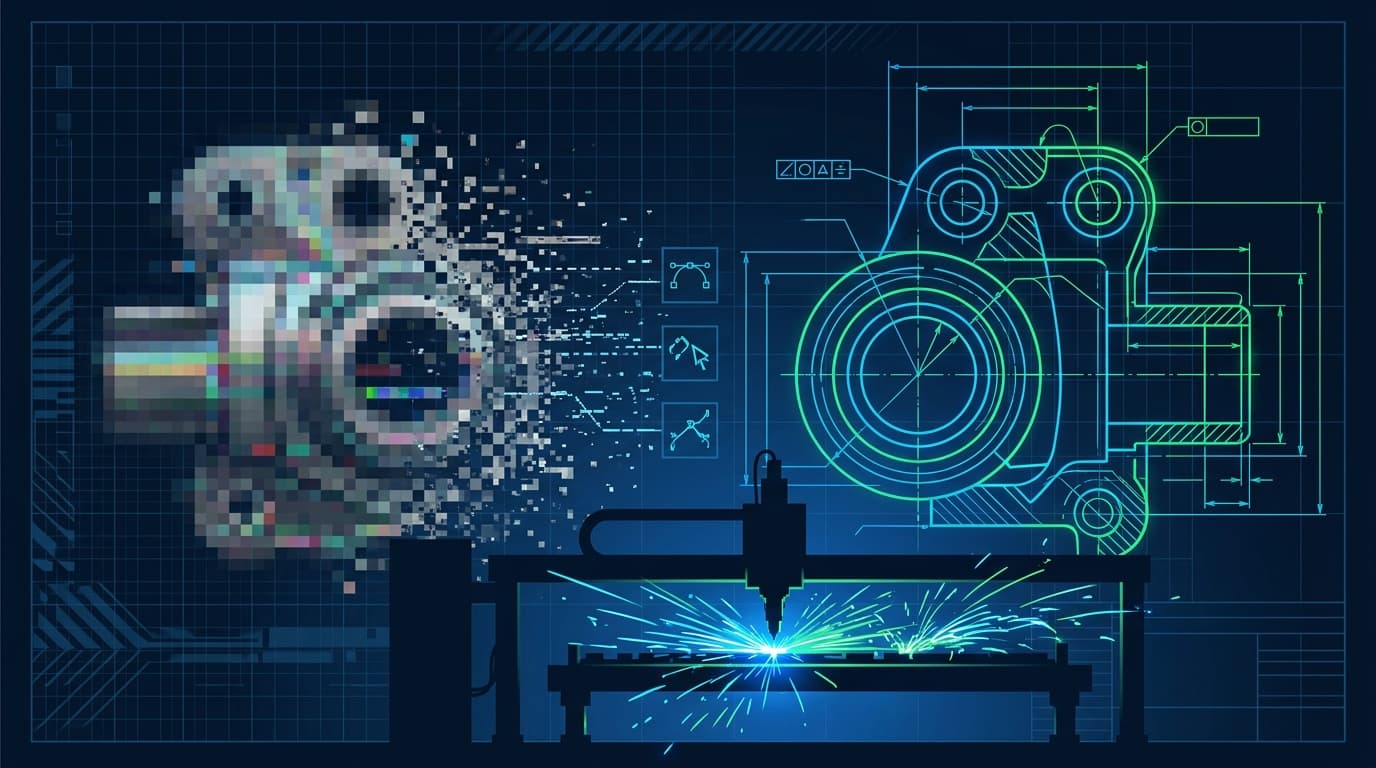
A JPG is pixels. A DXF that CAM software can cut is geometric entities: polylines, arcs, circles. Getting from one to the other requires vectorization — tracing the shapes — and that is the entire job. Three categories of tools claim to do it:
- Real vectorizers (VectoSolve, Scan2CAD, Vectorizer.AI, Inkscape, WinTopo): trace shapes into entities. Quality varies with the engine.
- Unverifiable online converters (Convertio, AnyConv): their marketing pages claim edge tracing, but neither documents what entities, what DXF version, or how curves are handled. Treat the output as unknown until you open it in CAD.
- Honest refusers: CloudConvert simply does not offer raster-to-DXF at all — its PNG-to-DXF URL returns a 404, and its DXF converter page lists only vector input formats. Respect for the honest scoping.
And one more "category" the forums know well: the conversion that opens fine but will not cut. More on that below.
1. VectoSolve — AI Trace to Cut-Ready R12
Price: free preview, then $7.99/month for 25 ($0.32/image) or $49/year · Platform: browser
VectoSolve runs your JPG through an AI vectorizer (not threshold tracing, so it survives anti-aliased edges, gradients and photographic input that break classic tracers), then exports DXF R12 with polylines — the most compatible dialect there is, accepted by LightBurn, SheetCam, Torchmate-class plasma software and legacy CAM that chokes on newer flavors. Cleanup happens before export: closed paths, deduplicated lines, merged colors, controlled node counts.
Strengths:
- Real AI vectorization with CAM-aware output (R12, polylines, closed paths)
- From $7.99/month (25 conversions) or $49/year: a one-off logo conversion does not need an $89/month subscription
- Also exports SVG, EPS and PNG in the same pass — useful when one file goes to the plasma table and another to the website
- Browser-based, nothing to install
Weaknesses:
- No manual node-editing studio — for surgical CAD edits you finish in QCAD or your CAM
- No batch API on the entry plans (that is what the batch tool is for)
Best for: machine owners who need this logo cutting today.
2. Scan2CAD — The Pro CAD Standard
Price (June 2026): Pro $89/month (yearly billing saves $109); Business $1,599/year · Platform: Windows/Mac desktop
The reference tool when raster-to-CAD is your actual job. Converts images and PDFs to DXF/DWG and even exports G-code directly, with CAD-specific intelligence the generalist tools lack. Unlimited conversions on Pro, active development, real support.
Weaknesses: $89/month is engineering-department pricing — for a hobbyist with one gasket drawing it is 11x the cost of a Starter month you will mostly not use.
Best for: professionals converting drawings weekly; the obvious choice if someone else pays for software.
A Full Year of Conversions for $49
Starter Annual: 25 conversions every month, $49 for the whole year. That is about $4.08 a month · Cancel anytime
Get the Annual Deal3. Vectorizer.AI — Excellent AI Tracing, First-Party DXF
Price (June 2026): €8.99/month web app (unlimited images); API from €0.112-0.18/image · Platform: browser
State-of-the-art deep-learning tracing with DXF as a documented output format, straight from the engine. Two caveats for machine owners: the DXF version and entity types are not documented anywhere public (relevant if your plasma software chokes on splines), and there is no centerline mode for engraving paths.
Best for: design-grade tracing quality when you are already subscribing for SVG work.
4. WinTopo — The Honest Freeware
Price (June 2026): Freeware edition free; Pro £200 one-time, locked to one PC · Platform: Windows
Rare thing: a genuinely free desktop tool that does real vectorization for CAD/GIS/CNC use. The freeware does one-touch basic tracing; Pro adds preprocessing and tuning. The licensing is old-school in both directions — one-time payment (good), machine-locked per serial (annoying).
Best for: Windows users wanting free desktop vectorization without Inkscape's learning curve.
5. Inkscape — Free and Capable, With Documented DXF Quirks
Price: free, open source · Platform: all
The standard free pipeline: Trace Bitmap, then export via the "Desktop Cutting Plotter (R12/R14)" extension. It absolutely works — but know the documented quirks before a metal sheet pays for them: the R14 export writes SPLINE entities (long-standing bug, GitLab issue #540) that plasma and older CAM reject, and the R12 export approximates curves as straight segments, inflating node counts. Export SVG instead when your downstream tool accepts it.
Best for: free-software users comfortable with node cleanup.
Free SVG Tools for Crafters
Design Checker · Color Separator · Mat Preview · Offset Generator · Text to SVG
Check Your SVG Free6. Img2CAD — Legacy One-Time License
Price (June 2026): $99 one-time · Platform: Windows
Real vectorization to DXF/HPGL/WMF/EMF in a Windows app you pay for once. The catch: it is visibly a legacy product — v8.6 with no published release dates. It works, but you are buying frozen software.
Best for: one-time-purchase absolutists.
7. QCAD & LibreCAD — Not Converters, but Your Finishing Stage
Price: QCAD Community free / Professional one-time; LibreCAD free · Platform: all
Listed to set expectations: neither vectorizes (QCAD's own FAQ says it is "not an image manipulation program"; LibreCAD's documented workflow is manual tracing over a background image). But as the DXF cleanup stage — joining vectors, fixing layers, verifying units before CAM — a real 2D CAD beats every converter's built-in editor.
Best for: the 10 minutes between conversion and cutting.
8. Convertio & AnyConv — The Unverifiables
Price (June 2026): Convertio free tier + paid from $6.99/mo annual; AnyConv free (100 MB cap) · Platform: browser
Both claim genuine tracing on their marketing pages. Neither documents DXF version, entity types or curve handling, both concede photos and gradients convert poorly, and neither exposes a single quality control (threshold, smoothing, node reduction). For a quick high-contrast logo experiment, fine — free is free. For anything a machine will cut into material you paid for, verify the output in CAD first.
A Full Year of Conversions for $49
Starter Annual: 25 conversions every month, $49 for the whole year. That is about $4.08 a month · Cancel anytime
Get the Annual DealTwo to Avoid Right Now
Documented as of June 11, 2026 — check yourself before buying either:
- RasterVect: the official domain rastervect.com served unrelated gambling content when we fetched it. The software still gets releases via third-party download portals, but with the official site hijacked or expired, safe download and purchase cannot be verified.
- Print2CAD (BackToCAD): vendor pages at solutions.backtocad.com returned "this website is for sale" parking pages. The product exists on Amazon and the Autodesk App Store, but a vendor whose own domain is parked is a support and activation risk.
When to Pay a Human Instead
The outsourcing market is alive because tracing fails: DXF Design charges $75/hour (1-hour minimum) for custom plasma-ready art, and Fiverr image-to-DXF gigs run $5-30 per file with 24-48h turnaround. A human digitizer delivers closed paths, sane nodes and bridged letters in one pass — worth it for complex heritage artwork. For everyday logos, about $0.32 a conversion on the $7.99 Starter plan and ten seconds make the math simple.
The 5 Reasons Your DXF Won't Cut
Straight from the LightBurn, Vectric, Langmuir and PlasmaSpider forums — all five are trace-step problems, not machine problems:
| Failure | What you see | The fix |
|---|---|---|
| Double lines | Machine cuts every stroke twice | Centerline trace, or Delete Duplicates in LightBurn |
| Open vectors | CAM refuses pocket/profile toolpaths | Join endpoints (Vectric: select + J) |
| 25.4× scale | Part imports an inch/mm factor wrong, silently | Set $INSUNITS correctly; set importer units explicitly |
| Node explosion | Jerky cutting, laggy CAD, bloated files | Use a tracer with node control; simplify before CAM |
| Wrong dialect | "Fails to import" or blank canvas | Export DXF R12 ASCII, 2D entities only |
A converter that handles these five before export is the entire difference between "I have a DXF" and "I cut the part". That is the standard this ranking applies.
Free SVG Tools for Crafters
Design Checker · Color Separator · Mat Preview · Offset Generator · Text to SVG
Check Your SVG FreeFAQ
What is the best free JPG to DXF converter?
Inkscape (trace, then export R12 and expect segmented curves) or WinTopo Freeware. Both require cleanup time. VectoSolve's free preview shows you the clean paths without the learning curve; the R12 file itself comes with the $7.99 Starter plan.
Why does my Silhouette need DXF anyway?
Silhouette Studio Basic (the free tier) cannot import SVG at all — that is a Designer Edition feature ($49.99 in June 2026). DXF imports fine in Basic, which makes JPG-to-DXF the standard workaround for Cameo owners who refuse the upsell.
DXF R12 or R14 — which should I export?
R12 ASCII for maximum compatibility: plasma tables, Torchmate, older CAM and LightBurn all accept it. Full breakdown in our DXF R12 vs AutoCAD 2000 decision guide.
Can I convert a photo (not a logo) to DXF?
Threshold tracers fail on photos — anti-aliasing and gradients produce garbage. AI vectorizers handle photographic input by segmenting it into flat color regions first. Simplify the image, then trace.
Bottom Line
If you convert drawings professionally, Scan2CAD earns its $89/month (June 2026 price). If you are a hobbyist with a logo and a machine, a $7.99 month of VectoSolve covers it — keep the difference for material. And whatever you pick: open the DXF in CAD before you cut — entities, units, closed paths. The forums above are full of people who skipped that step.
Try it free on your JPG → — free preview; R12 polylines and closed paths from the $7.99 Starter plan.