
laser-cutting
Articles about laser-cutting.
10 articles in this category

Why Your Laser-Cut Box Doesn't Fit Together (Kerf, and How to Fix It)
Your tabs and slots are the same size and the box still rattles. That is kerf, the beam width the laser removes from every edge. Here is exactly why a tab and slot drawn the same size end up loose by two kerfs, how to measure your own kerf in one cut, and the two ways to compensate for a clean press-fit.

The Laser File Problems We Actually Fixed (And Why We Want Your Feedback)
Open paths that burn twice, faceted curves, missing pieces, the empty CUT layer in LightBurn. Here are the real file problems laser cutters hit with AI converters, what we built to fix each one, and our open invitation to make VectoSolve the best tool for your machine.
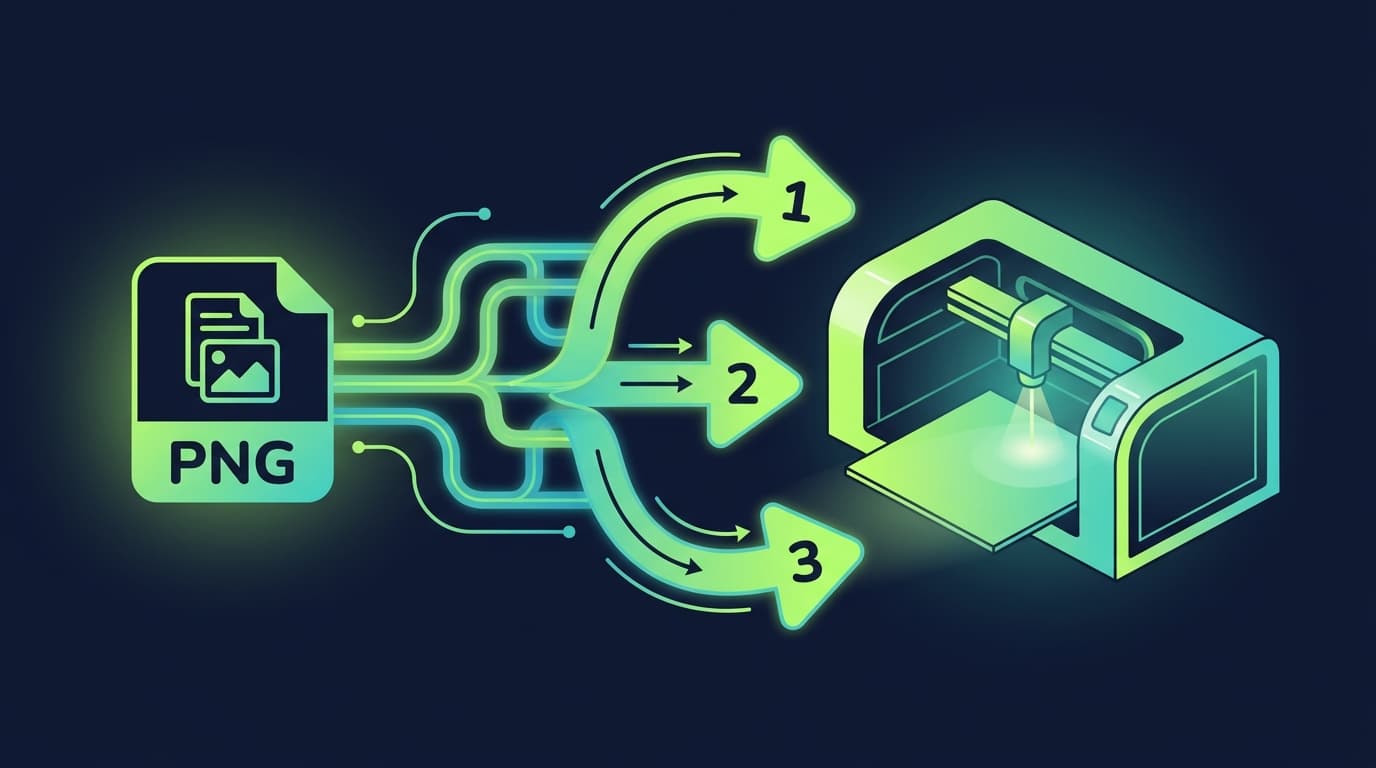
PNG to Laser-Ready Vector: A Beginner's Guide
Brand new to laser cutting? Here's exactly how to turn a PNG image into a vector file your laser can cut. No design experience needed.
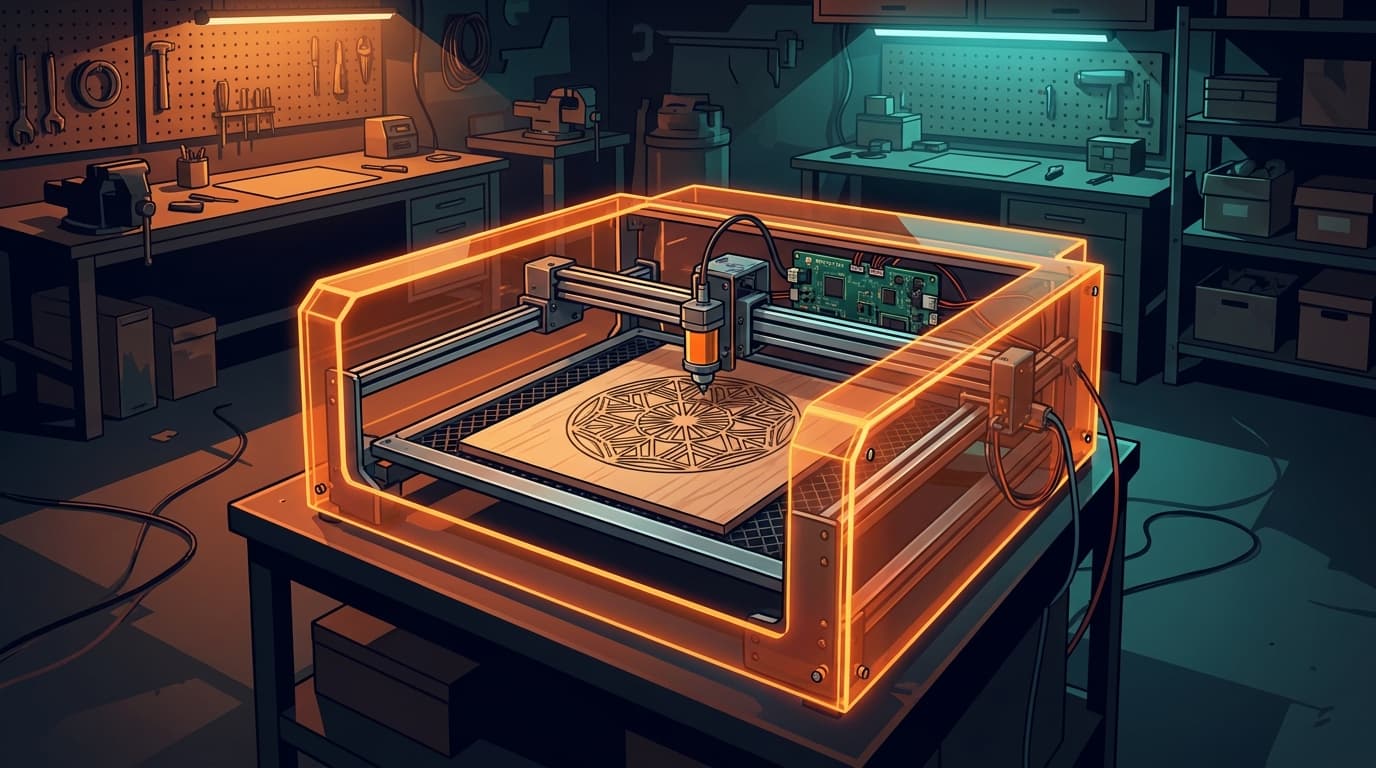
Image to Vector for K40 and OMTech Laser Cutters: Workflow and Settings
Convert PNG/JPG to vector for K40 and OMTech laser cutters. LightBurn workflow, RDWorks tips, power/speed settings for the most common materials.
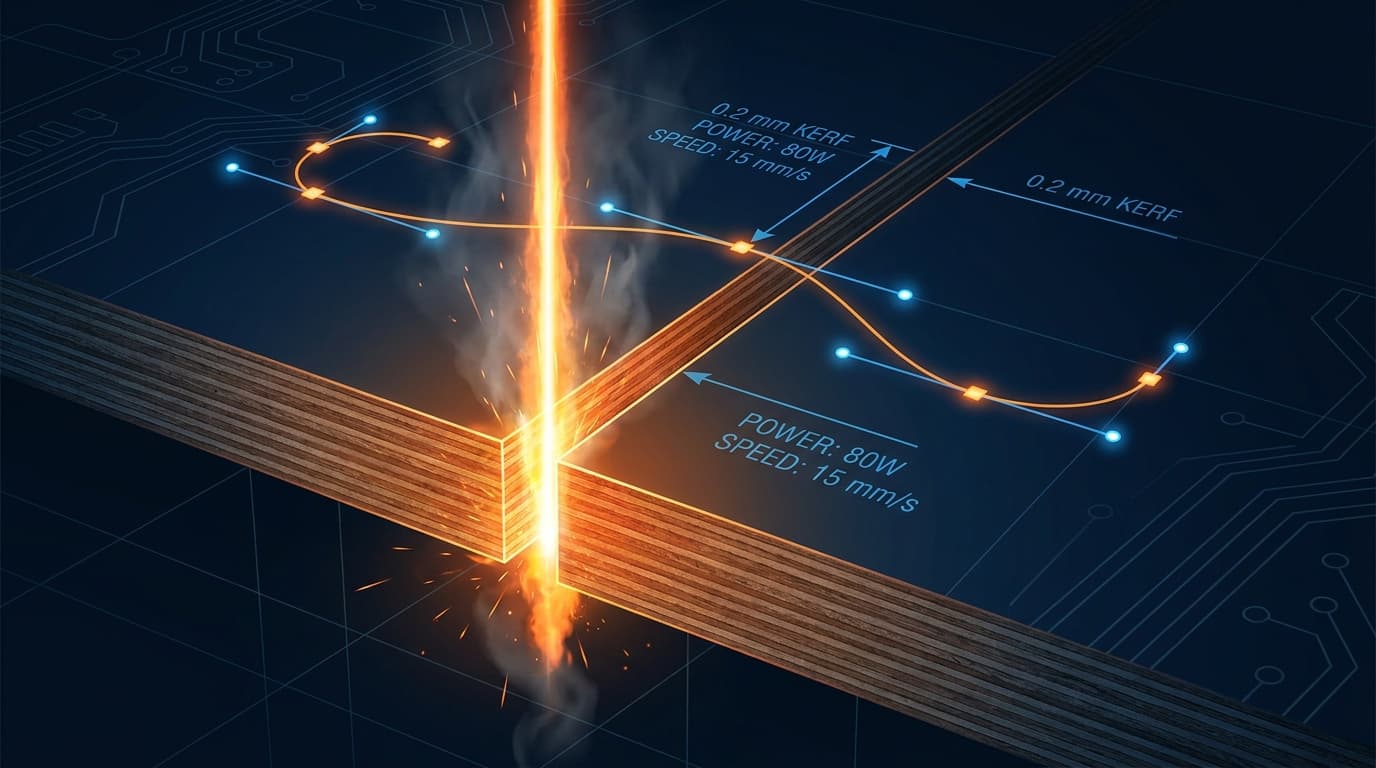
Laser Cutting File Optimization: Paths, Layers, Kerf Compensation
Stop wasting time and material on bad files. The 7 optimizations every laser-ready file needs: node count, path direction, kerf, layer separation, and more.
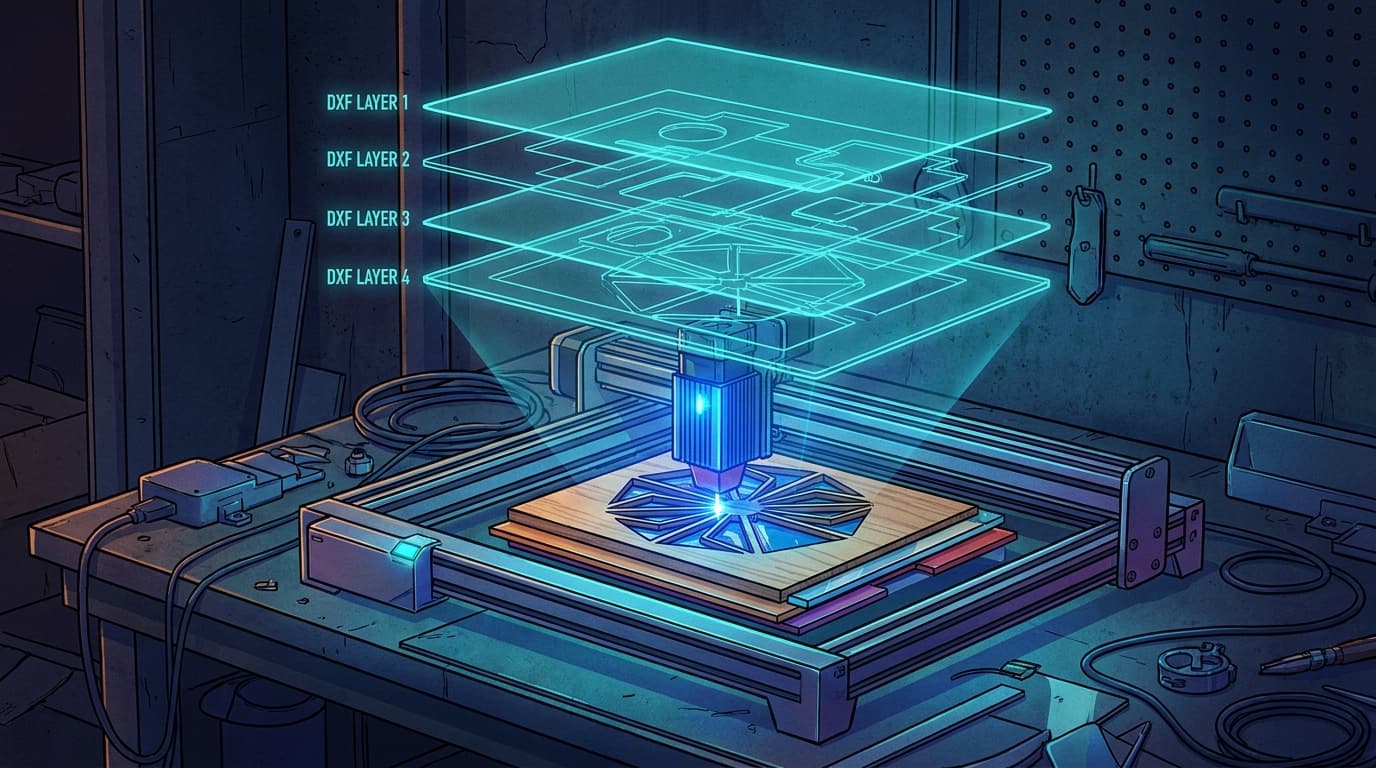
xTool DXF Workflow: Optimal Settings for Engraving + Cutting
Convert images to DXF for xTool D1, D1 Pro, M1, P2, and S1. Power/speed reference settings and the file format gotchas no one mentions.
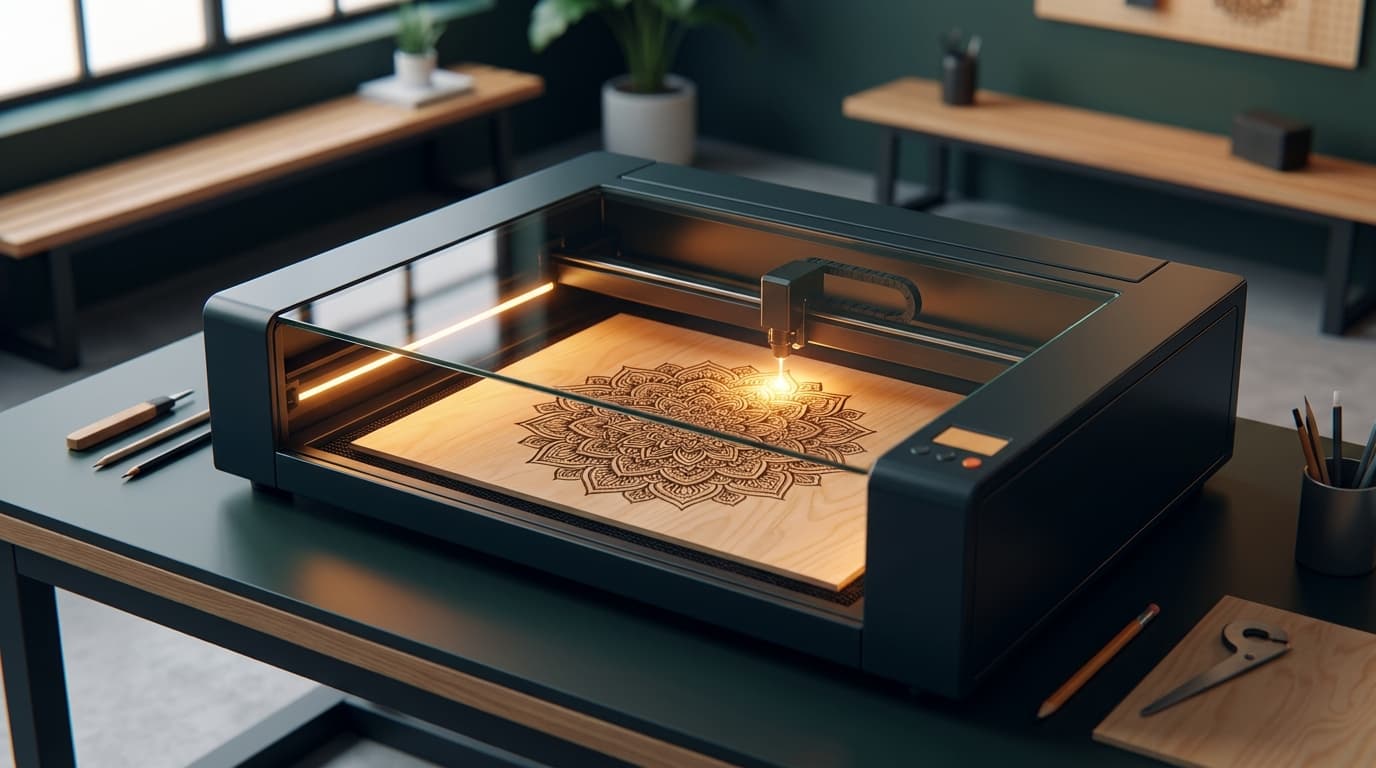
Glowforge SVG Conversion: From Photo to Ready-to-Cut File
Convert any image into a Glowforge-ready SVG. Color conventions for cut/score/engrave, file size limits, and the exact settings that work.

How to Convert Any Photo to a Laser Cutting File in 5 Minutes
From a phone photo to a laser-ready SVG/DXF in under 5 minutes. No Photoshop, no Illustrator, no manual tracing required.
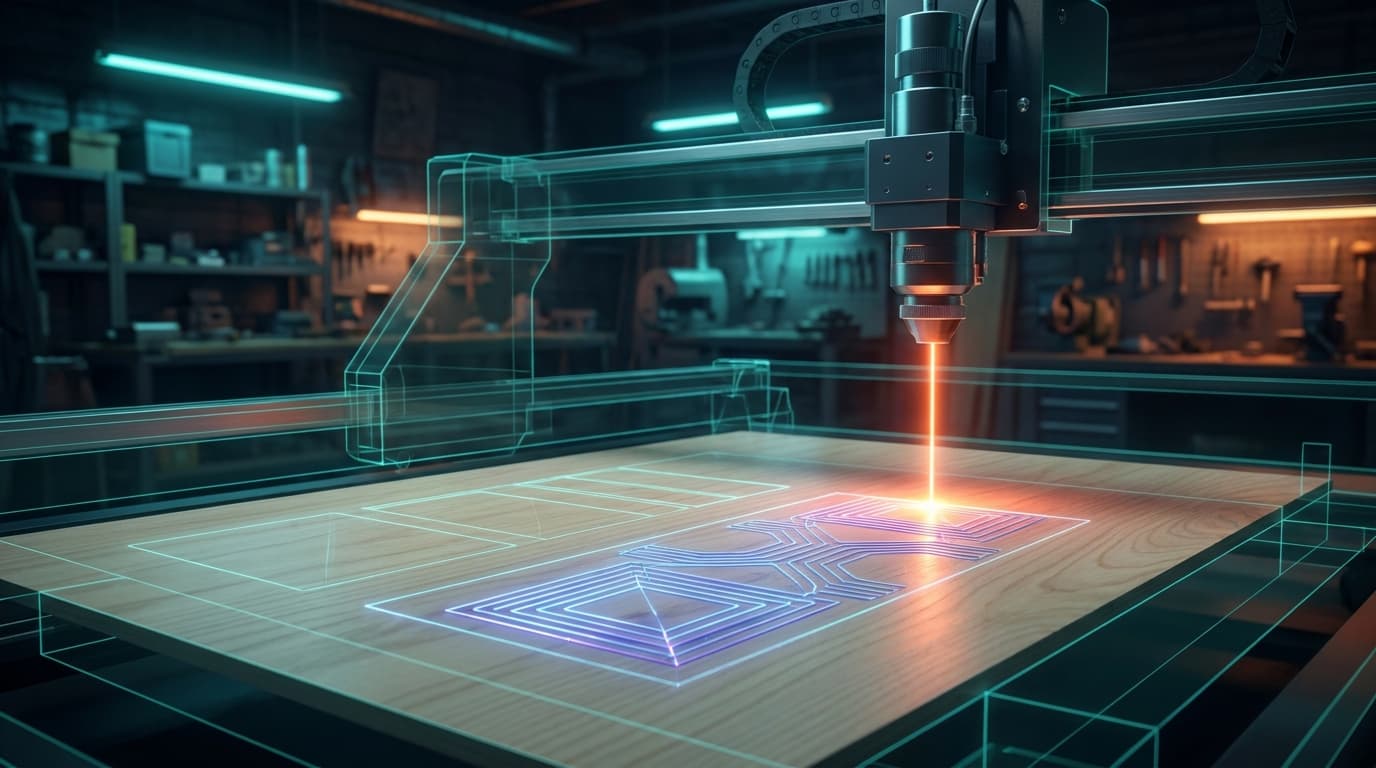
PNG/JPG to DXF: Complete Laser Cutter Workflow Guide
Convert any image to a clean DXF file ready for laser cutting. Compatible with LightBurn, RDWorks, T2Laser, Glowforge, xTool, and Snapmaker.
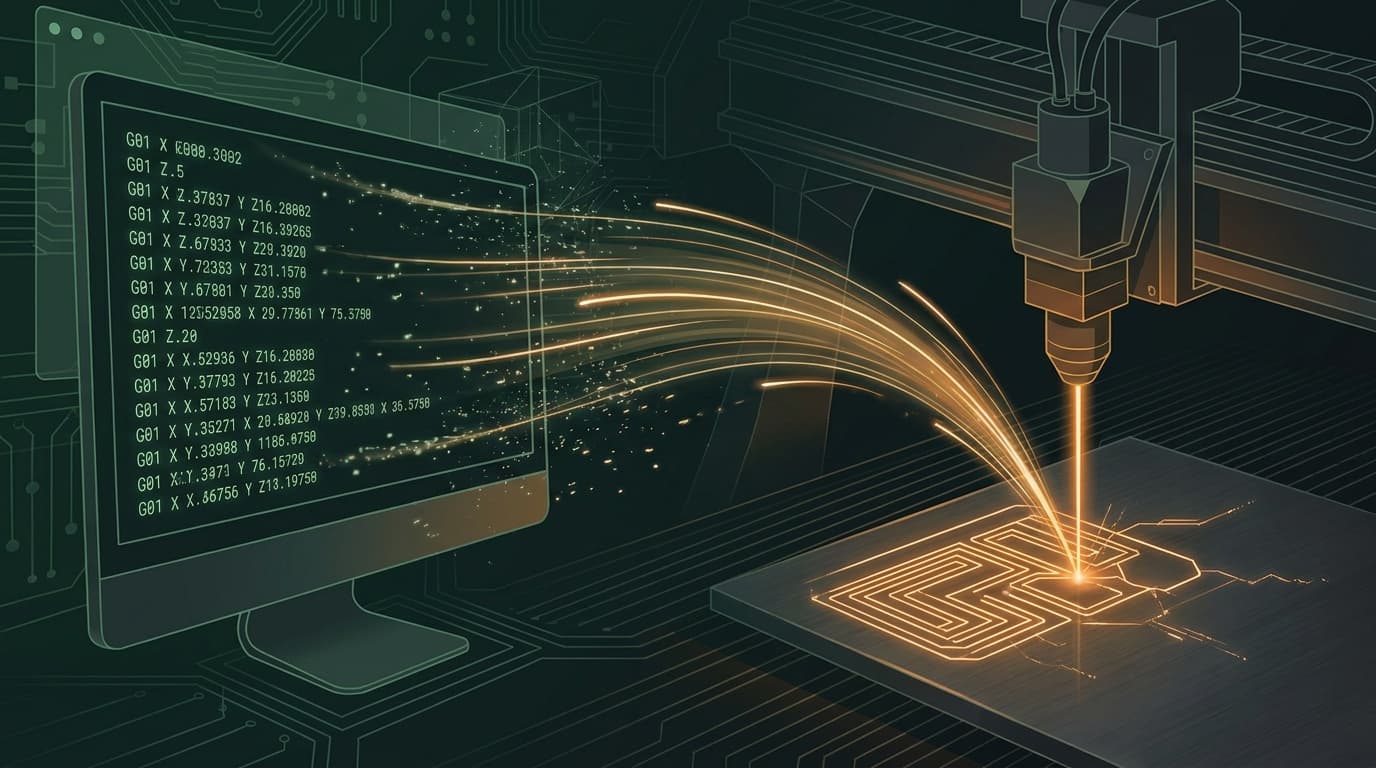
Image to G-code for Laser Cutting: The Complete 2026 Guide
Convert any photo or image to laser-ready G-code in minutes. Step-by-step workflow with machine-specific settings for Glowforge, xTool, K40, and OMTech.