
Guide
Comprehensive guides covering best practices for vector graphics and design.
77 articles in this category
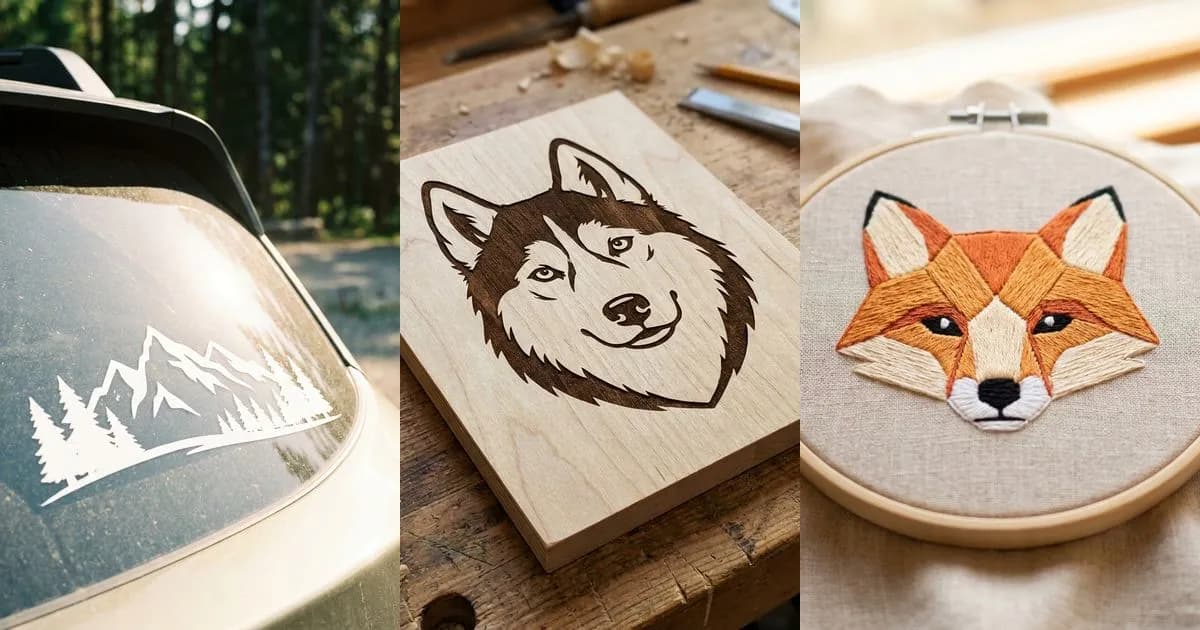
One Photo, Three Machines: What a Cricut, a Laser and an Embroidery Machine Each Make From the Same Picture
The same phone photo can become a car decal, an engraved wooden sign and an embroidered cap. Here is what each machine needs, 15 projects to try, and how to pick a picture that works.

UV DTF vs DTF in 2026: Which One Should Your Shop Actually Buy?
Three shared letters, two different businesses. Equipment, application, durability, margins, and the part nobody covers: why the artwork that works for one will fail on the other.

Sublimation vs DTF vs UV DTF in 2026: Which Fits the Orders You Actually Get?
Three transfer methods, three different customer bases. What each one can print on, where each fails, and the artwork rules that differ more than the marketing admits.

Screen Print Separations in 2026: Manual, Automatic, or Send It Out?
Colour separation is where screen printing jobs are won or lost. What automatic separation genuinely handles, where it falls apart, and how to judge whether a file is worth separating at all.

Best DTF File Preparation Tools in 2026: RIP, Design, Background Removal or Vector?
DTF software lists compare tools that do completely different jobs. Here is the comparison by job instead: what a RIP will not do, when a background remover is enough, when you actually need vector, and when no tool can help.

Fiber and MOPA Laser File Prep: Why Files That Cut Fine Mark Badly on Metal
New fiber and MOPA machines like the Creality Falcon T1 and xTool F Ultra series put metal marking on a lot of benches this year. Files that cut perfectly on a diode laser often mark badly on them, and it is almost never the settings — it is closed paths, path count, texture and units. Here is what to check before the beam touches metal.

Why Your DTF Transfer Prints a White Box (and the 10-Second Check That Prevents It)
DTF generates its white underbase from the transparency in your file, so anything opaque gets printed — including the background. Here is why a JPG can never be transparent, the four different white-box symptoms and what each one means, and the ten-second check on a black background that catches all of them before you waste film.

UV DTF Is Not DTF: The File Rules That Waste Your First Roll
UV DTF transfers get cut around the design, so the contour inherits every flaw in your artwork edge. Here is what carries over from DTF, what does not, and the check that catches it before you commit a roll.
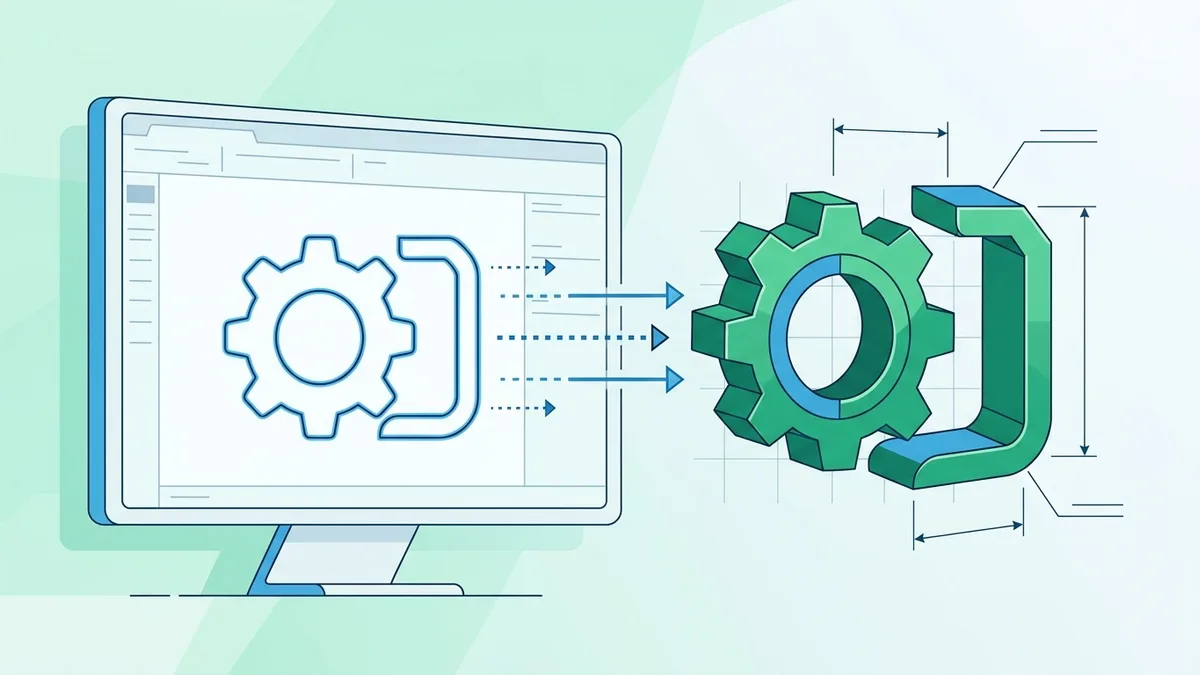
SVG to STL: Turning a Flat Vector Into a Printable 3D Model (Every Workflow That Works)
The extrusion from SVG to STL is one number applied in software you already own. The hard part is the SVG underneath. Here is every workflow that actually works — slicer import, CAD extrusion, online converters — and the geometry rules that decide whether your vector extrudes cleanly.
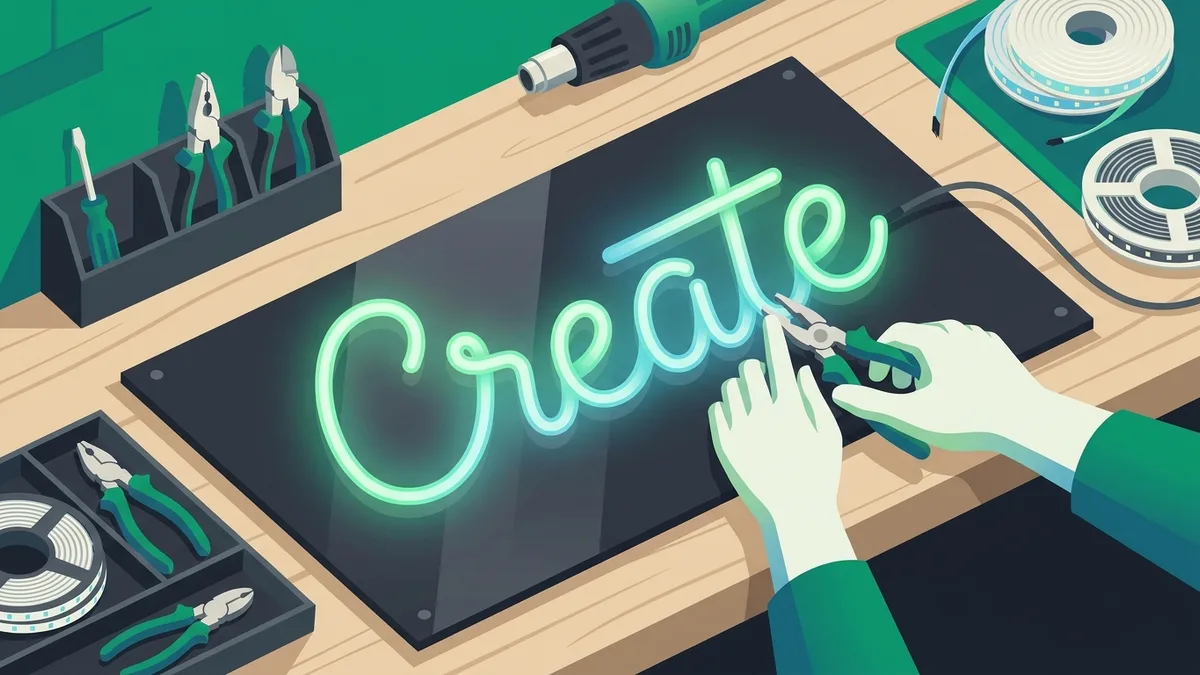
LED Neon Sign Design Files: Single-Stroke Paths, Bend Limits, and What Fabricators Actually Need
LED neon flex follows a line, not a filled shape. Here is what a fabrication-ready neon design file actually contains: centerline paths, real bend radius limits (15mm micro flex to 60mm sign-trade product), letter jump planning, and the DXF backing panel layer.

Convert a Logo to a Vinyl Cut File: The Sign Shop Workflow, Start to Weed
A customer JPG cannot drive a plotter. Here is the full workflow sign shops use to turn a logo into a weedable vinyl cut file: vectorize with limited colors, split one layer per roll, check stroke widths and counters, handle multi-layer registration, and verify the file before the blade drops.
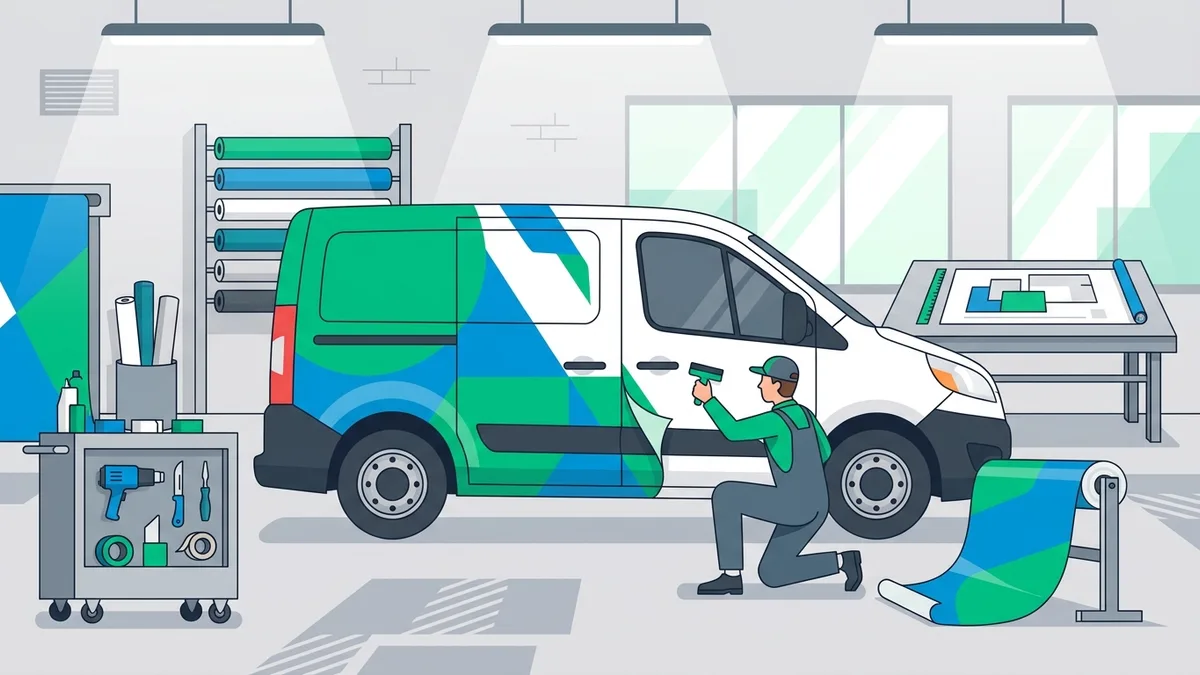
Vehicle Wrap and Lettering Graphics: When You Need Vectors, and at What Sizes
Printed wraps tolerate surprisingly low resolution; cut vinyl lettering tolerates none. Here are the actual file requirements for vehicle graphics — with the viewing-distance math, panel and bleed basics, and a workflow for rescuing customer logos.
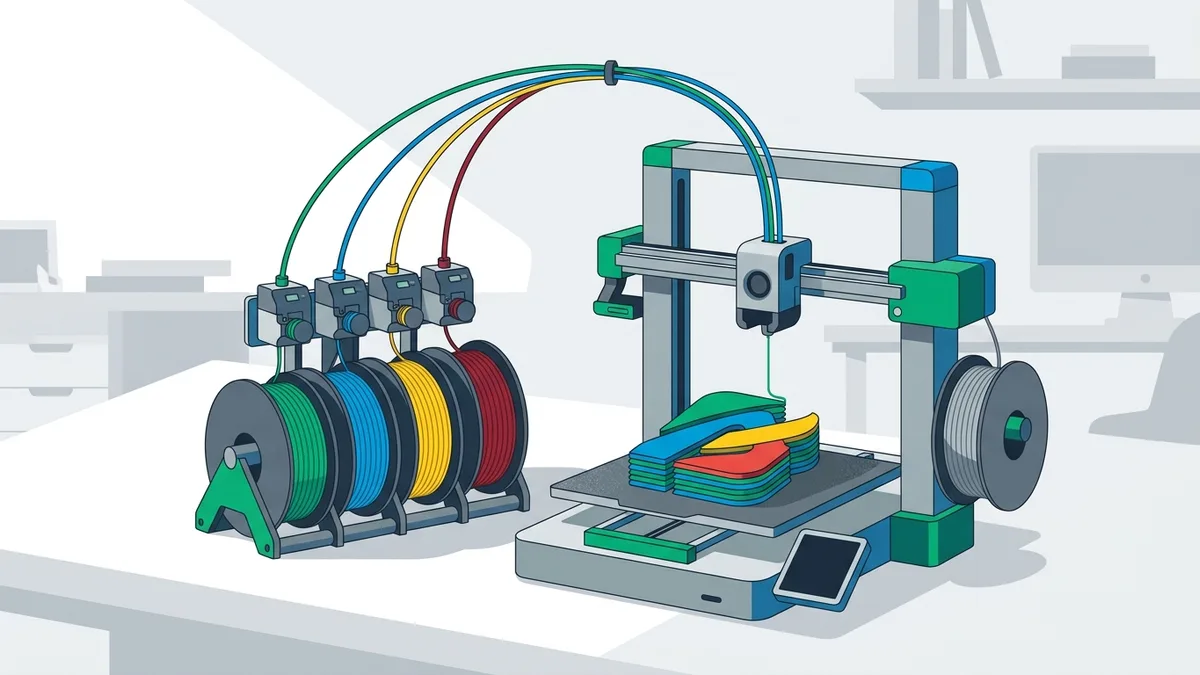
From a Flat Image to a Multicolor 3D Print: Layered Logos, Signs and Desk Art with an AMS
The layered-extrusion workflow for turning a flat logo or graphic into a multicolor print: why stacked painter-model SVGs z-fight the moment you extrude them, how non-overlapping planar tiles fix it, and where filament-painting tools like HueForge are honestly the better choice.

Color Separation for Screen Printing: From Customer JPG to Films
Customer JPGs hide thousands of stray colors in anti-aliased edges. The spot-color separation workflow that caps the palette before you ever burn a screen.
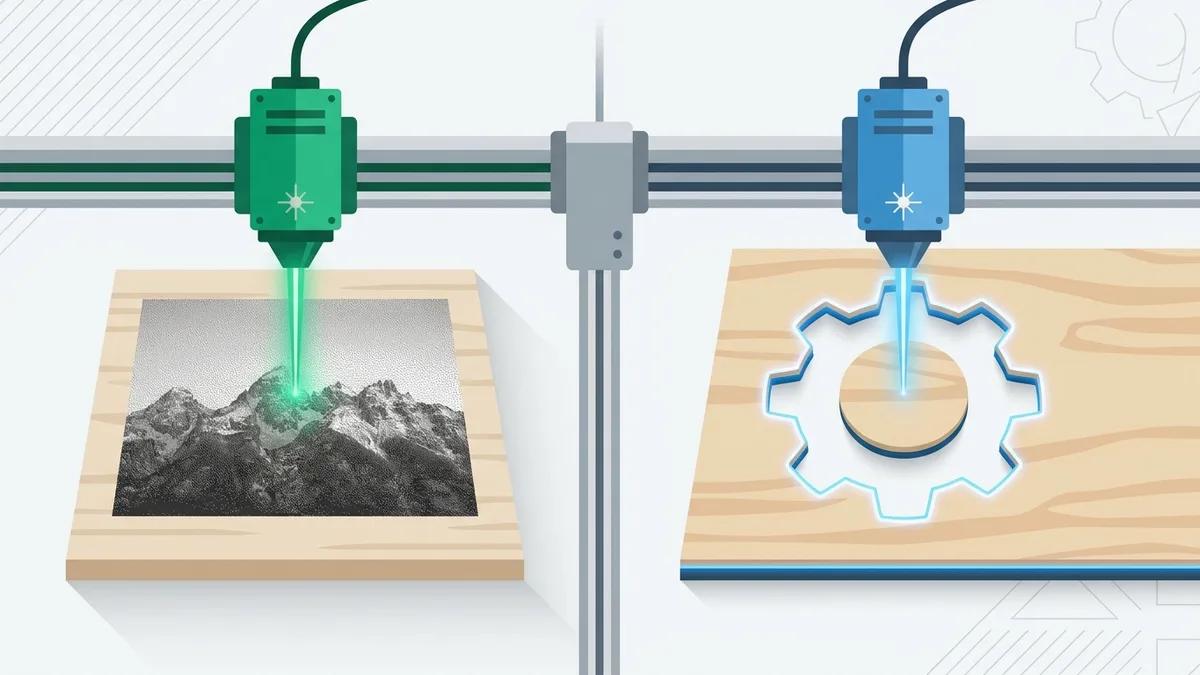
Laser Engraving Photo vs Vector: When to Raster, When to Cut
Your laser has two modes: raster sweeps that burn grayscale photos, and vector paths it cuts or scores. Here is how to tell which one a job needs and how to prepare each file.
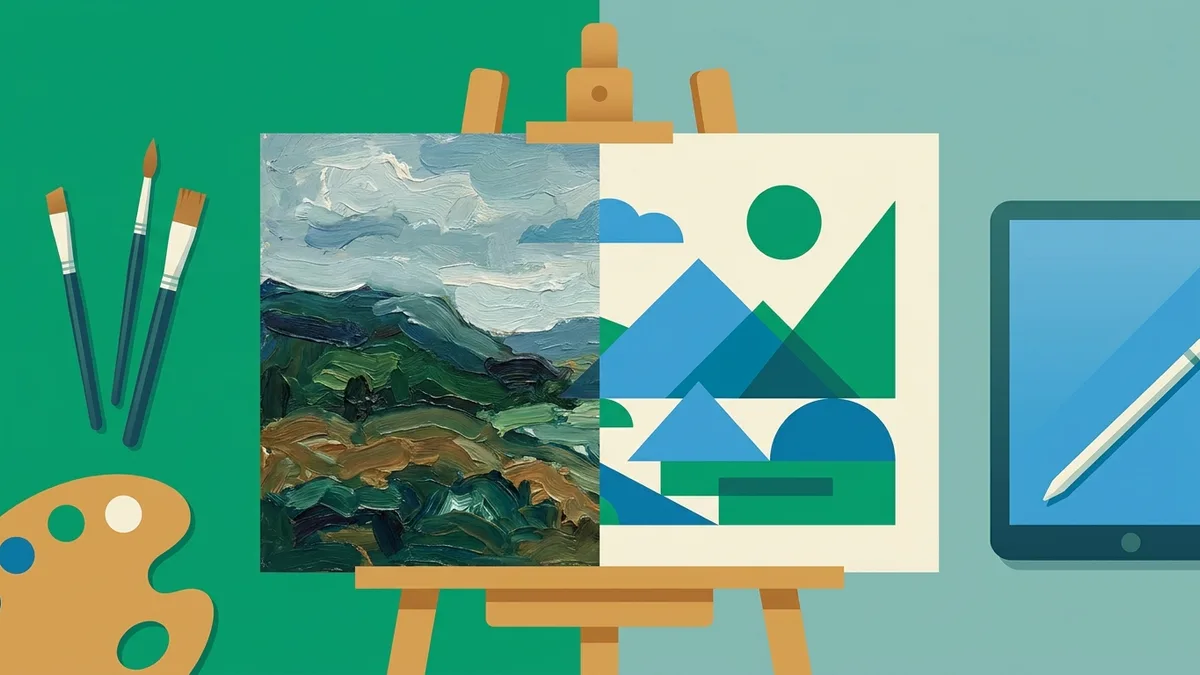
Vectorizing a Painting: The Honest (and Complete) Guide to Image-to-Vector Conversion
Vectorizing a painting means interpreting it, not copying it. How tracers really work, how each medium behaves under conversion, how to prepare your capture — and when not to vectorize at all.
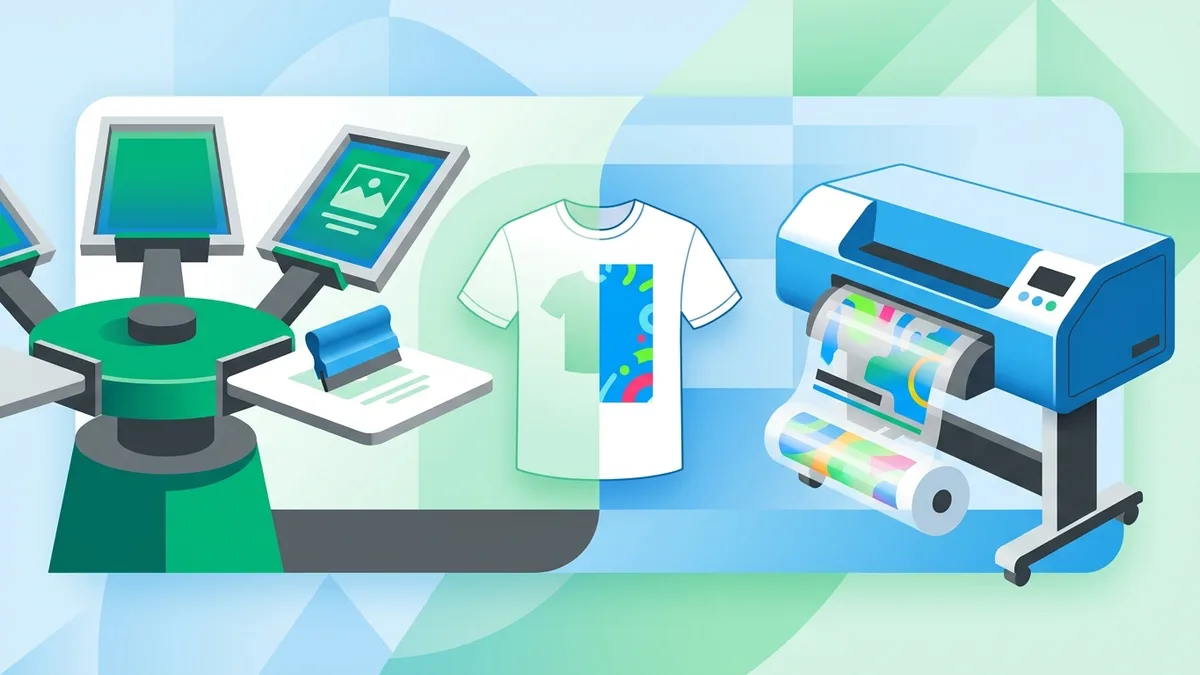
DTF vs Screen Printing: The Real Cost Math (2026)
Screen printing charges per color before the first shirt; DTF charges per square inch forever. The break-even table, where each method punishes you, and the hybrid setup most shops land on.
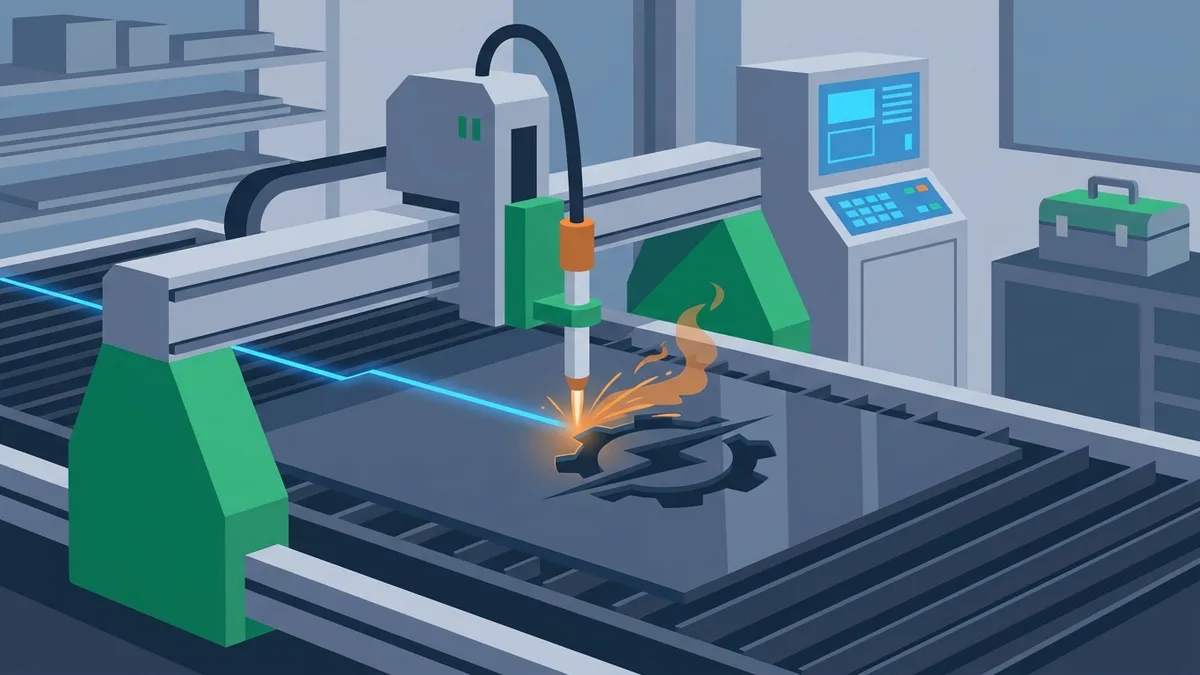
Image to DXF for CNC and Plasma: Cut Paths Machines Accept
A practitioner's guide to turning logos and line art into DXF files CAM software imports cleanly: correct units, closed contours, R12 format, and the plasma limits that decide what can be cut.
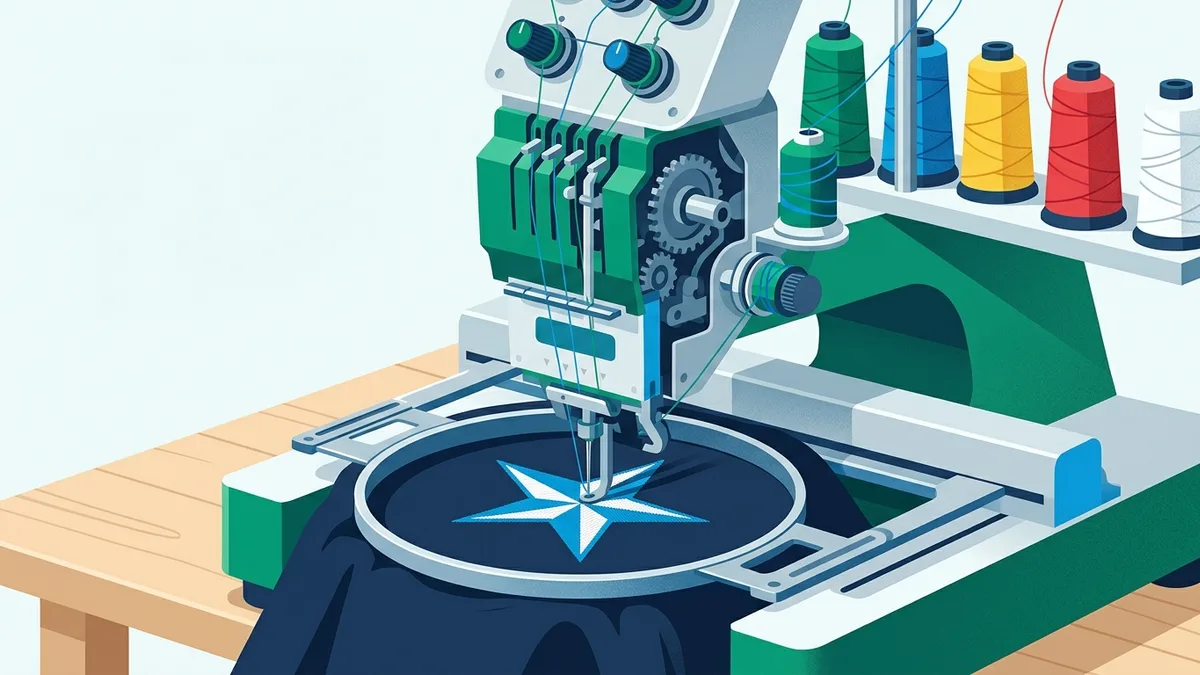
From Image to Embroidery File: What Your Machine Actually Needs
A DST or PES file encodes needle movements, not shapes — so no tool converts a JPG straight to stitches. Here is the honest pipeline, and where automated vectorization actually helps.
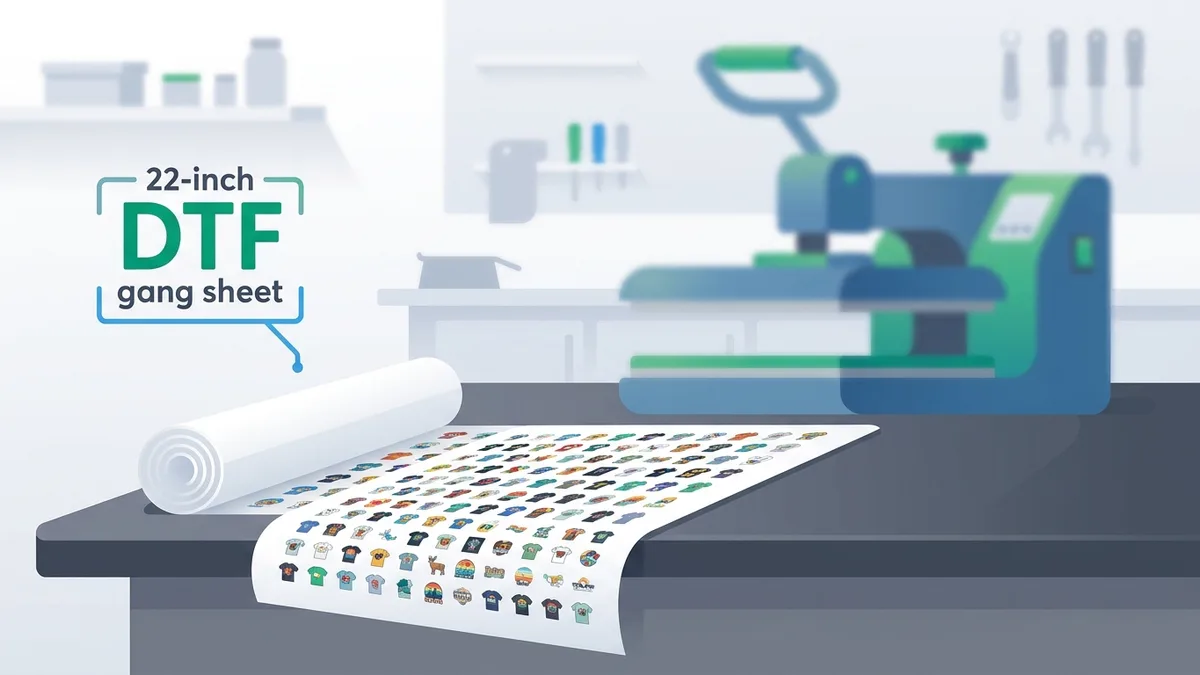
DTF Gang Sheet Sizes: The Complete Chart and the Capacity Math
Standard DTF gang sheet sizes (22×12" to 22×120"), an honest capacity table for common design sizes, the file rules that prevent misprints, and why fill rate decides your real cost per design.
Soccer SVGs for World Cup 2026: The Craft Seller’s Guide (What You Can Legally Sell)
The 2026 World Cup is in the US, Canada, and Mexico, and soccer craft demand is spiking. What you can legally sell, what gets Etsy shops suspended, and how to turn a design idea into a cut-ready soccer SVG in minutes.
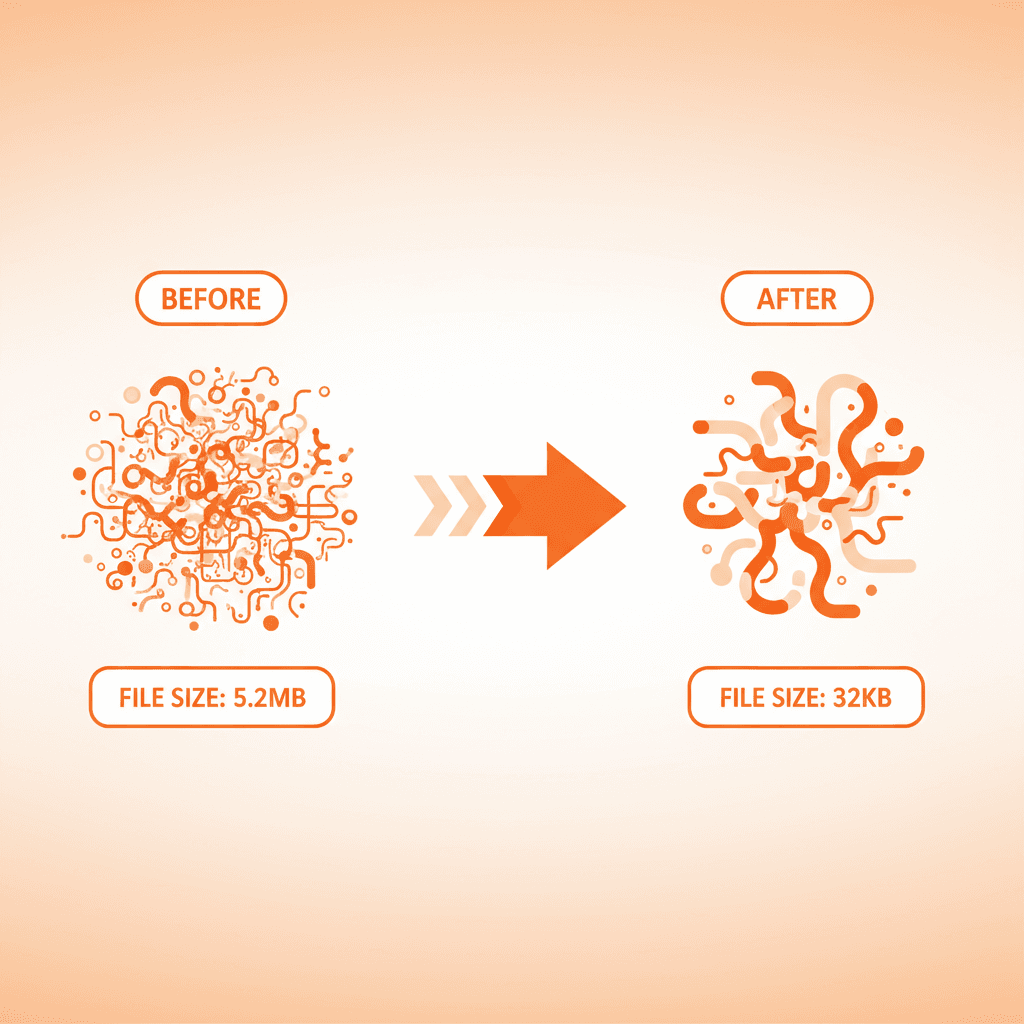
SVG Optimization: How to Reduce File Size by 60% Without Losing Quality
Bloated SVGs slow down your site. This guide covers SVGO, manual cleanup, VectoSolve post-processing, and the tools that actually make a difference.

Shopify x ChatGPT: How to Sell SVG Files to 880 Million Users Through AI
Shopify just activated Agentic Storefronts — letting 5.6 million merchants sell directly inside ChatGPT, Google AI, and Copilot. Here's how SVG sellers can capitalize on this massive shift.

AI Image Upscaling: When and How to Upscale Before Vectorizing
Low-resolution images produce poor SVGs. This guide explains when upscaling helps, how VectoSolve 4x upscaler works, and the optimal workflow.
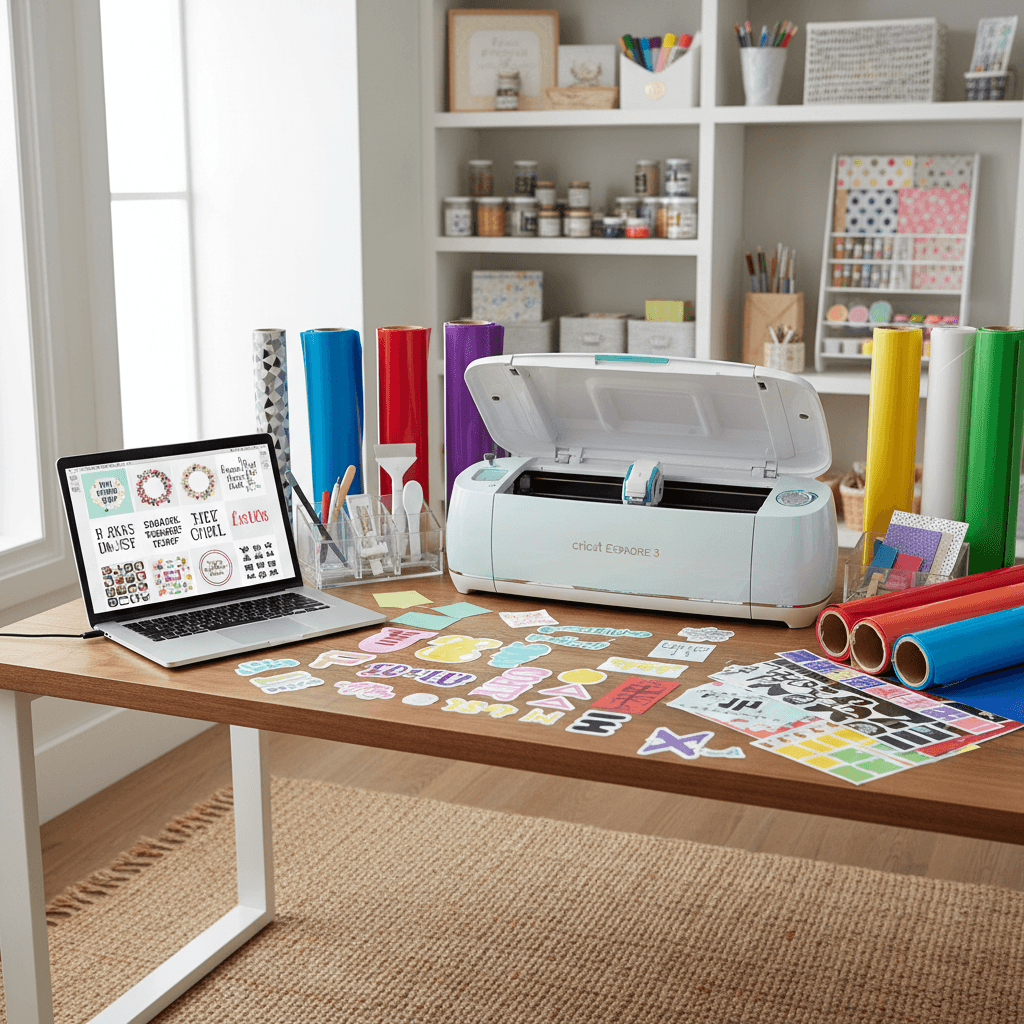
The Complete Cricut Guide 2026: Joy 2, Explore 5, Design Space, SVGs & More
A 2026 Cricut resource covering the new Joy 2 and Explore 5 machines, the redesigned Design Space, Create AI, Smart Materials, Print Then Cut and more.
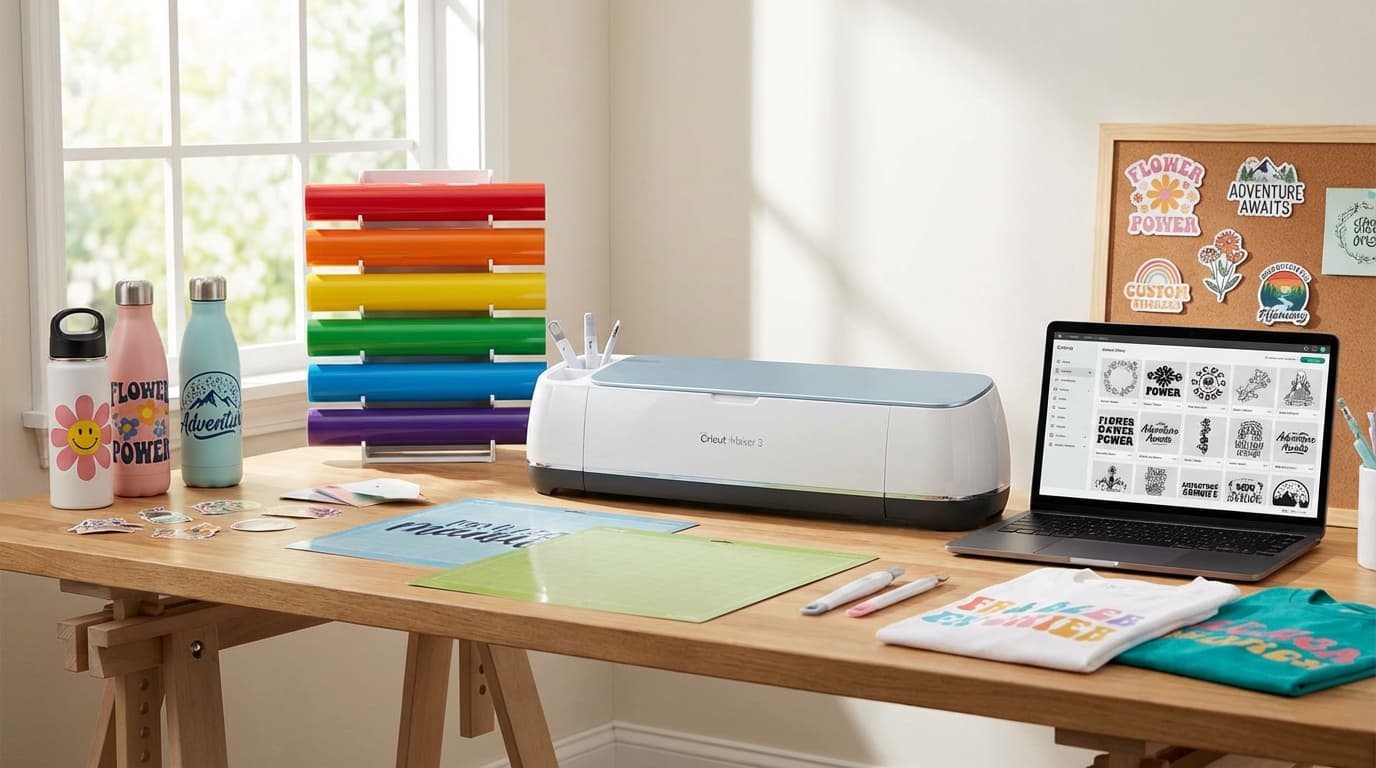
Free SVG Files for Cricut in 2026 — Best Sources + How to Make Your Own with AI
The ultimate 2026 guide to finding free SVG cut files for Cricut, plus how to convert any image into a cut-ready SVG using AI.
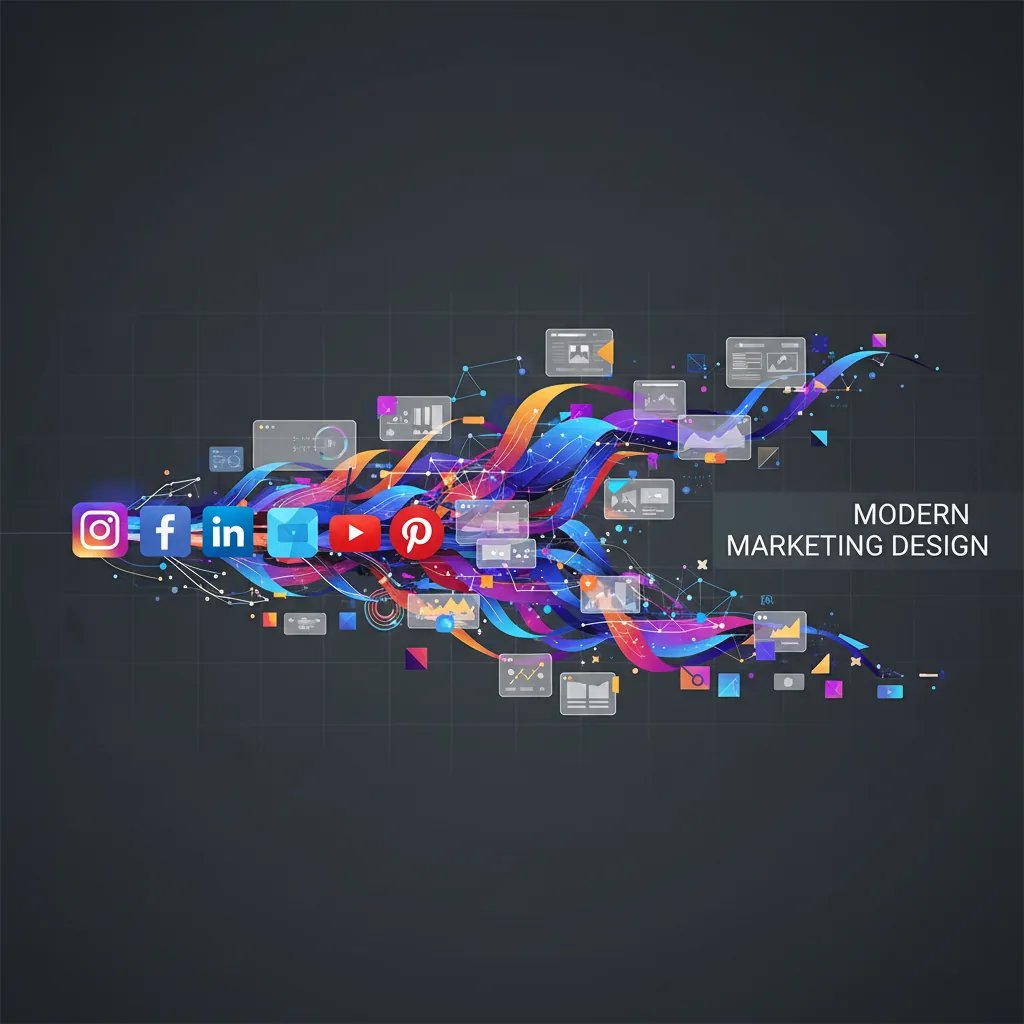
Vector Graphics for Social Media: Complete Size Guide and Best Practices 2026
Master social media graphics with vectors. Complete guide to dimensions, formats, and workflows for creating scalable social media content using SVG and vector tools.

15 St. Patrick's Day SVG Ideas for Cricut & Silhouette (2026), Plus Where to Find Free Files
Get 15 free St. Patrick's Day SVG cut files for Cricut, Silhouette, and other cutting machines. Shamrocks, lucky clovers, leprechaun hats, and festive quotes ready to cut.

How Etsy Sellers Use AI to Write SVG Listings — Complete 2026 Guide
Stop spending hours writing Etsy titles and tags. AI can generate a complete, SEO-optimized listing from your SVG file in seconds — for 0.10 credits.
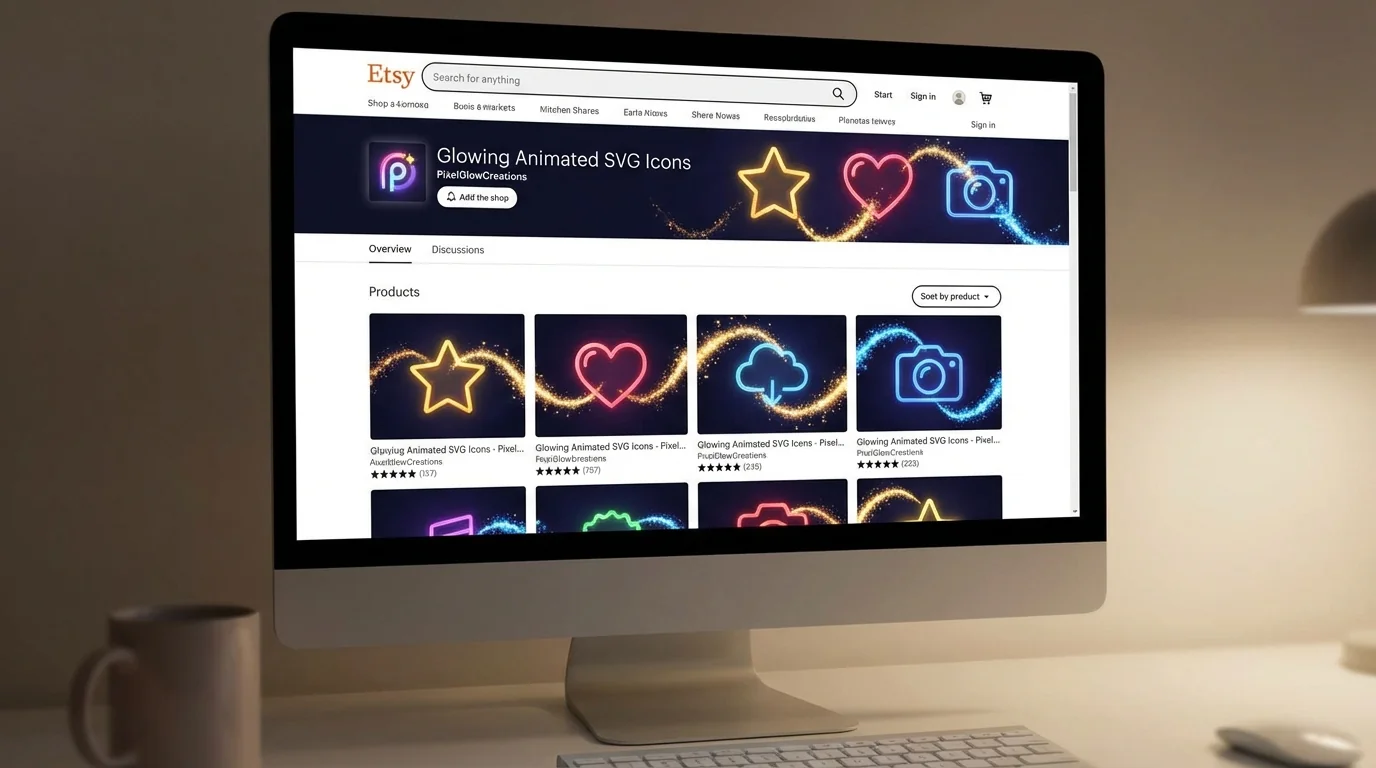
Animated SVGs for Etsy: How AI Animation Boosts Your Listings
Discover how animated SVG product mockups and AI-generated descriptions can increase your Etsy shop visibility and sales.
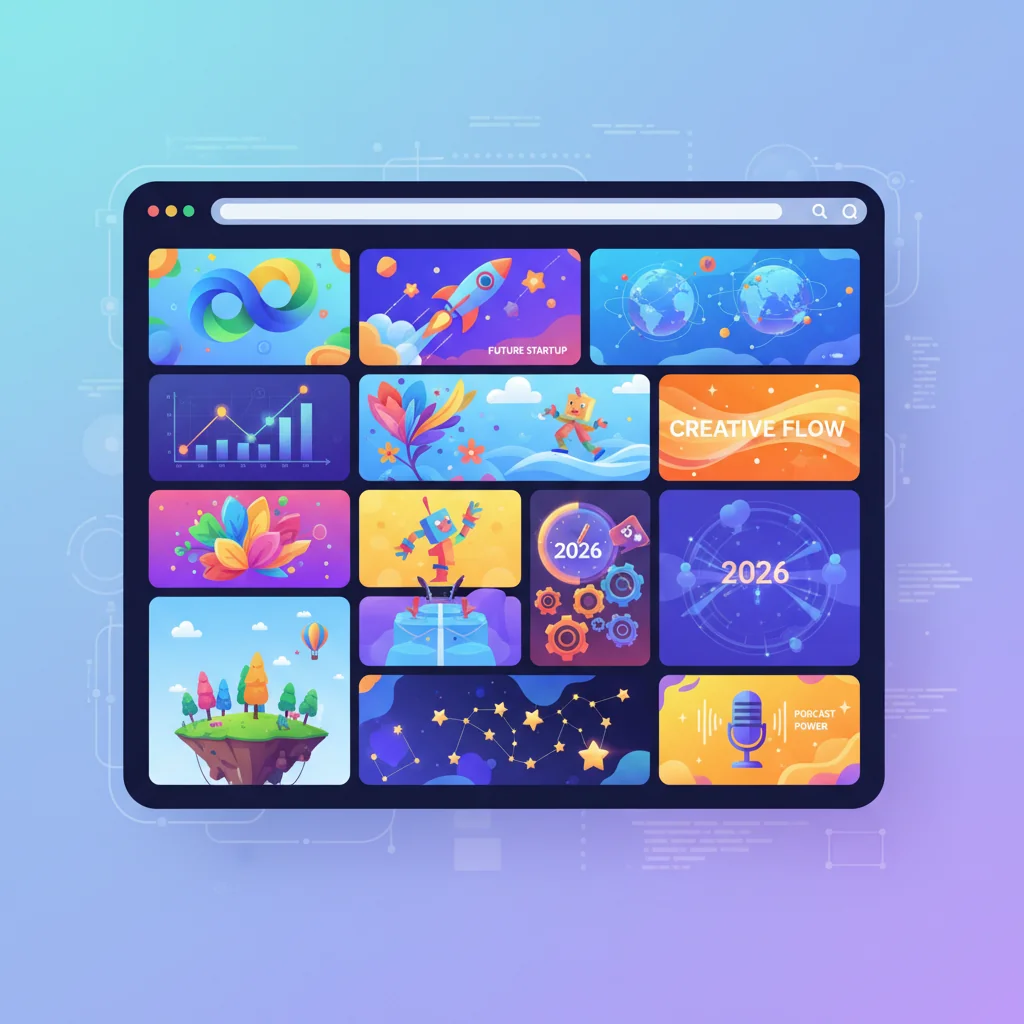
10 Creative Ways to Use Animated SVGs on Your Website in 2026
Discover 10 creative ways to use animated SVGs on your website. From hero sections to loading spinners, learn how to create engaging web experiences.
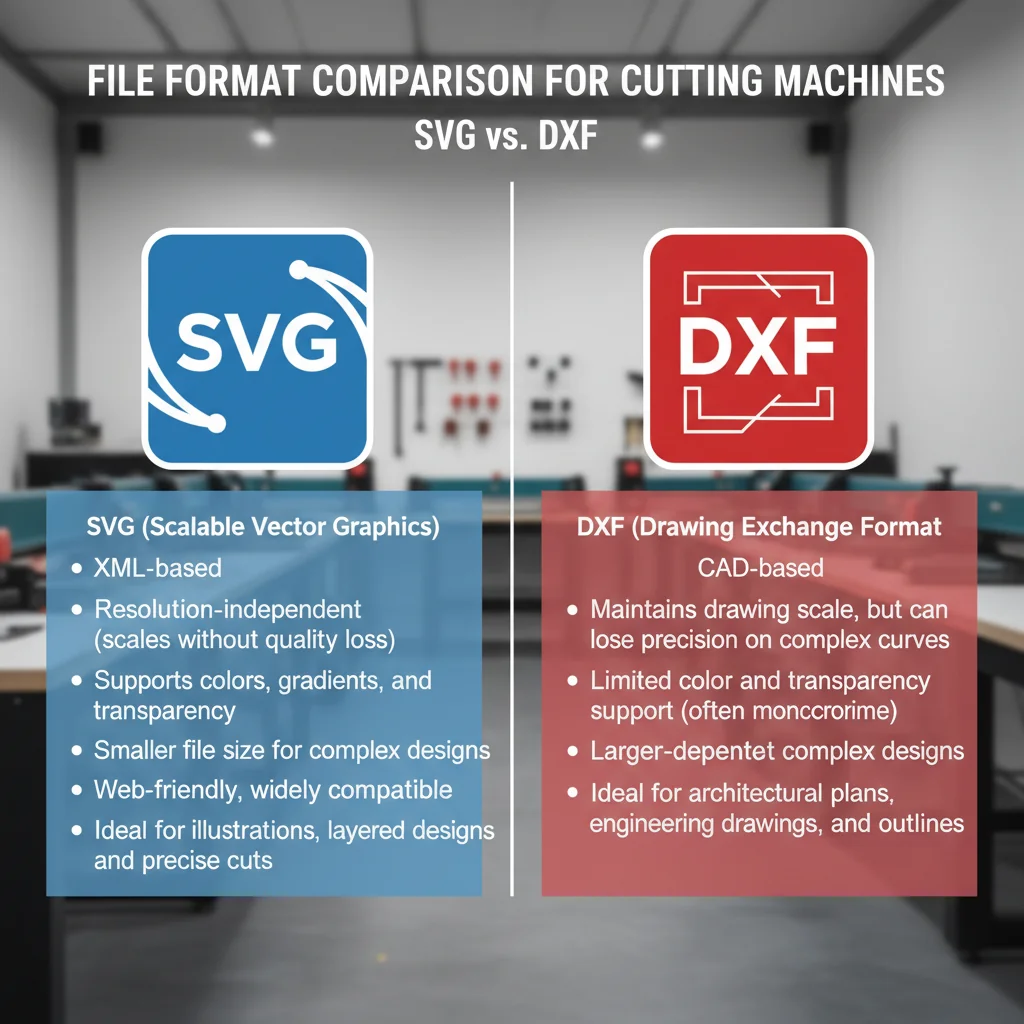
SVG vs DXF: Which Format for Your Cutting Machine?
Confused about SVG and DXF formats? This comparison explains which format to use for Cricut, Silhouette, laser cutters, and CNC machines.
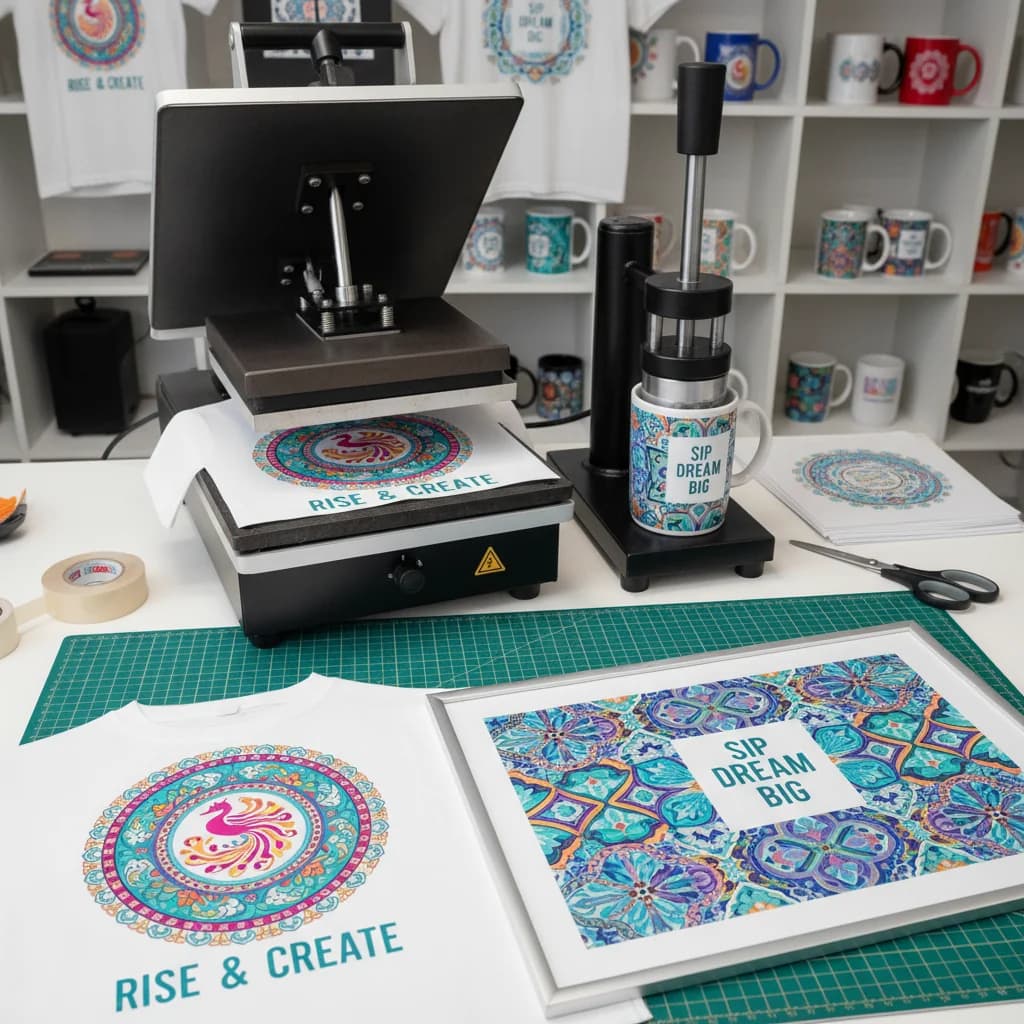
SVG Files for Sublimation Printing: The Complete Beginner's Guide
Everything you need to know about using SVG files for sublimation printing. Materials, software, file preparation, and product ideas.

How to Start an Etsy SVG Shop in 2026 — From Zero to Sales
Step-by-step guide to starting a profitable Etsy shop selling SVG files. Product ideas, pricing strategies, tools, and marketing tips.
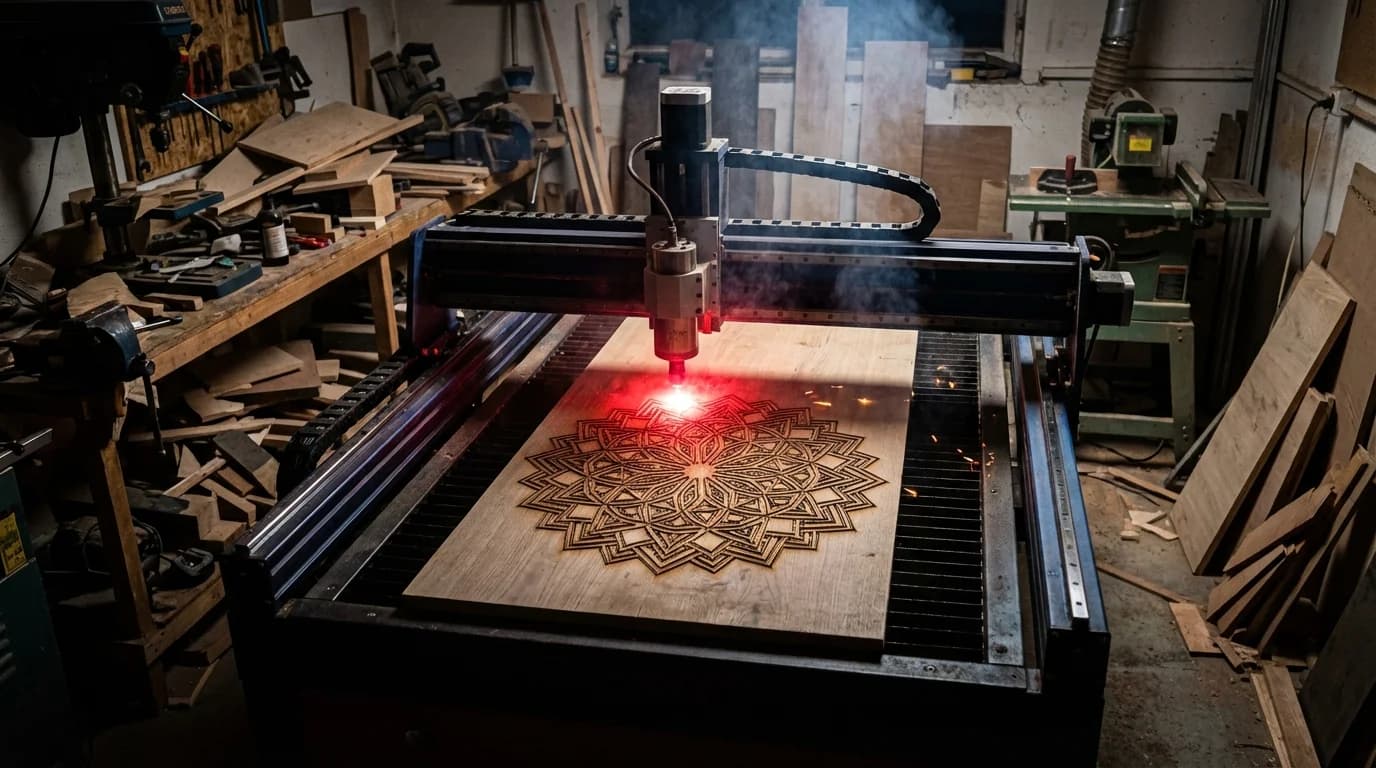
Where to Find the Best SVG Files for Laser Cutting in 2026 (Free & Paid)
Curated list of the best SVG file sources for laser cutting in 2026. Covers free libraries, premium marketplaces, and how to create your own laser-ready SVGs from any image.
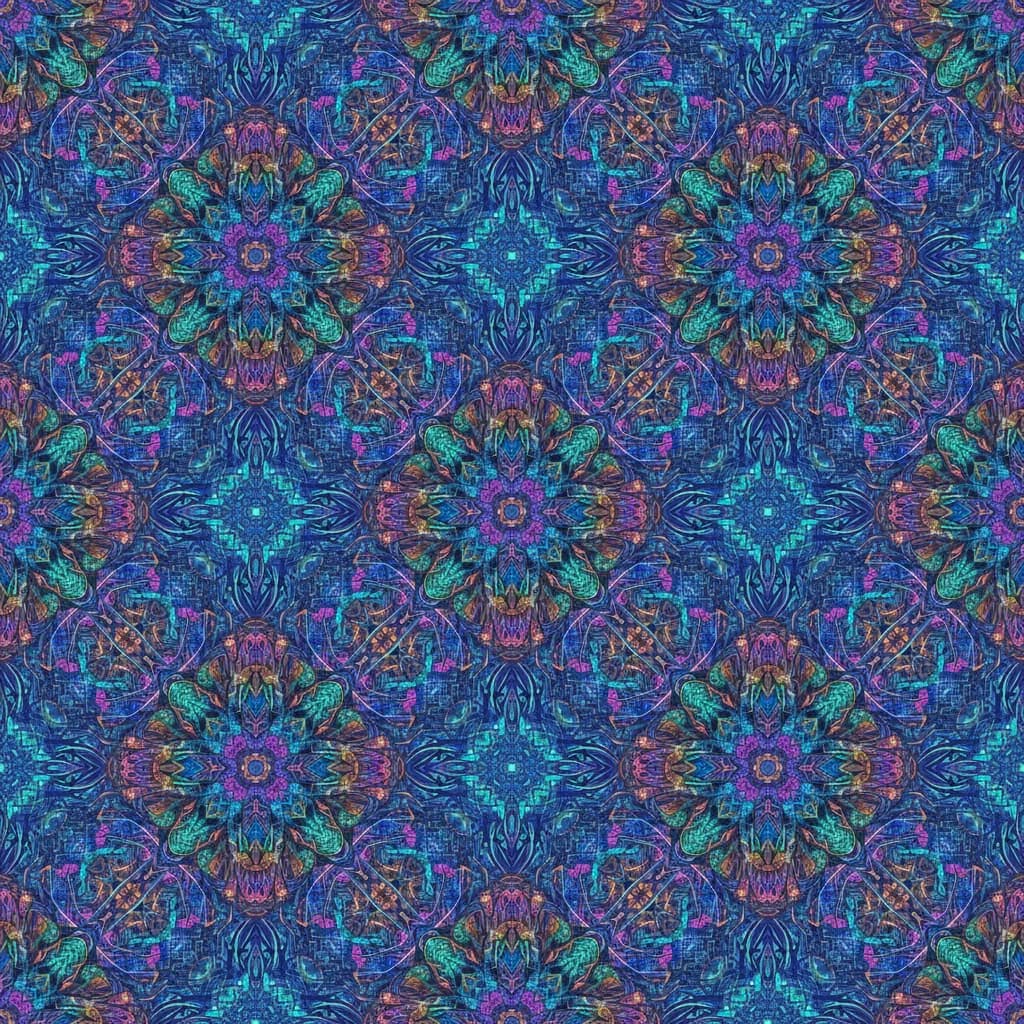
How to Create Seamless Patterns with AI — The Complete Guide for Designers
Create professional seamless patterns for fabric, wallpaper, and products using AI. Step-by-step guide with style tips and commercial use info.
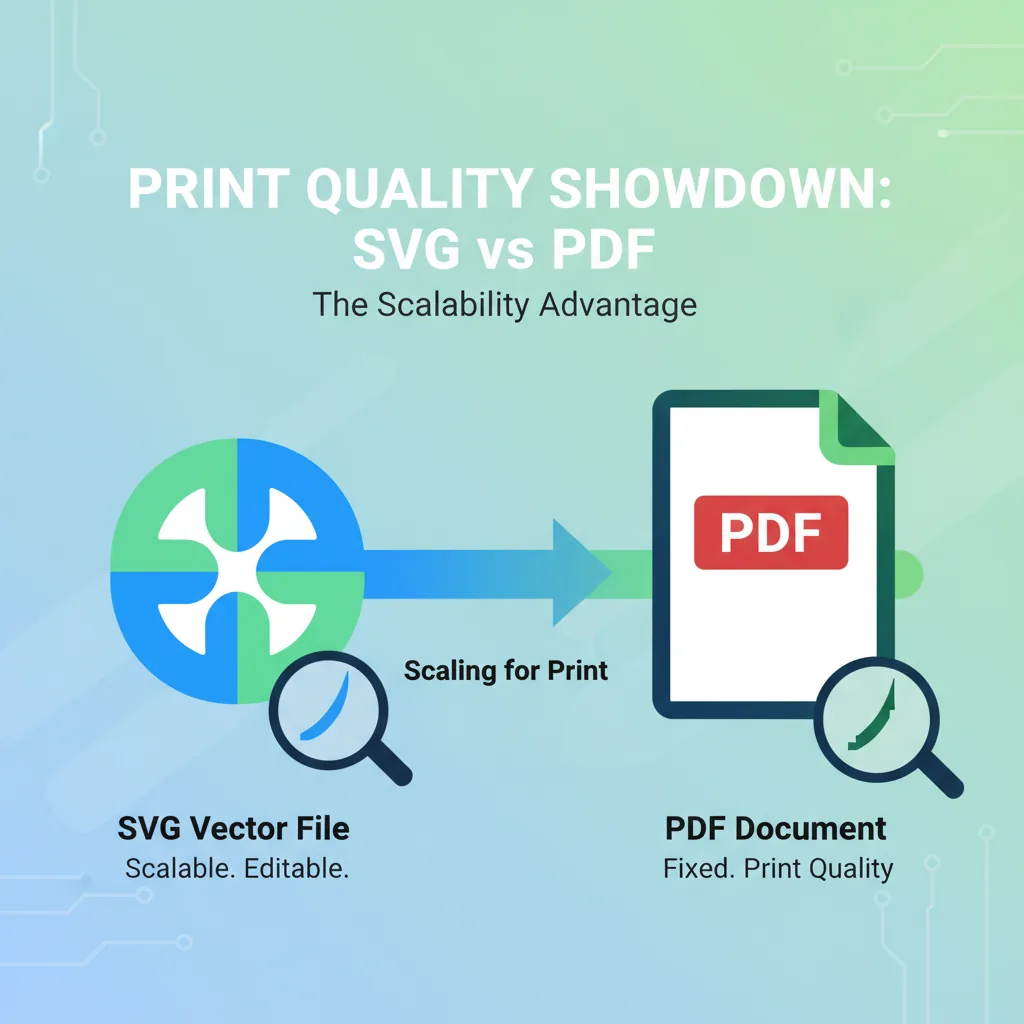
SVG vs PDF for Print: Which Format Gets Better Results? (2026)
Sending files to a printer? Here's when to use SVG vs PDF — and why getting it wrong costs you money and quality.
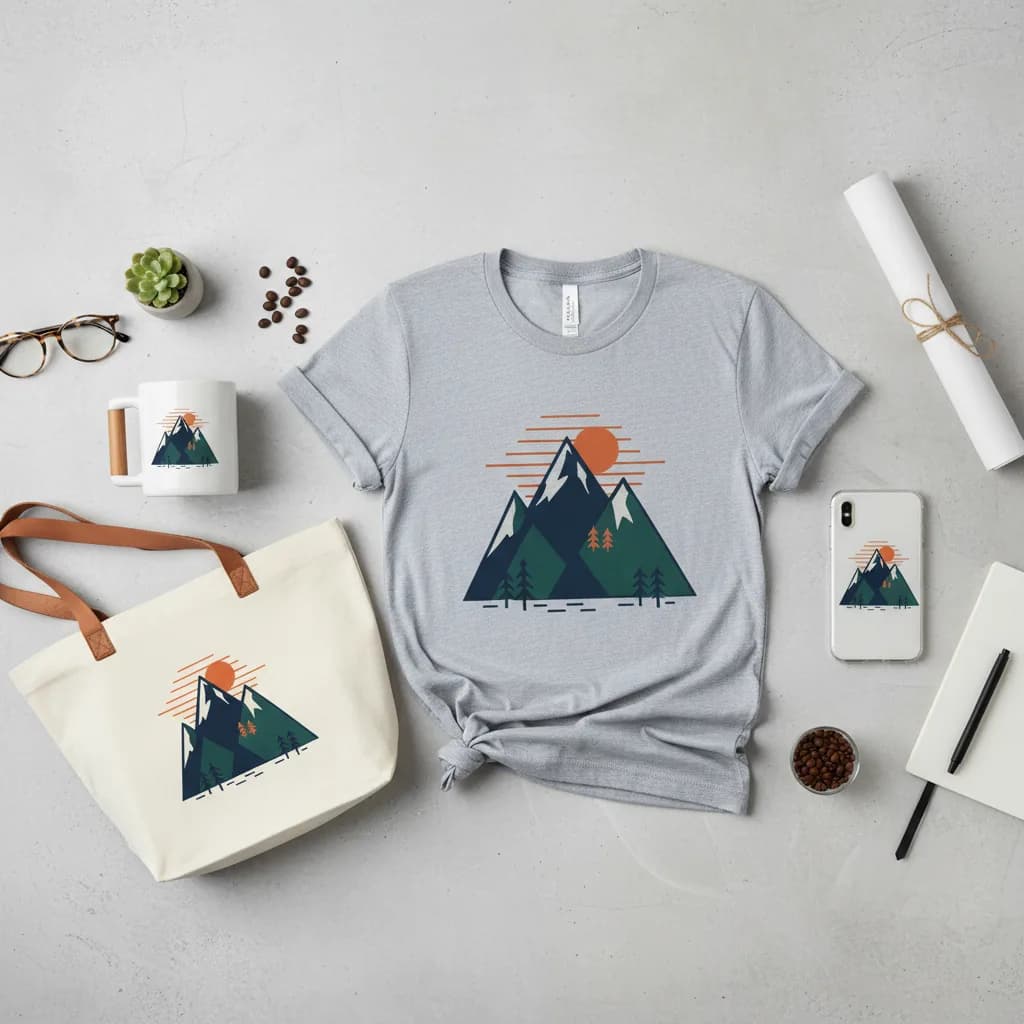
Print on Demand Design Guide 2026: Convert Images to Print-Ready Vectors
The POD market hits $57B in 2026. Here's how to convert your designs into print-ready vectors for Printify, Redbubble, and Etsy.
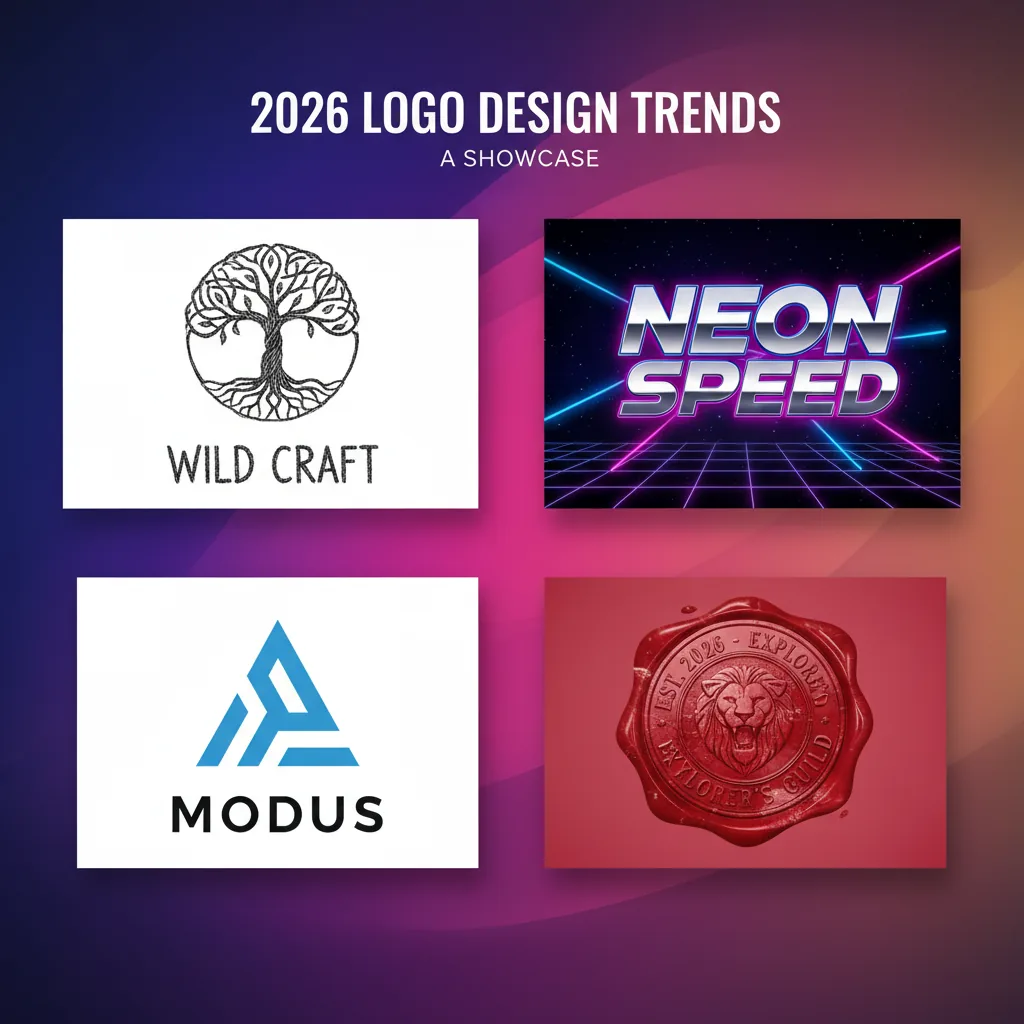
Logo Design Trends 2026: Hand-Drawn, Retro-Futurism & Neo-Minimalism
The biggest logo trends in 2026 all point to one thing: vectorization. From hand-drawn aesthetics to retro revival, here's what's hot.
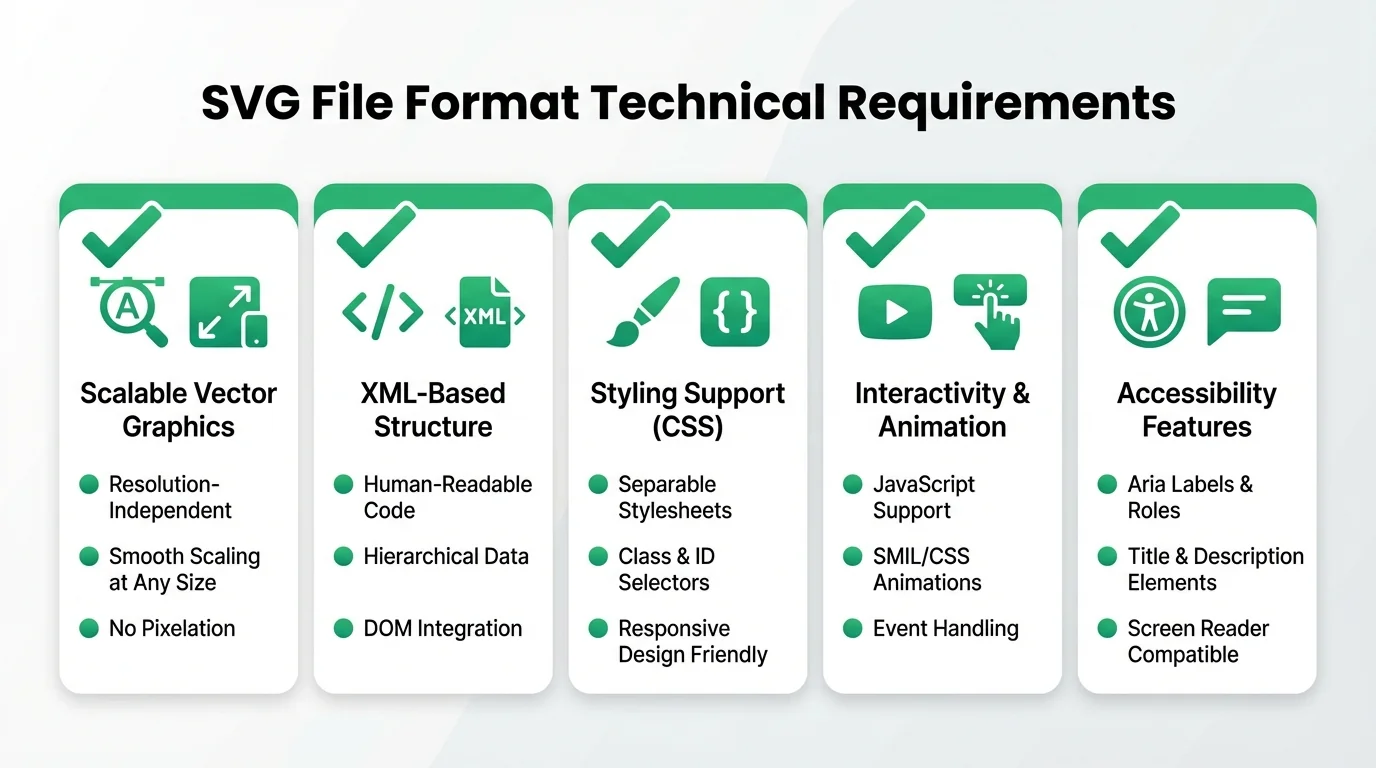
Cricut SVG File Requirements 2026 — Sizes, Formats, Common Errors
Complete guide to Cricut SVG file requirements. Learn the exact format, size, color, and layer specs Cricut Design Space needs for clean cuts every time.
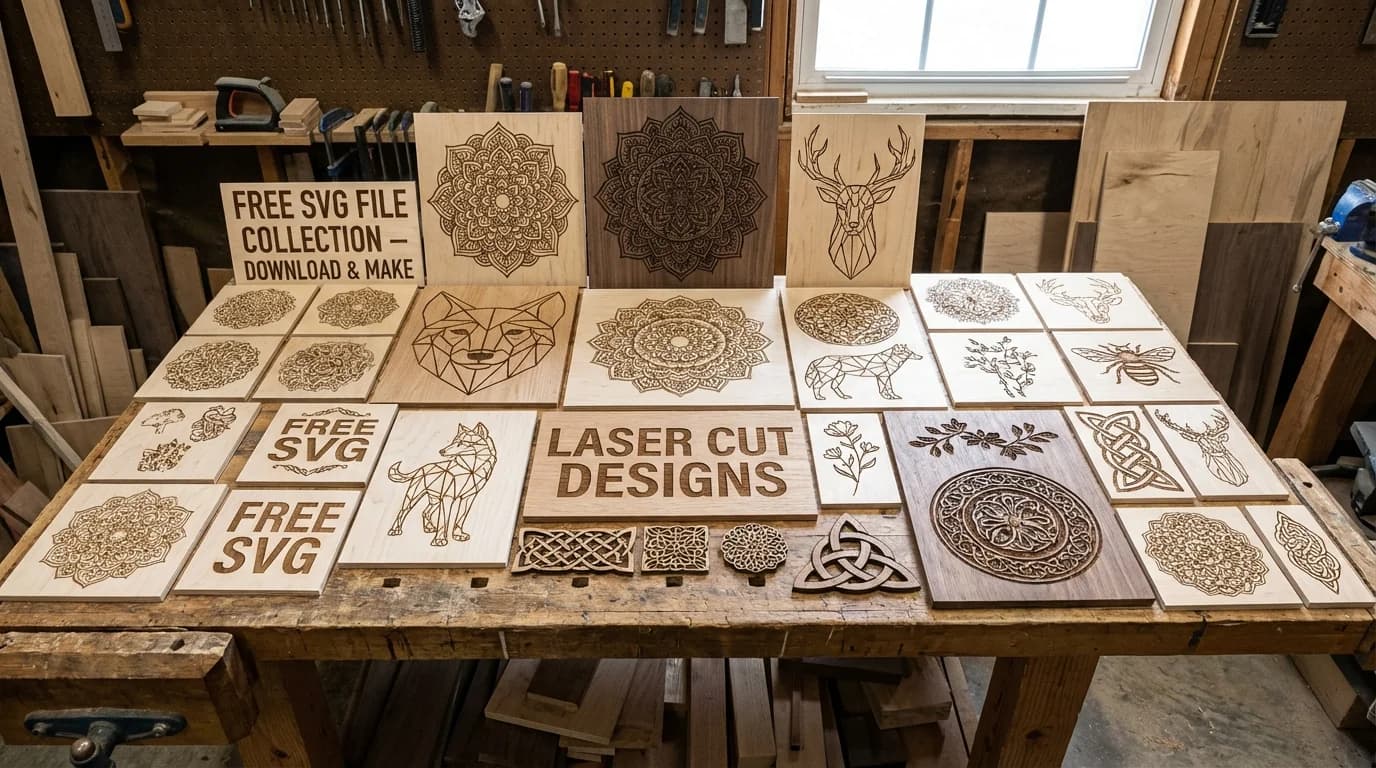
Free SVG Files for Laser Cutting: Where to Find Them and How to Make Your Own
Discover the best sources for free laser cutting SVG files and learn how to convert any image into a laser-ready vector file with AI.
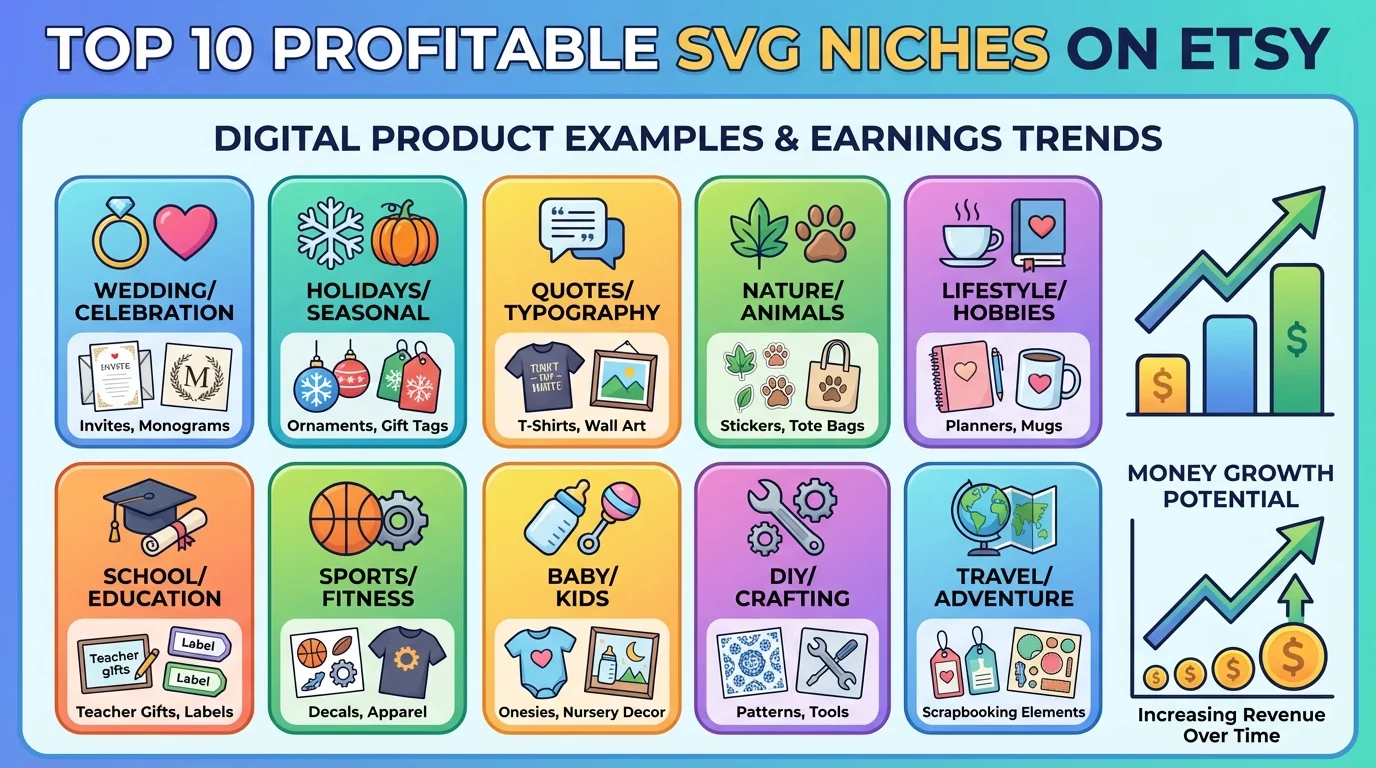
10 Most Profitable SVG Niches on Etsy in 2026
Discover the 10 most profitable SVG file niches on Etsy right now. Data-backed guide to finding your perfect SVG selling niche.
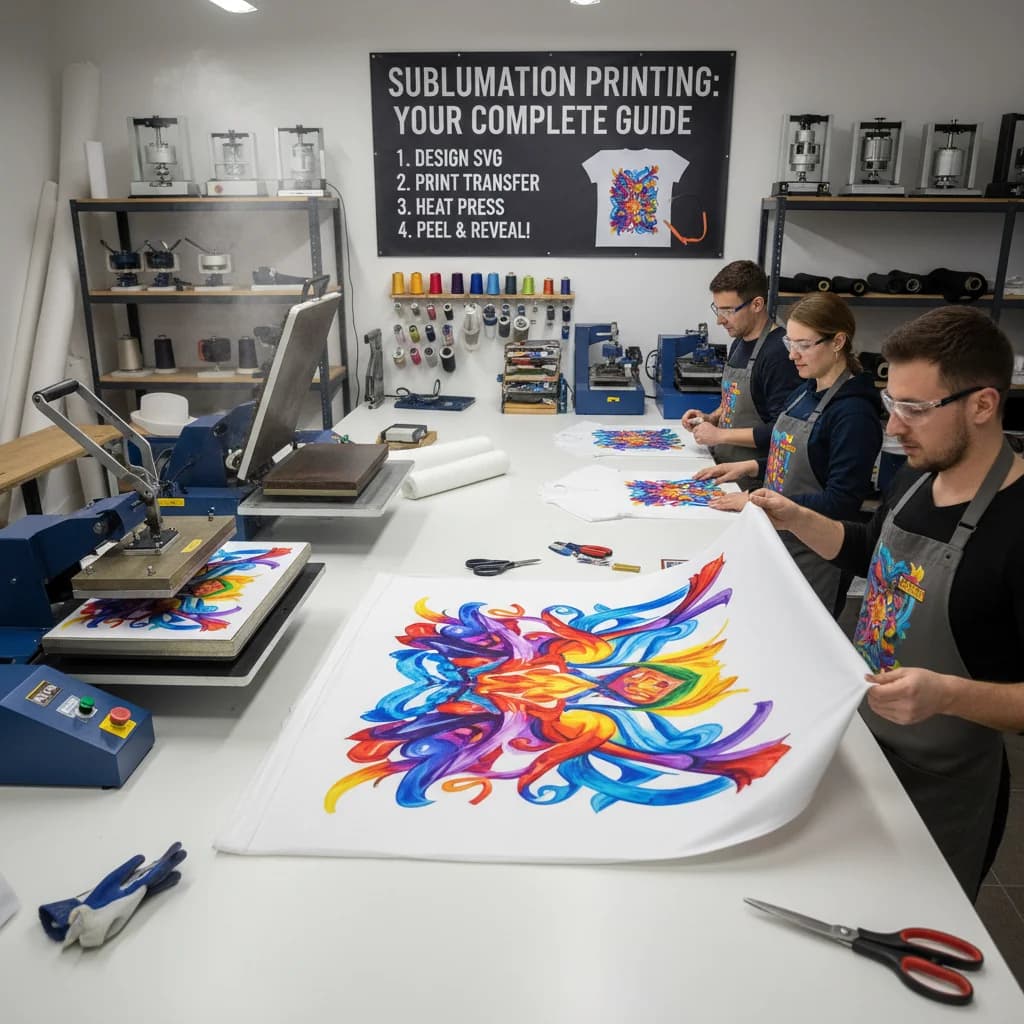
SVG Files for Sublimation: Everything You Need to Know
Learn how SVG files work with sublimation printing. When to use SVG vs PNG for sublimation and how to get the best results on mugs, tumblers, and shirts.
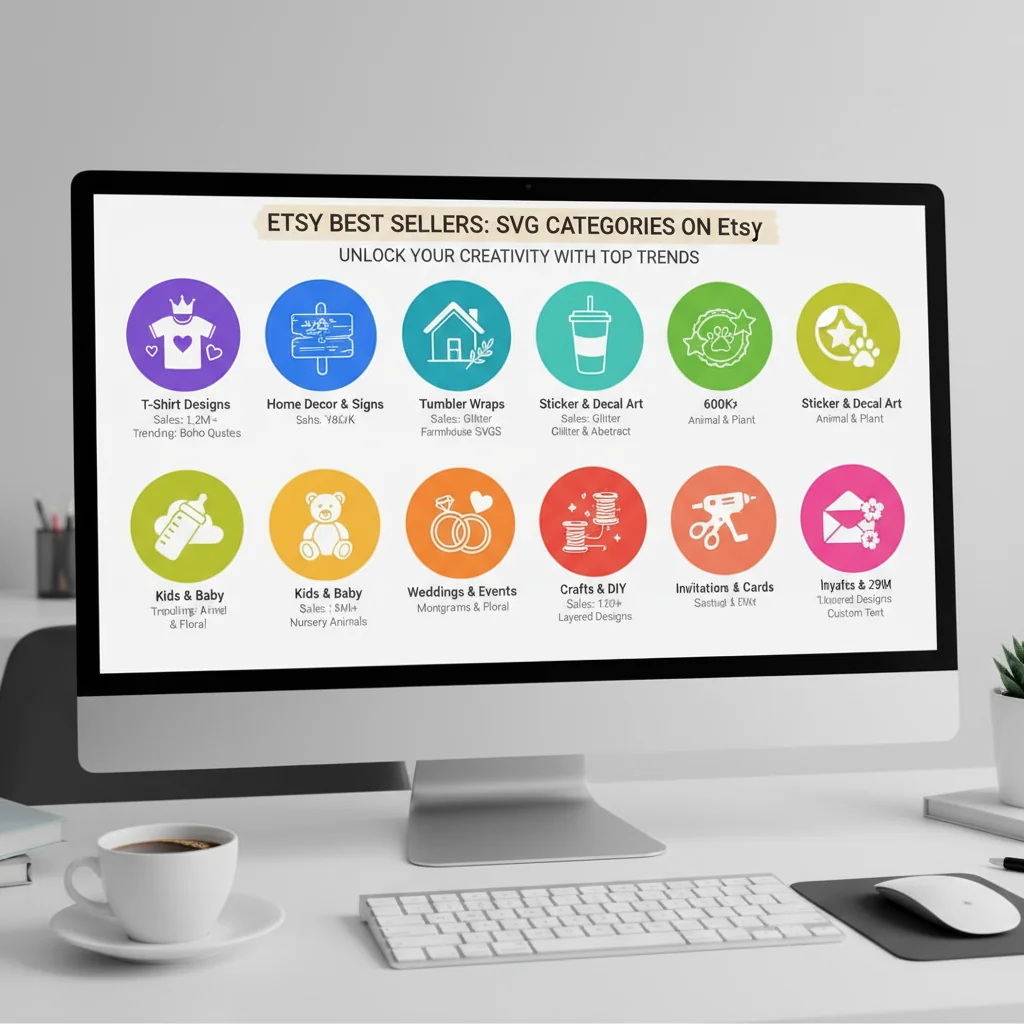
Best-Selling SVG Categories on Etsy in 2026: 15 Niches and Typical Prices
We analyzed thousands of Etsy SVG listings to find the 15 highest-revenue categories in 2026. See average prices, estimated monthly sales, and competition levels for each niche.
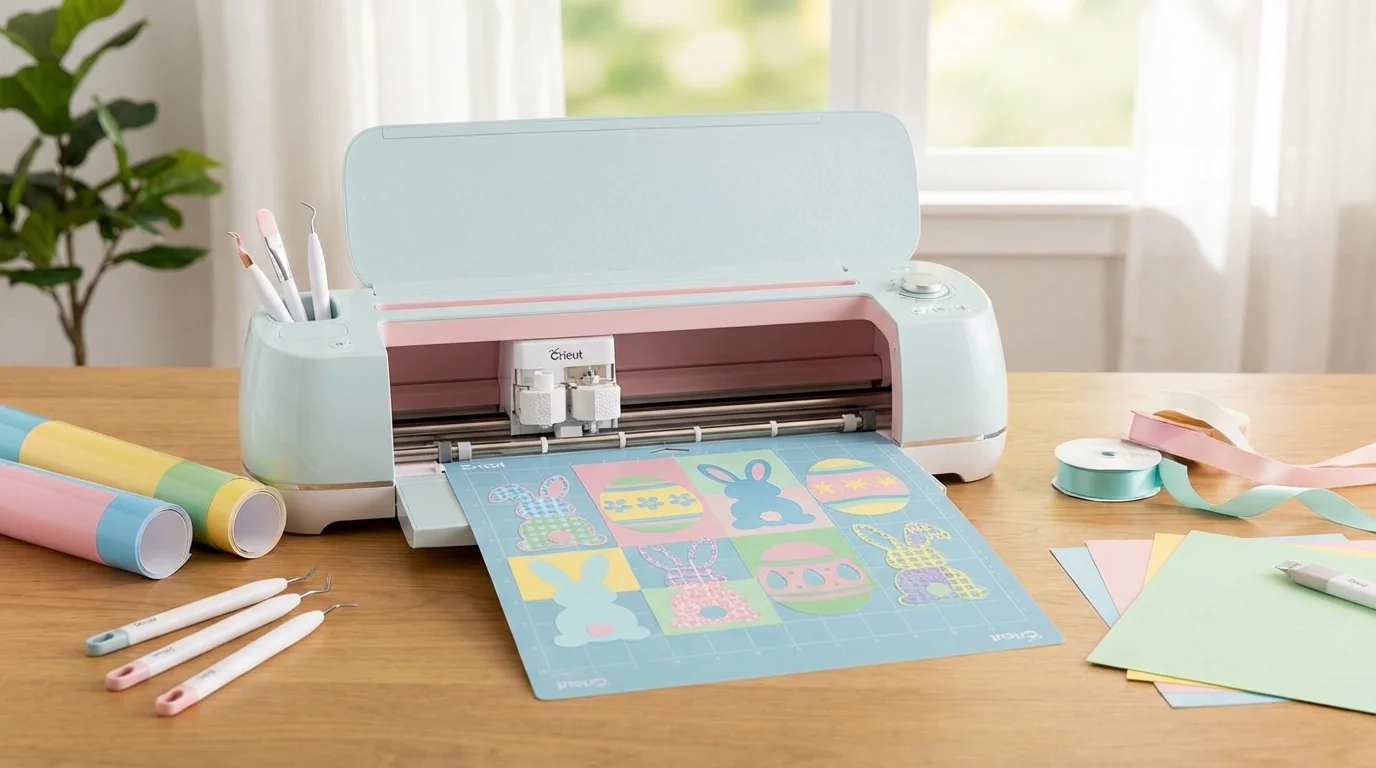
50 Easter SVG Ideas for Cricut (2026): Bunnies, Eggs & More
Discover 50 creative Easter SVG ideas for Cricut projects in 2026. From adorable bunnies to decorated eggs, get inspired for shirts, baskets, cards, and home decor.
How to Sell SVG Files on Etsy in 2026: $0 to First Sale
Start selling SVG files on Etsy in 2026. Learn what sells, how to price, and how to create cut files from photos. Real numbers and strategies included.

How to Start an SVG Shop on Etsy in 2026: Complete Beginner Guide
Learn how to start a profitable SVG shop on Etsy in 2026. Covers niche selection, pricing strategies, creating SVGs from images, Etsy SEO, and marketing tips.
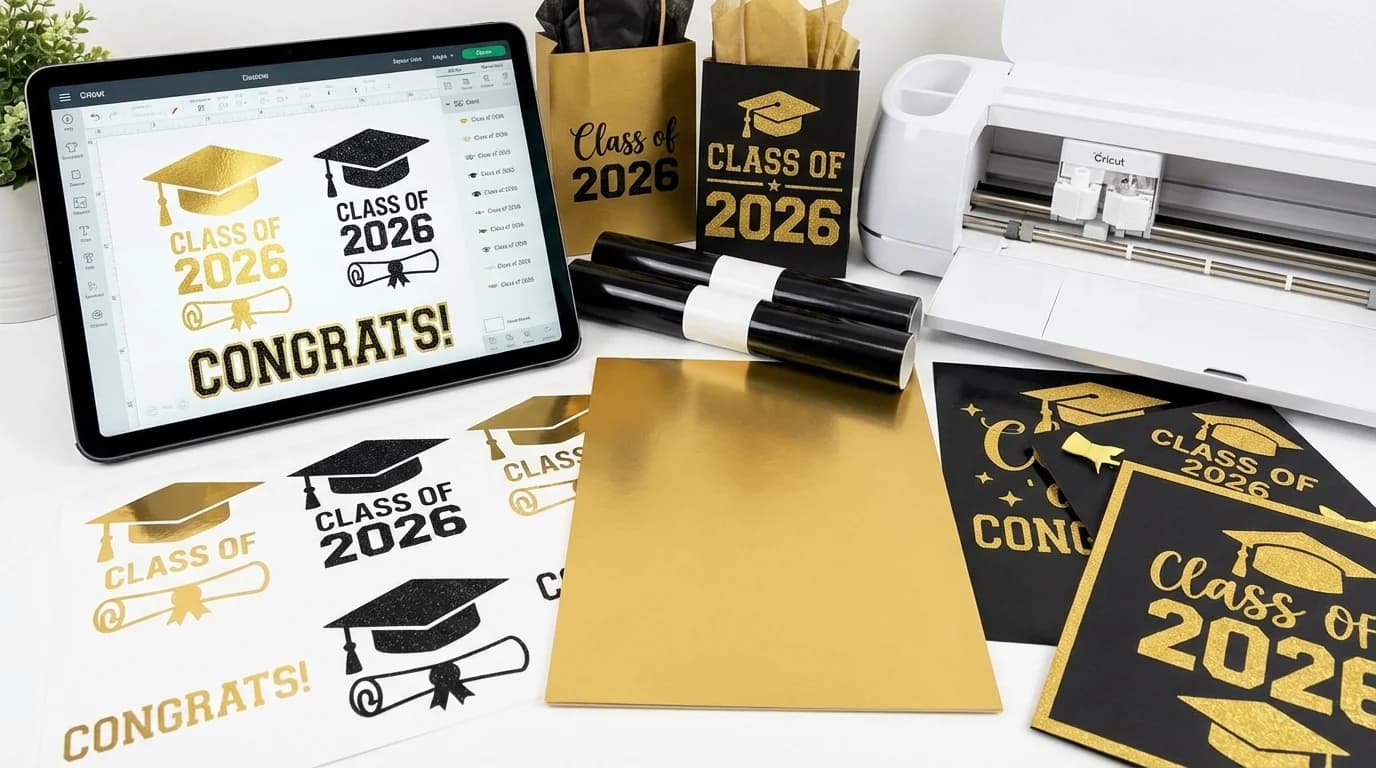
30 Graduation SVG Ideas for Class of 2026 (Free & Custom)
Find 30 creative graduation SVG ideas for the Class of 2026. Perfect for Cricut projects like custom caps, shirts, banners, and party decorations.
20 Profitable Cricut Business Ideas for 2026 (With Startup Costs)
Explore 20 profitable Cricut business ideas for 2026 with real startup costs, profit margins, and step-by-step guidance. From custom t-shirts to pet accessories.
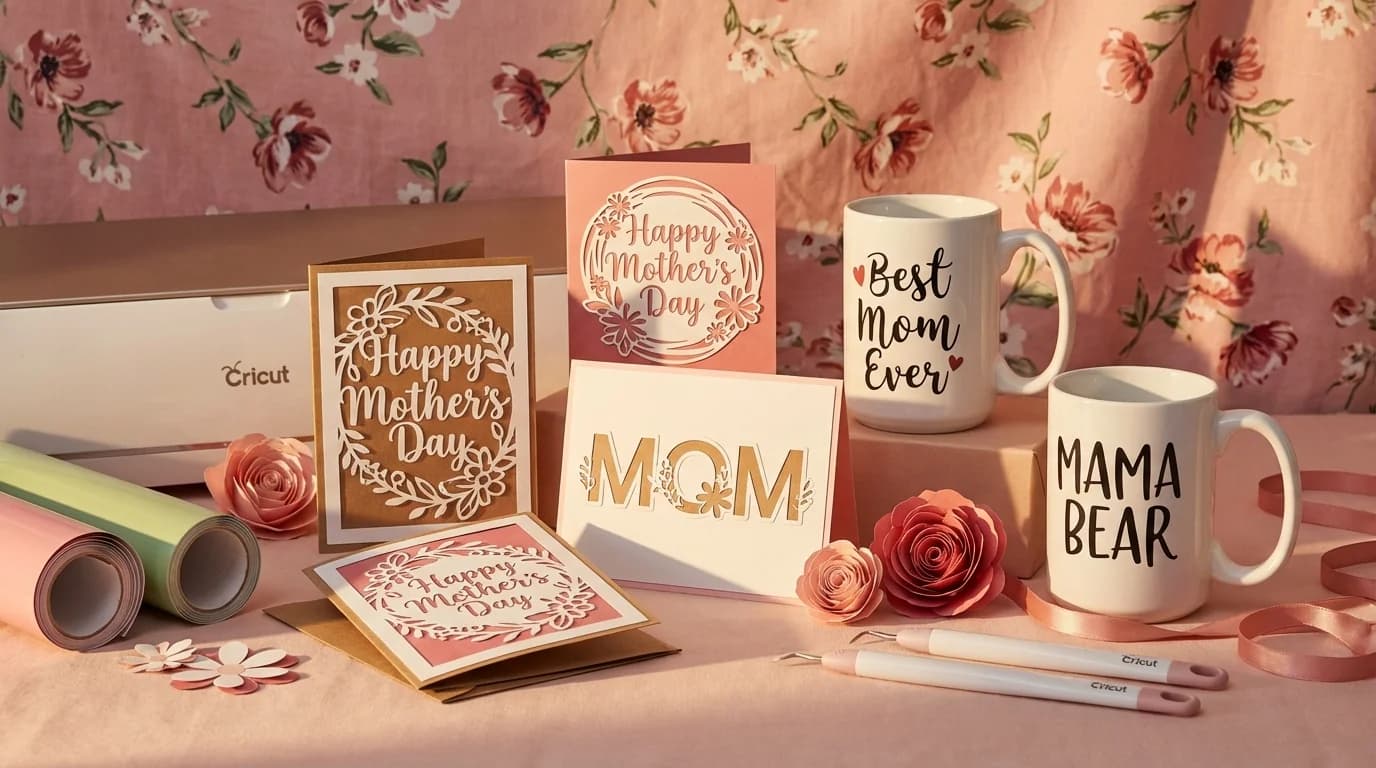
25 DIY Mother's Day Cricut Gift Ideas She'll Actually Love (2026)
Discover 25 heartfelt DIY Mother's Day gift ideas you can make with your Cricut. From custom tumblers to photo frames, find the perfect handmade gift for Mom in 2026.
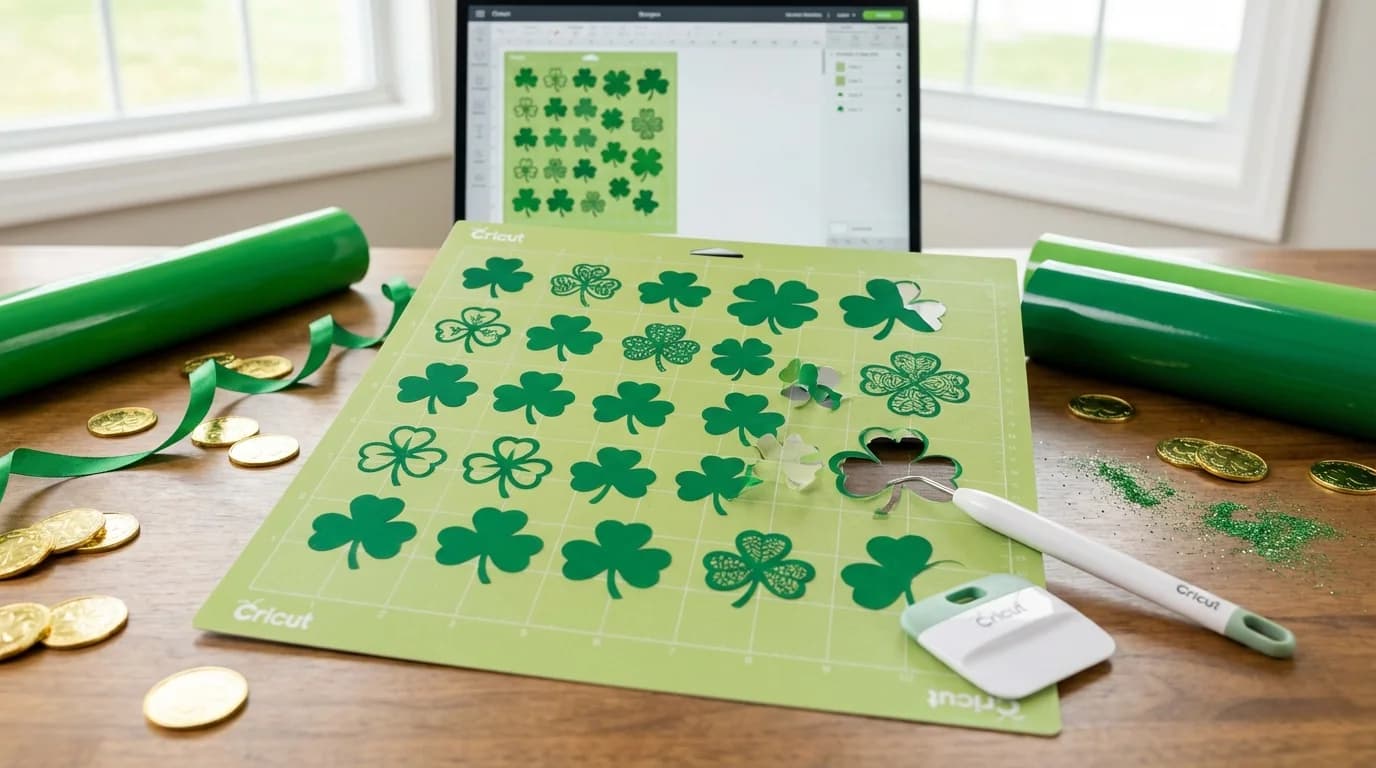
20 St Patrick's Day SVG Ideas for Cricut: Shamrocks, Lucky & More
Get 20 creative St Patrick's Day SVG ideas for your Cricut. From shamrocks to lucky horseshoes, find the perfect designs for shirts, decals, and party decorations.

Best AI Image Tools for Designers in 2026: The Complete Guide
From vectorization to upscaling to background removal — here are the best AI-powered image tools that every designer should know about in 2026.
How to Use VectoSolve Directly in Canva and Figma
Learn how to vectorize images without leaving your design workflow. The VectoSolve Chrome Extension works seamlessly with Canva, Figma, and other design tools.
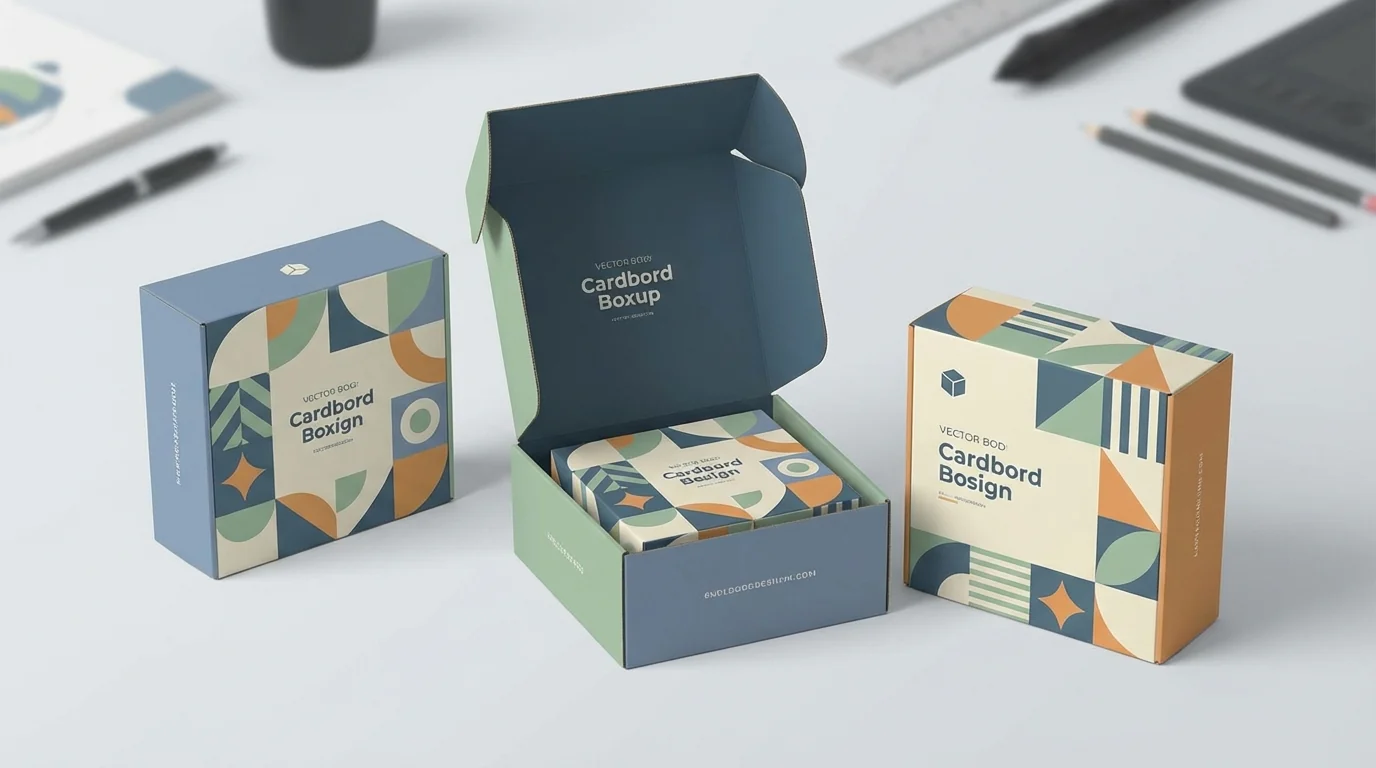
Packaging Design: Vector Graphics for Product Excellence
Master vector graphics for product packaging. From labels to boxes, learn requirements, workflows, and best practices for print-ready packaging designs.
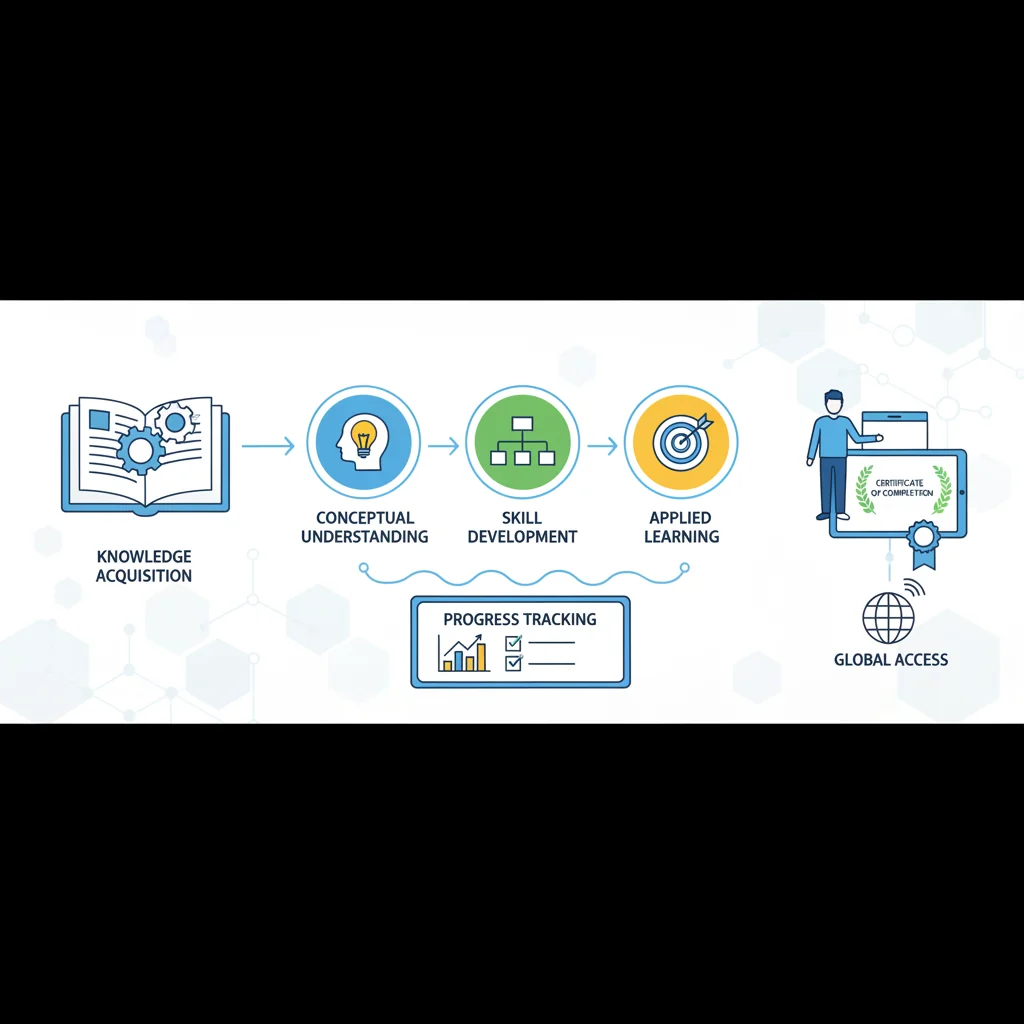
Educational Materials: Vector Graphics for Training Content
Create effective educational materials with vector graphics. Learn design principles for training content, e-learning, and instructional design.
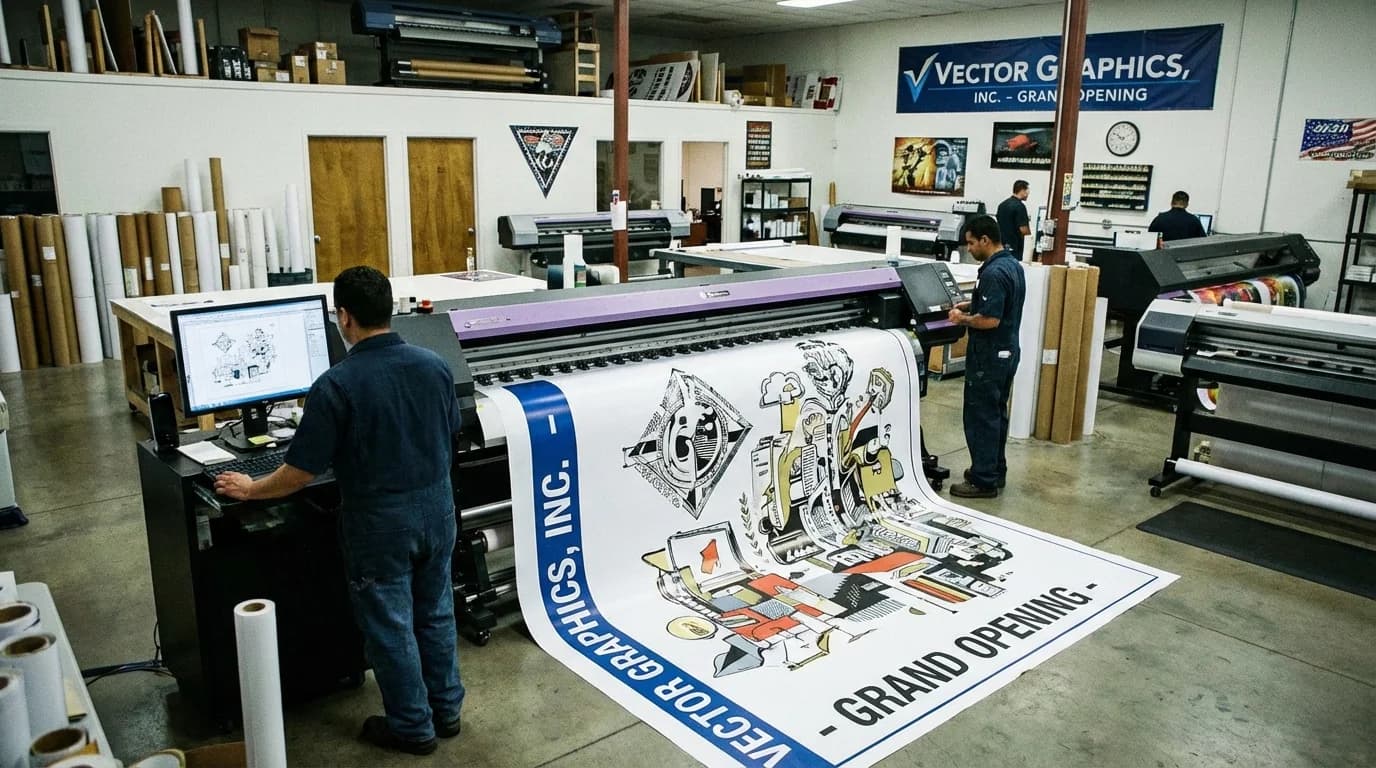
Signage & Large Format: Vector Requirements Guide
Prepare graphics for signage and large format printing. Learn resolution, format, and quality requirements for professional results at any size.
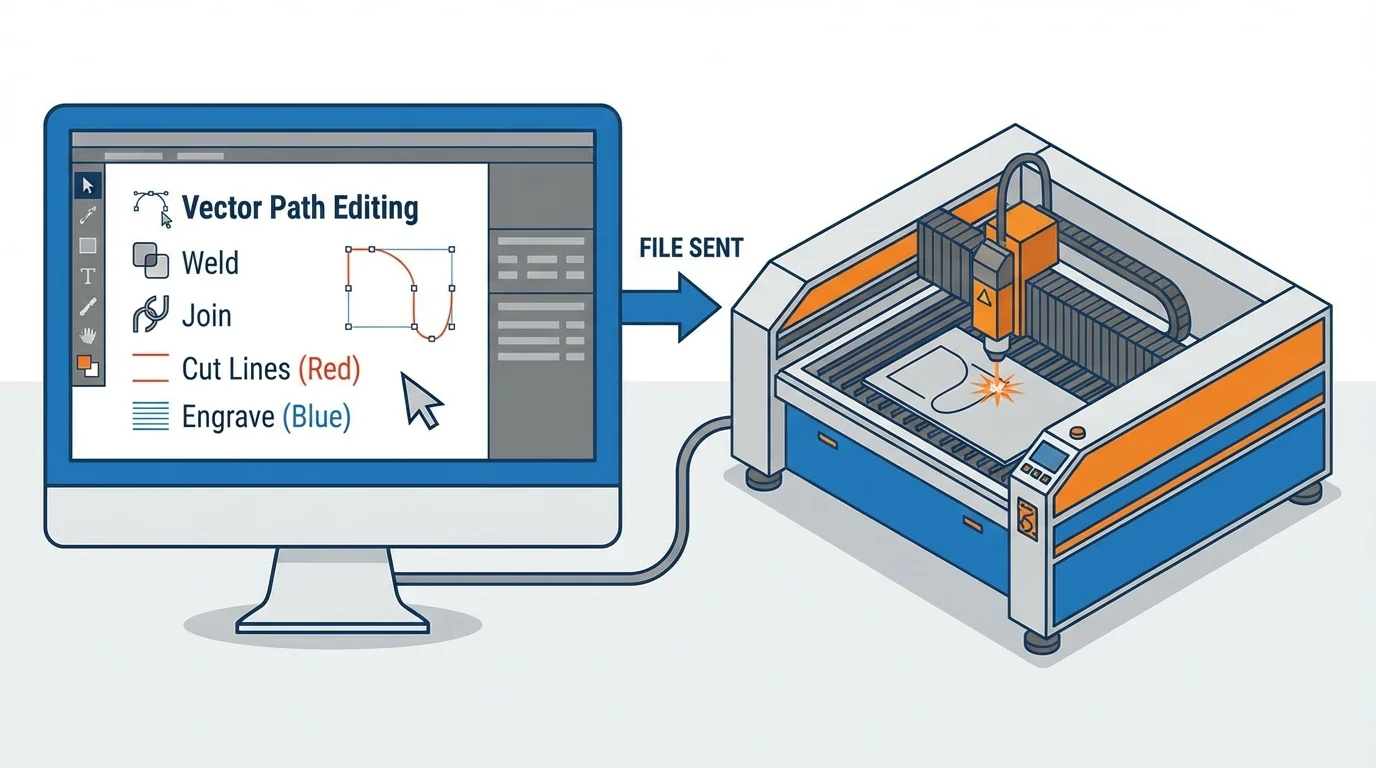
Vector Files for Laser Cutting: Complete Setup Guide
Learn how to prepare vector files for laser cutting and engraving. Covers file formats, line settings, and common mistakes to avoid.
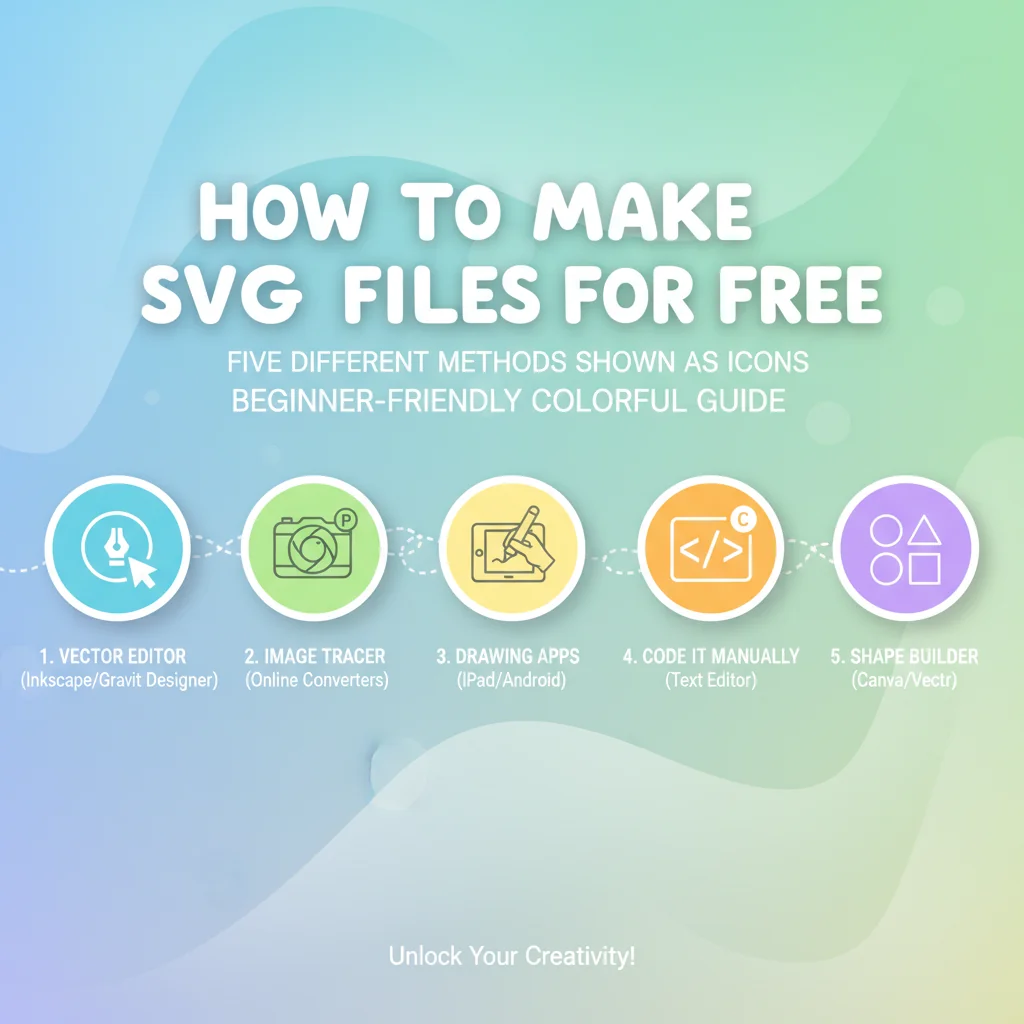
How to Make SVG Files: 5 Easy Methods, 4 of Them Free (2026)
Create SVG files without expensive software. Learn 5 free methods to make vector graphics for web, print, and crafting.
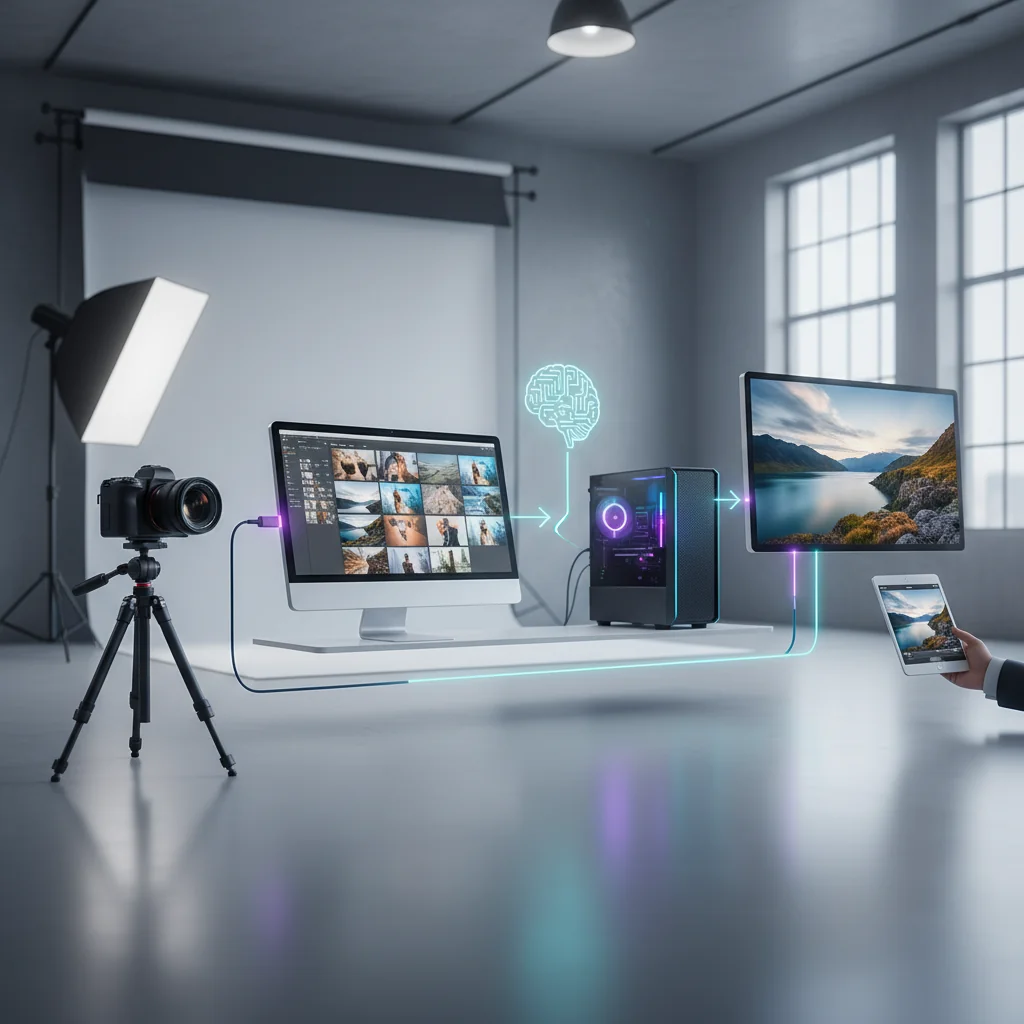
Integrating AI Upscaling into Your Photography Workflow
Professional photographers can leverage AI upscaling for cropping flexibility, client deliverables, and archive enhancement. Learn the best practices.
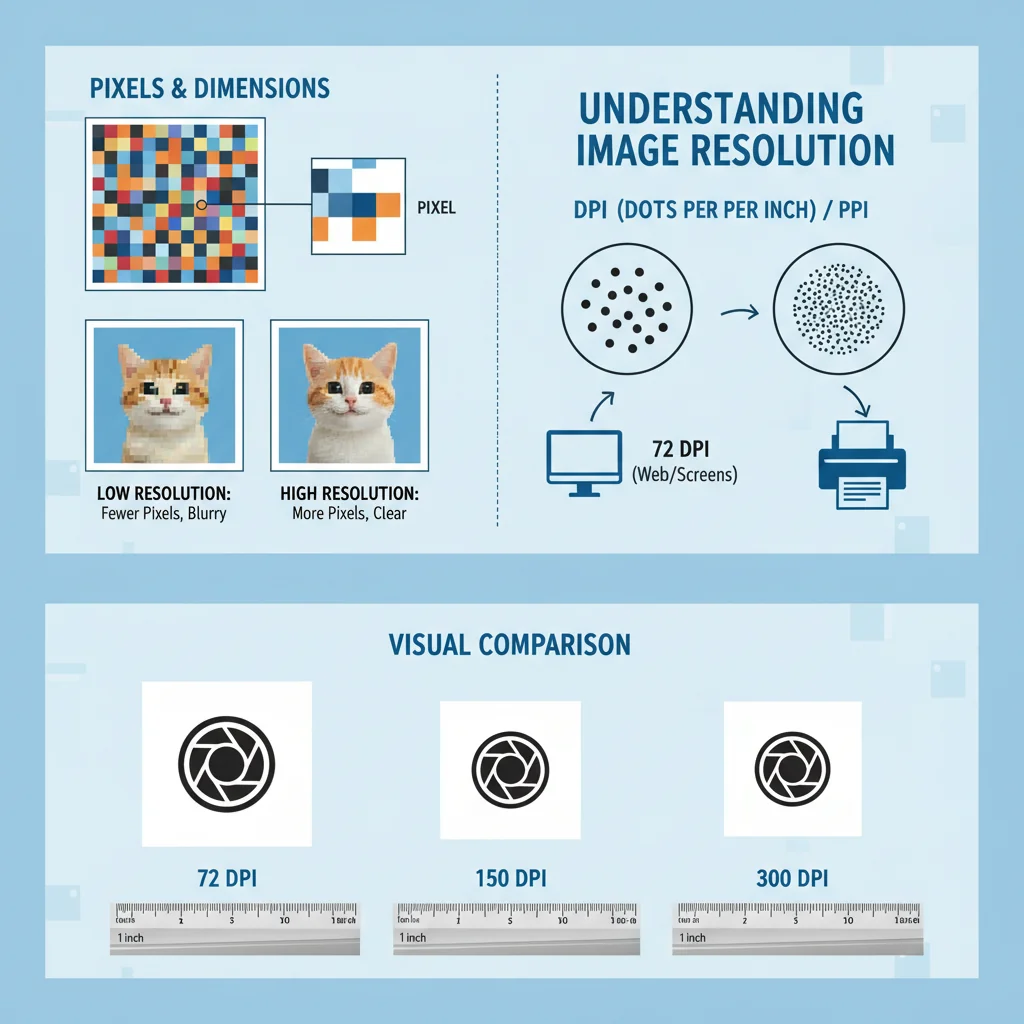
Understanding Image Resolution: Pixels, DPI, and Quality Explained
Confused by resolution terminology? This beginner-friendly guide explains pixels, DPI, megapixels, and how they affect your images.
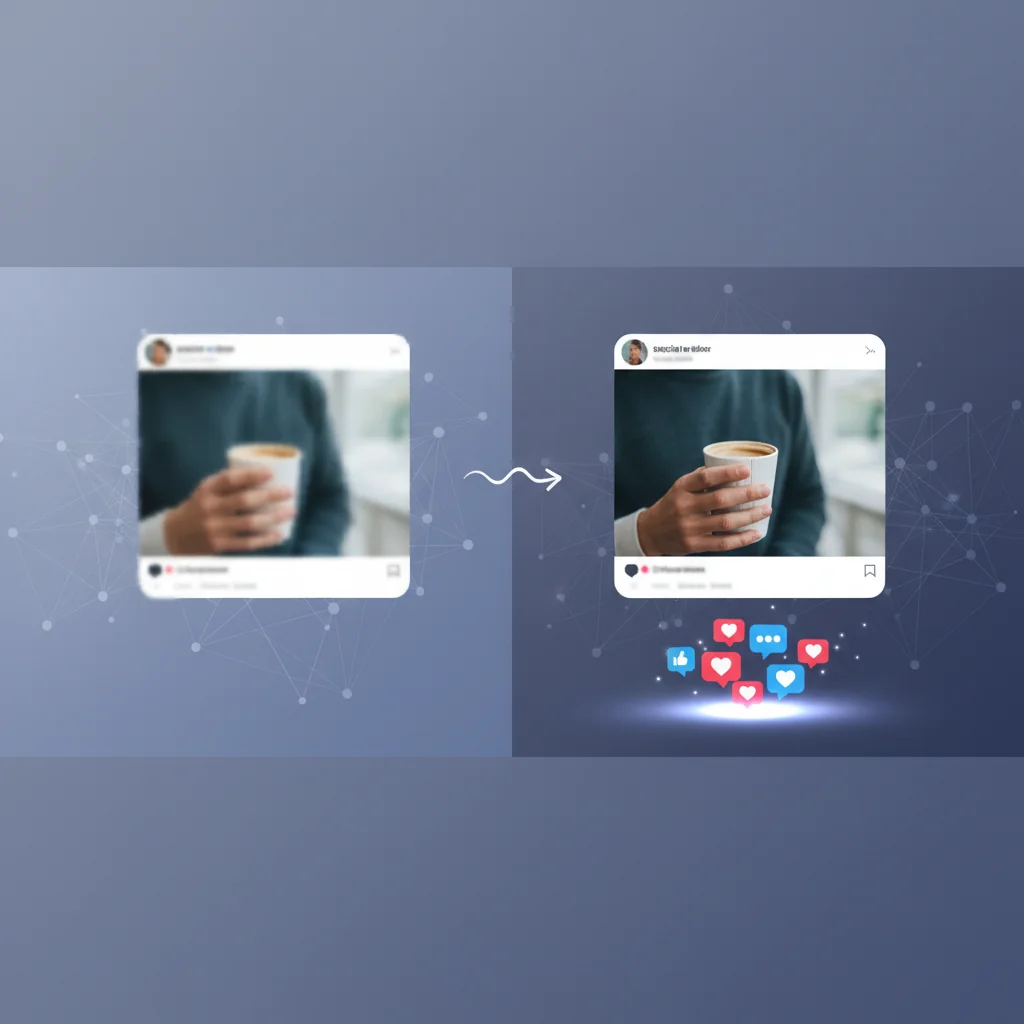
Upscaling Images for Social Media: Get More Engagement with Better Quality
Learn the optimal image sizes for each social platform and how AI upscaling can help your content stand out in crowded feeds.
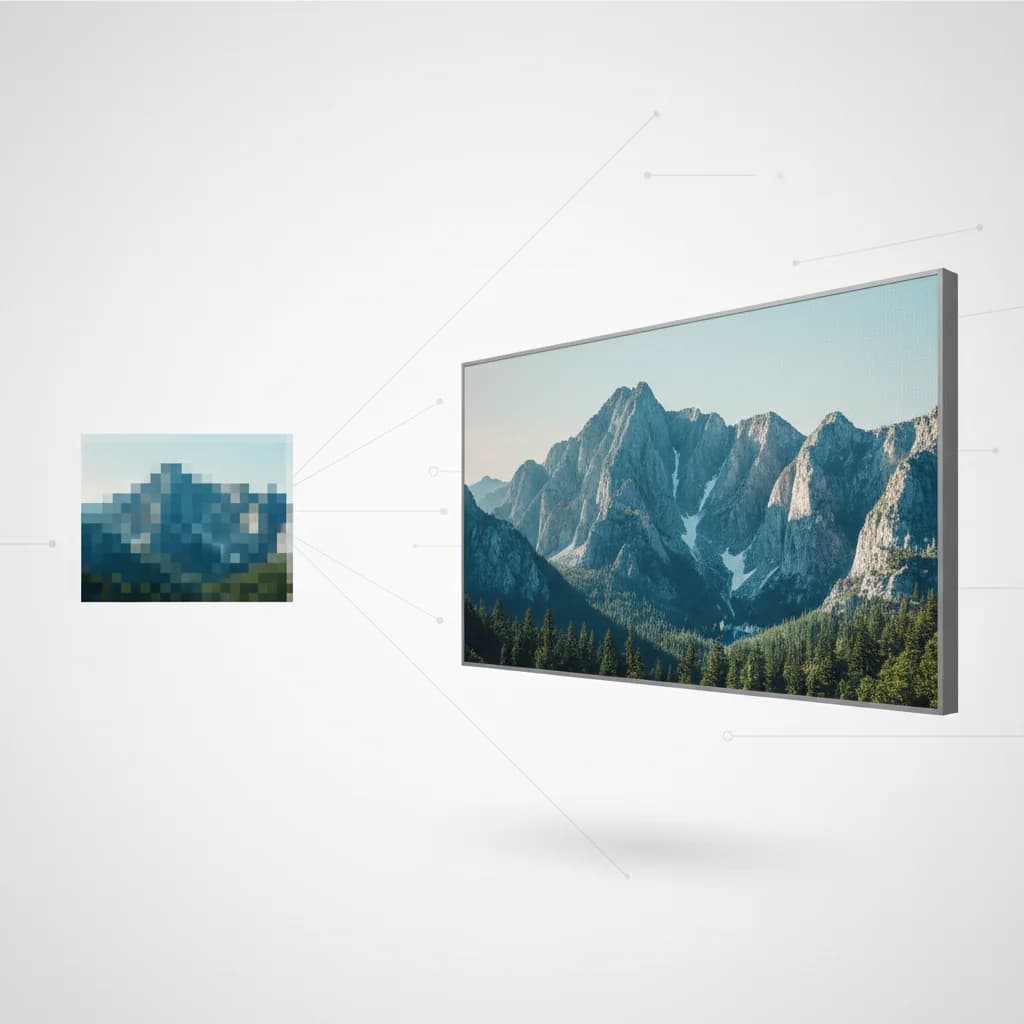
Upscaling Images for Print: Resolution Requirements and Best Practices
Master the art of preparing low-resolution images for high-quality prints. Learn about DPI requirements and how AI upscaling helps achieve print-ready results.
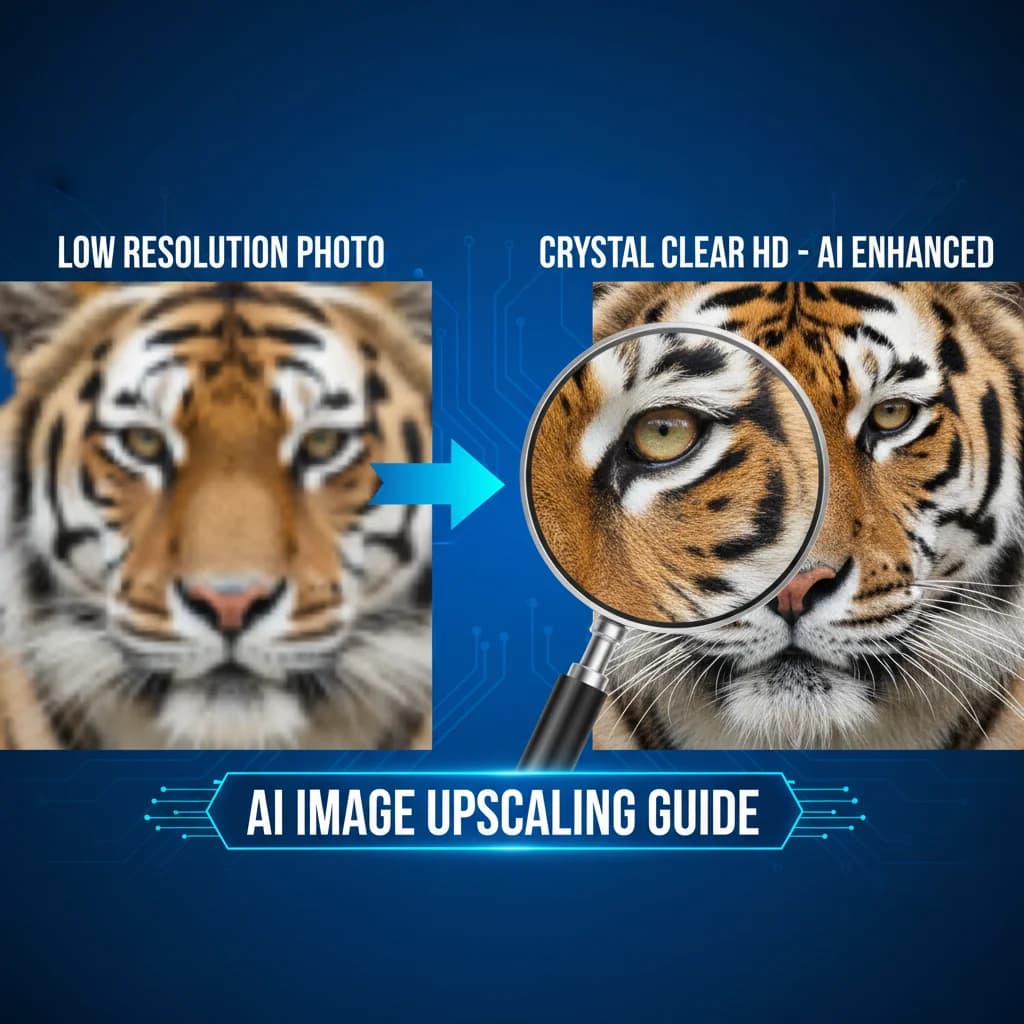
Complete Guide to AI Image Upscaling: Enhance Photos Like a Pro
Learn how AI image upscaling technology works and discover the best techniques to enhance your photos to 2x or 4x resolution without losing quality.
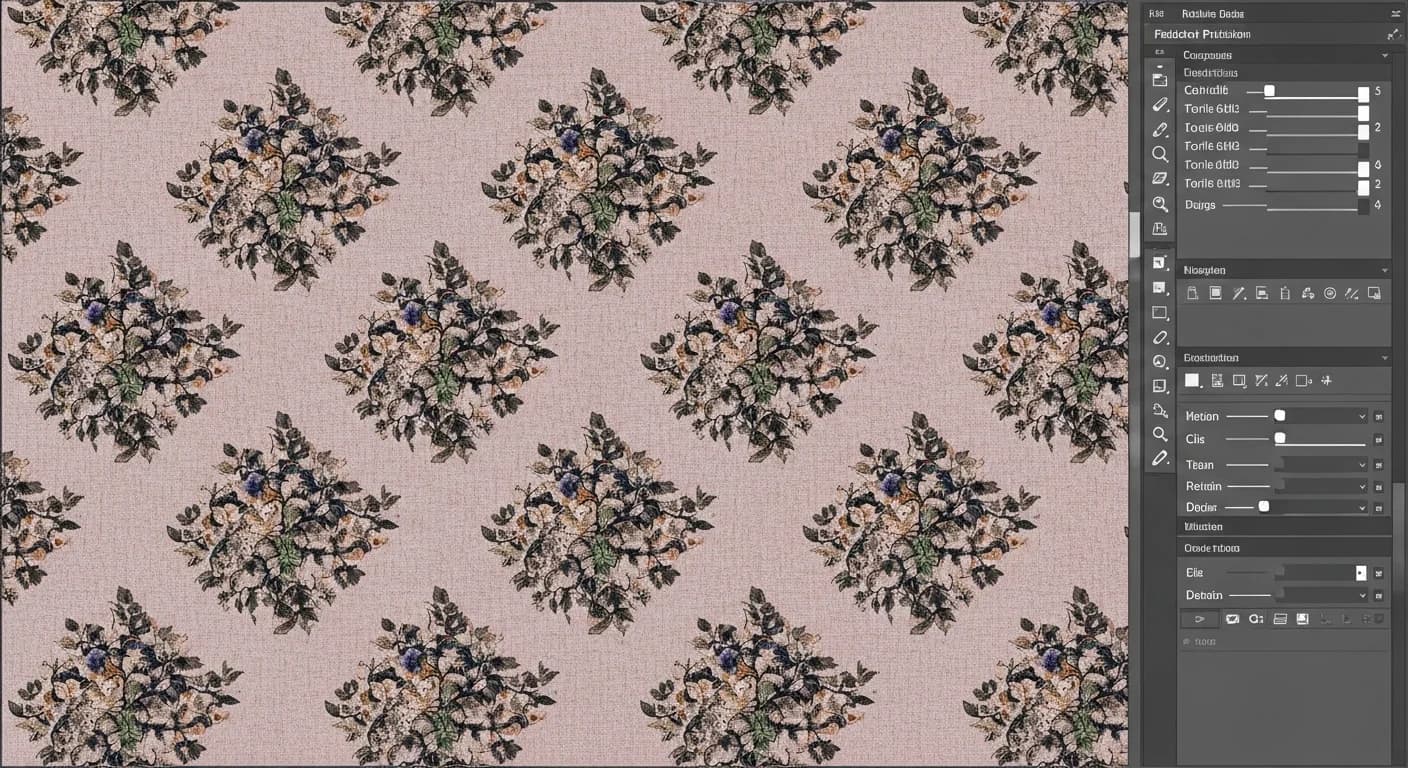
Vectorizing Fabric Patterns for Textile Design and Fashion
Convert fabric textures and patterns into production-ready vector files. Essential for fashion designers, textile manufacturers, and surface designers.
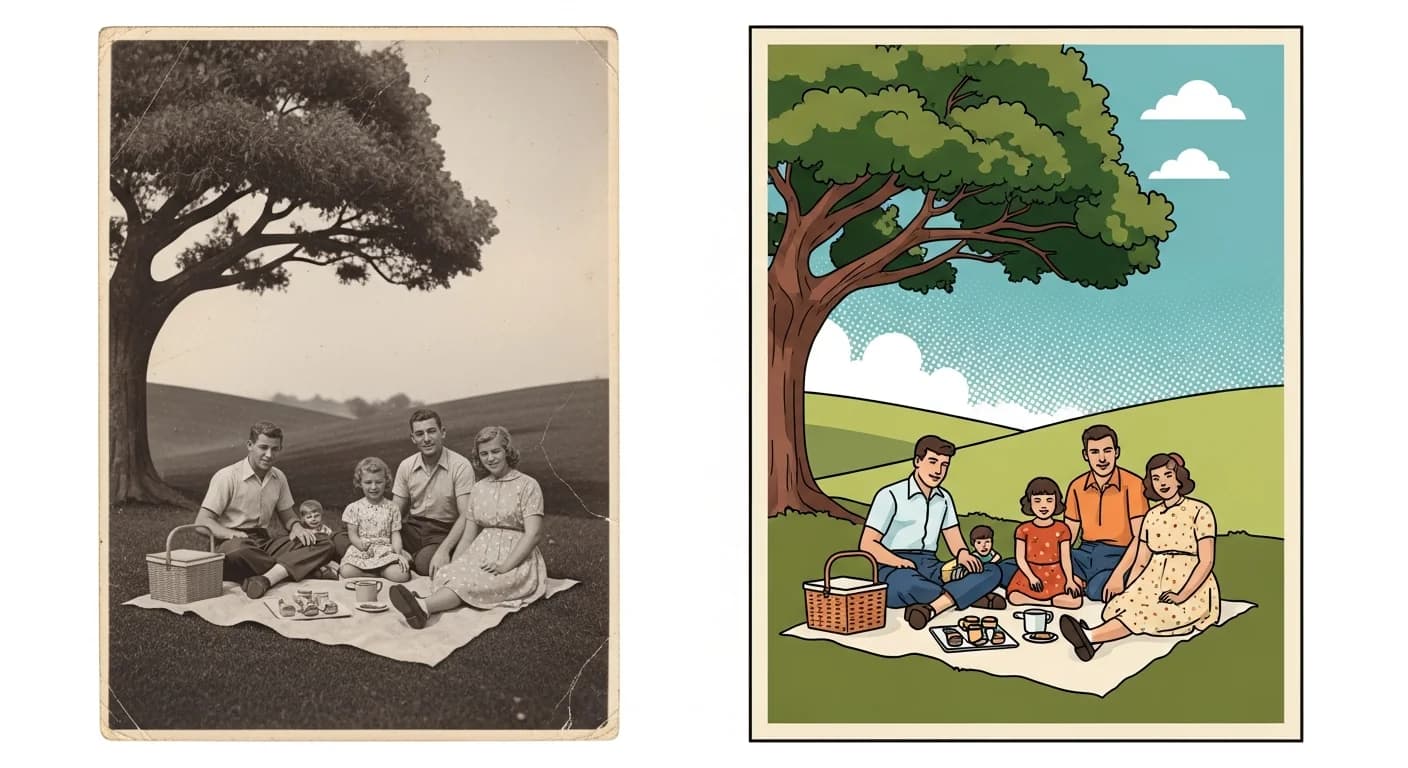
Vectorizing Vintage Photos: Restoration and Artistic Recreation
Transform old photographs into stylized vector illustrations. Create timeless artwork from family photos, historical images, and vintage portraits.
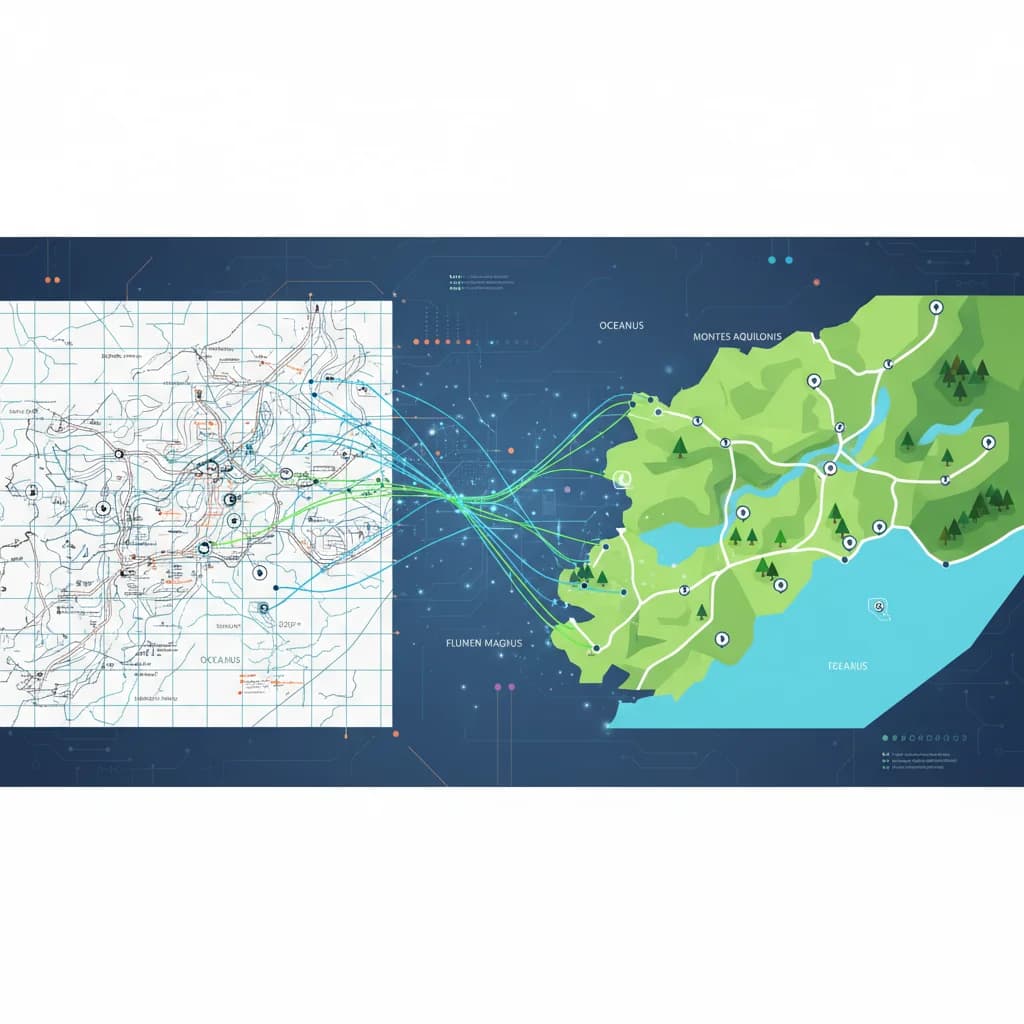
Vectorizing Maps and Diagrams: Geographic & Technical Illustration
Convert maps, flowcharts, and technical diagrams to scalable vector format. Essential for presentations, publications, and professional documentation.
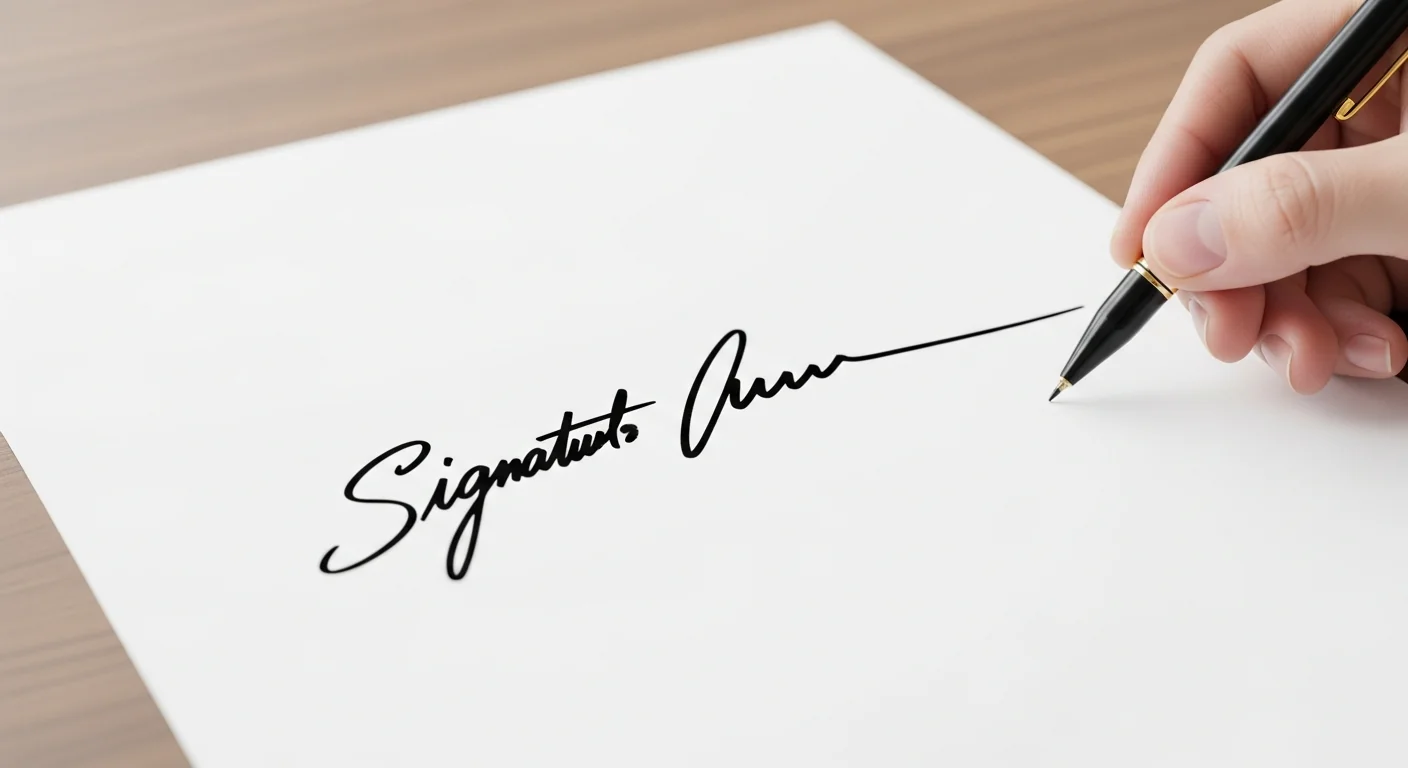
Convert Your Signature to Vector: Digital Signing & Legal Documents
Digitize your handwritten signature for professional documents, contracts, and branding. Learn the proper way to create a legally valid digital signature.
Vectorizing Watermarks for Brand Protection: Complete Guide
Learn how to create professional vector watermarks that protect your images while maintaining visual quality. Essential for photographers and content creators.
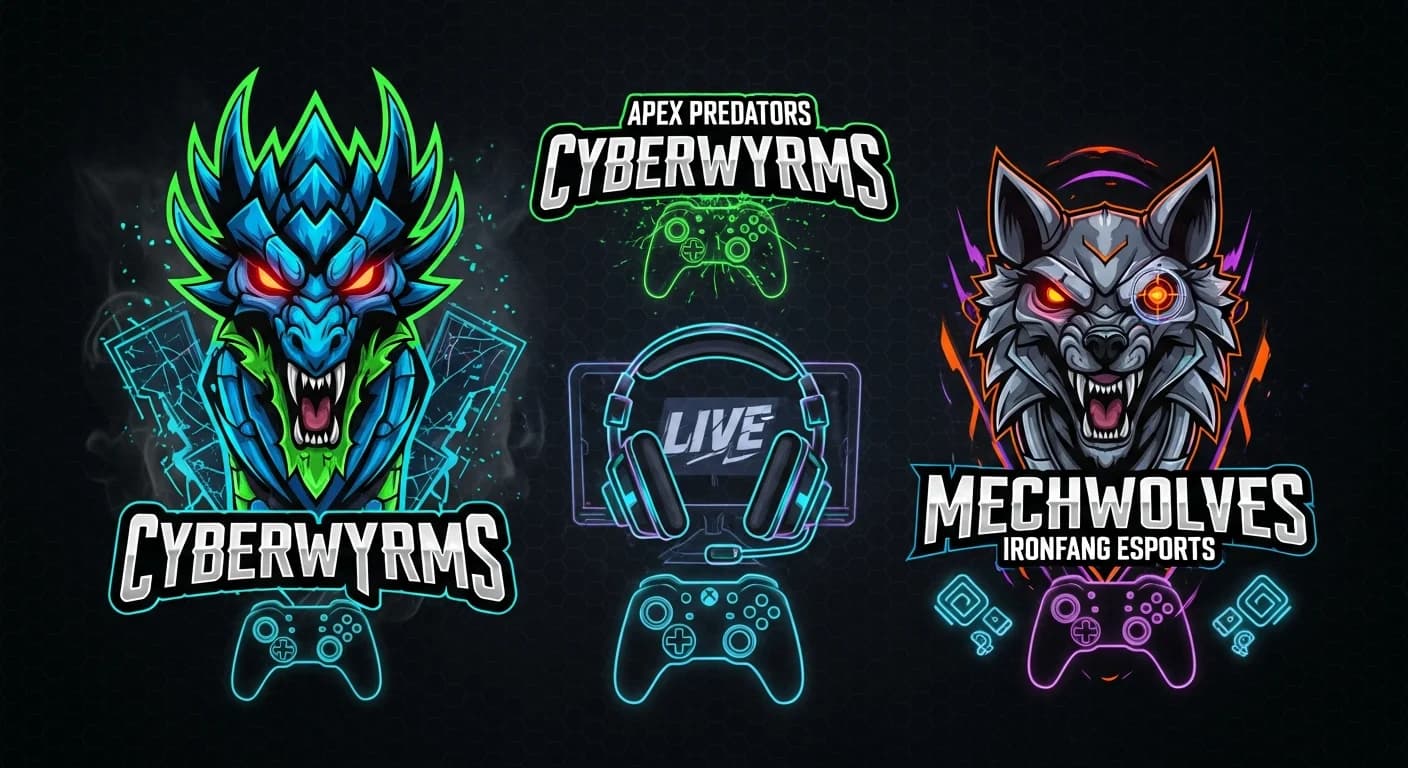
Gaming & Esports Logo Vectorization: Create Pro-Level Team Logos
Learn how to create and vectorize professional gaming and esports logos. From Twitch streamers to competitive teams, get broadcast-ready vector graphics.
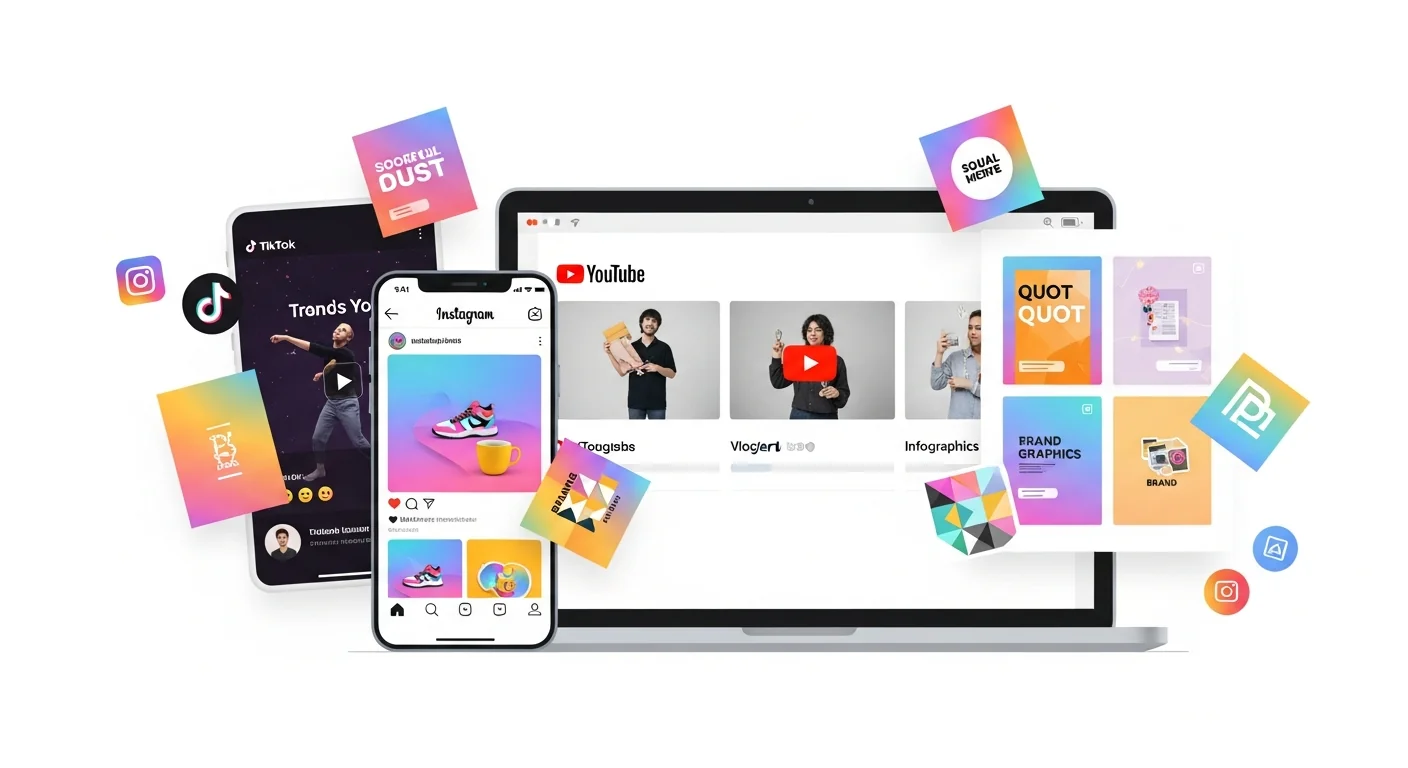
Vector Graphics for Social Media: Create Scroll-Stopping Content
Master vector graphics for social media marketing. Learn how to create professional Instagram, TikTok, YouTube, and LinkedIn graphics that scale perfectly.
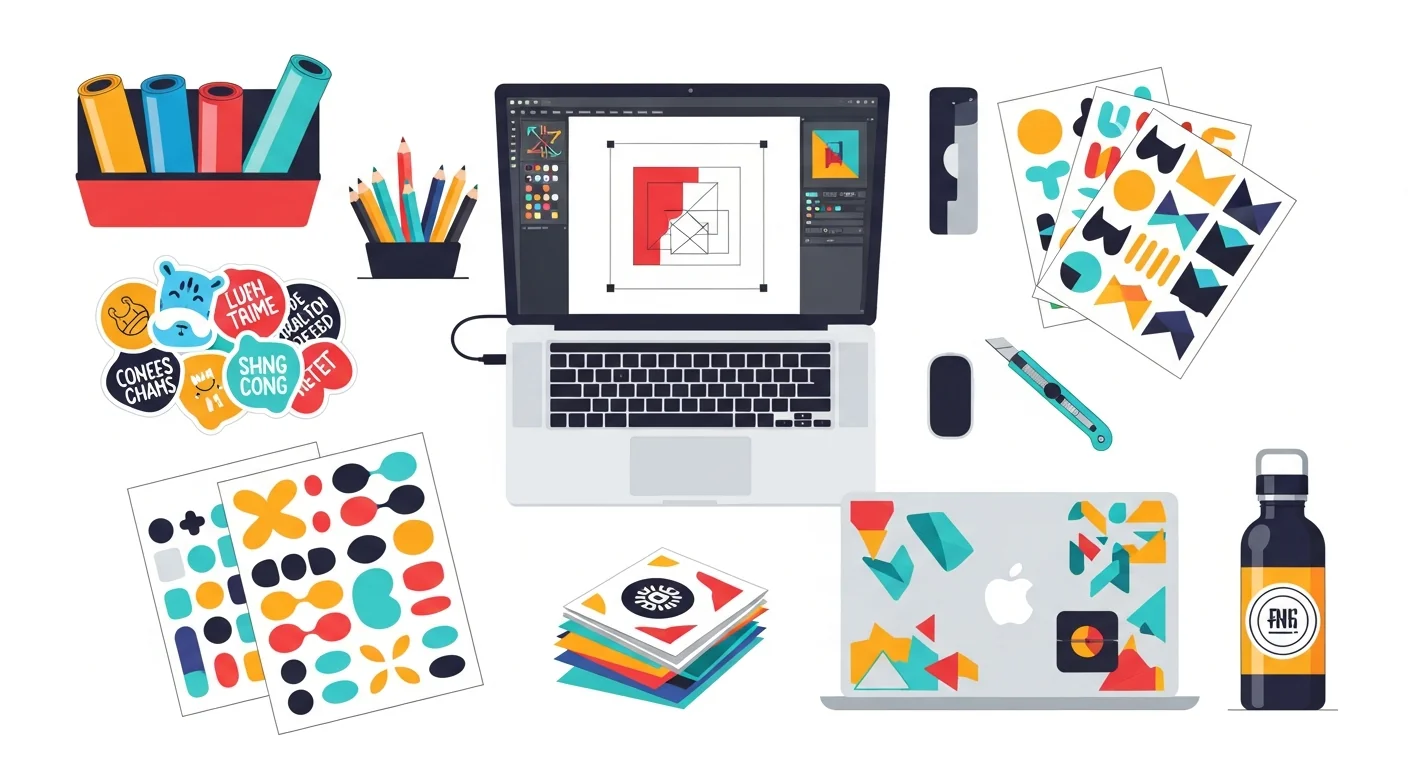
Custom Stickers from Photos: Raster to Vector in 3 Steps
Learn how to create professional custom stickers and decals using vector graphics. Perfect for laptop stickers, car decals, product labels, and more.

The Complete Guide to Vector Graphics in 2026
Everything you need to know about vector graphics in 2026. From basics to advanced techniques, learn how to create, use, and optimize vectors for any project.
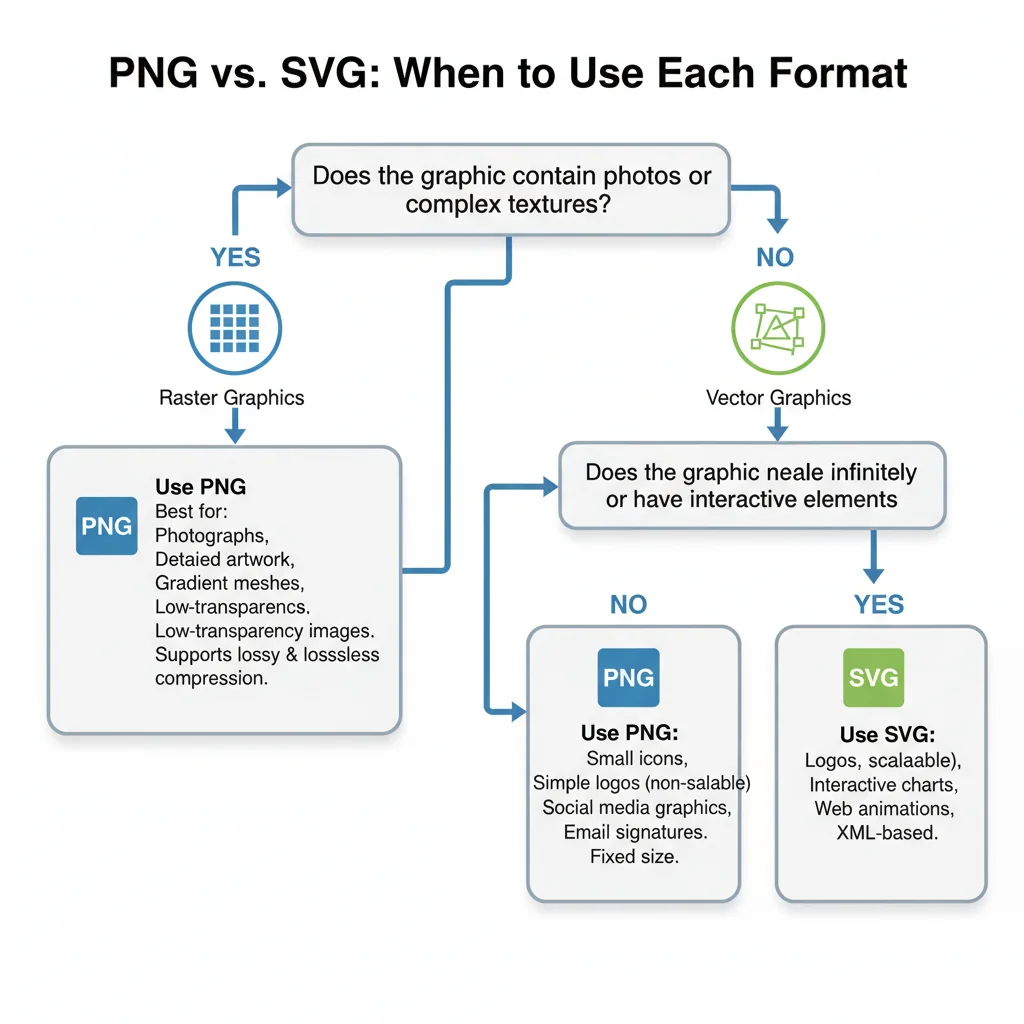
PNG or SVG? A Decision Flowchart for Designers, Developers & Marketers
Stop guessing which format to use. Follow our visual decision flowchart to pick PNG or SVG based on your exact use case: web icons, photos, logos, print, email, and more.
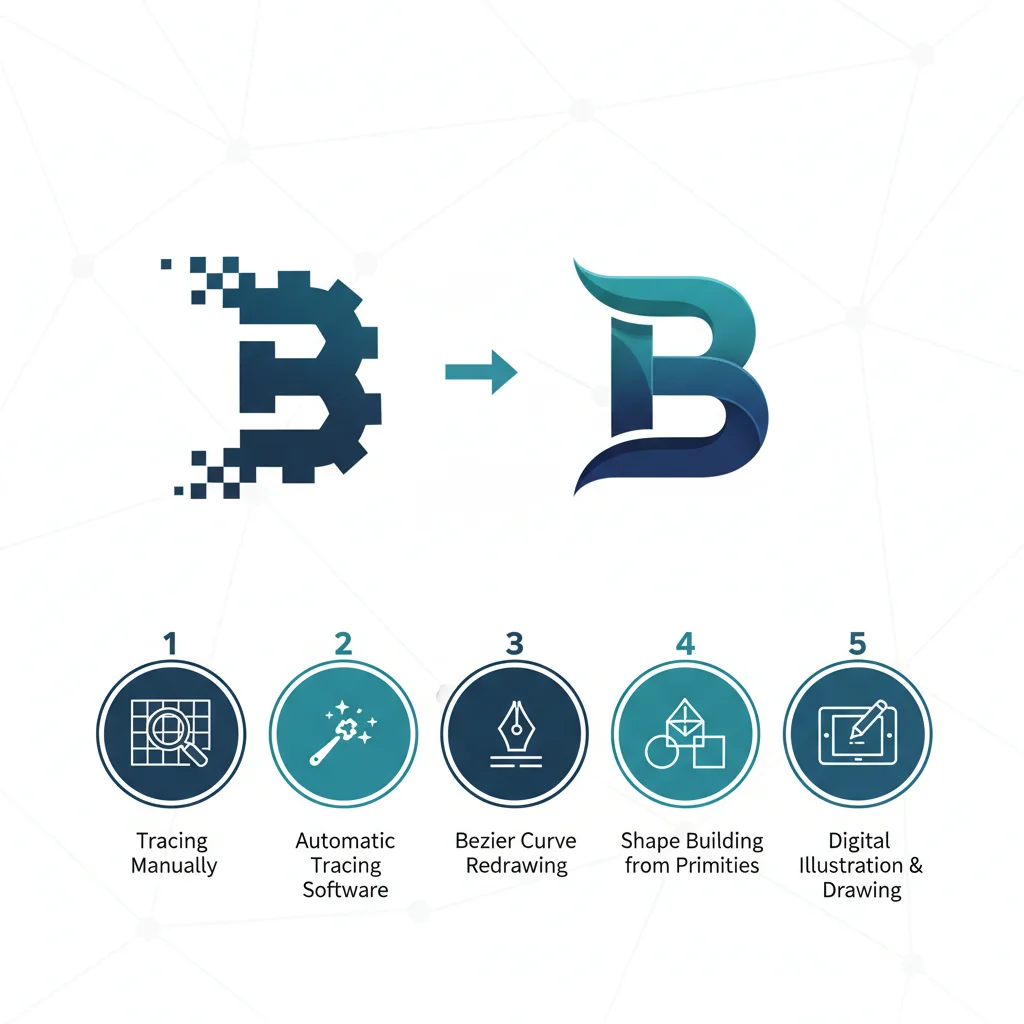
5 Ways to Convert a Logo to Vector: AI vs Illustrator vs Fiverr vs Manual (2026)
We compare 5 different methods for converting a logo to vector format — AI tools, Adobe Illustrator, Fiverr freelancers, Inkscape, and manual pen-tool tracing. See which is fastest, cheapest, and highest quality.
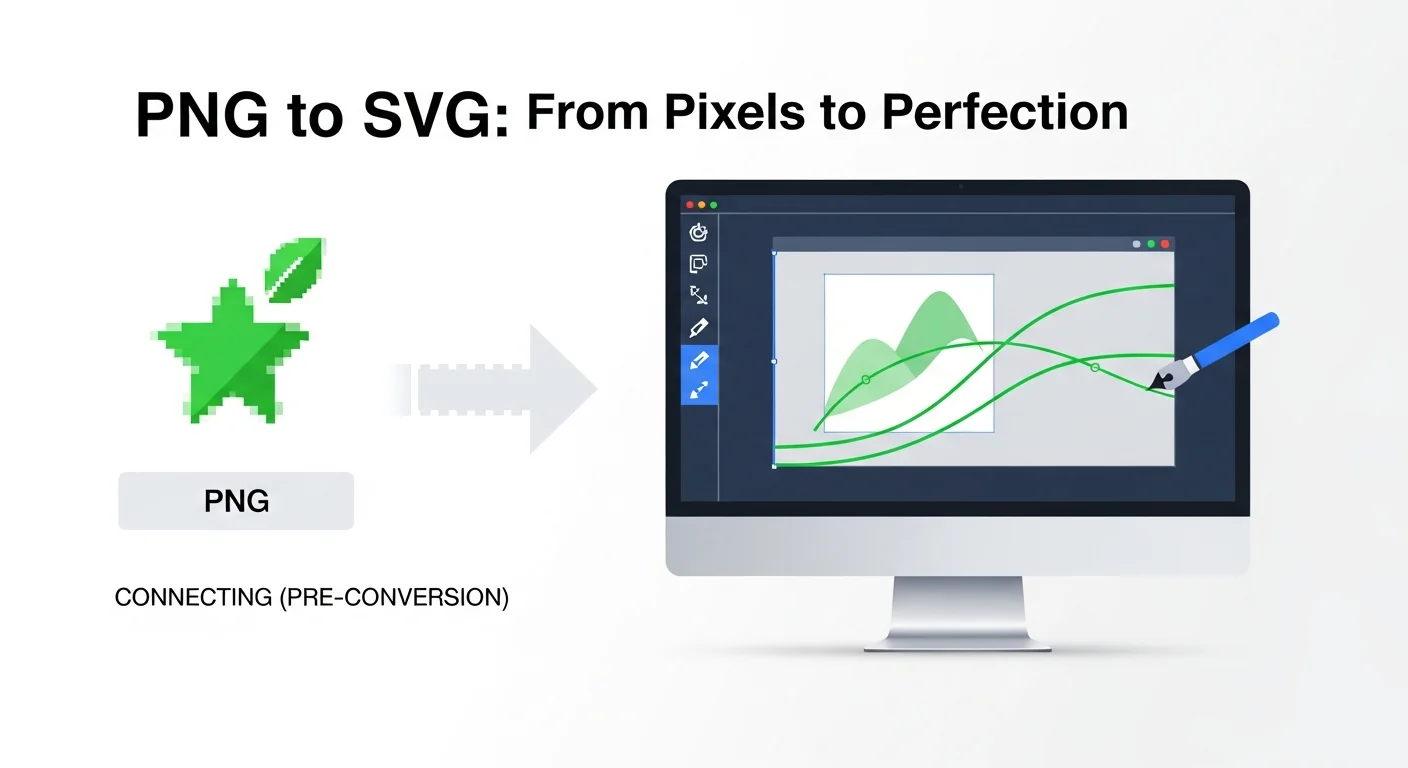
PNG to SVG Conversion: How to Get Clean, Editable Vectors (Step-by-Step 2026)
Not a comparison — a hands-on tutorial. Learn exactly how to convert PNG to SVG and get clean, editable vector output. Covers image prep, tool settings, and post-conversion cleanup.
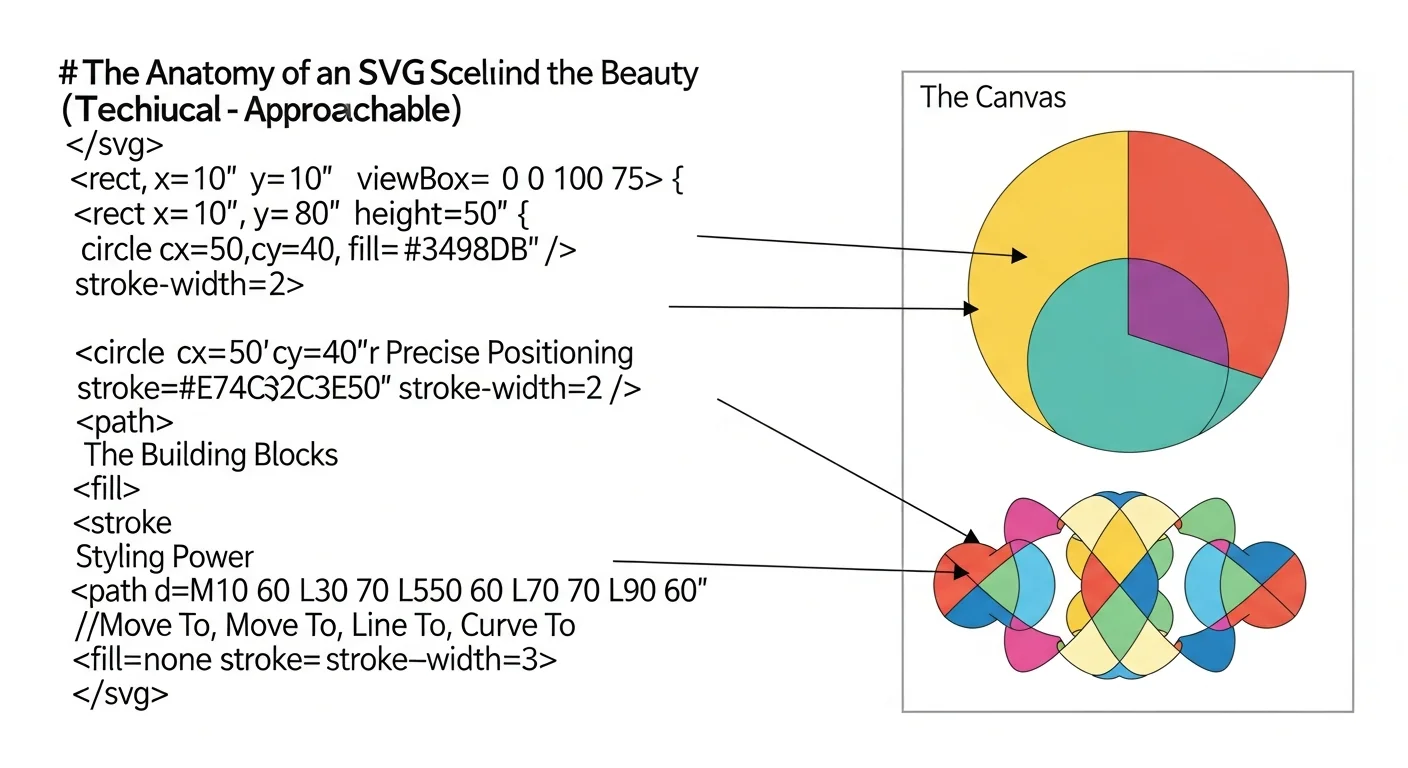
SVG File Format: Everything You Need to Know in 2026
A comprehensive guide to understanding SVG files, their benefits, how they work, and why they're essential for modern web design.
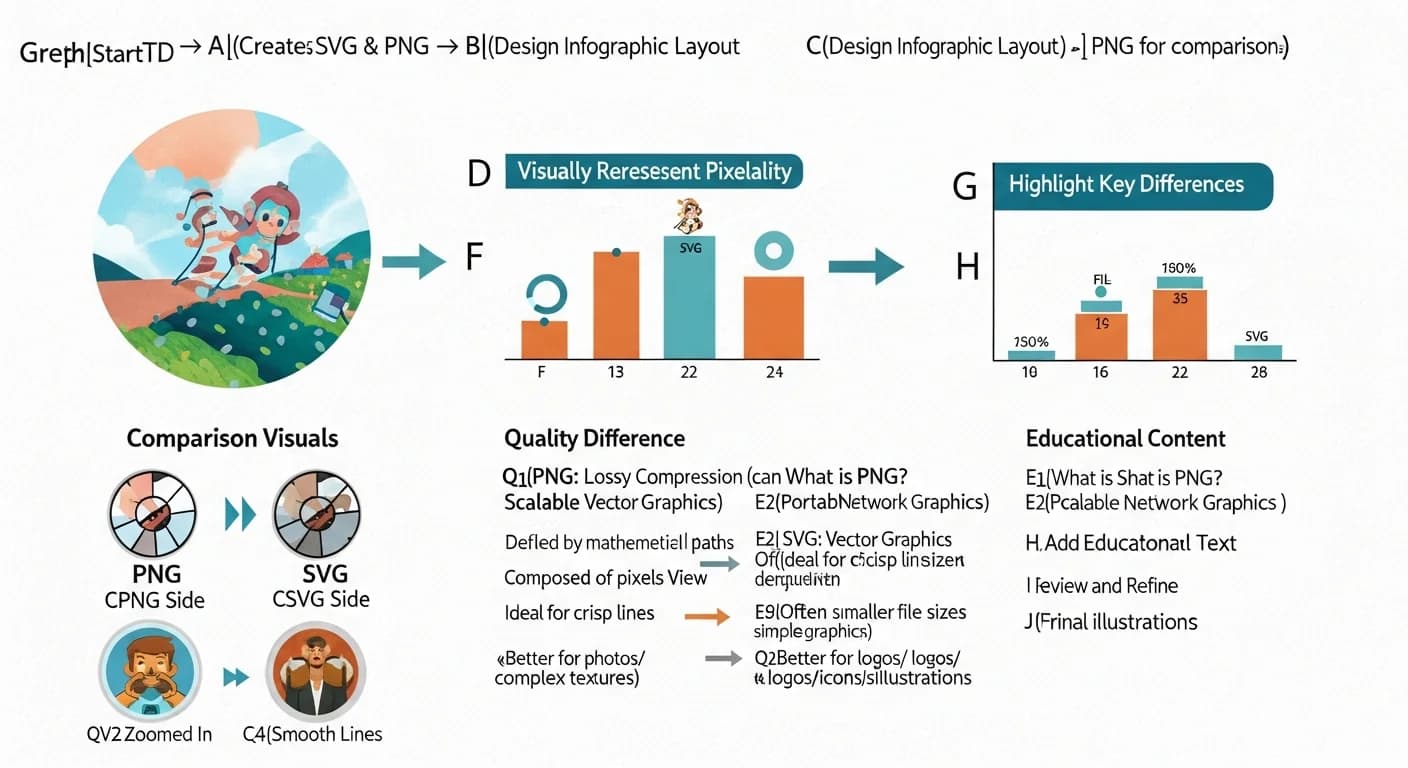
SVG vs PNG: Complete Guide to Choosing the Right Format
Discover the fundamental differences between SVG and PNG, and learn when to use each format to optimize your graphic projects.