
Tutorial
Step-by-step guides to master image vectorization and SVG conversion techniques.
75 articles in this category
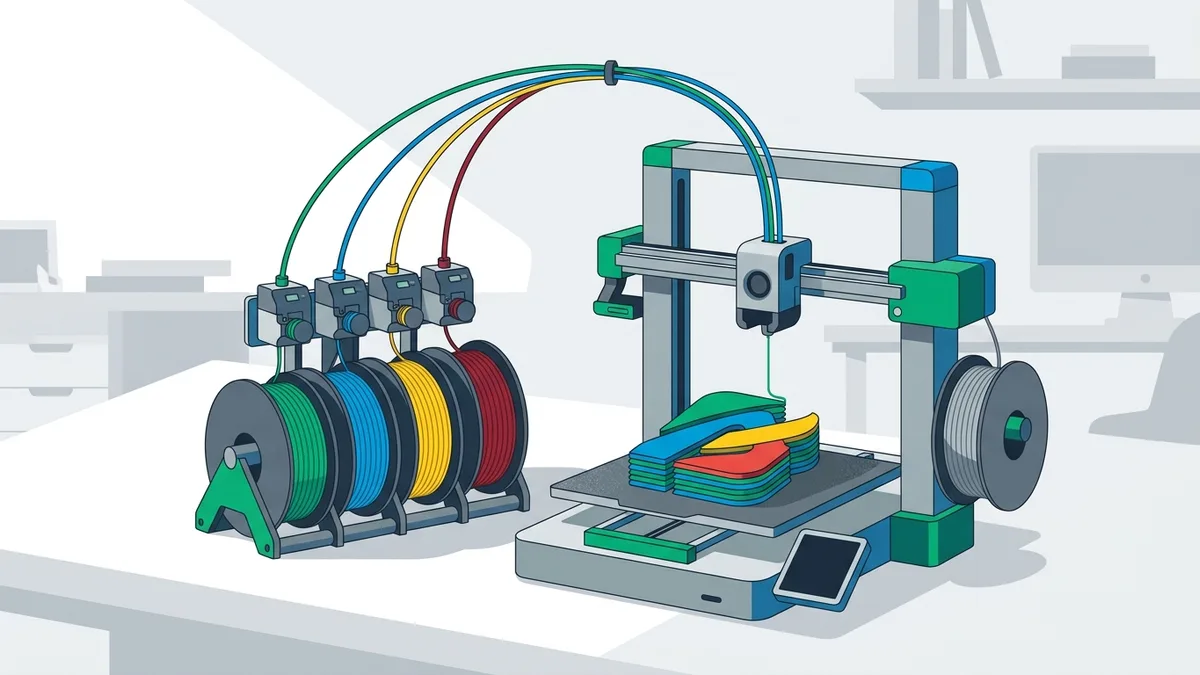
Turn a Customer's Logo Into a Multicolor Keychain (Bambu AMS)
A step-by-step guide for makers who sell custom keychains: from the logo a customer sends you to a 3MF with one part per color, the ring hole, a test print, and the rights checklist to run before you take the order.
ChatGPT image to SVG or DXF: how to vectorize an AI-generated picture
A ChatGPT image is a PNG. Here is how to turn it into a clean SVG for design tools or a DXF for laser cutters and CAD, on the web or directly inside ChatGPT with the VectoSolve app.
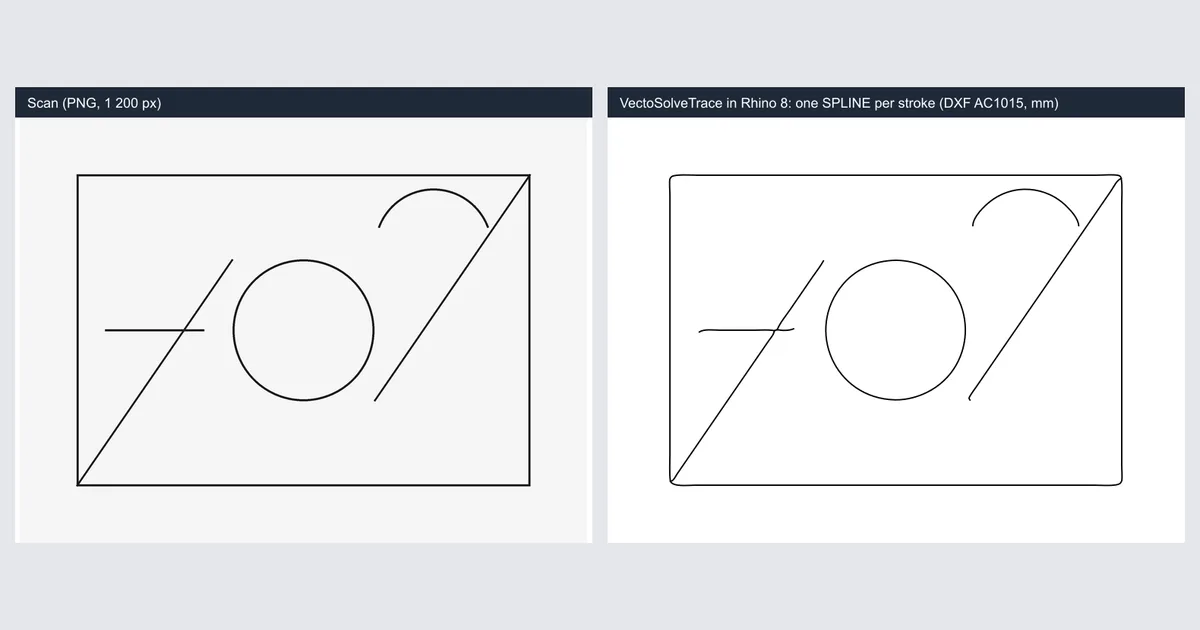
Trace a scanned drawing into Rhino 8 curves: one spline per stroke with VectoSolveTrace
Rhino has no raster-to-curve command and the free Vectorize plug-in traces outlines. VectoSolveTrace does the centerline pass: one editable SPLINE per stroke, imported as a millimetre DXF into the open document.
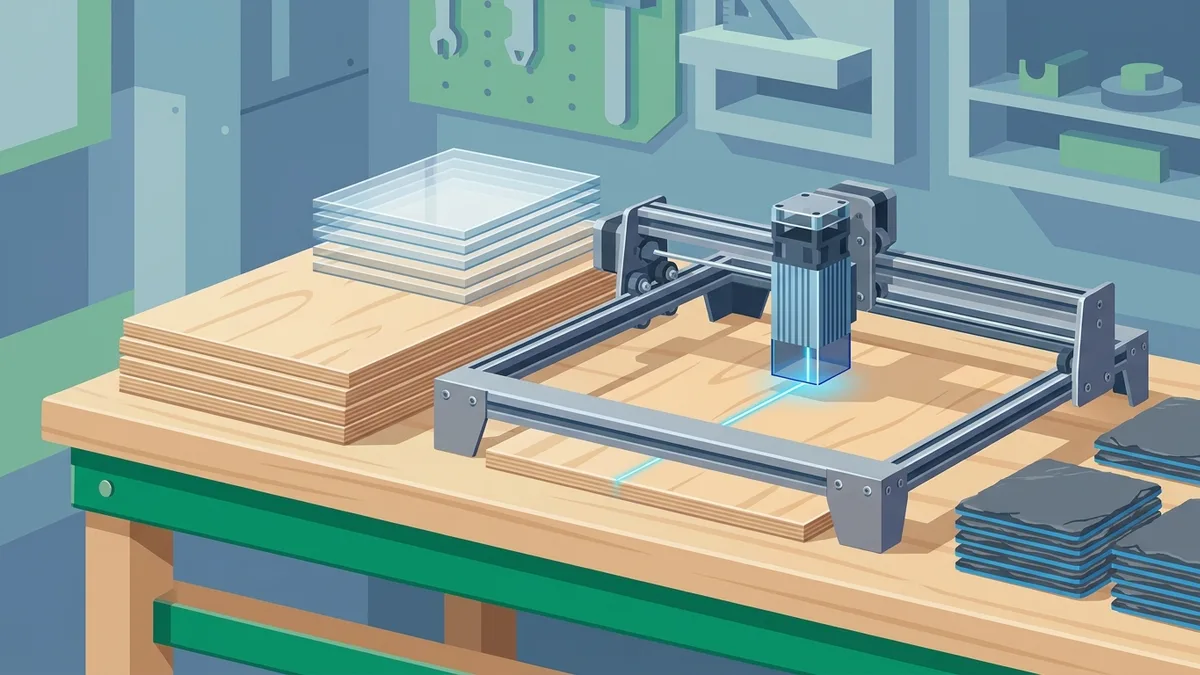
xTool File Formats: What XCS Accepts, SVG vs DXF, and How to Prep Files That Just Work
xTool Creative Space imports eight file formats, but only two of them are vectors — and how you prepare them decides whether your job cuts cleanly or fails at import. Here is the documented format list, how XCS turns SVG colors into layers, when DXF is the smarter choice, and the beginner mistakes that ruin converted files.
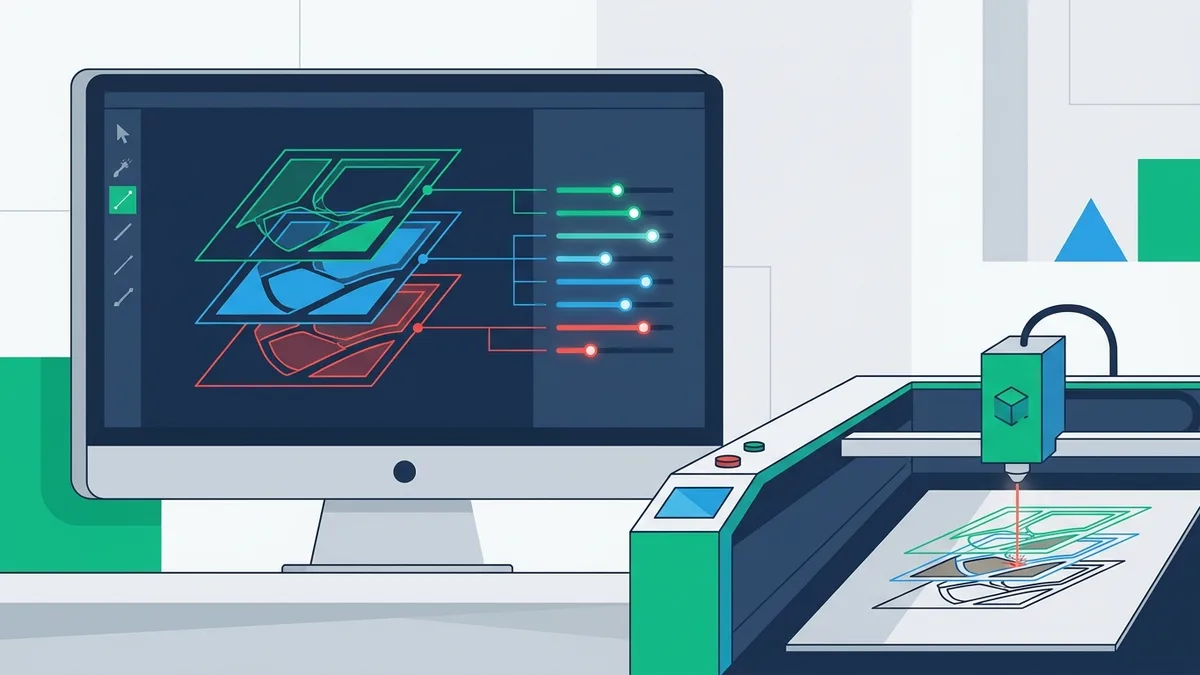
Importing SVGs into LightBurn: What Breaks, What the Layers Mean, and How to Prepare Files That Import Clean
LightBurn reads your SVG's colors as cut layers and its paths as toolpaths — nothing else. Here is why imports come in at the wrong size, why text vanishes, and how to prepare a file where every operation lands on its own layer.
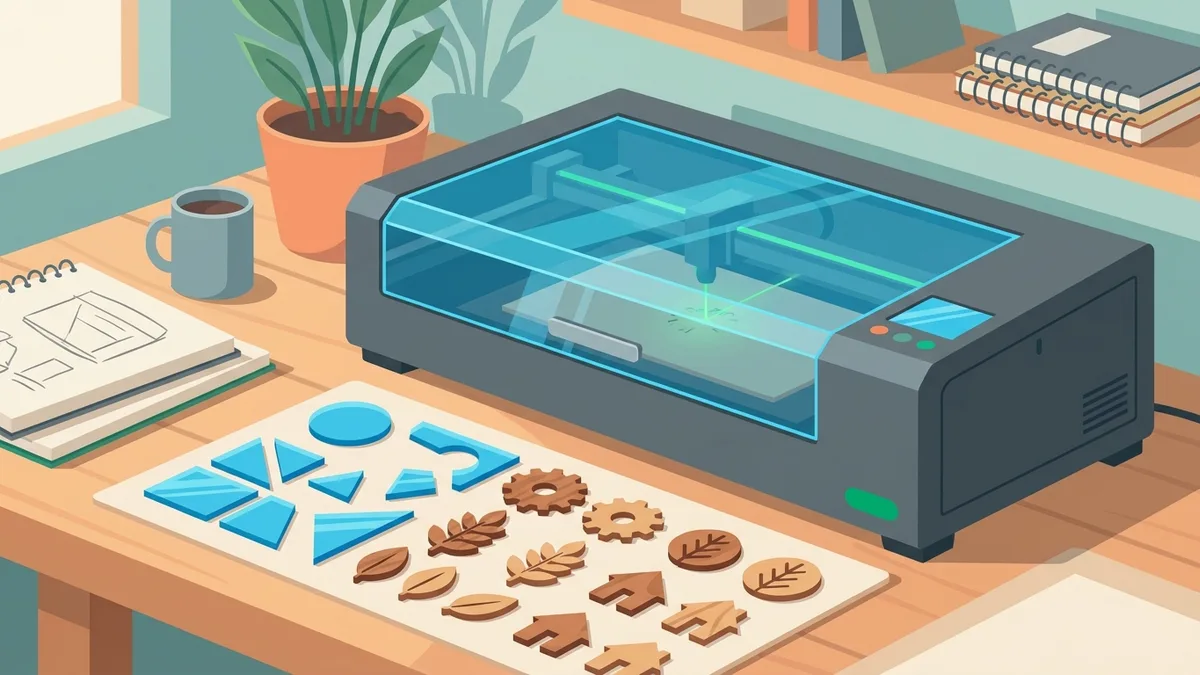
Glowforge SVG Requirements: File Rules, Cut vs Engrave Mapping, and Artwork That Uploads Right
Glowforge publishes fewer hard limits than you'd expect — the real SVG requirements are about how the file is built. Here's how the app maps strokes to cuts and fills to engraves, the constraints that actually exist in Glowforge's own documentation, and how to prepare converted artwork so it uploads clean.
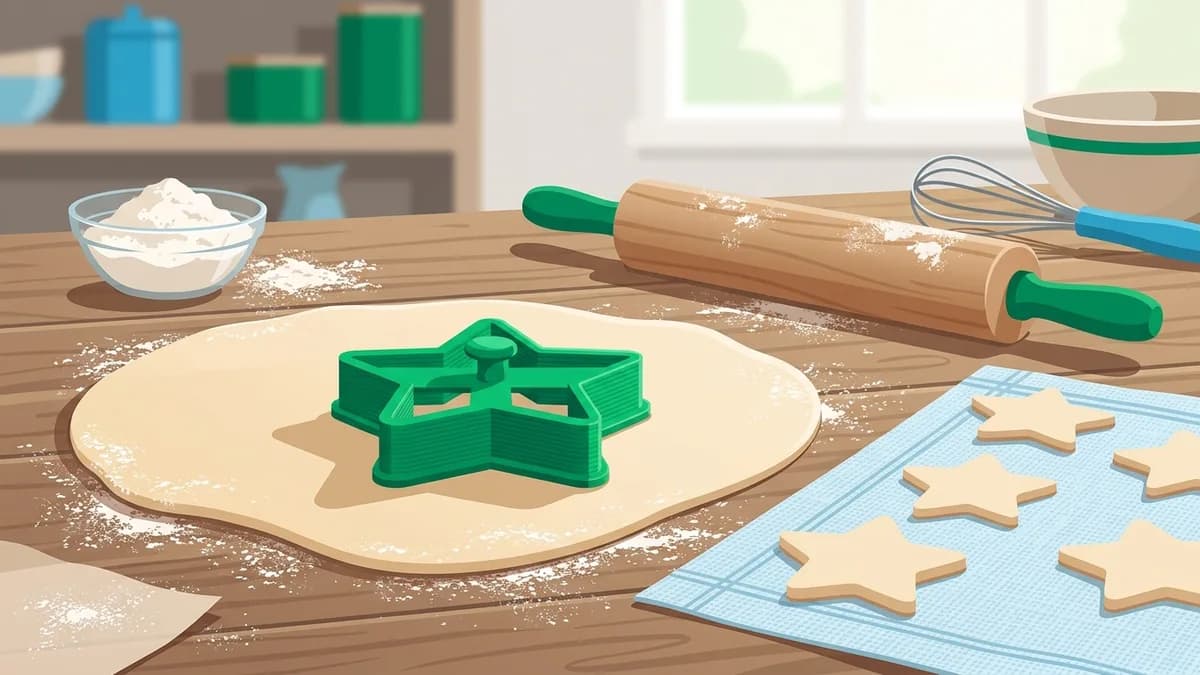
Make a Cookie Cutter From Any Image: Outline to Printable Cutter
Turn a logo, a drawing, or a photo into a 3D-printed cookie cutter. The full workflow: extract a clean closed outline, fix the details that trap dough, scale it to real millimetres, and extrude it into a cutter — plus the honest version of the PLA food-safety debate.
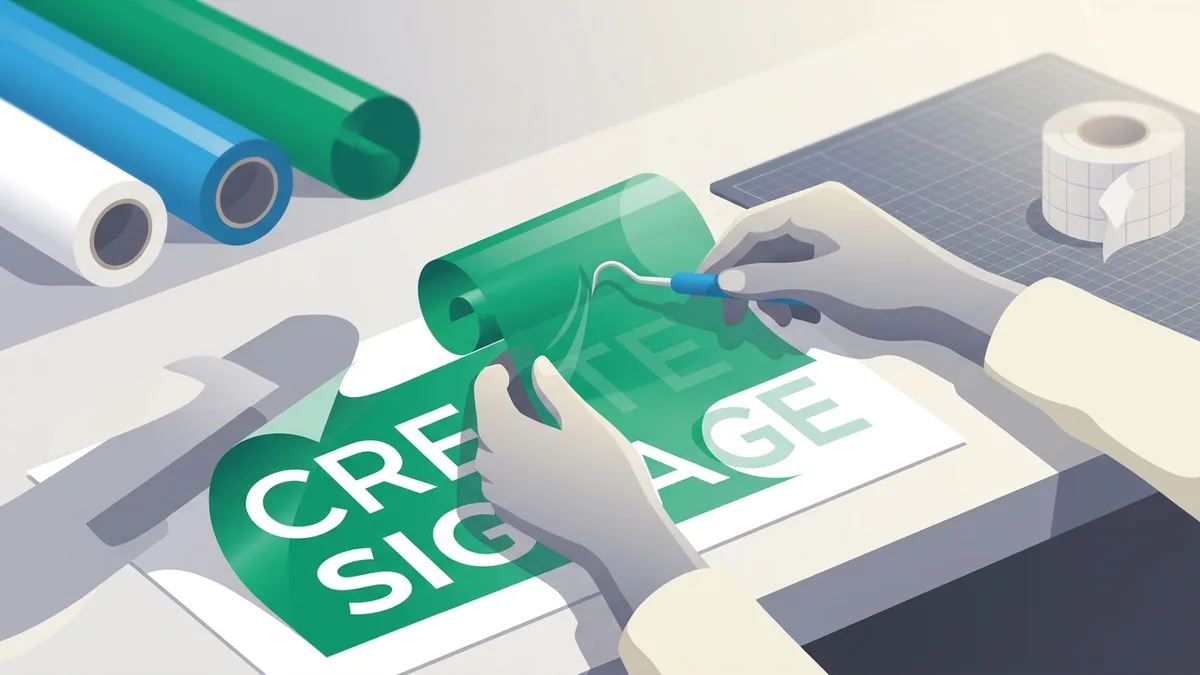
Sign Lettering That Cuts and Weeds Cleanly: Font Choice, Minimum Sizes, and Welding
Weeding time is decided before the blade moves. How to pick fonts for vinyl cutting signs, set honest minimum letter heights, weld script lettering so the plotter doesn't cut through the joins, and get text into outline form that any cutter can read.
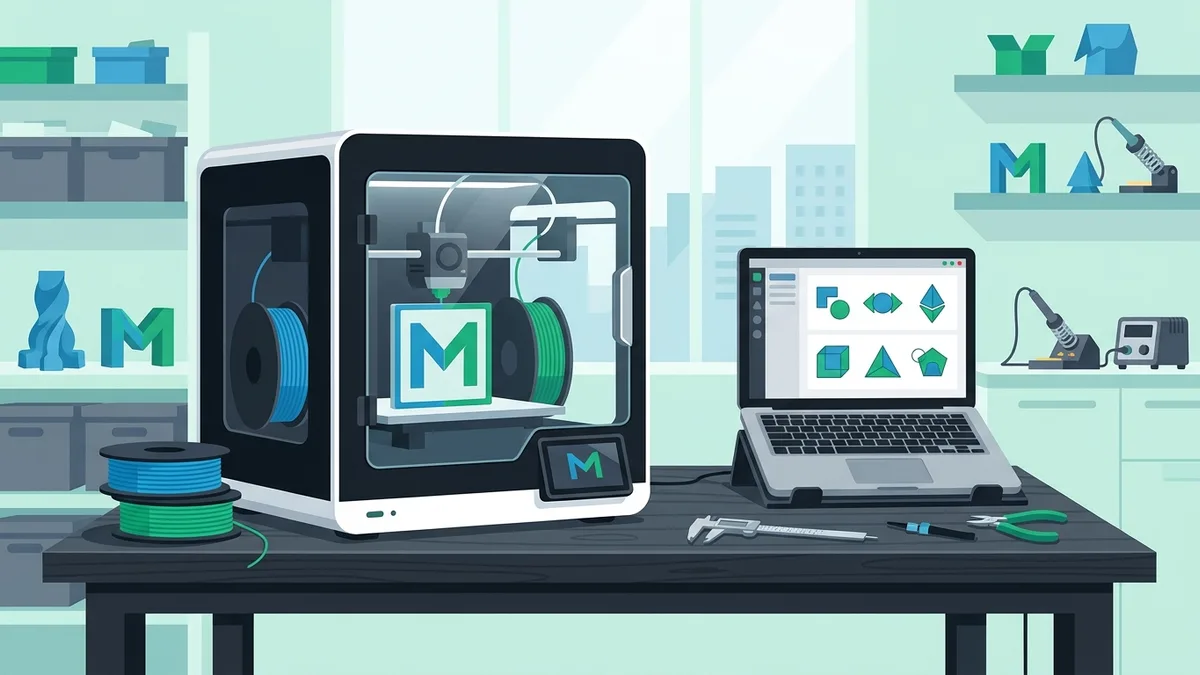
Adding SVGs to Bambu Studio: Import, Extrude, Emboss and Multicolor — What Works and What Breaks
Bambu Studio takes SVGs three ways: as a standalone object, as an embossed or debossed part on a model, and through the text tool. Here is how each path behaves, the four failures that ruin most imports, and how to prepare a multicolor logo the AMS can actually print.
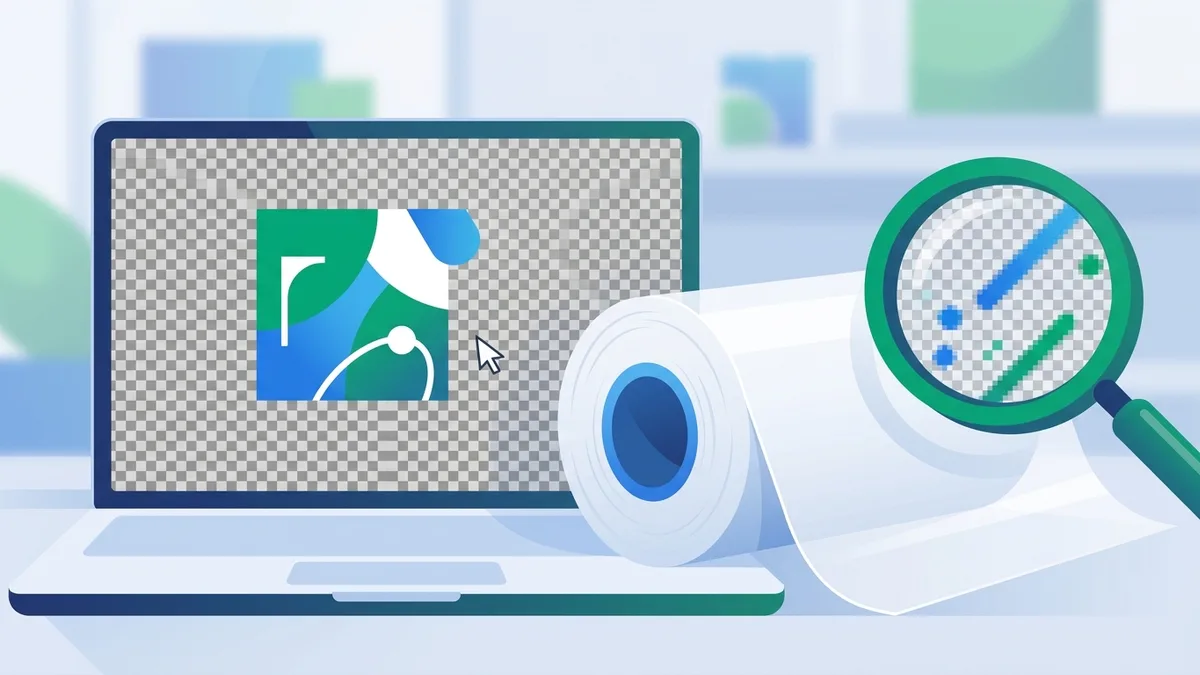
How to Prepare Artwork for DTF Printing: The 5-Point Pre-Flight
DTF prints exactly what is in your file. The five checks that decide whether a transfer sells or gets thrown away: real resolution, true transparency, the white-underbase alpha trap, minimum detail sizes, and tight ganging.
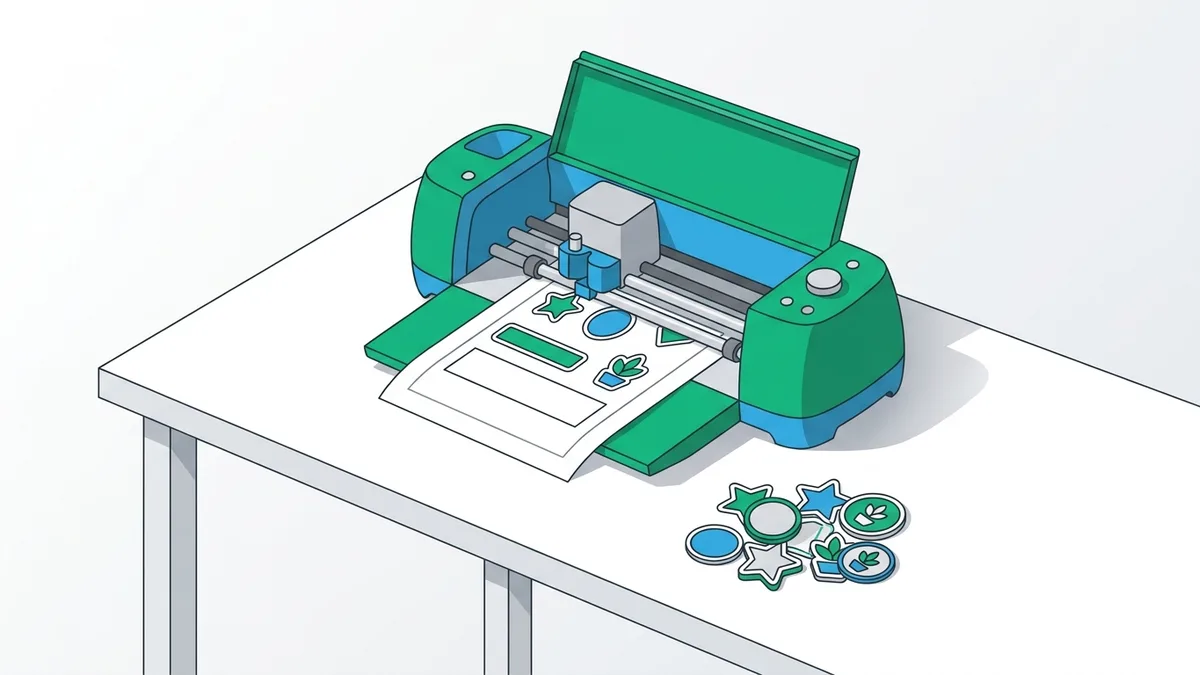
Cricut Print Then Cut Stickers: Sizes and Cut Lines That Work
Print then cut is a registration problem plus a geometry problem. The real cut area on letter paper, why a 2-3 mm offset saves your art, kiss vs die cut, and a workflow that holds up.
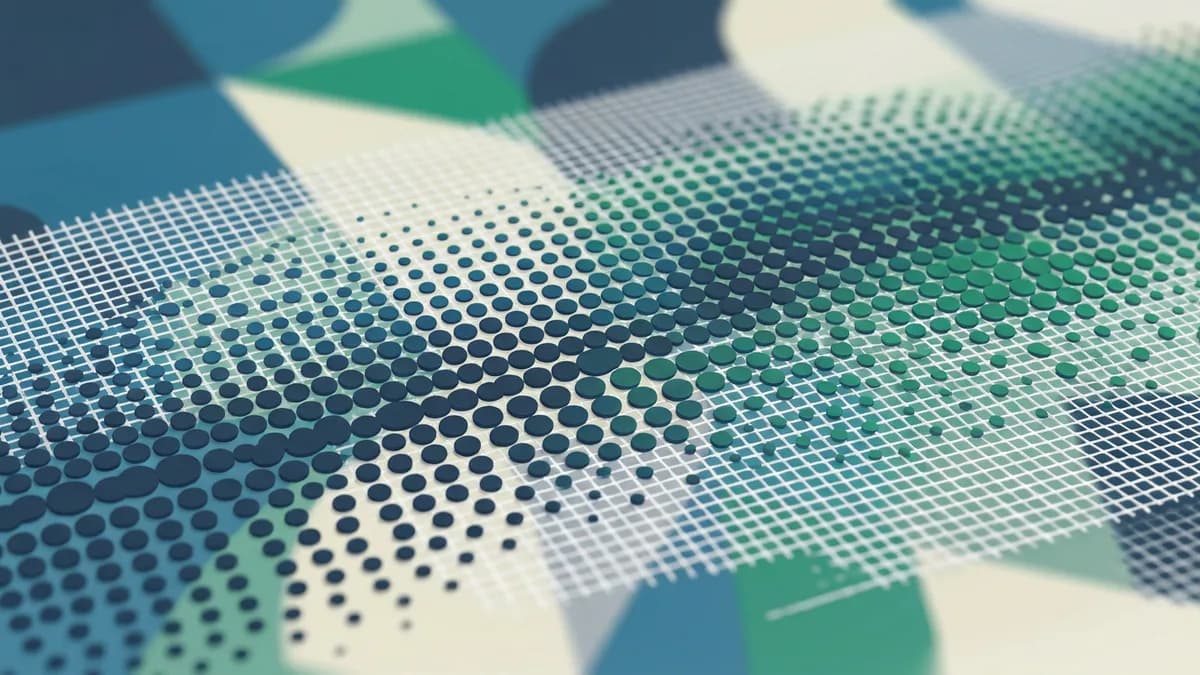
Halftone Screen Printing: Gradients and Shading With One Screen
How to print gradients and shading with a single screen: halftone dots from first principles, the mesh-to-LPI rule of thumb, moiré angles, and dot gain compensation on fabric.
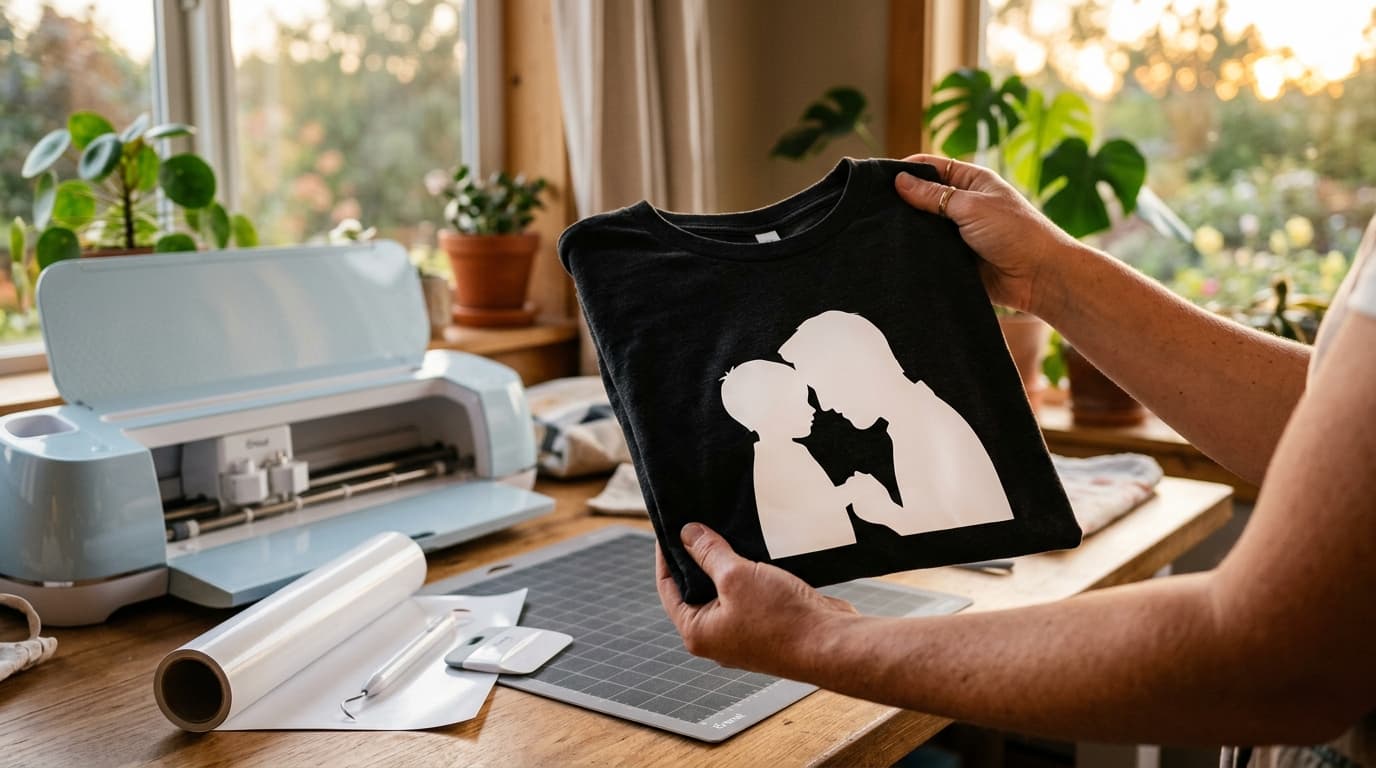
Turn a Photo of Dad Into a Cricut Gift in 10 Minutes (Father's Day 2026)
Every shipped gift is a gamble now, but your Cricut is not. One photo, ten minutes of file work, and five gift recipes ranked by how much weekend they cost.
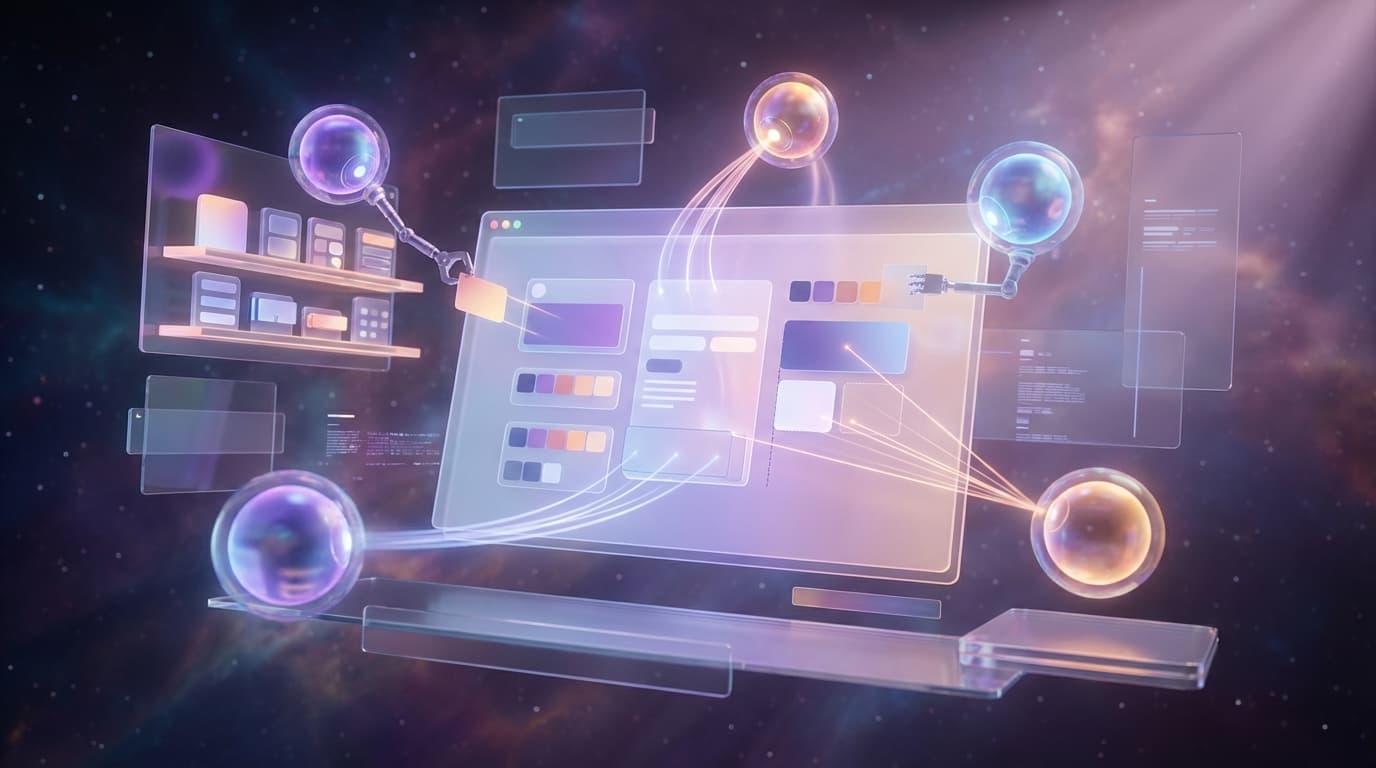
Figma Weave Just Launched AI Workflows on Community — How to Build an Image-to-SVG Pipeline Without Leaving Figma
In 3 weeks, Figma opened its canvas to AI agents, launched Weave (visual AI workflows), and published 20+ templates. Here's how to build a complete image-to-SVG-to-design pipeline using Figma MCP + VectoSolve MCP.
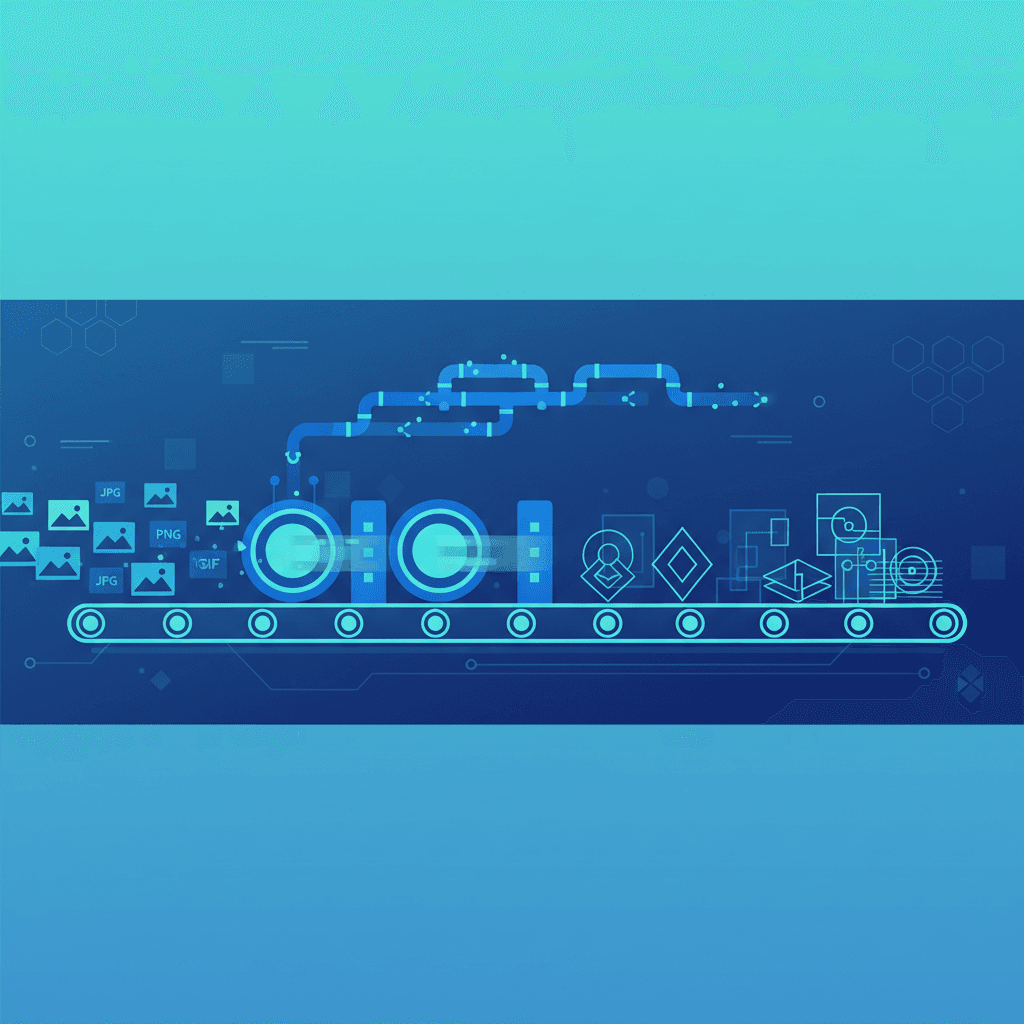
How to Automate Image-to-SVG Conversion: API, SDK & Batch Processing
Process hundreds of images programmatically with the VectoSolve API. This guide covers batch endpoints, SDK integration, CI/CD pipelines, and error handling patterns.
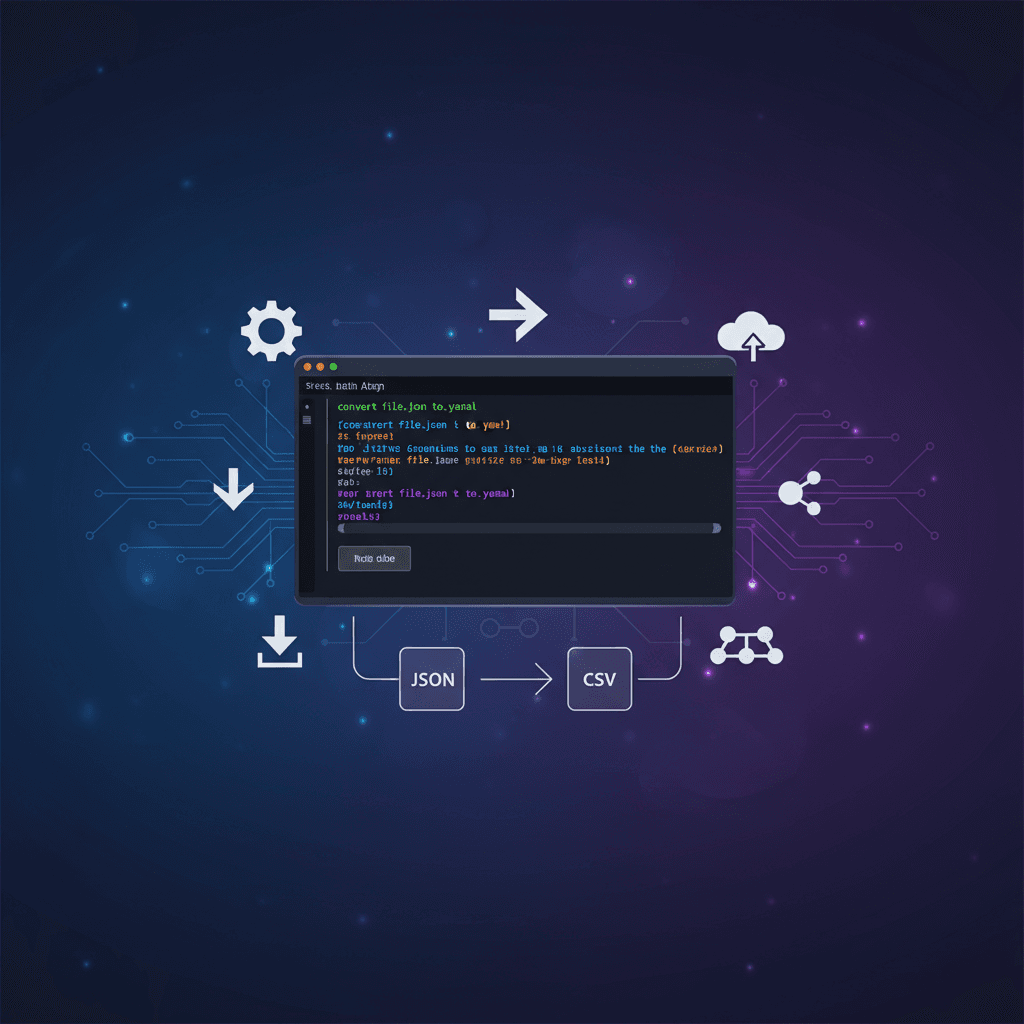
VectoSolve CLI: Convert Images to SVG From the Command Line
Install the VectoSolve CLI to convert images to SVG, remove backgrounds, upscale, and generate logos directly from your terminal. Perfect for batch processing, CI/CD pipelines, and shell scripting.
VectoSolve TypeScript SDK: Integrate AI Image Vectorization in Your App
The official TypeScript SDK for VectoSolve gives you type-safe access to AI vectorization, background removal, upscaling, and logo generation. Install via npm, authenticate with your API key, and ship production integrations in minutes.
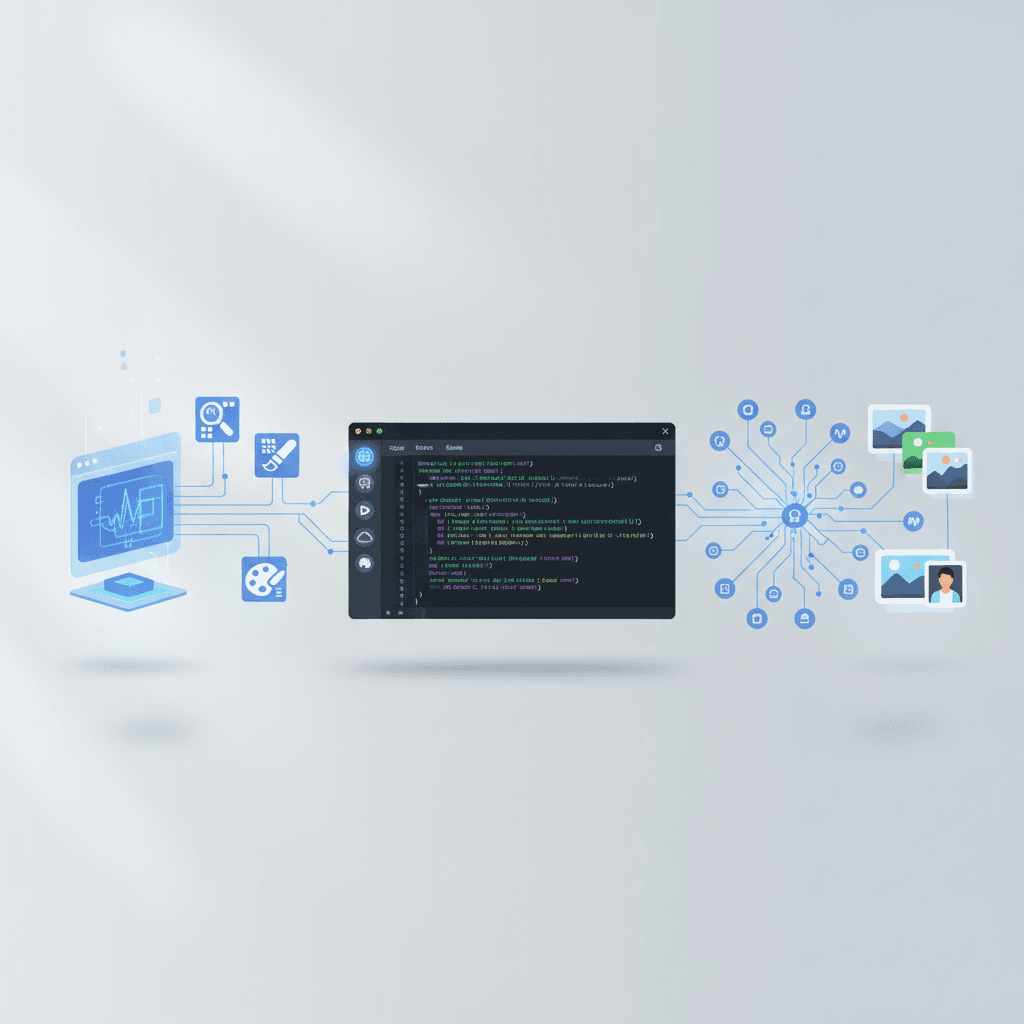
VectoSolve MCP Server: AI Image Tools Inside Claude Code, Cursor & Windsurf
The @vectosolve/mcp server brings AI vectorization, background removal, upscaling, and logo generation directly into your IDE. One npx command, zero setup — convert images to SVG without leaving your editor.

How to Prepare SVG Files for Laser Cutting — Complete Guide
Learn how to prepare SVG and DXF files for laser cutting. Covers material settings, kerf compensation, path optimization, and common mistakes to avoid.

How to Create a Complete Brand Kit With AI in Minutes
Build a professional brand identity in minutes using AI. Logo, color palette, typography, and brand guidelines — all generated automatically.
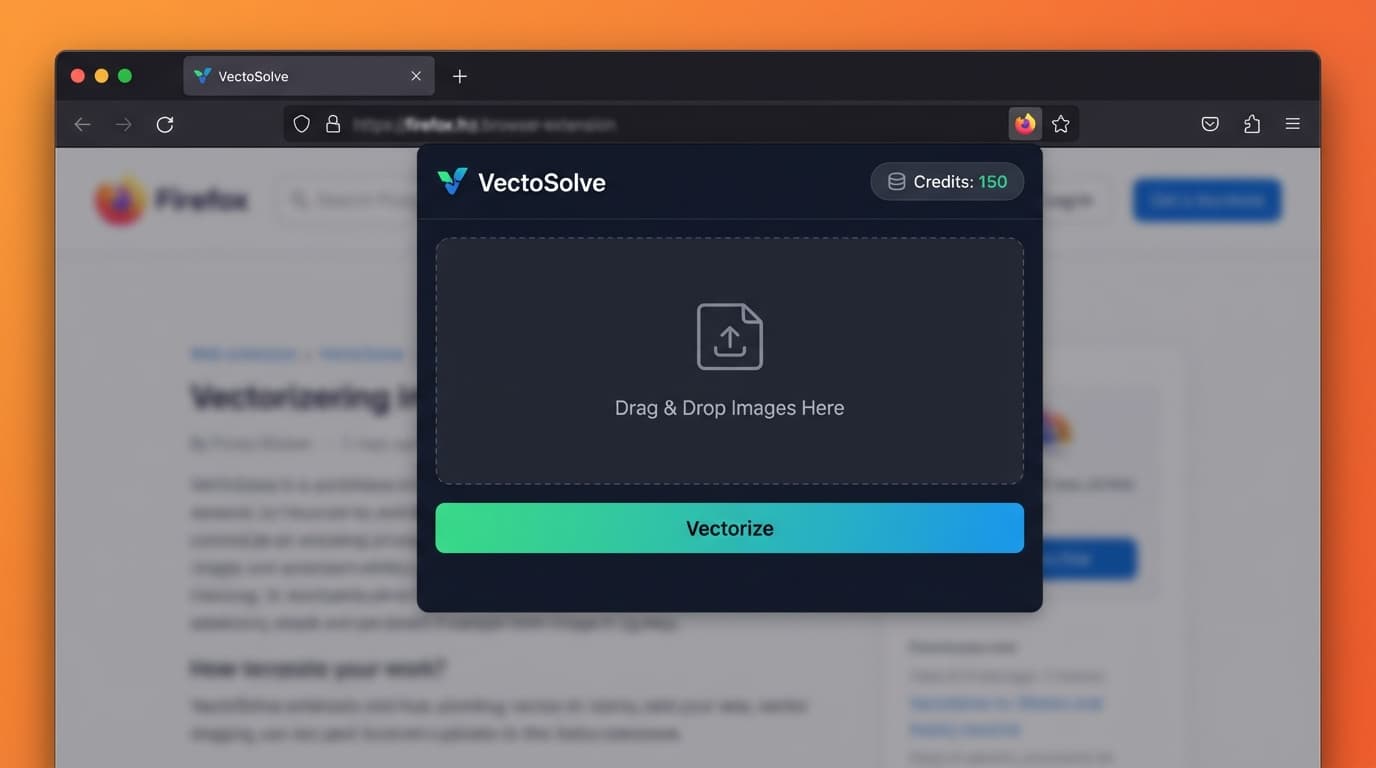
VectoSolve Firefox Extension — Convert Any Image to SVG in One Click
The VectoSolve image-to-SVG extension is now available for Firefox. Right-click any image, vectorize it instantly, and download a clean SVG — all without leaving your browser.
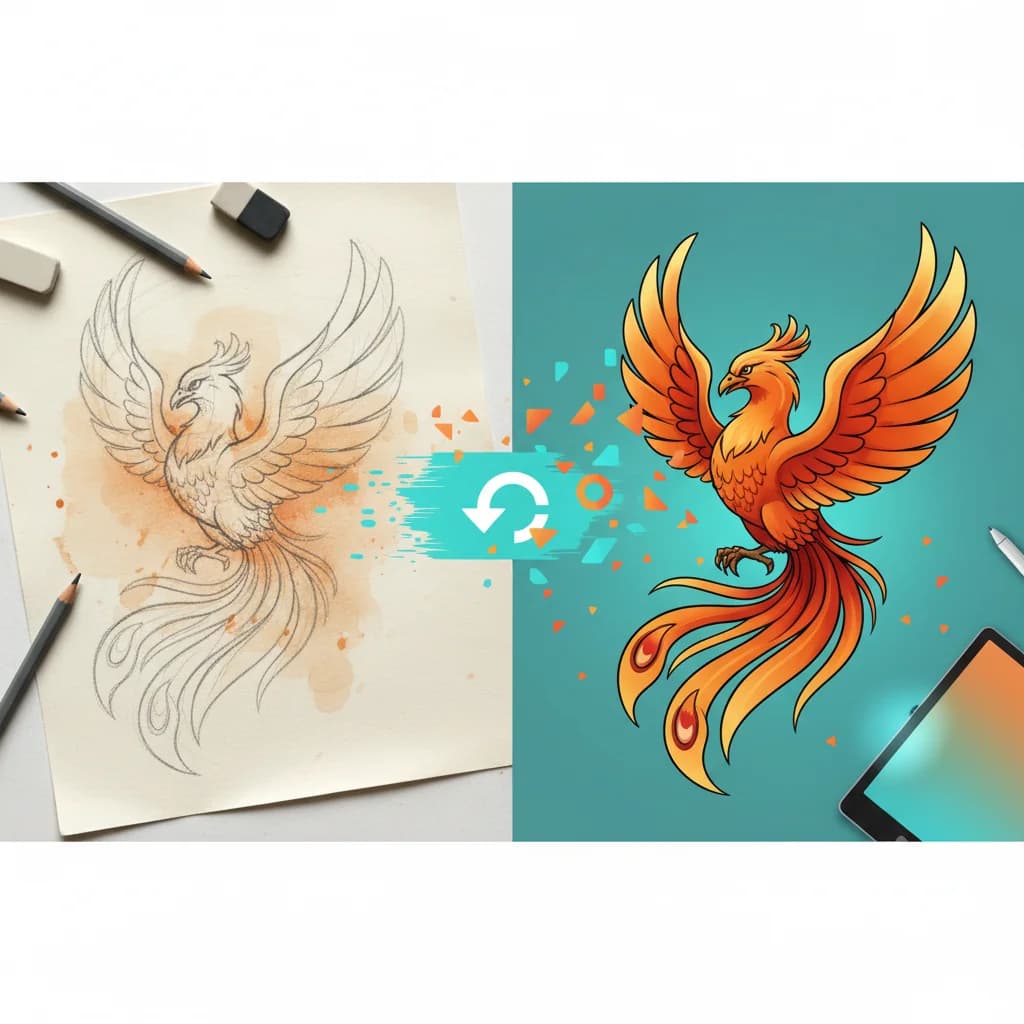
How to Digitize Hand-Drawn Sketches to Vector (Complete 2026 Guide)
Complete guide to digitizing hand-drawn sketches into clean vector files. Learn scanning techniques, AI-powered vectorization, and pro tips for preserving your art style.
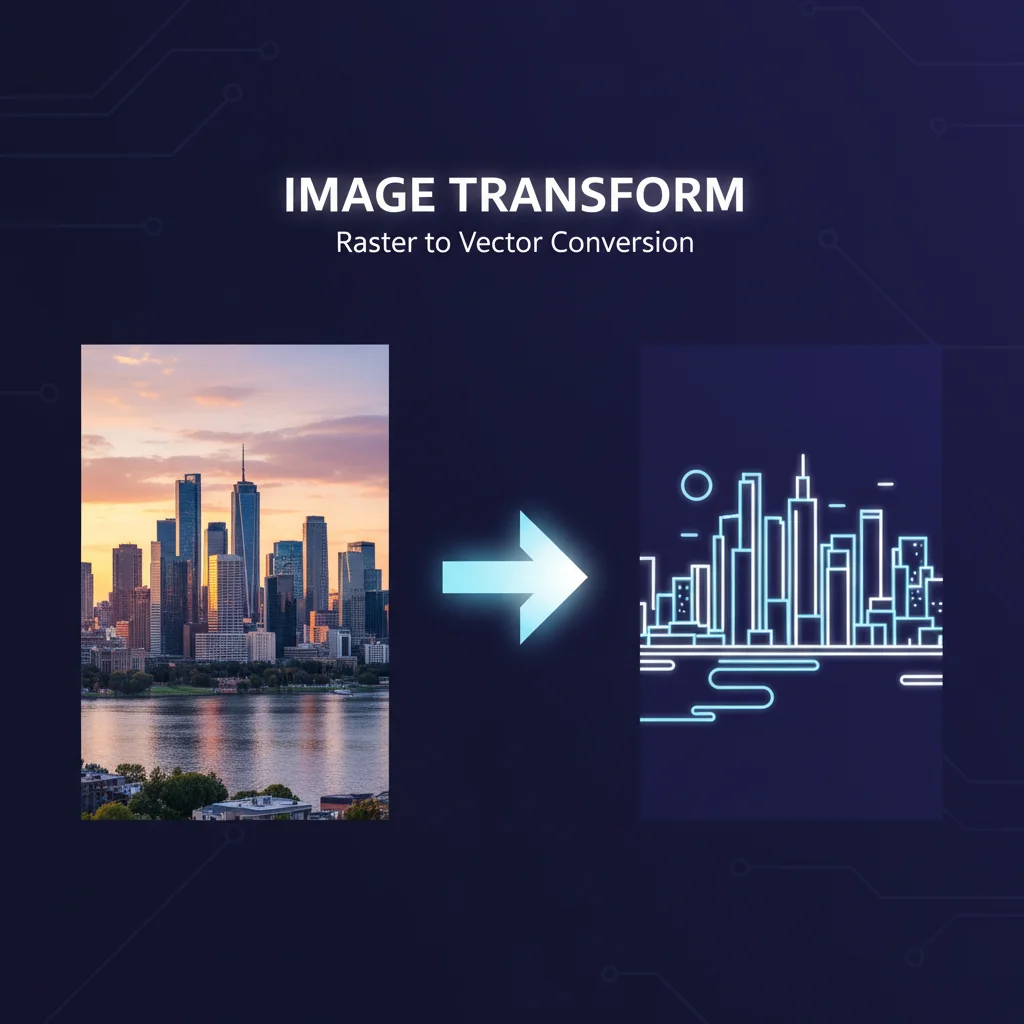
How to Convert AI-Generated Images to SVG (Midjourney, DALL-E, Gemini)
Learn how to convert AI-generated images from Midjourney, DALL-E, and Google Gemini into clean, scalable SVG vector files for print, web, and cutting machines.
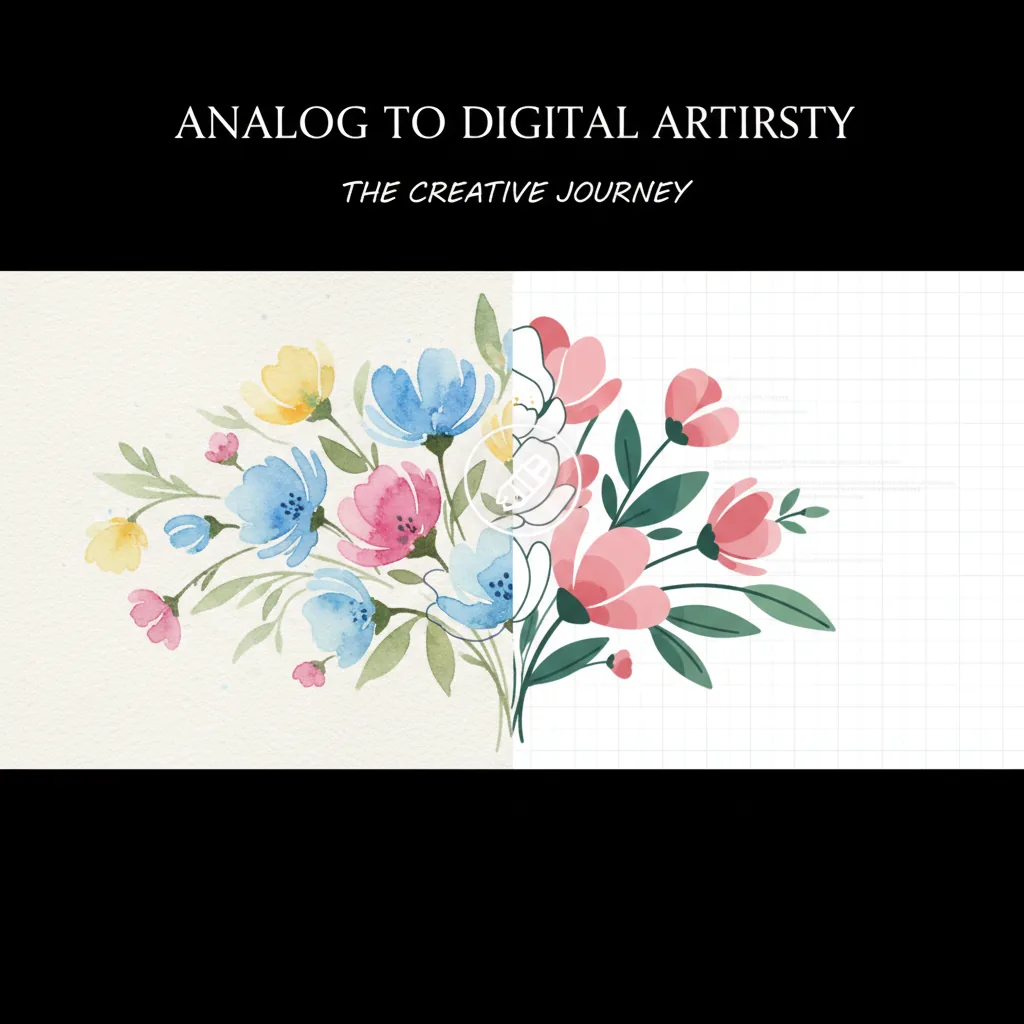
How to Convert Watercolor Paintings to Digital Vectors (2026 Guide)
Preserve your watercolor art as scalable digital vectors. From scan to SVG — here's how artists are digitizing their paintings in 2026.
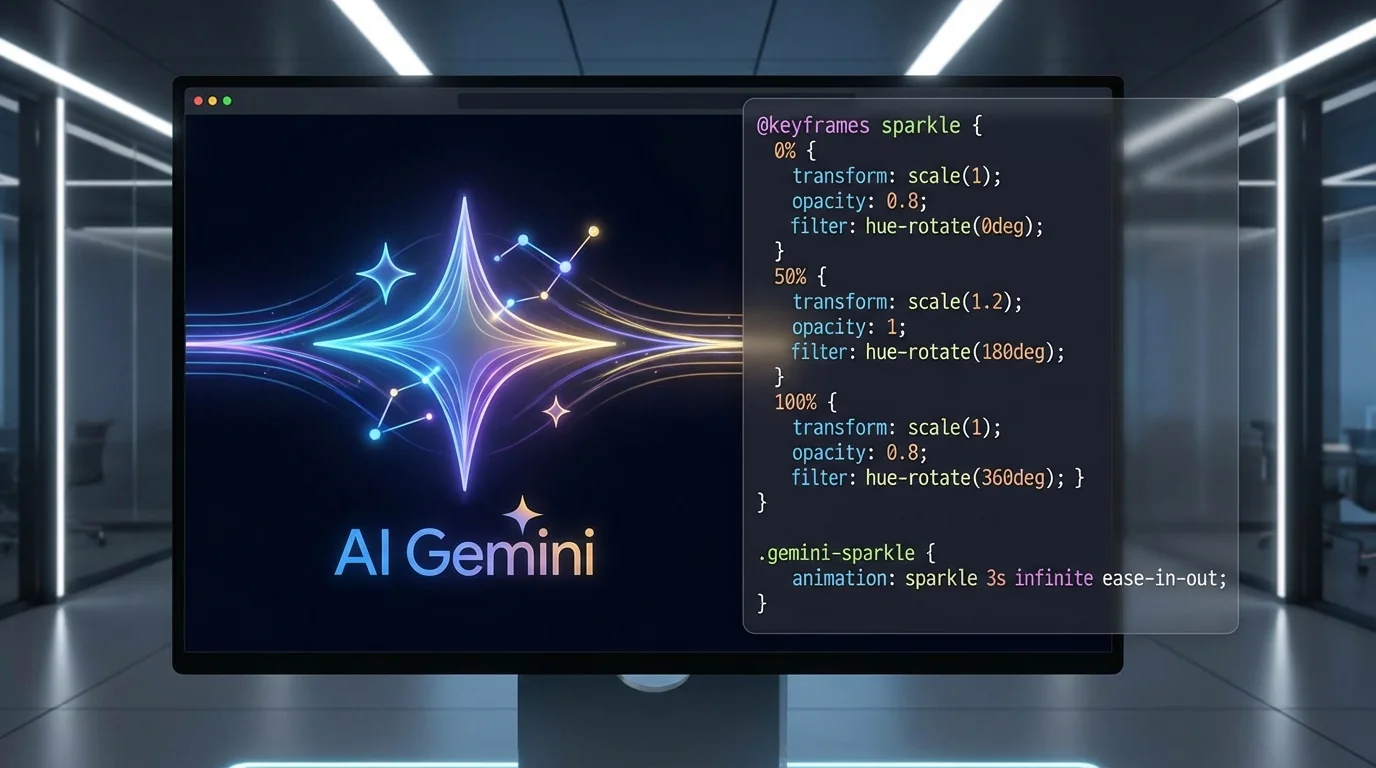
How to Animate SVGs with Gemini AI — Step-by-Step Guide (2026)
Learn how to generate CSS keyframe animations for any SVG file using Google Gemini AI. No code required — just describe what you want.
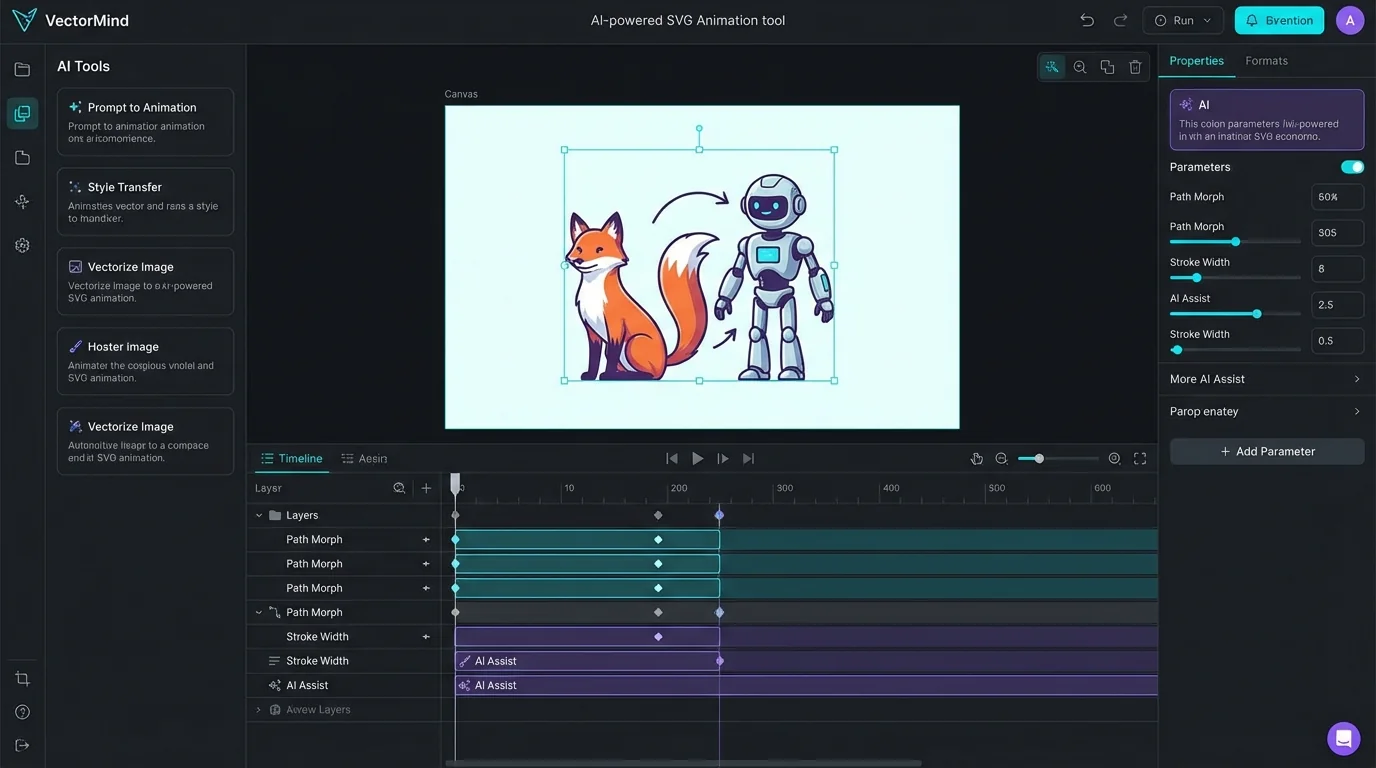
How to Animate SVGs with AI: Complete Guide to VectoSolve AI Animate
Learn how to create stunning SVG animations using AI. Complete guide covering 3 model tiers, pricing, use cases, and step-by-step tutorials.
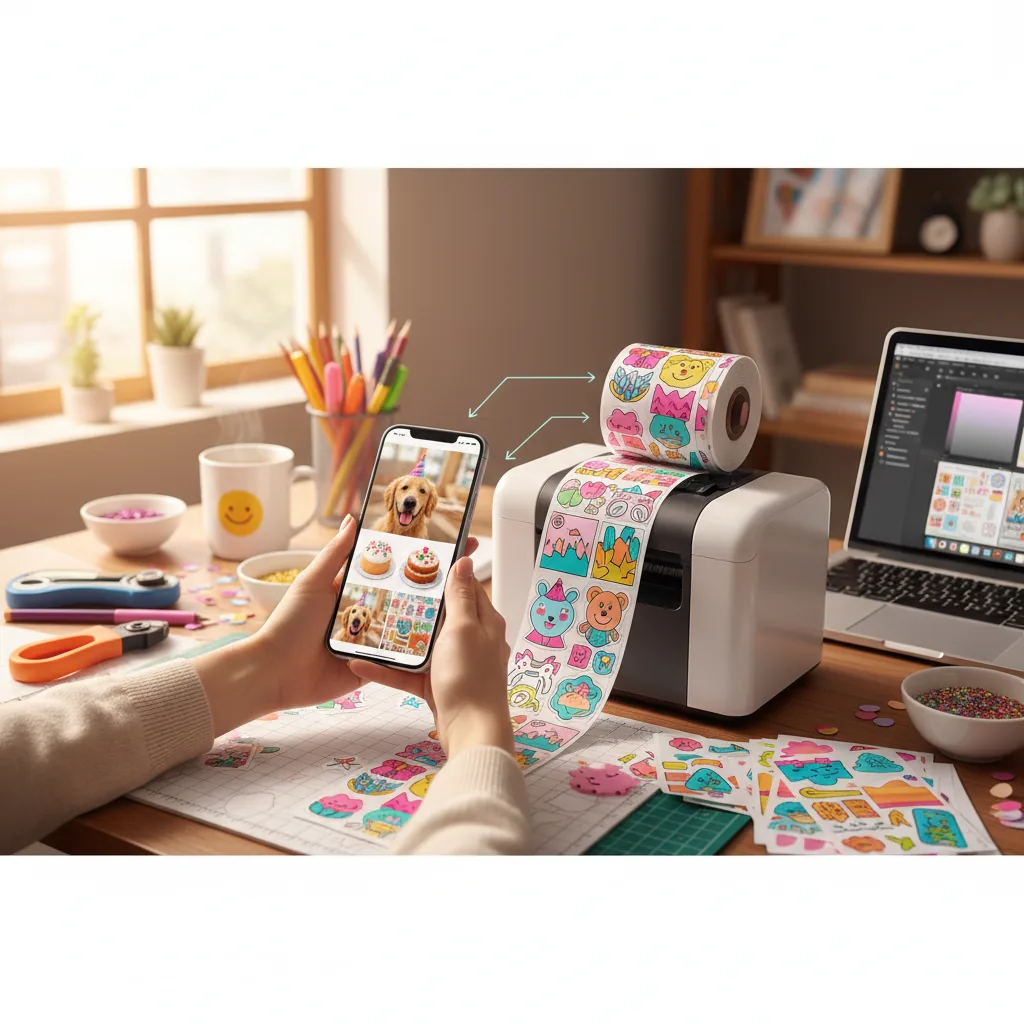
How to Create Custom Stickers from Any Photo (Cricut & Print)
Turn any photo into a professional die-cut sticker. From pet portraits to brand logos — here's the complete workflow for 2026.
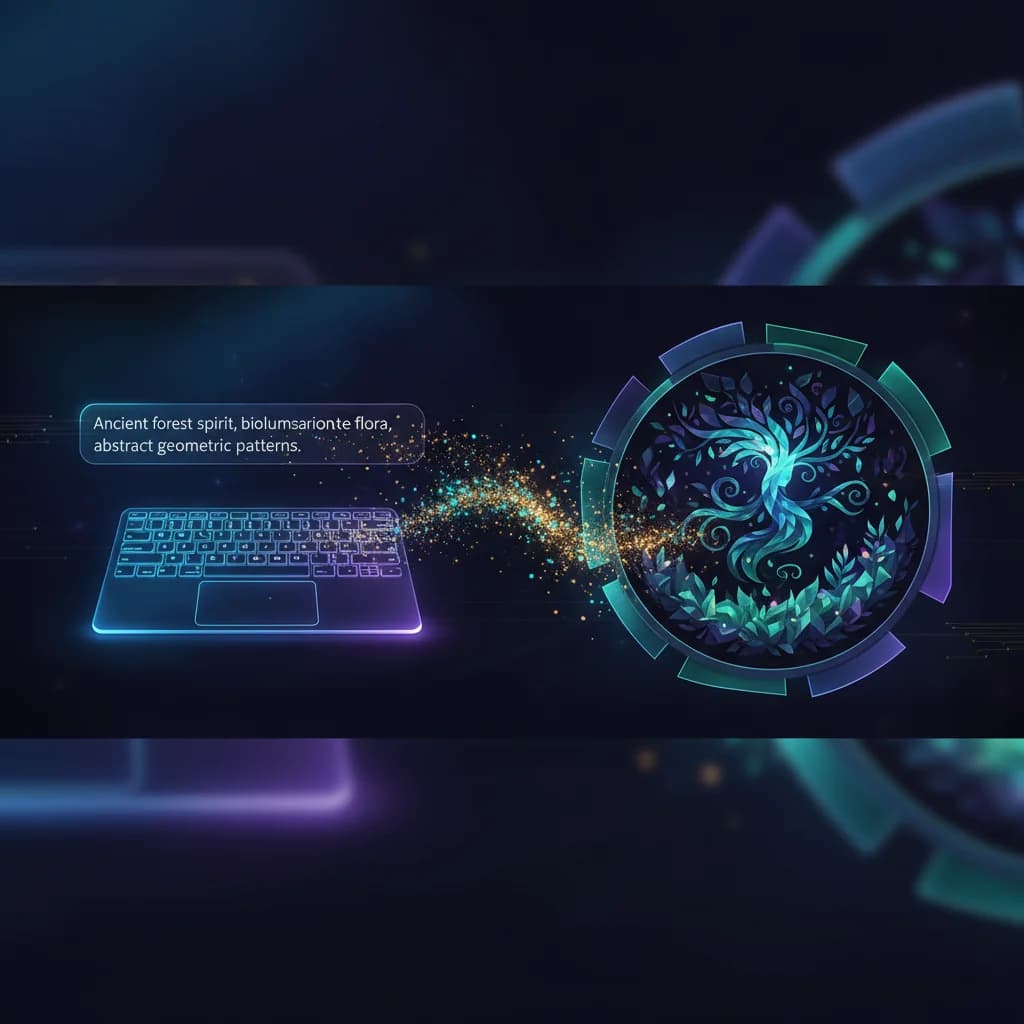
AI SVG Generator: How to Create Vector Art from Text Prompts in 2026
Learn how to use AI to generate unique SVG vector illustrations from simple text descriptions. 10 styles, instant download, commercial use.
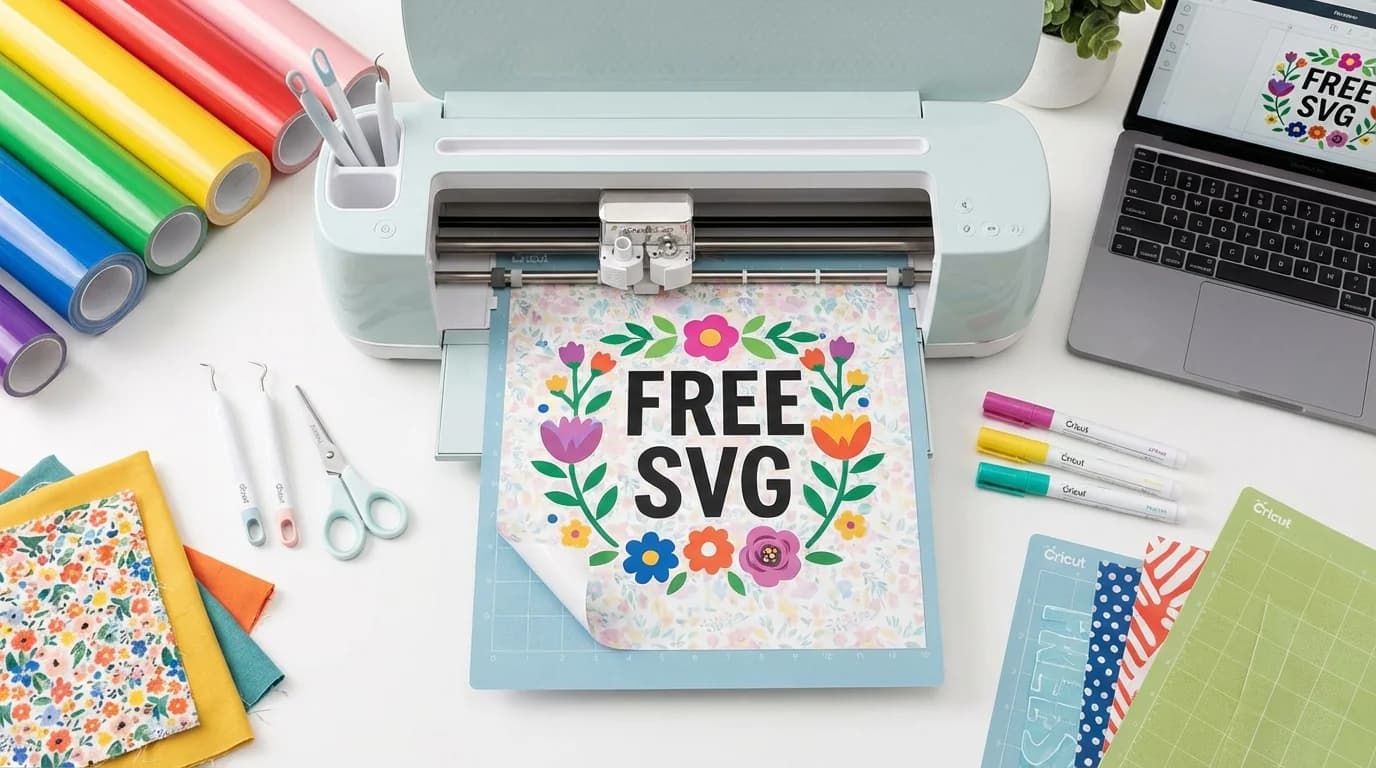
How to Download Free SVG Templates for Cricut in 2026
Looking for free SVG files for your Cricut? Discover our curated template gallery with wedding, birthday, holiday, and decorative designs ready to cut.
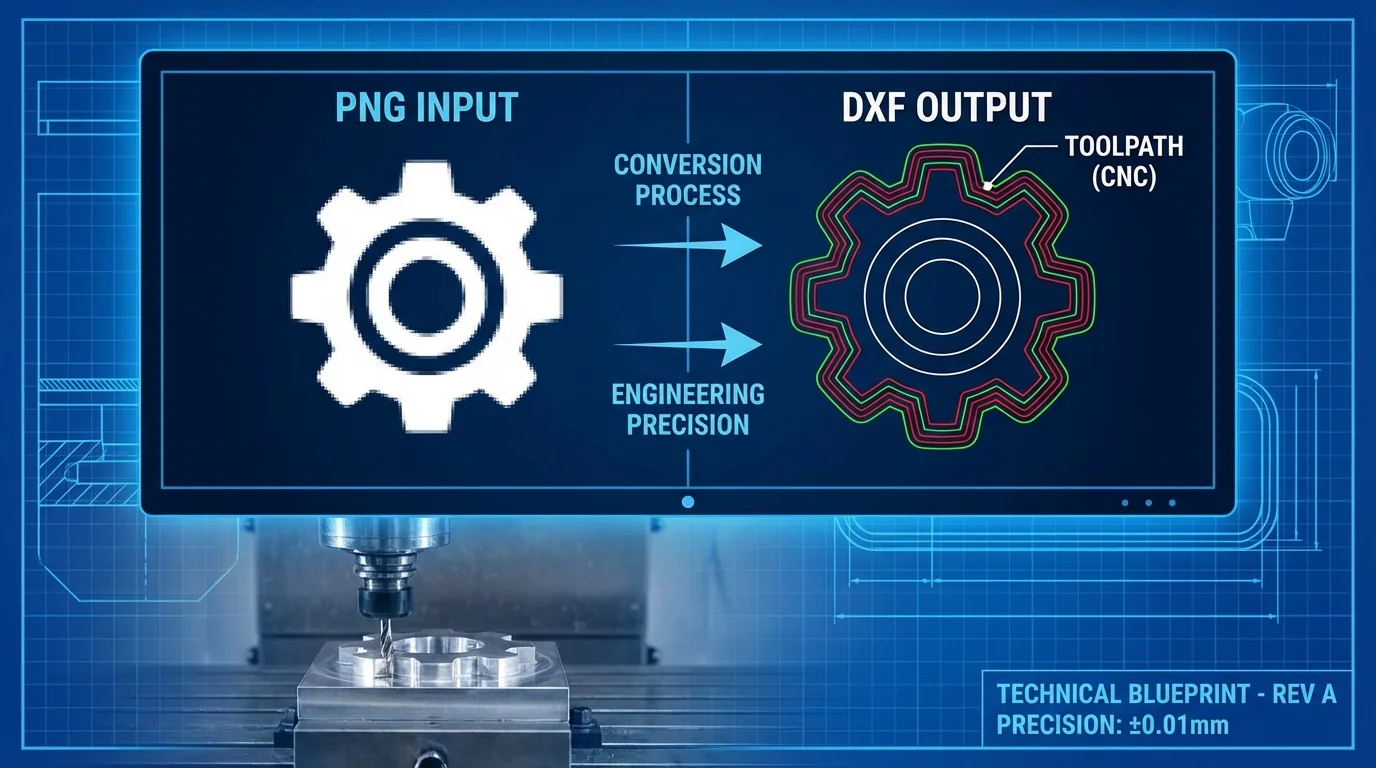
How to Convert PNG to DXF for CNC Machines — Step-by-Step Guide
Need to convert a PNG image to DXF for your CNC router or laser cutter? This guide walks you through the process from image preparation to machine-ready files.
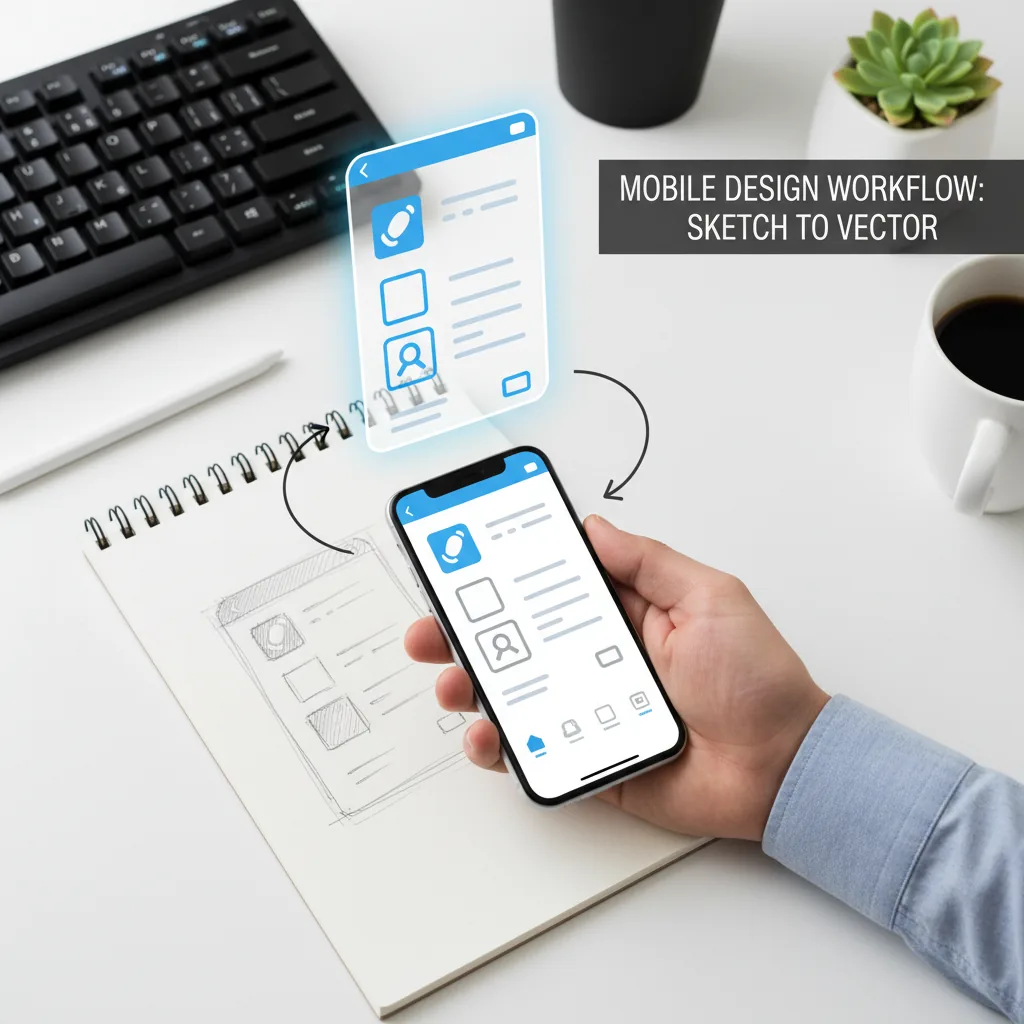
How to Convert Phone Photos to SVG: Mobile Vectorization Guide (2026)
Took a photo of a sketch, logo, or design on your phone? Here's how to turn it into a clean, scalable SVG vector in seconds.
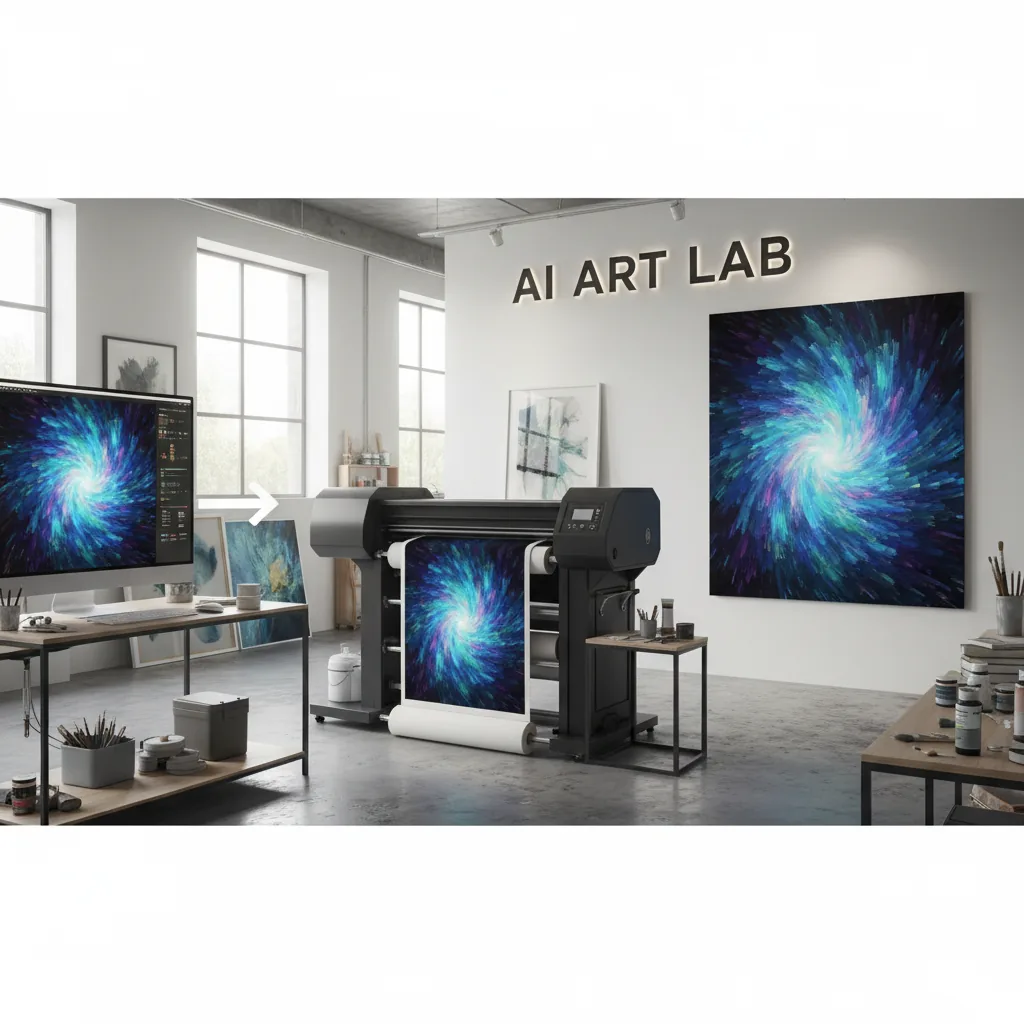
How to Upscale AI Art for Printing: From DALL-E to Gallery-Quality Prints
AI art looks great on screen but prints blurry? Here's how to upscale ChatGPT, Midjourney, and Stable Diffusion images for perfect prints.
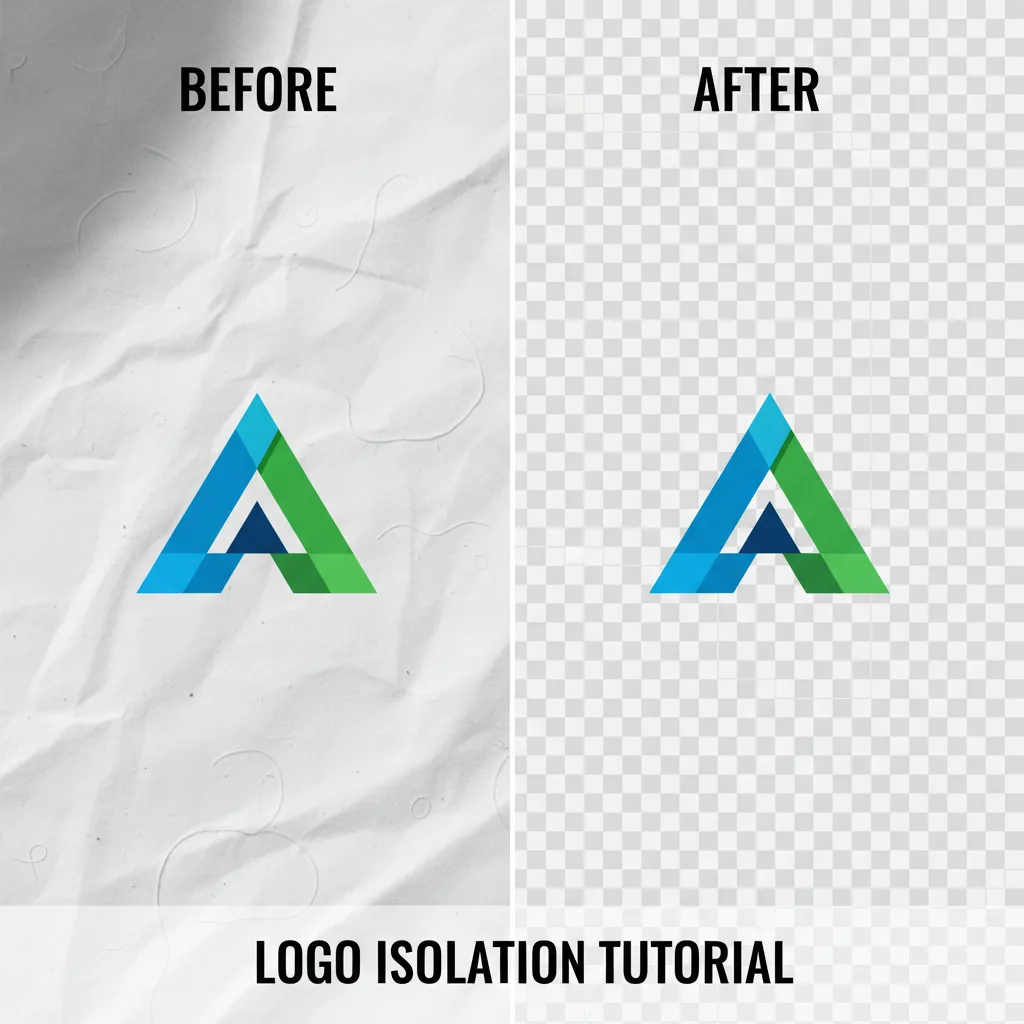
Remove Background from Logo: Free Preview, Transparent PNG and SVG (2026 Guide)
Need a transparent logo? Here's how to remove the background from any logo image in seconds — free, no Photoshop required.
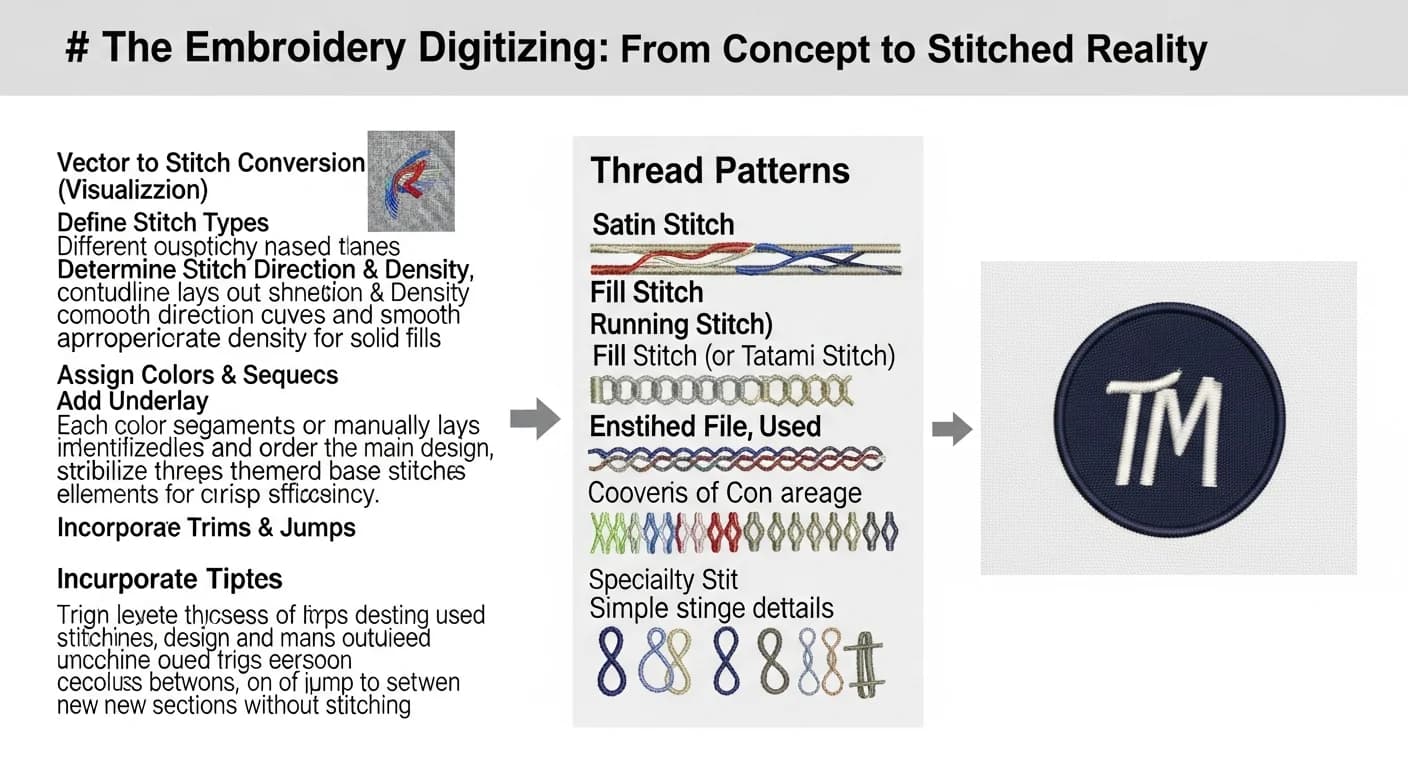
Embroidery Digitizing: How to Convert Images to Stitch-Ready Vectors
Learn the complete workflow from image to embroidery design. How to convert logos, photos, and art into clean SVG vectors for better digitizing results.
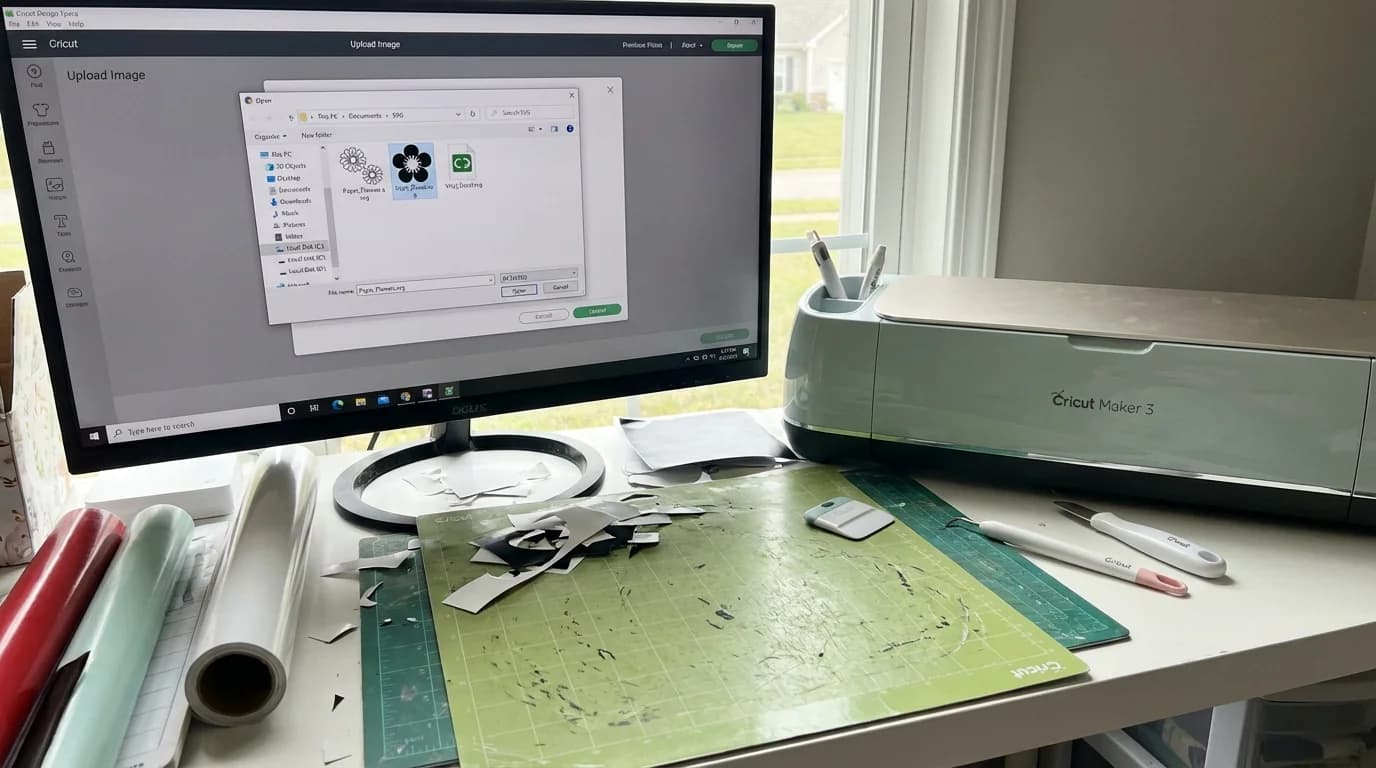
How to Use SVG Files with Cricut Design Space: Beginner Tutorial
Step-by-step tutorial for uploading and using SVG files in Cricut Design Space. Learn to import, resize, and cut SVGs with your Cricut machine.
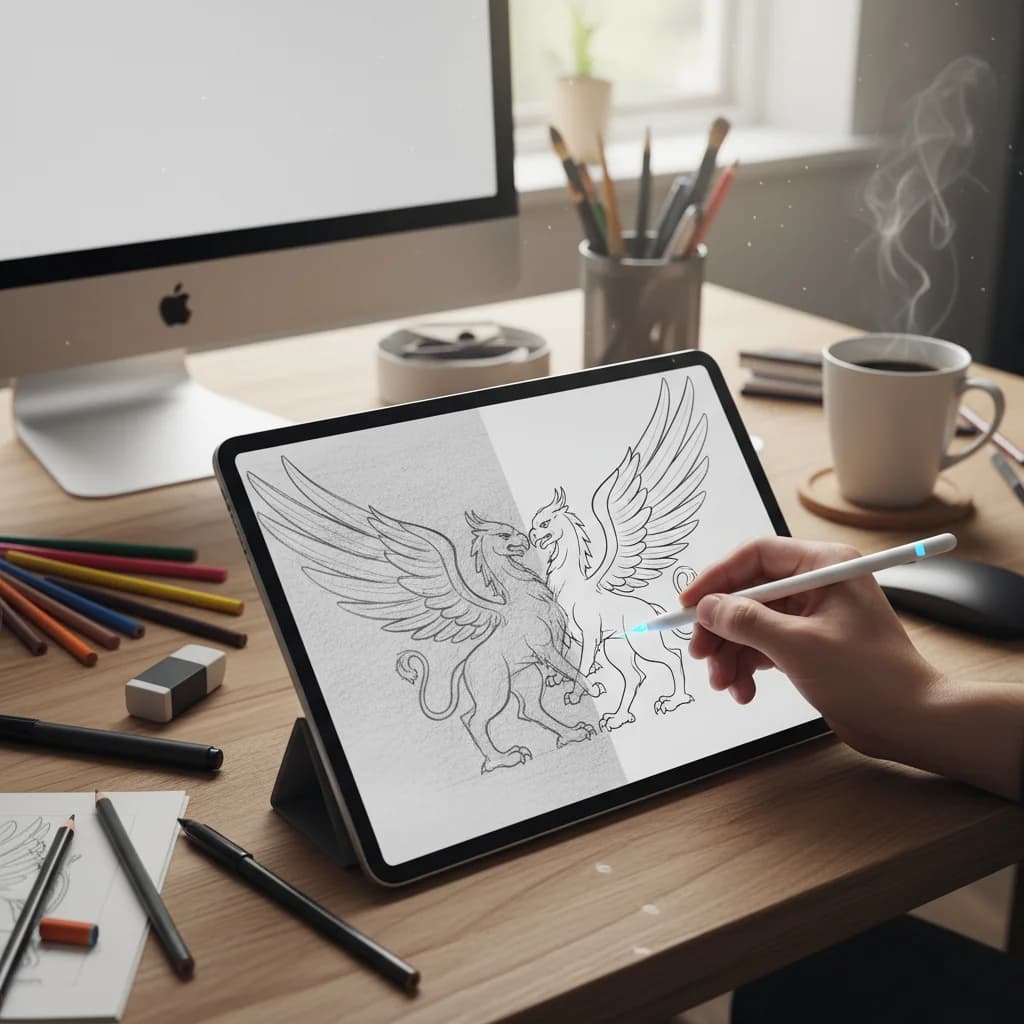
How to Convert Hand-Drawn Designs to SVG for Cricut (Step-by-Step)
Learn how to turn your hand-drawn sketches, lettering, and art into clean SVG cut files for your Cricut. Step-by-step guide with pro tips.
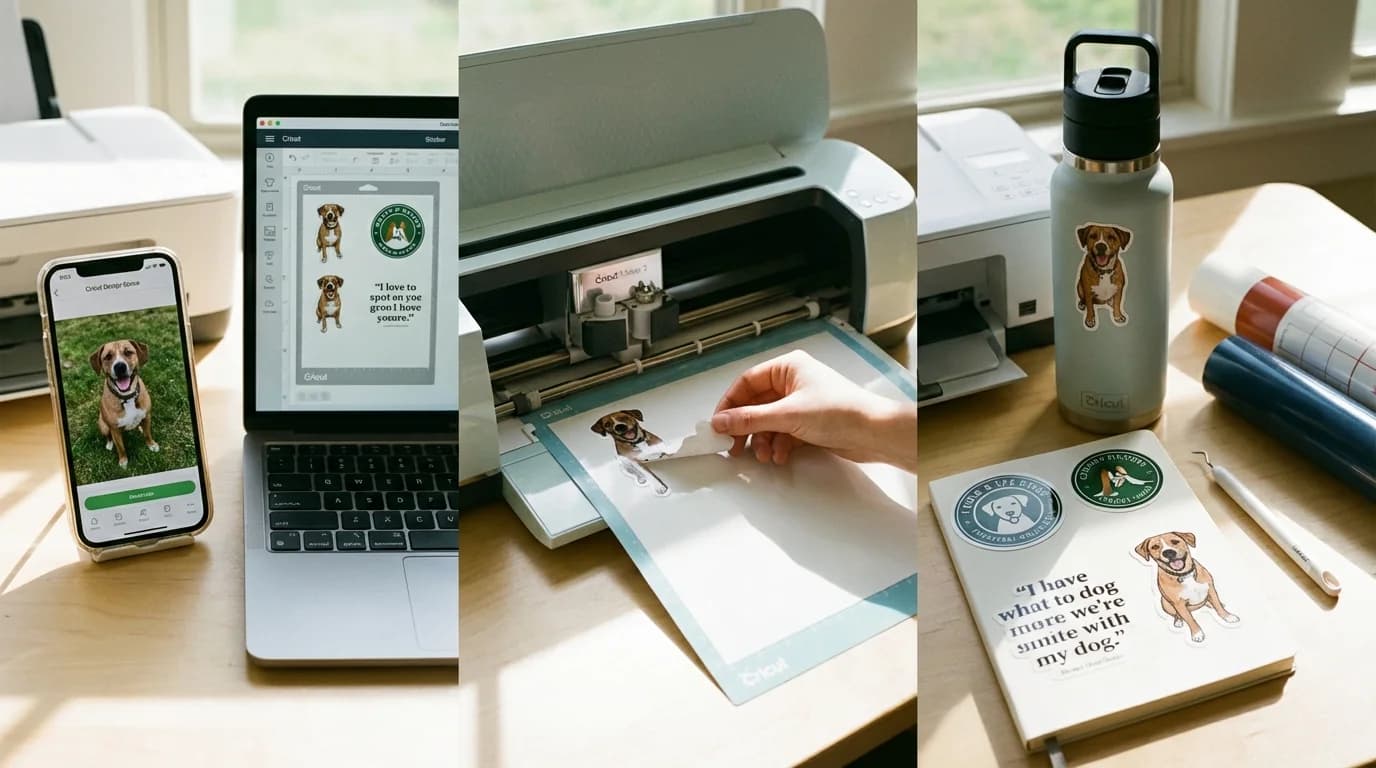
Make Custom Stickers with Cricut from Any Photo (Step-by-Step)
Learn how to turn any photo or image into custom die-cut stickers using your Cricut machine. Step-by-step guide from image to finished sticker.
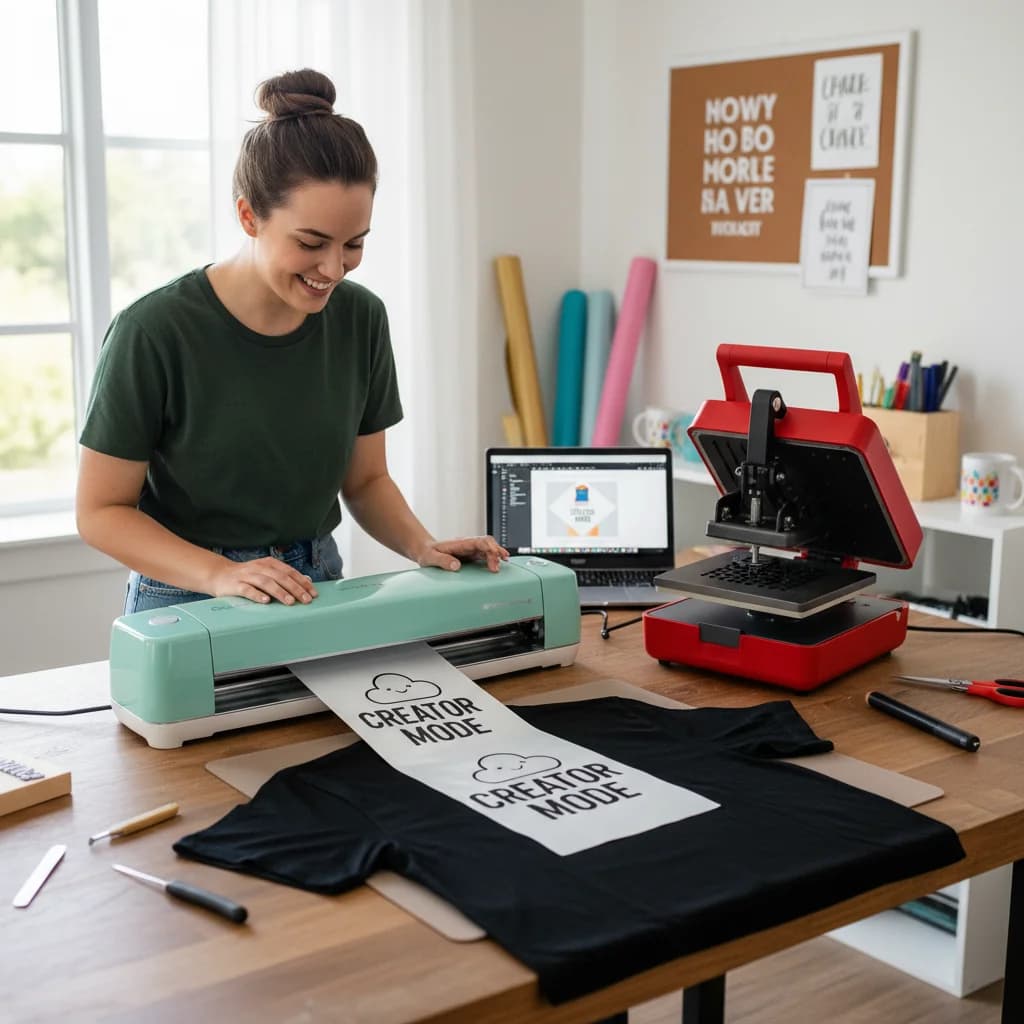
Vinyl Cutting for Beginners: Your First Custom T-Shirt in 30 Minutes
Complete beginner's guide to making your first custom t-shirt with HTV vinyl and a cutting machine. From design to press in 30 minutes.
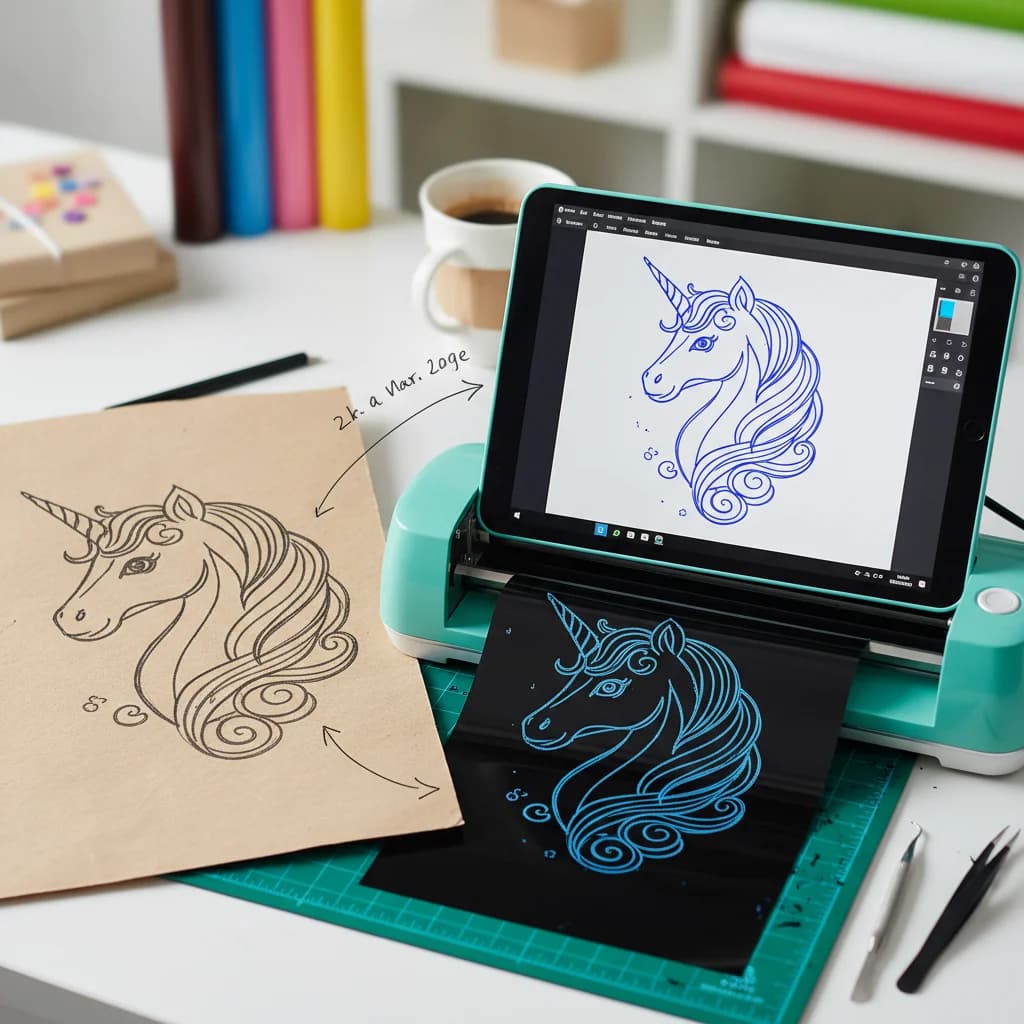
How to Turn Hand-Drawn Designs into Cricut Cut Files
From paper sketch to Cricut cut file in under a minute. Here's the easiest way to digitize your hand-drawn art for vinyl cutting, paper crafts, and more.
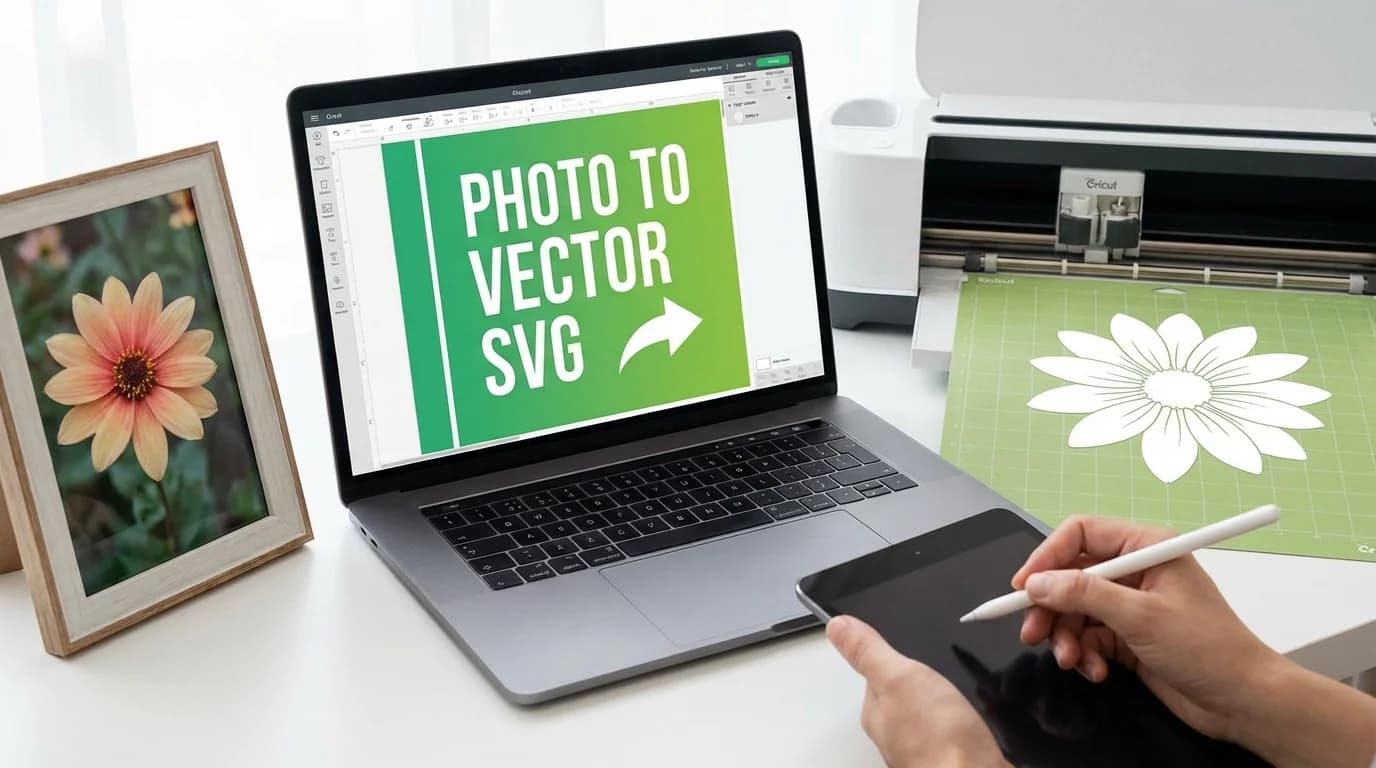
How to Convert Any Image to a Cut-Ready SVG for Cricut (2026 Guide)
Learn how to turn any PNG, JPG, or hand-drawn design into a clean SVG file that works perfectly with Cricut Design Space. Step-by-step guide with tips for clean cuts.
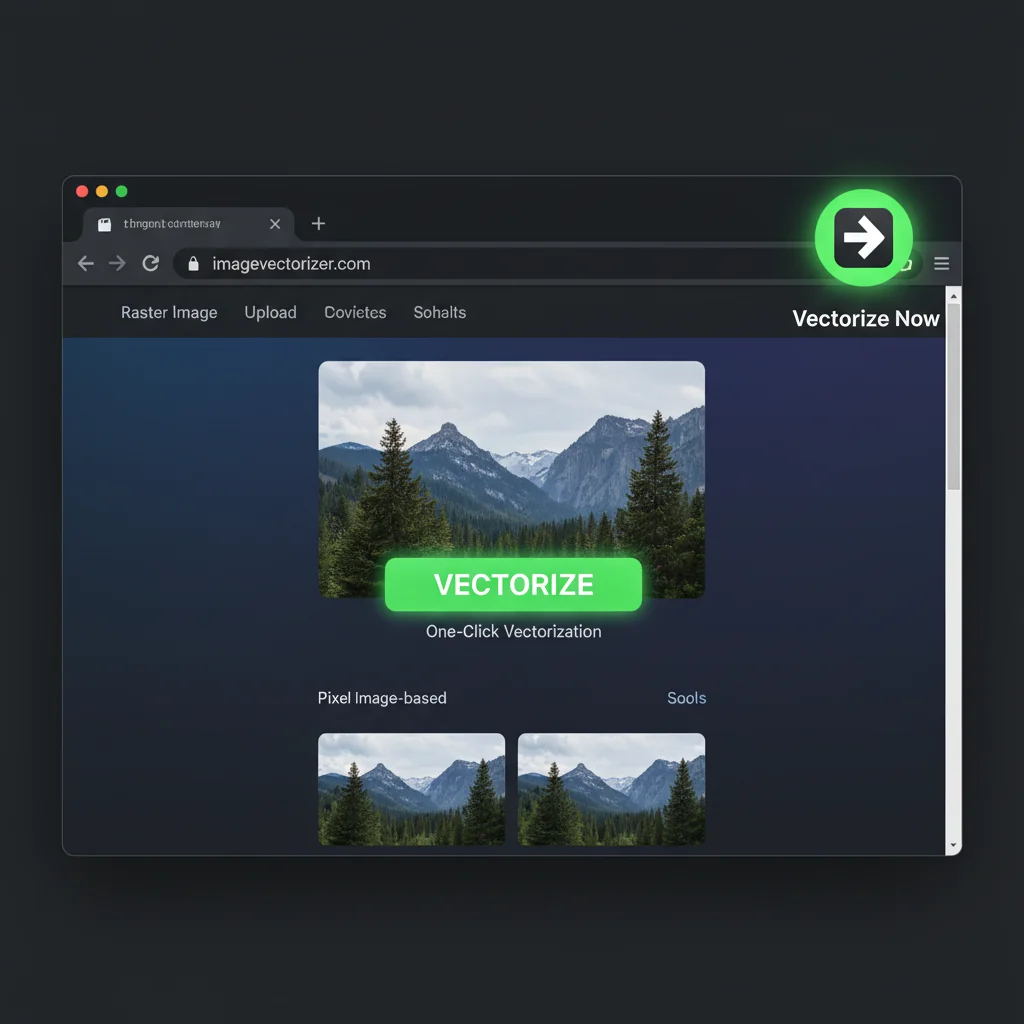
How to Vectorize Any Image with One Click Using the Chrome Extension
A complete step-by-step tutorial on using the VectoSolve Chrome Extension to convert images to SVG. Learn all the features and tips to get the best results.
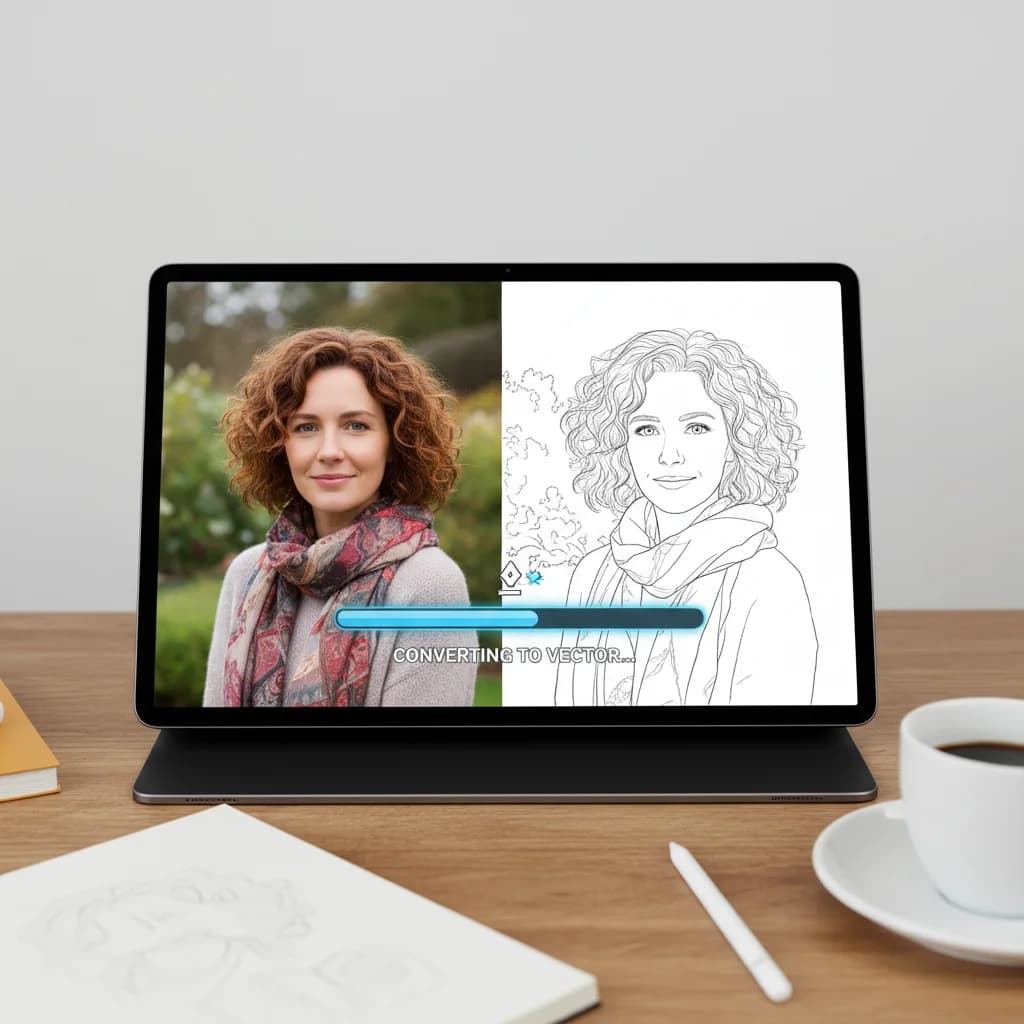
How to Convert a Photo to Line Art (Vector Illustration Effect)
Transform any photograph into stylized line art. Create unique illustrations from portraits, pets, or any image.
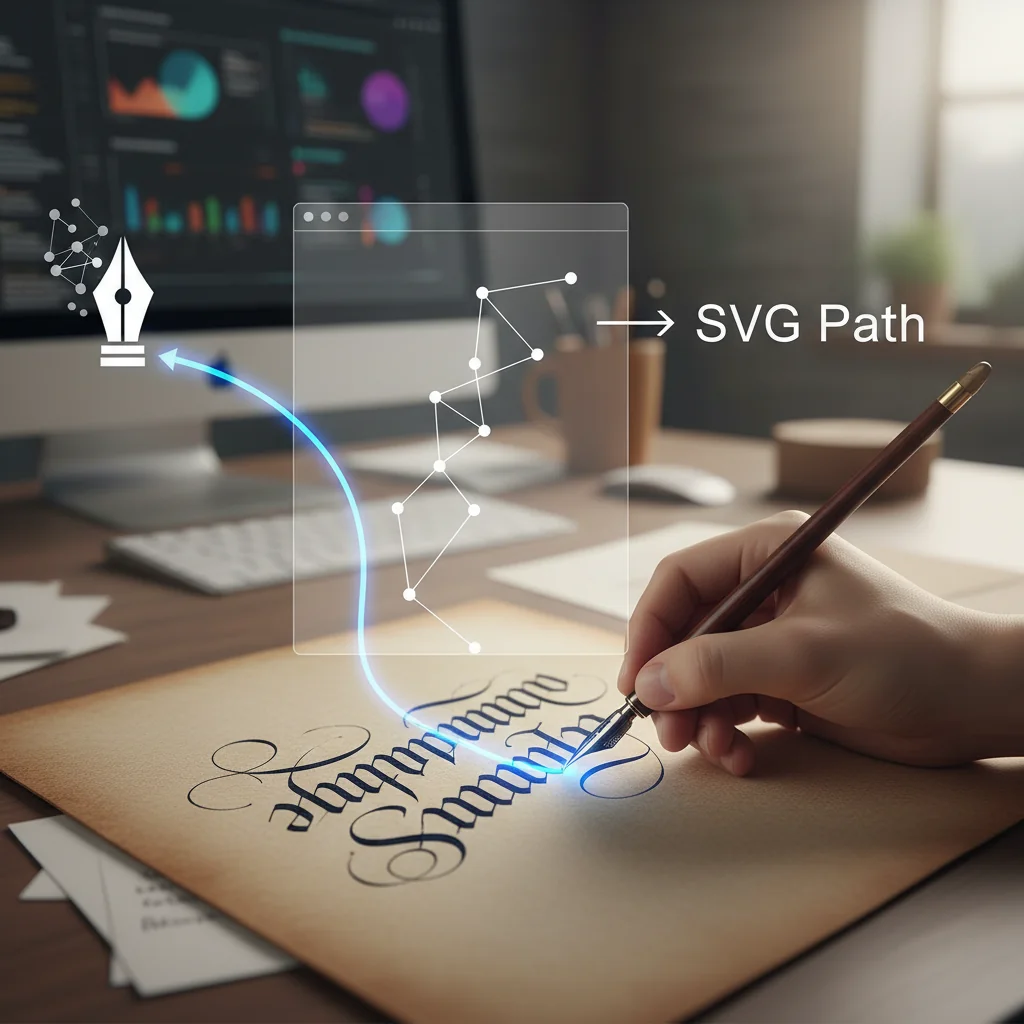
How to Convert Handwriting to Vector (Signatures, Calligraphy & More)
Transform your handwriting, signatures, or calligraphy into clean vector graphics. Perfect for logos, branding, and personal projects.
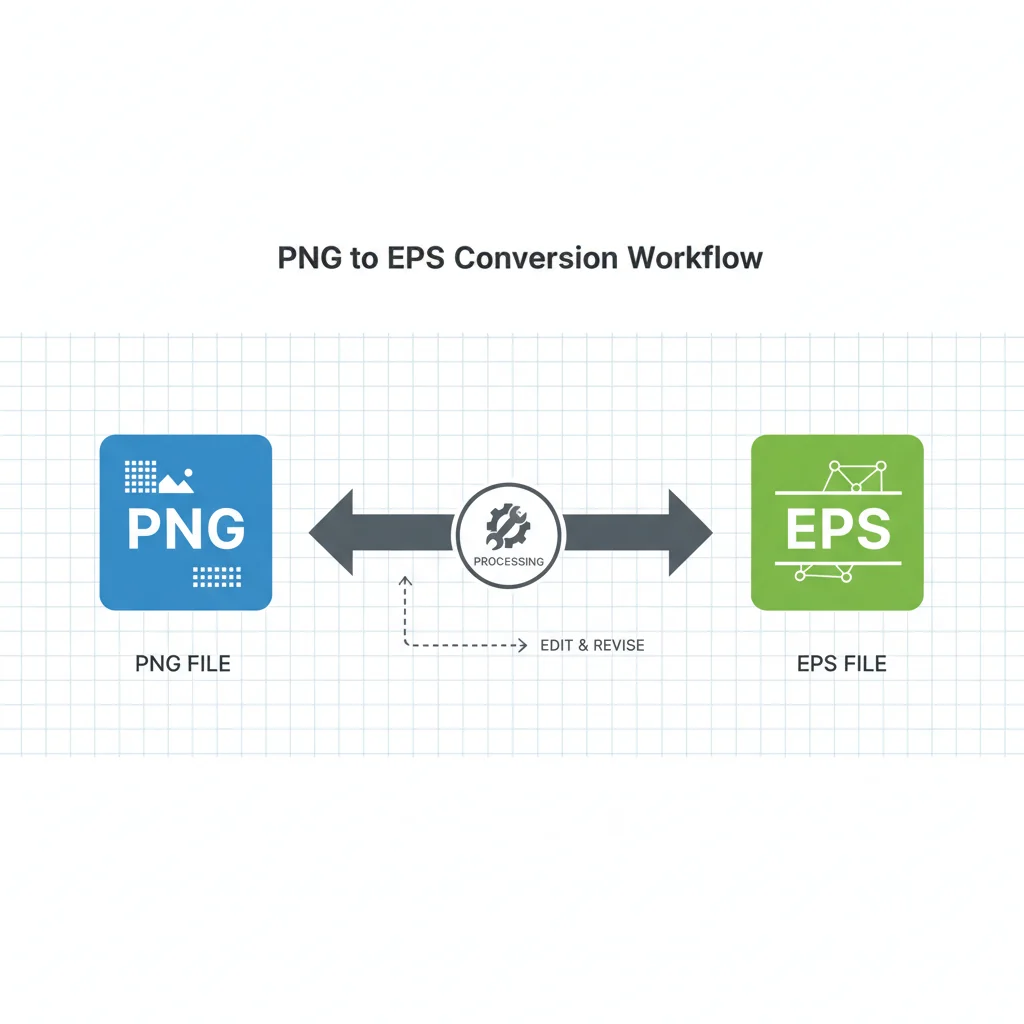
How to Convert PNG to True Vector EPS (Online & Offline Methods)
Need an EPS file from a PNG? Learn multiple free methods to convert PNG to EPS format for print and professional use.

Mobile App Icon Design: Vector Workflow Essentials
Master mobile app icon creation with vector workflows. Learn size requirements, design principles, and optimization techniques for iOS and Android.
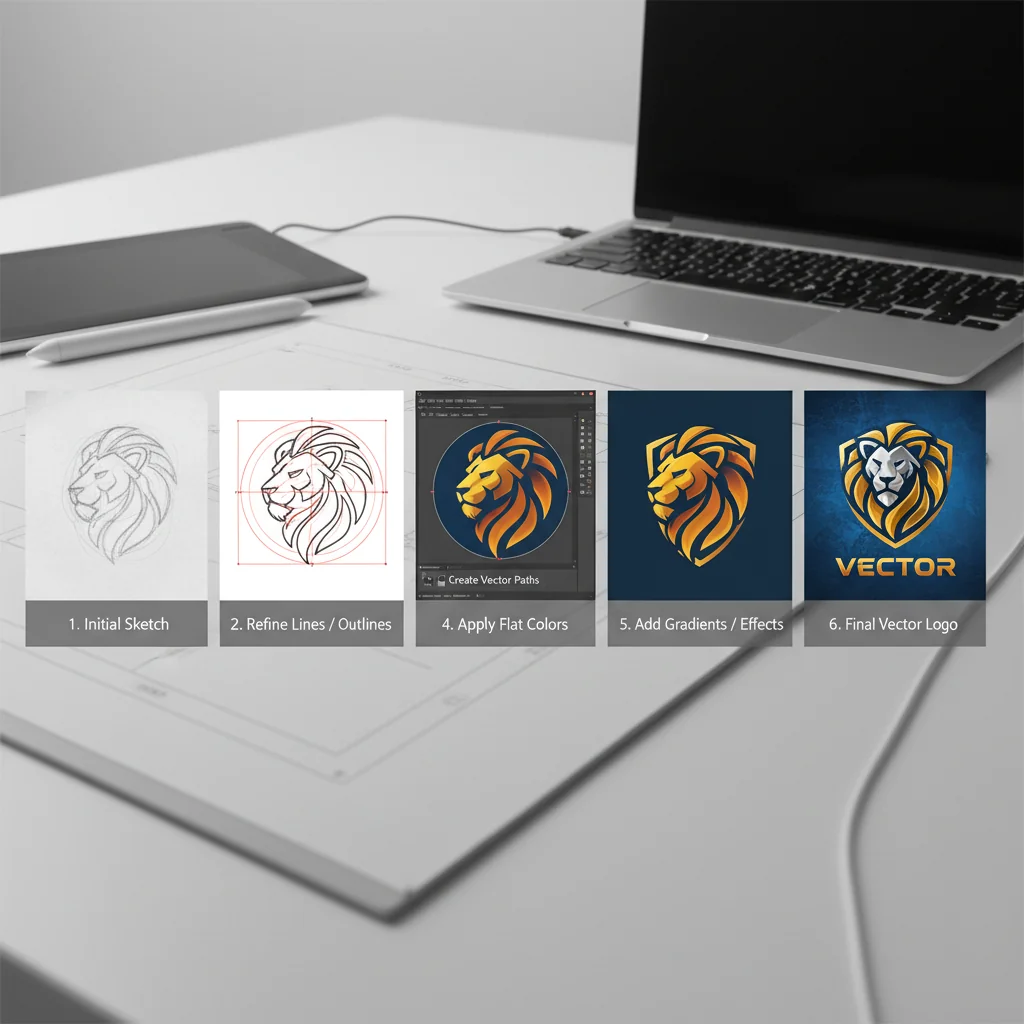
How to Vectorize a Logo: Complete Step-by-Step Guide (2026)
Learn how to convert any logo to vector format. This comprehensive guide covers manual tracing, AI-powered conversion, and best practices for professional results.
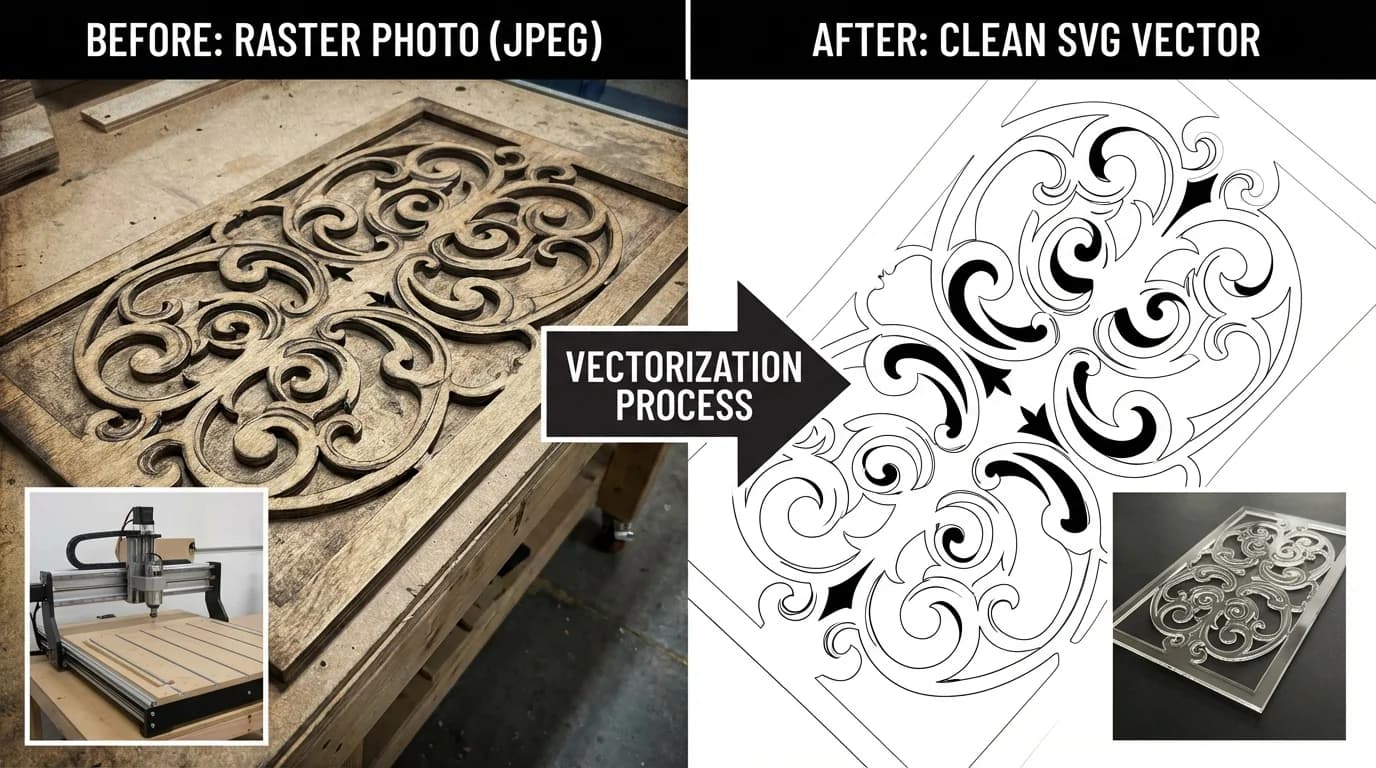
How to Vectorize Images for Cricut & Silhouette (SVG Cutting Files)
Create perfect SVG cut files for your Cricut or Silhouette machine. Learn how to convert any image into a cuttable vector design.
SVG Animations with CSS & JavaScript: Code Examples for Developers (2026)
Practical code examples for SVG animation using CSS keyframes, GSAP, Framer Motion, and vanilla JavaScript. Copy-paste snippets for loaders, transitions, hover effects, and scroll-triggered animations.
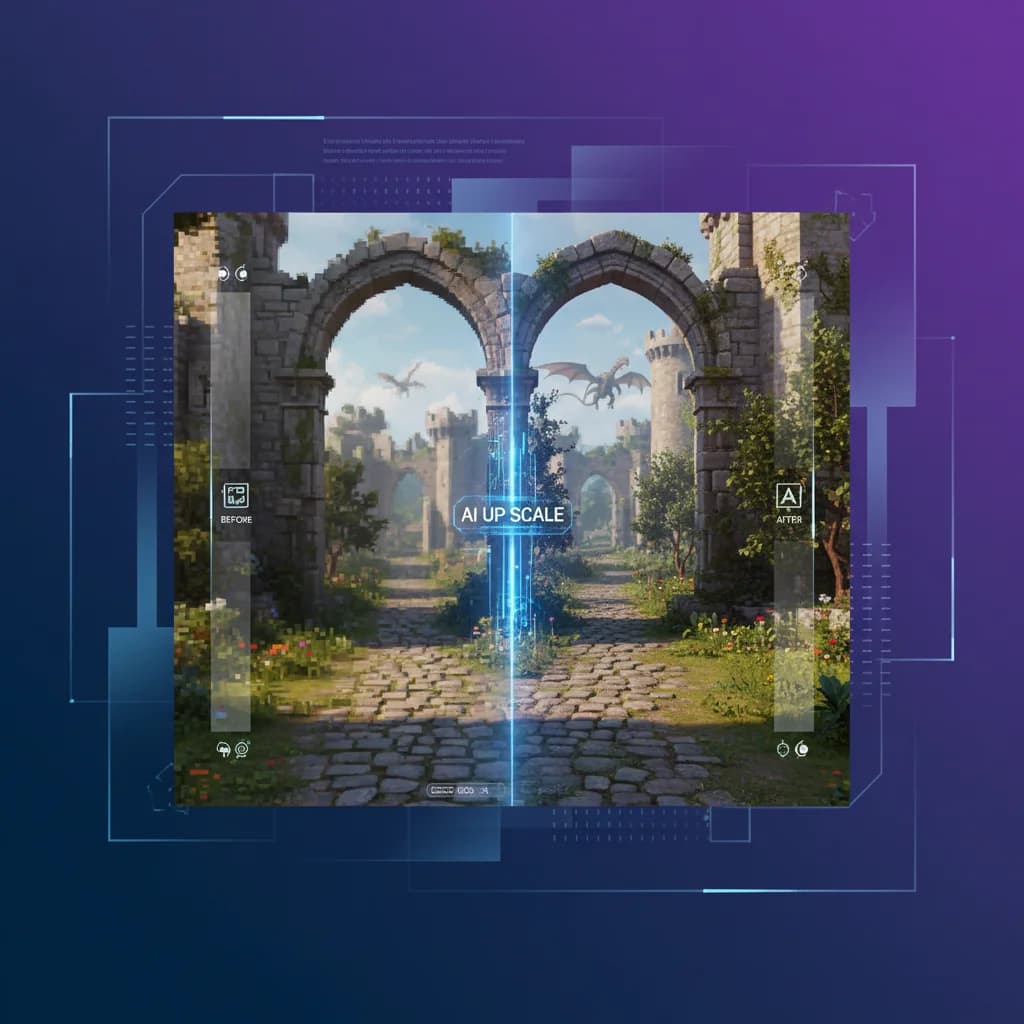
Upscaling Game Screenshots and Textures: Enhance Your Gaming Content
Gamers and content creators can dramatically improve their screenshots with AI upscaling. Learn the best techniques for gaming content.
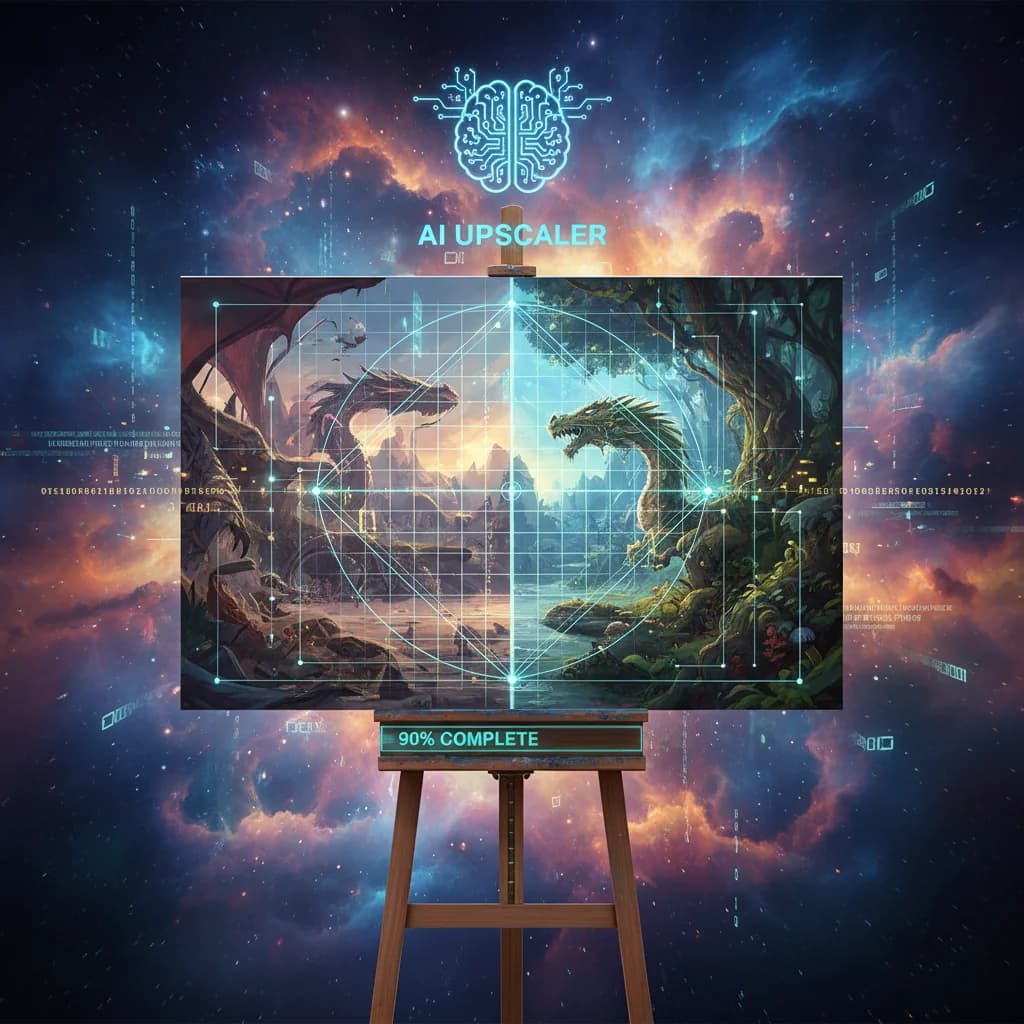
Upscaling Digital Art and Illustrations: A Complete Artist's Guide
Artists and illustrators can benefit enormously from AI upscaling. Learn how to enhance your digital art while preserving your artistic style.
Background Removal for Portrait Photography: Pro Techniques
Master the art of removing backgrounds from portraits. Learn how AI handles hair, edges, and complex subjects for flawless cutouts.
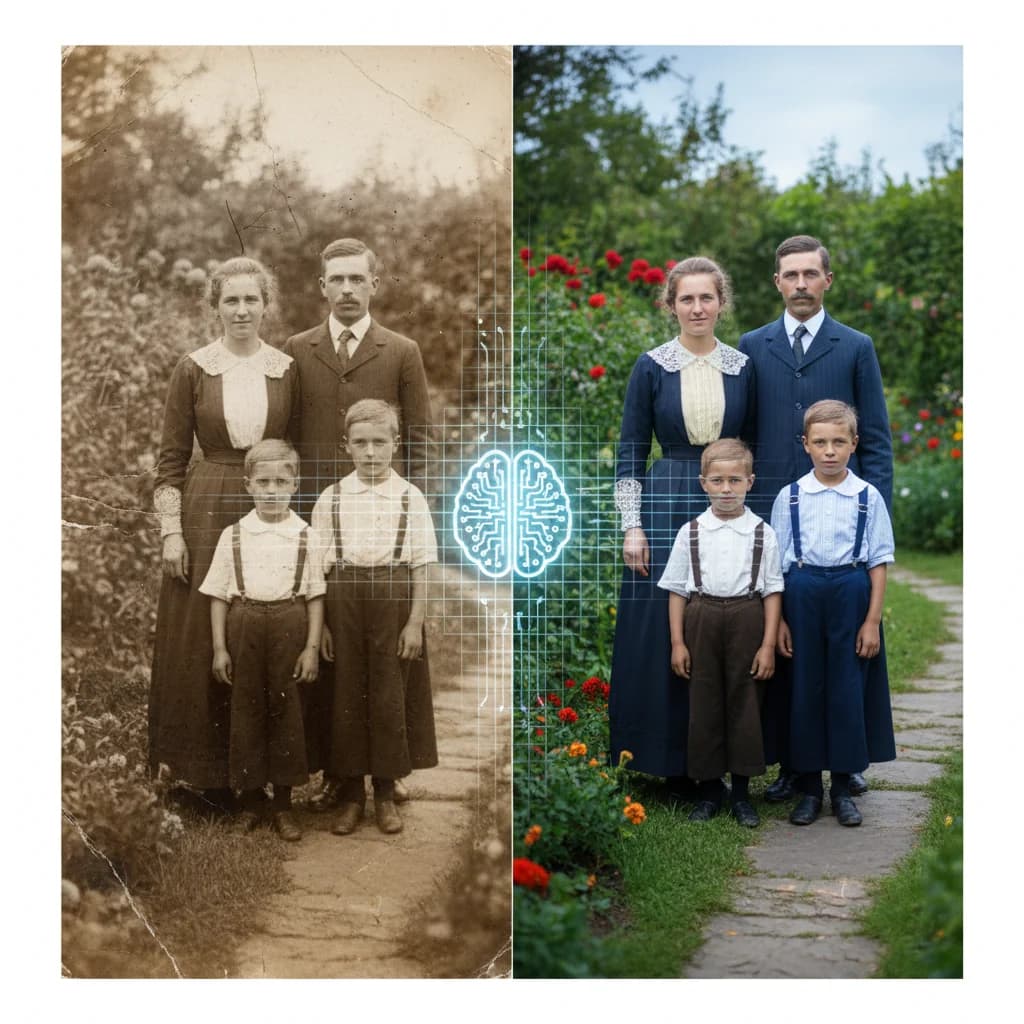
How to Upscale Old Photos with AI: Preserve Your Memories in HD
Discover how AI image upscaling can breathe new life into old, low-resolution family photos, restoring details and making them print-worthy.

How to Create Clean SVG Icons: Remove Background First
Learn the professional workflow for creating perfect SVG icons from photos: AI background removal + vectorization. Get transparent logos ready for any use.

Mobile App Icons: SVG Best Practices for iOS and Android
Creating app icons that look perfect on every device. Learn SVG best practices for iOS and Android, including size requirements and optimization tips.
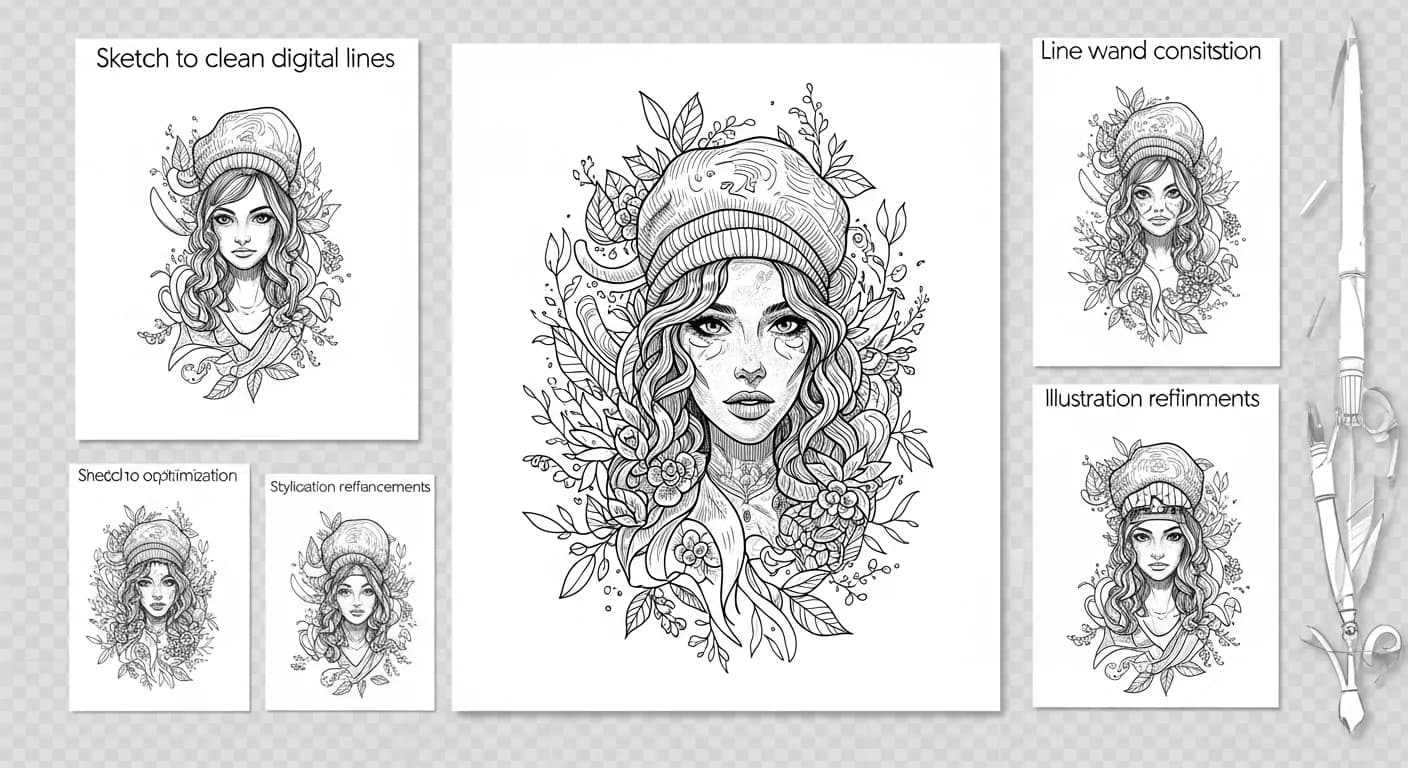
Converting Line Art to Vector: From Sketch to Digital Illustration
Transform your hand-drawn line art into clean, scalable vector illustrations. Perfect workflow for artists, illustrators, and designers.
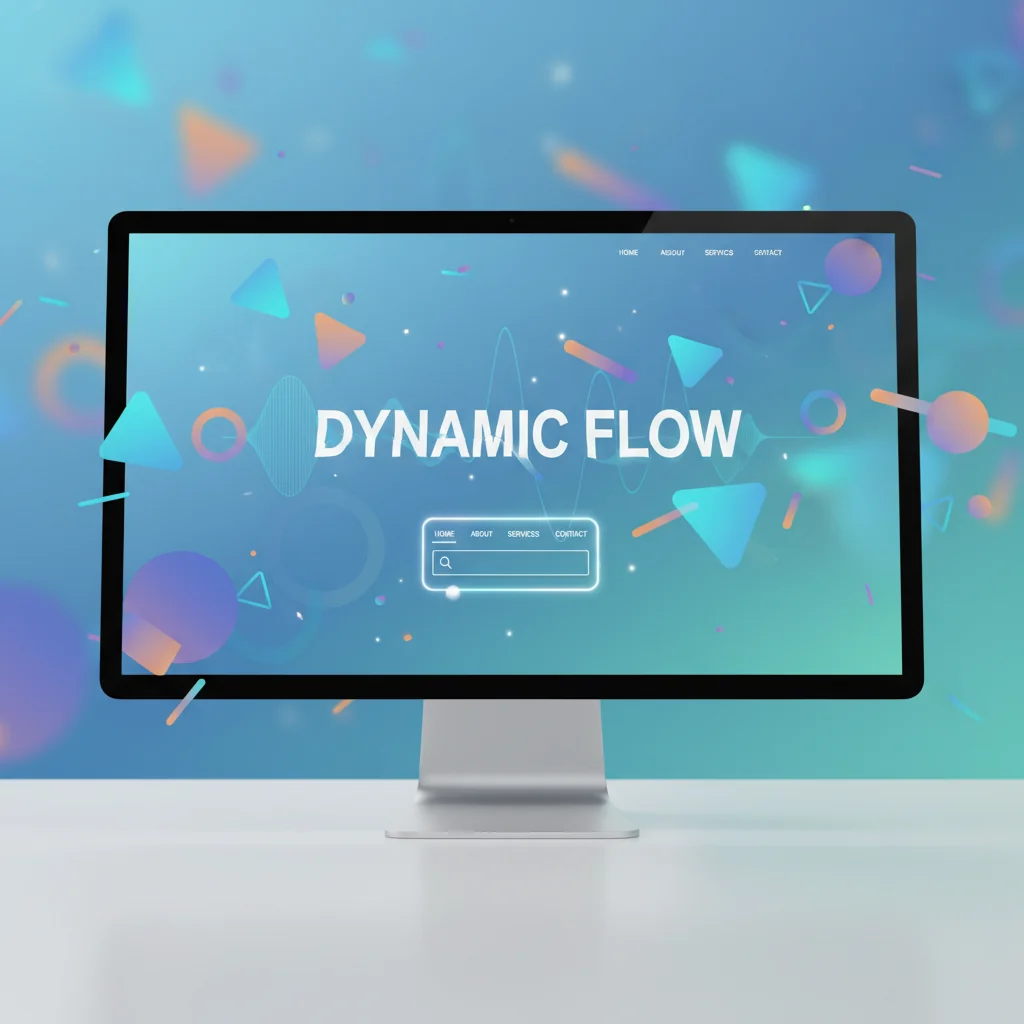
SVG Animation for Beginners: Create Engaging Web Graphics
Learn how to animate SVG graphics using CSS and JavaScript. From simple hover effects to complex animations, this guide covers everything you need to know.

Creating Vector Avatars from Photos: Profile Pictures and Illustrations
Transform your photo into a stylized vector avatar. Perfect for social media, gaming profiles, and professional platforms.
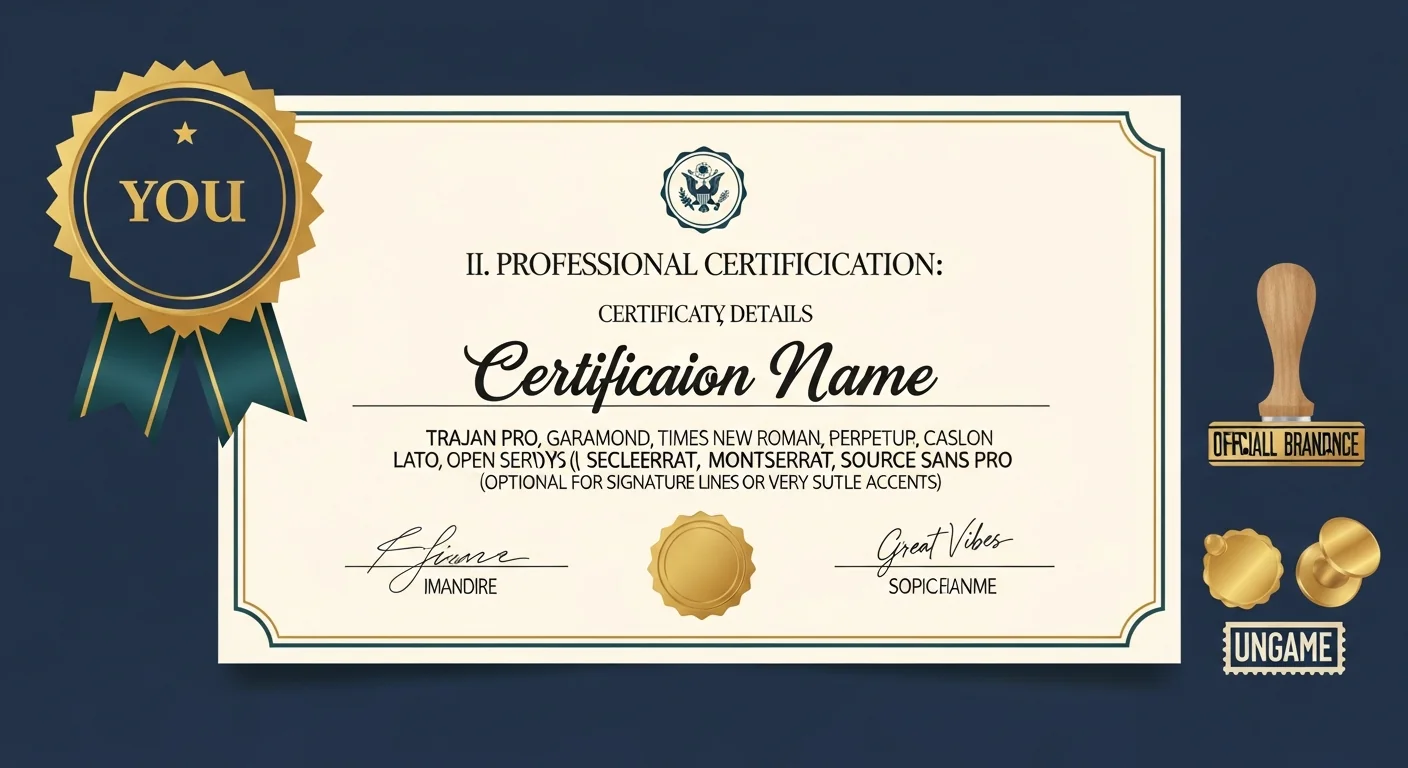
Creating Vector Badges and Seals: Certificates, Awards, and Official Emblems
Design professional badges, seals, and certificate emblems using vector graphics. Perfect for awards, certifications, and official documents.
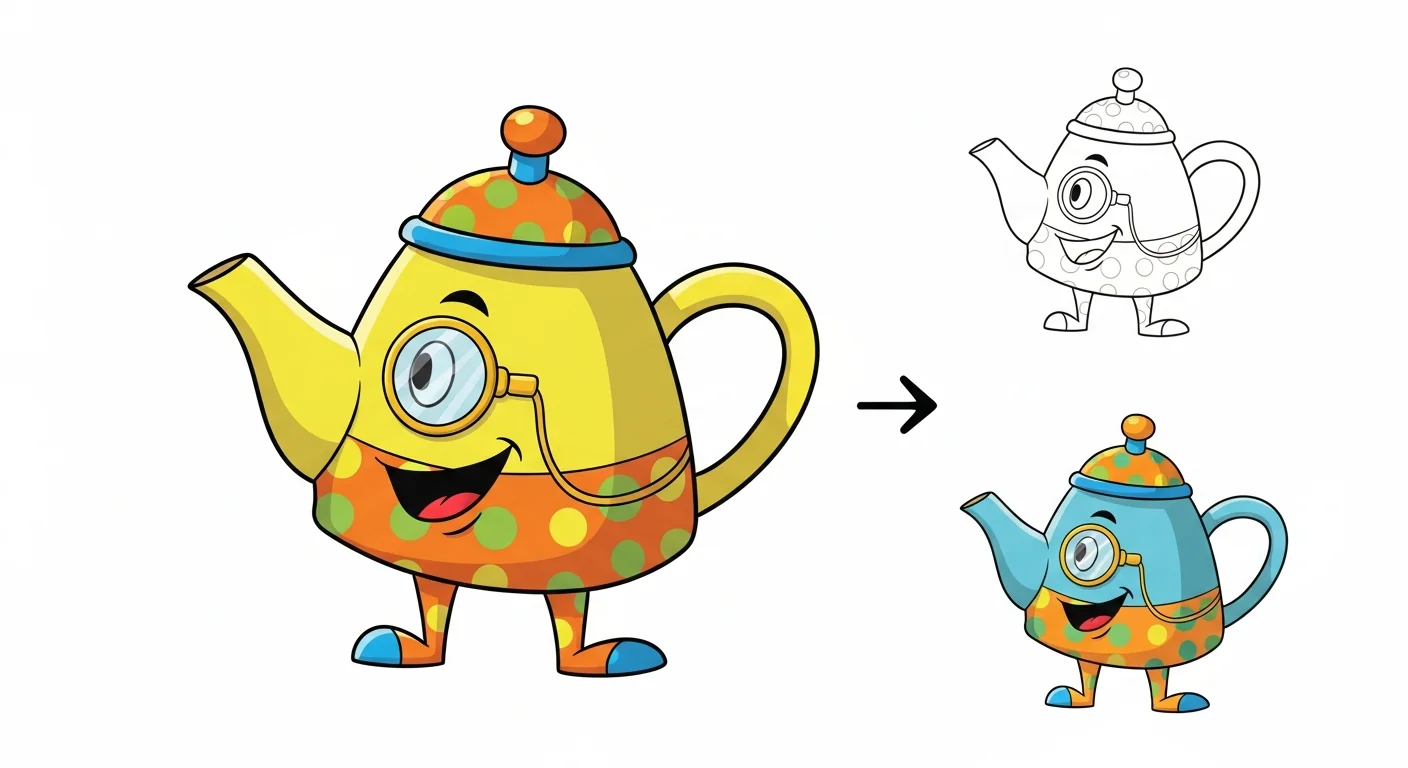
Convert Cartoon Images to Vector: Character Art and Illustration
Transform cartoon artwork and character illustrations into clean, scalable vectors. Perfect for animation, merchandise, and digital content.
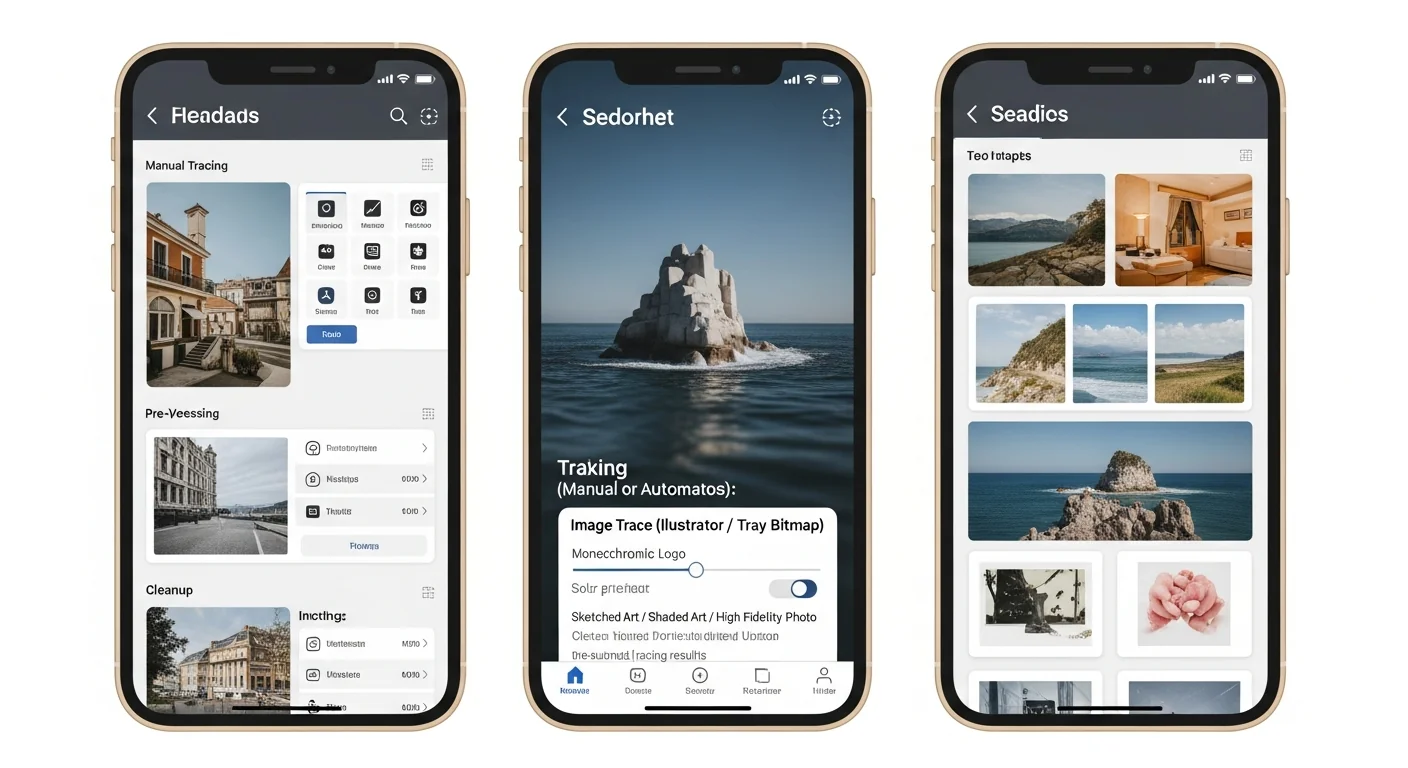
Converting Screenshots to Vector: UI Mockups and App Redesigns
Transform app screenshots into editable vector mockups. Perfect for redesign proposals, presentations, and UI/UX portfolios.
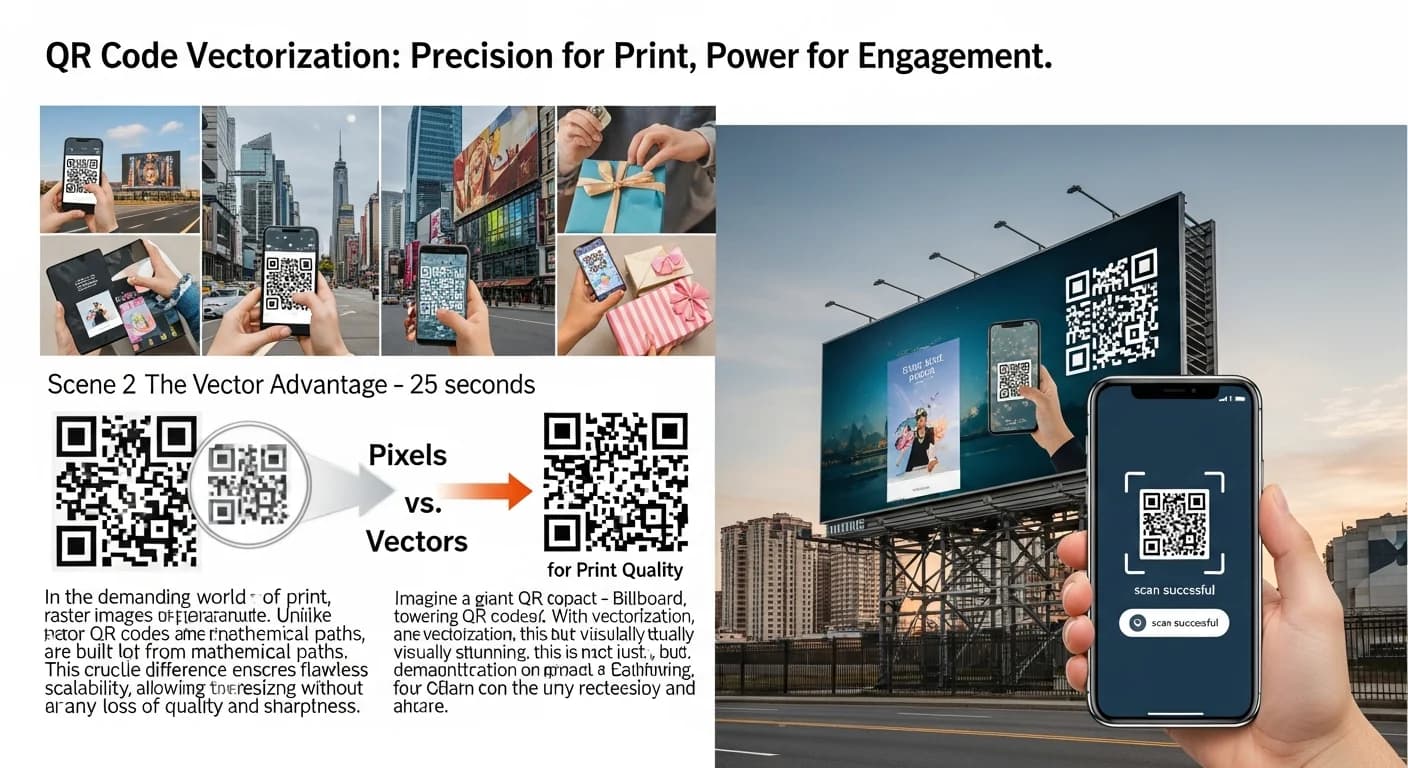
Vectorizing QR Codes for Print: Perfect Scanning at Any Size
Learn how to create print-ready vector QR codes that scan perfectly on everything from business cards to billboards. Essential for marketers and designers.
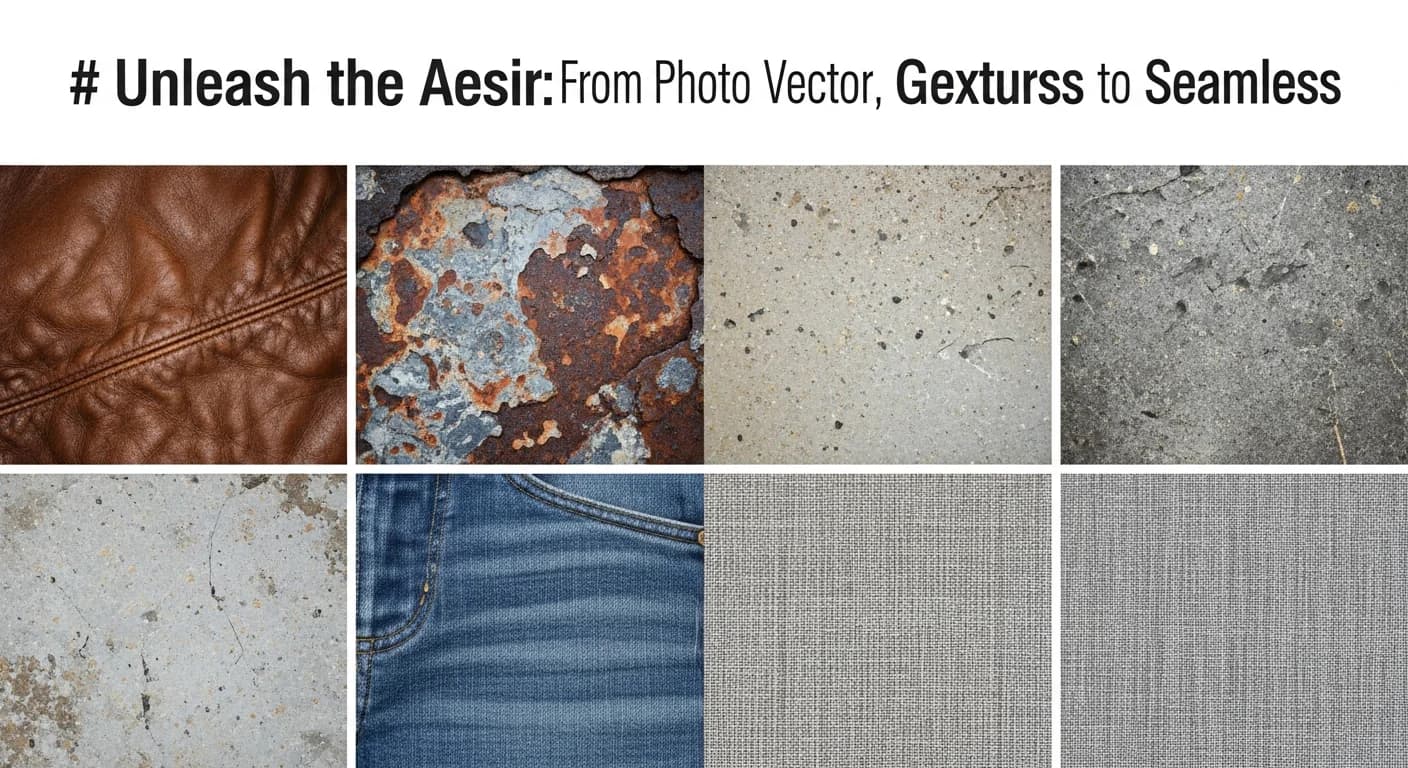
How to Create Vector Textures from Photos: Grunge, Fabric, and More
Transform photographs of textures into scalable vector graphics. Perfect for adding depth to designs without resolution limitations.
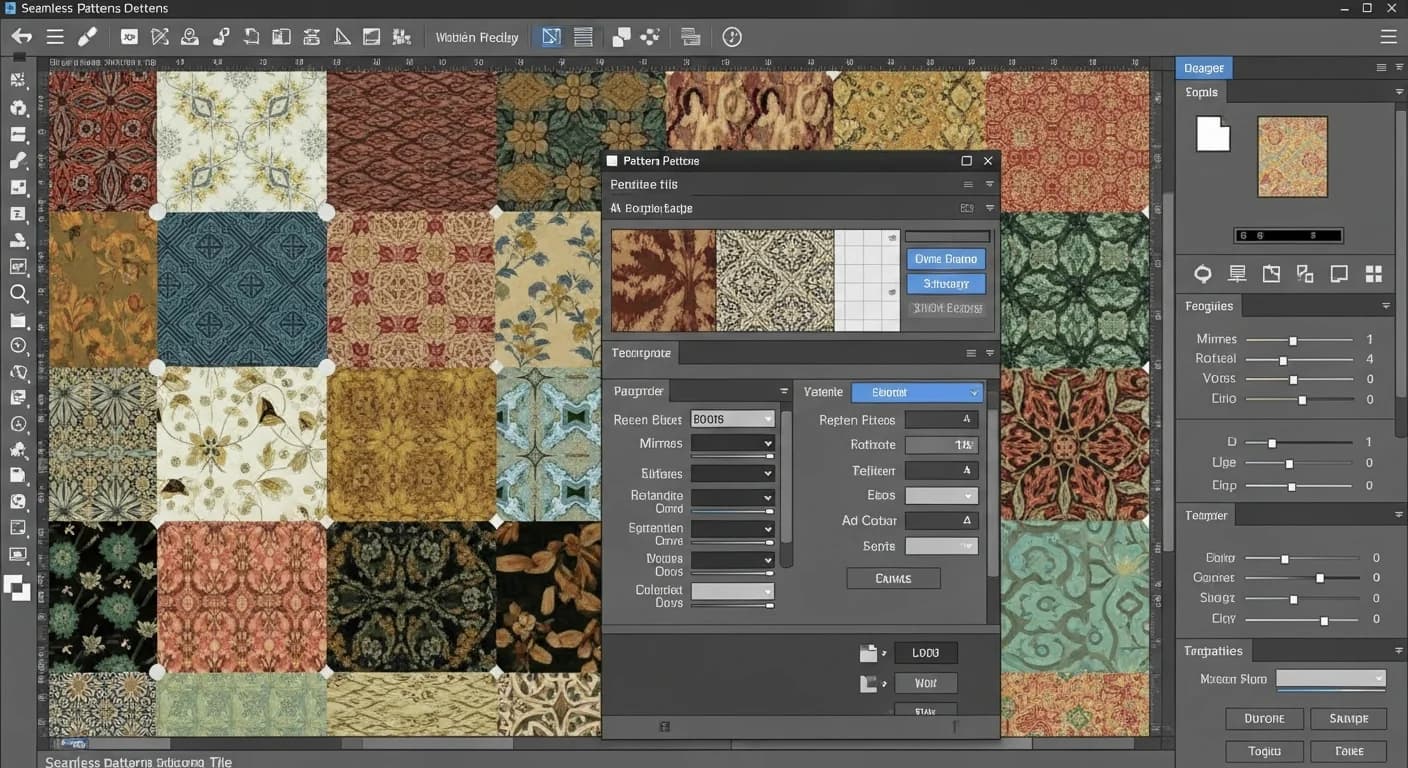
Creating Seamless Vector Patterns from Images: Step-by-Step Tutorial
Transform any image into a seamless repeating pattern for textiles, wallpapers, and packaging. Learn the complete workflow from photo to production-ready vector.
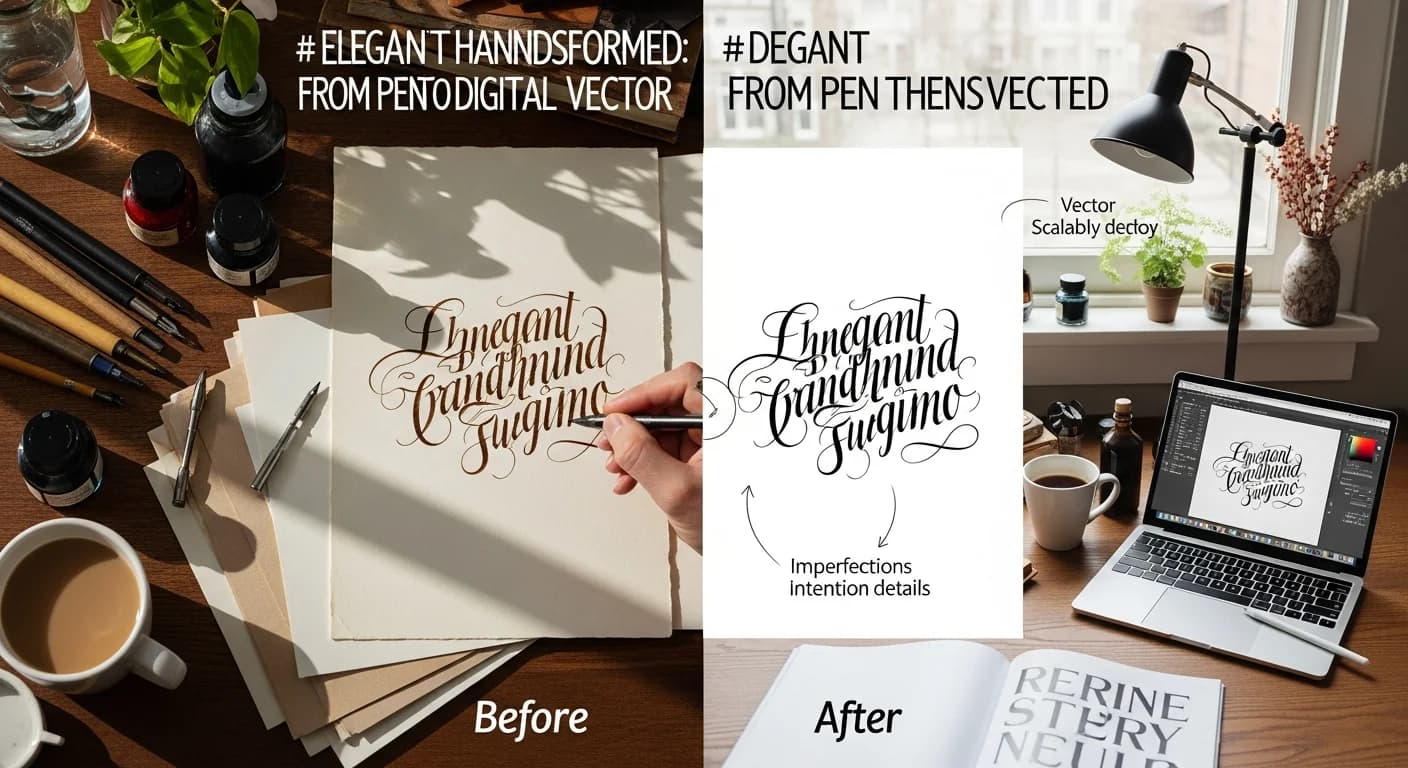
How to Convert Handwriting to Vector: Calligraphy & Script Digitization
Transform beautiful handwriting and calligraphy into scalable vector graphics. Perfect for wedding invitations, logos, and personalized designs.
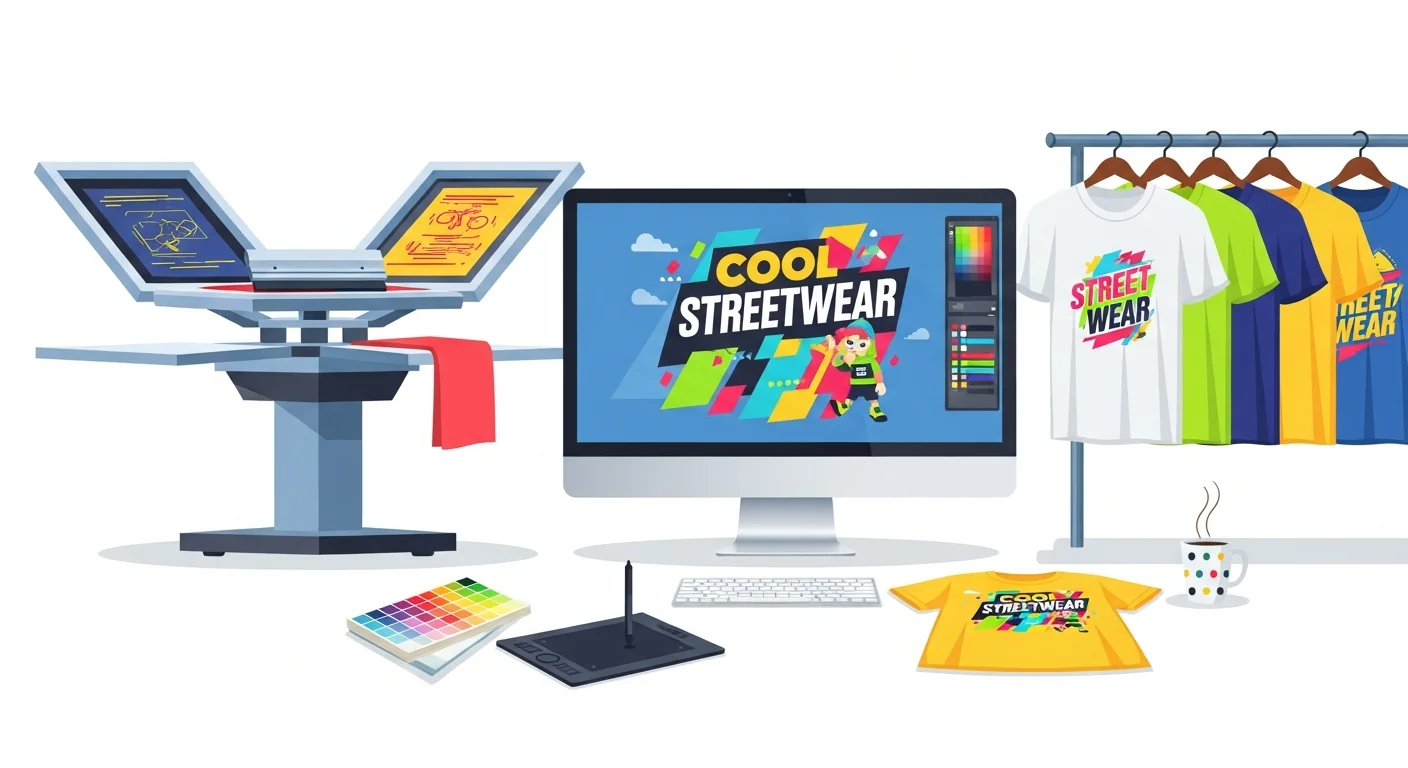
T-Shirt Design with Vectors: Print-Ready Guide for Beginners
Create professional t-shirt designs using vector graphics. Covers screen printing, DTG, and sublimation — with free tips to get print-ready files in minutes.
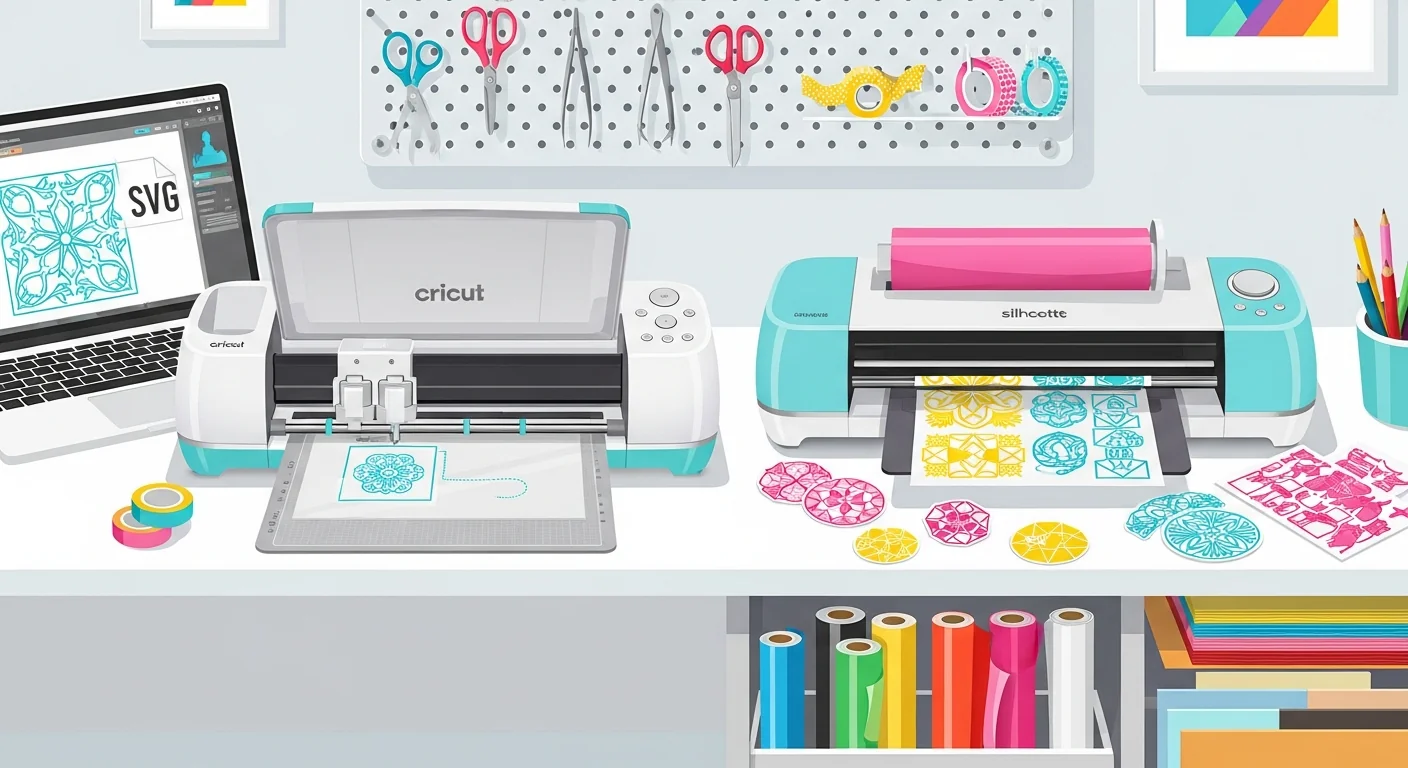
SVG Files for Cricut & Silhouette: Cut-Ready in Minutes (2026)
Master SVG file creation for Cricut and Silhouette. Learn how to convert any image to a clean cut file — works with Design Space and Silhouette Studio.
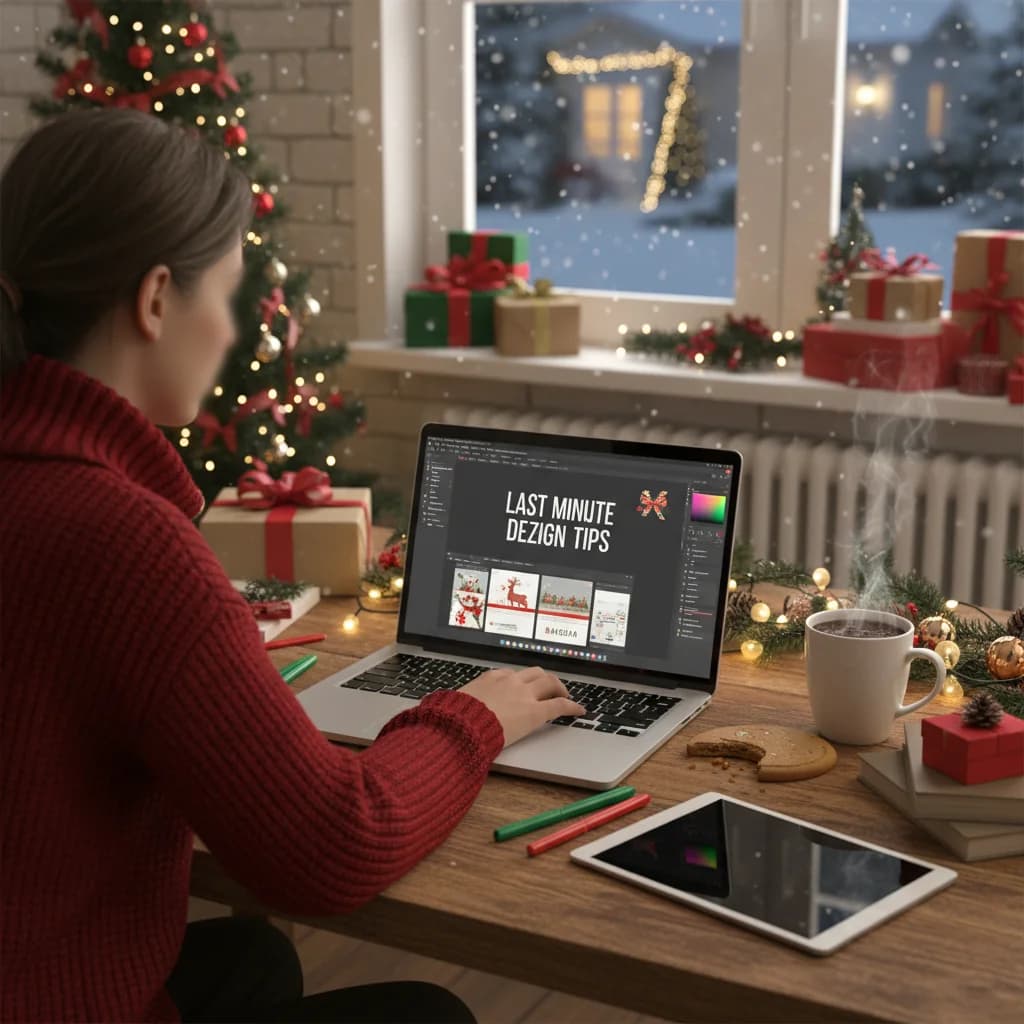
Christmas Eve Design Tips: Last-Minute Graphics That Impress
It is Christmas Eve and you need festive graphics fast. Here are quick design tips and templates to create beautiful holiday visuals in minutes.
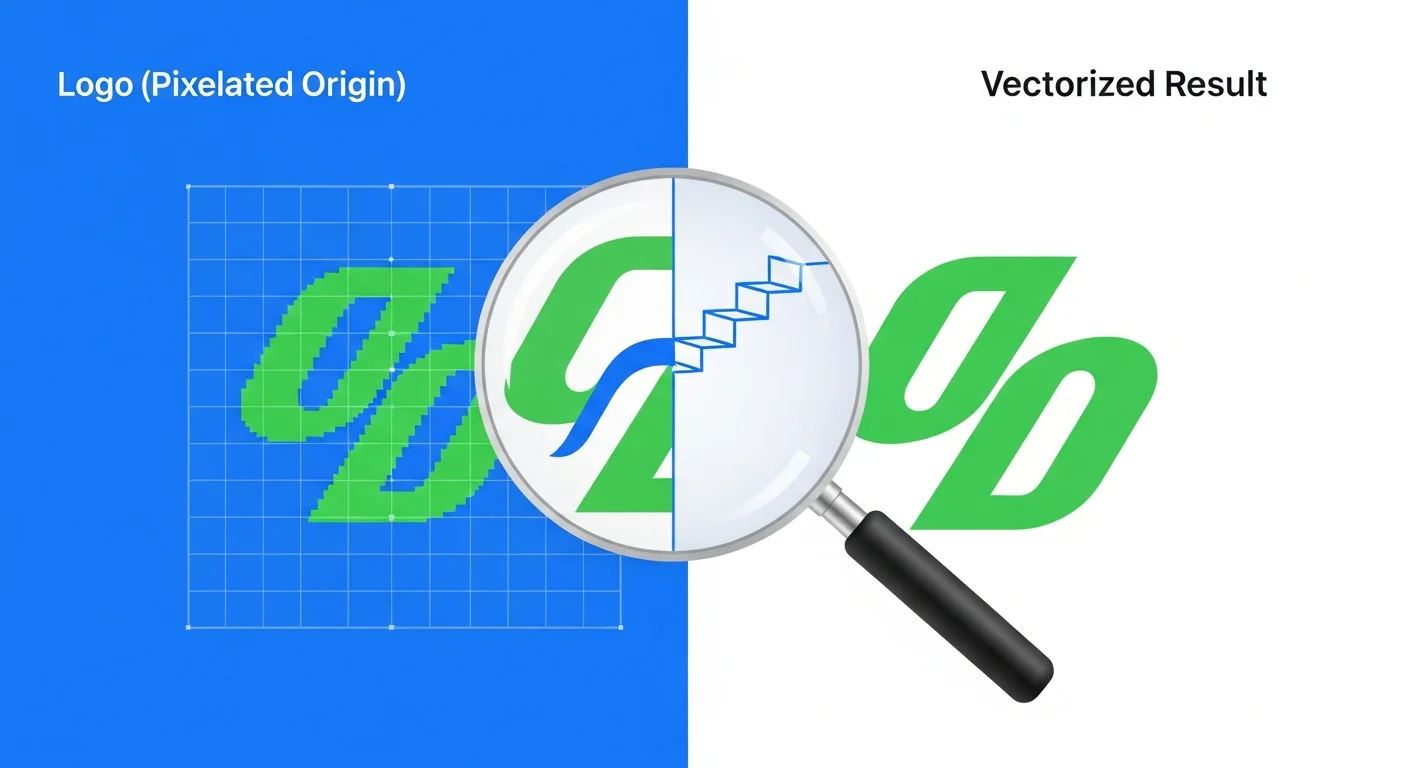
How to Convert a Logo to Vector: Step-by-Step (5 Methods Compared)
Step-by-step guide to convert any logo from PNG/JPG to scalable SVG vector. Includes a free tool that does it in 5 seconds — no Illustrator needed.
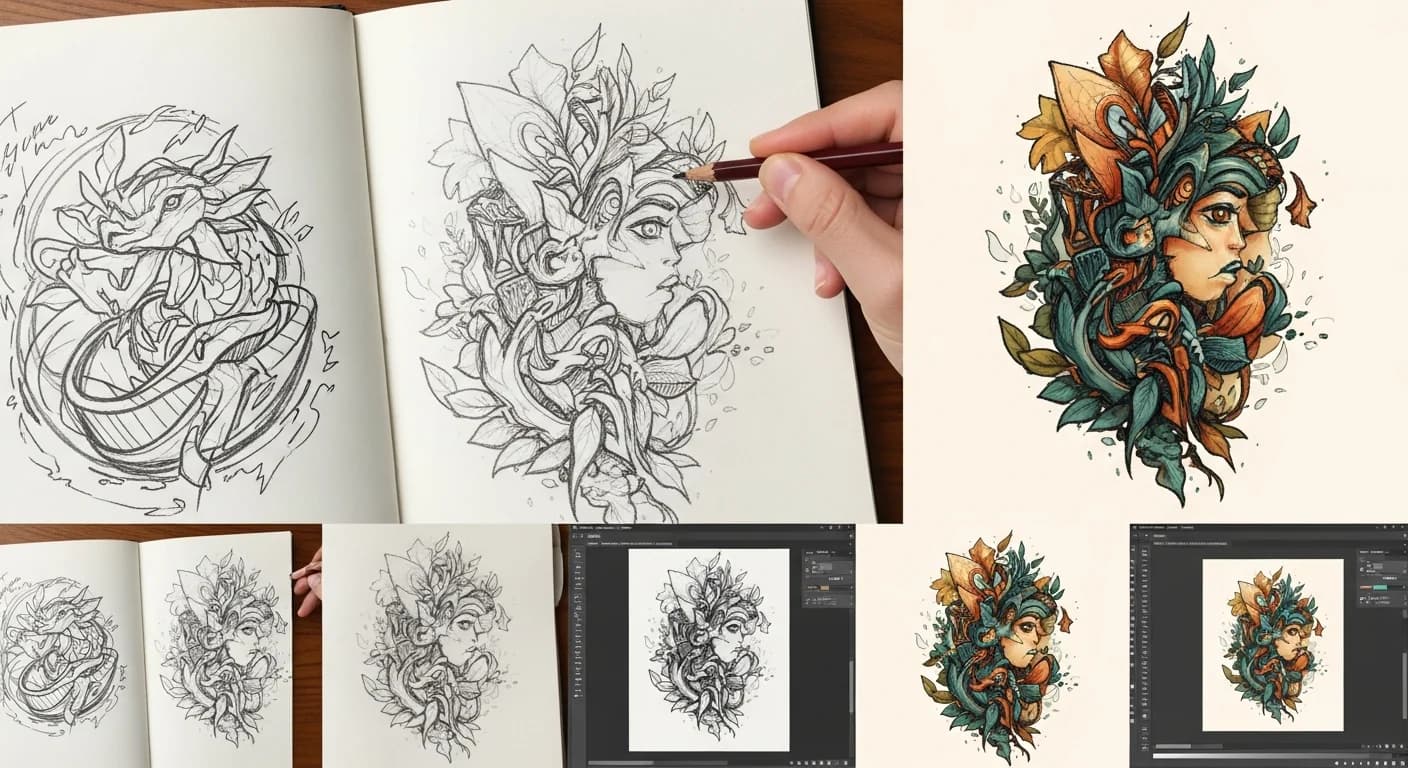
How to Convert a Hand-Drawn Logo to a Professional Vector File
Turn your napkin sketch or hand-lettered logo into a crisp, scalable vector. Covers scanning tips, cleanup techniques, and AI-powered conversion for brand-ready results.
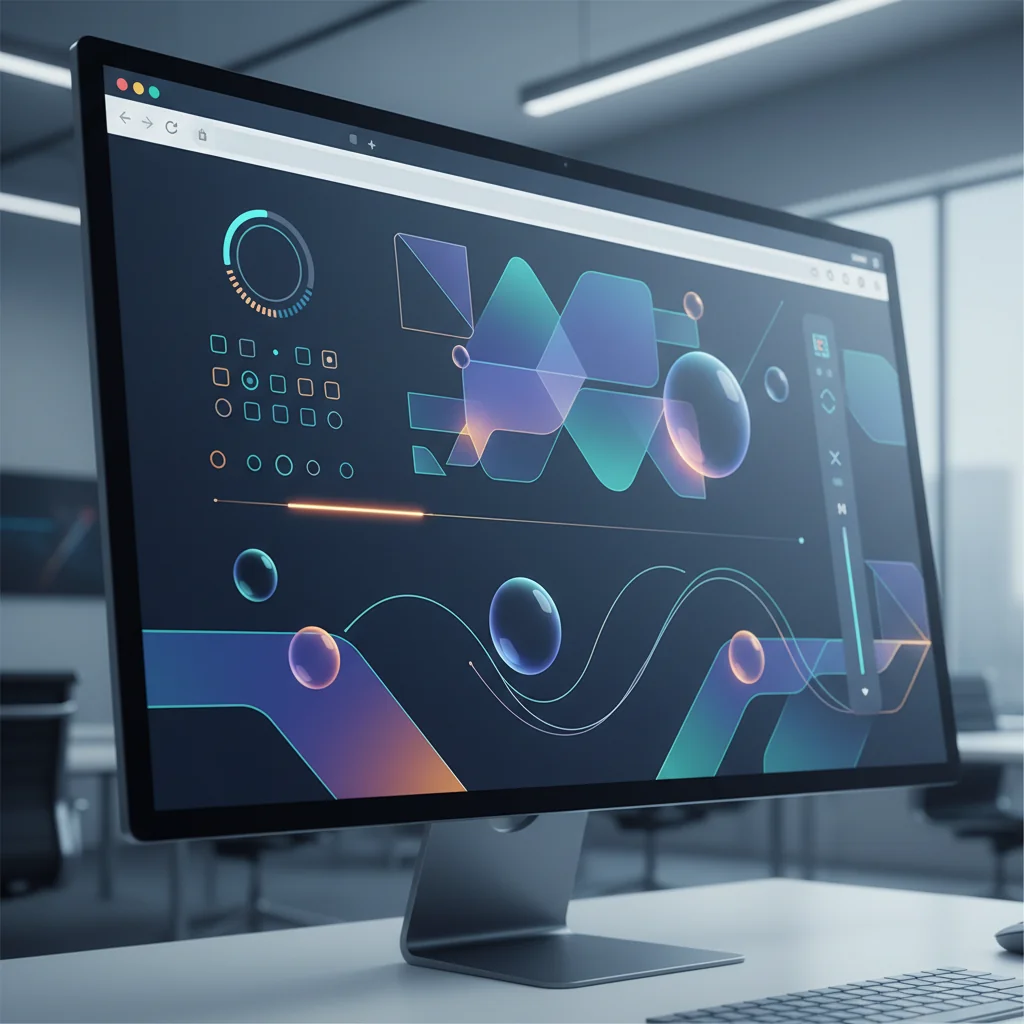
SVG Animation for Modern Websites: A Complete Beginner's Guide
Learn how to create engaging, lightweight animations using SVG for your website. From simple hover effects to complex motion graphics, master the art of vector animation.
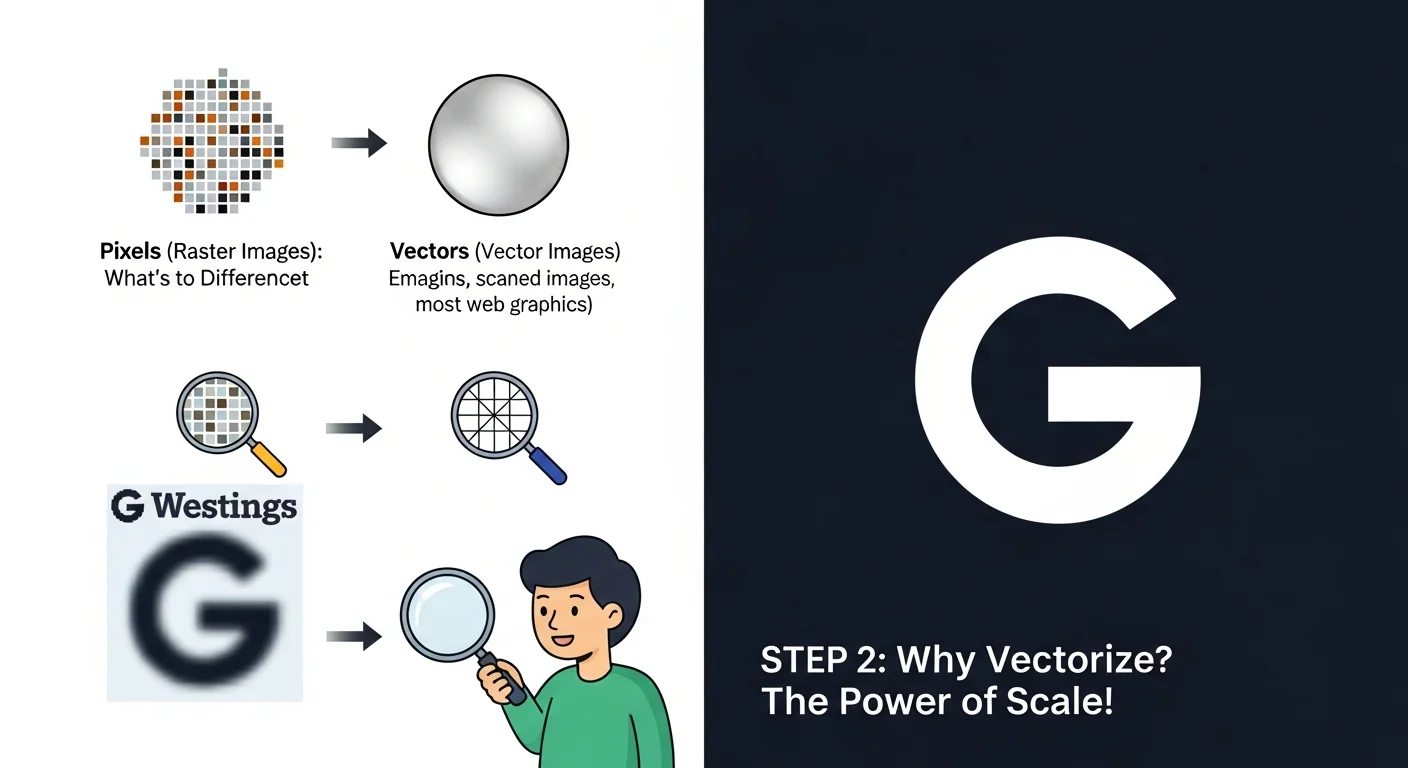
Beginner's Guide to Image Vectorization: Everything You Need to Know
A complete beginner-friendly guide to understanding and mastering image vectorization. Learn what it is, why it matters, and how to do it yourself.

How to Vectorize Images Online: Complete Tutorial 2026
Master online image vectorization with this comprehensive tutorial. Learn to convert your raster images to vectors using modern web-based tools.
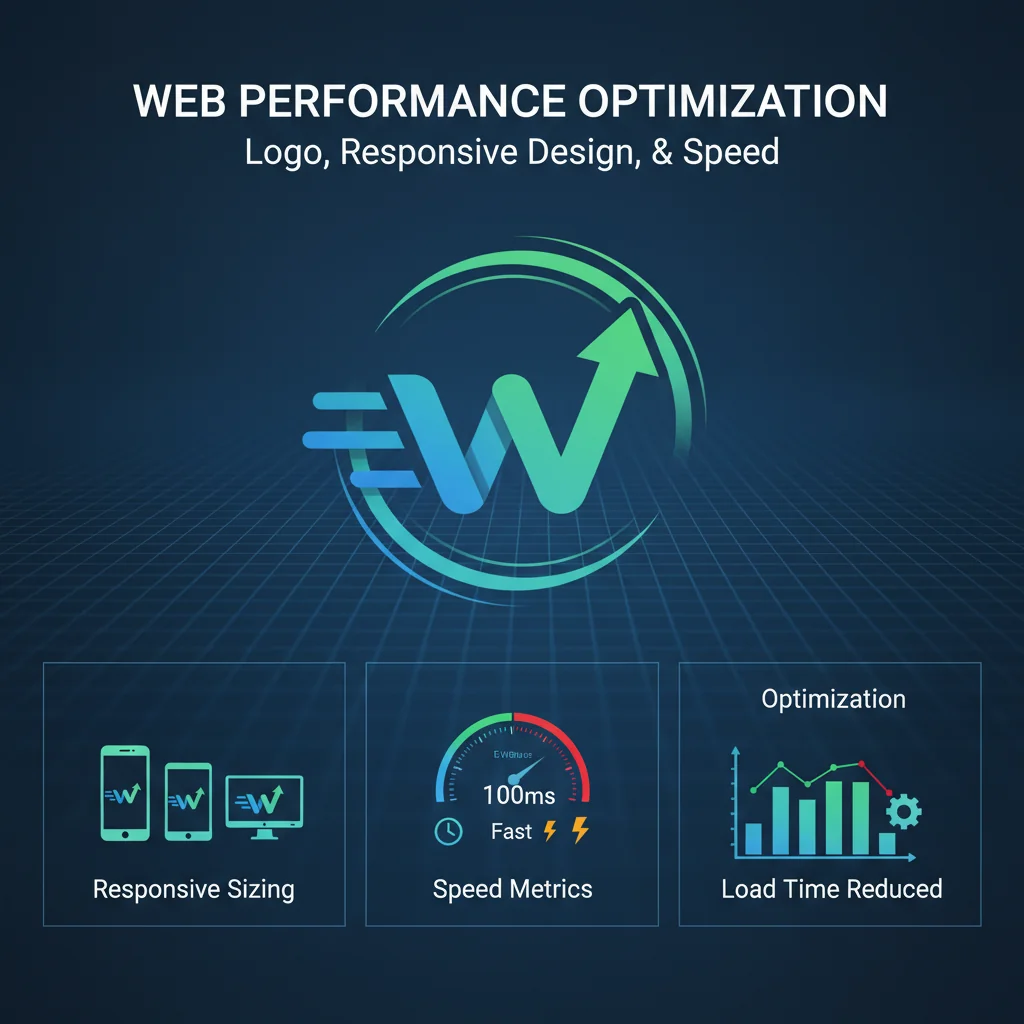
How to Optimize Your Logos for the Web in 2026
Learn the best practices for preparing and optimizing your logos for optimal web performance.
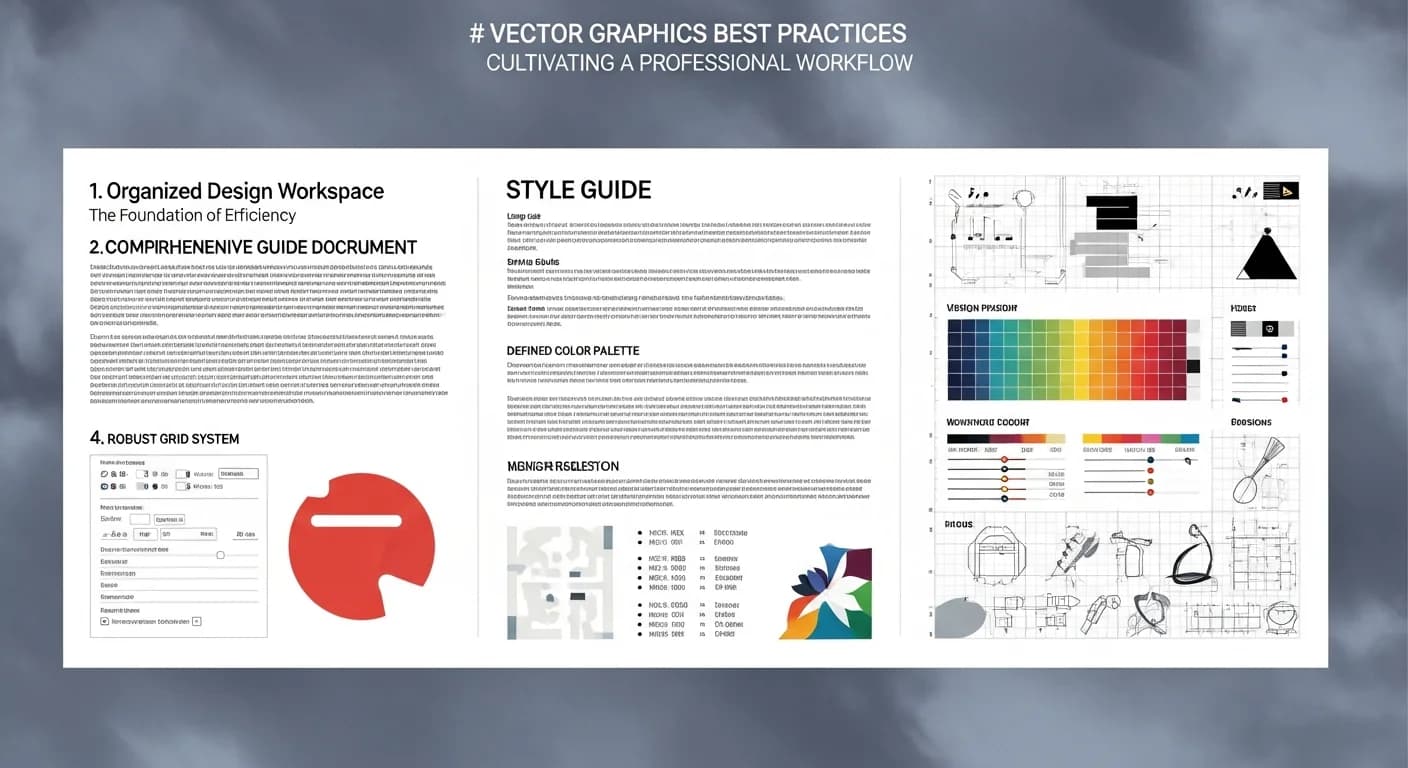
Best Practices for Successful Vectorization
Maximize the quality of your PNG to SVG conversions with these expert tips for preparing your images and optimizing results.
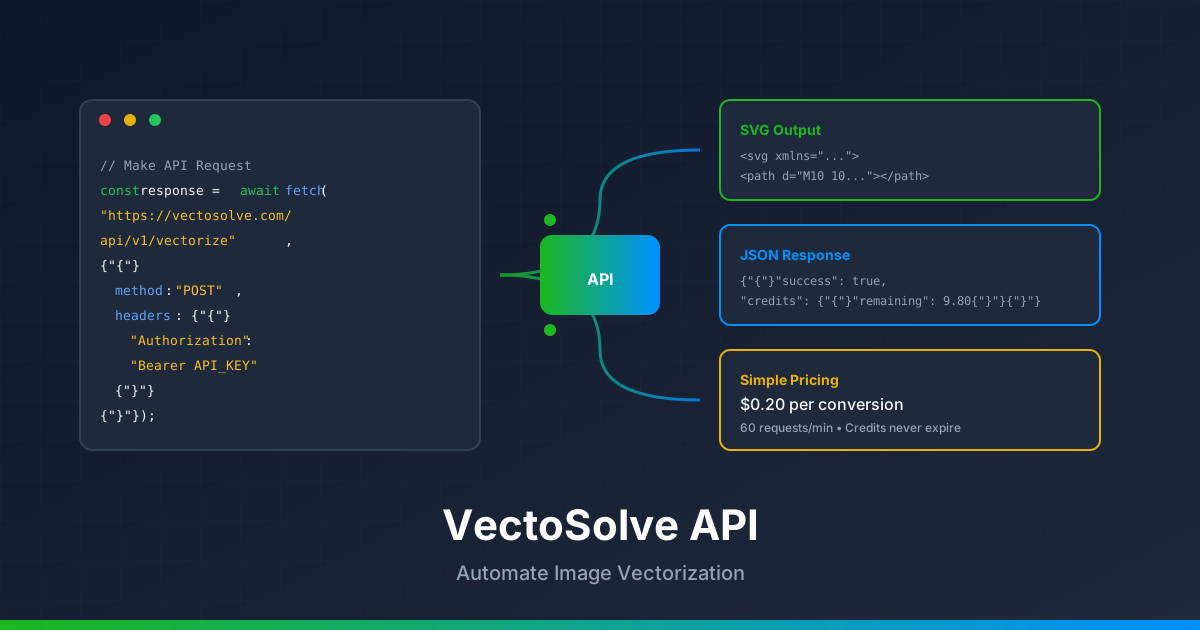
VectoSolve API Tutorial: Automate Image Vectorization for Developers
Learn how to integrate VectoSolve API into your applications. Complete guide with code examples in Node.js, Python, and PHP plus automation workflows.