
One Photo, Three Machines: What a Cricut, a Laser and an Embroidery Machine Each Make From the Same Picture
The same phone photo can become a car decal, an engraved wooden sign and an embroidered cap. Here is what each machine needs, 15 projects to try, and how to pick a picture that works.
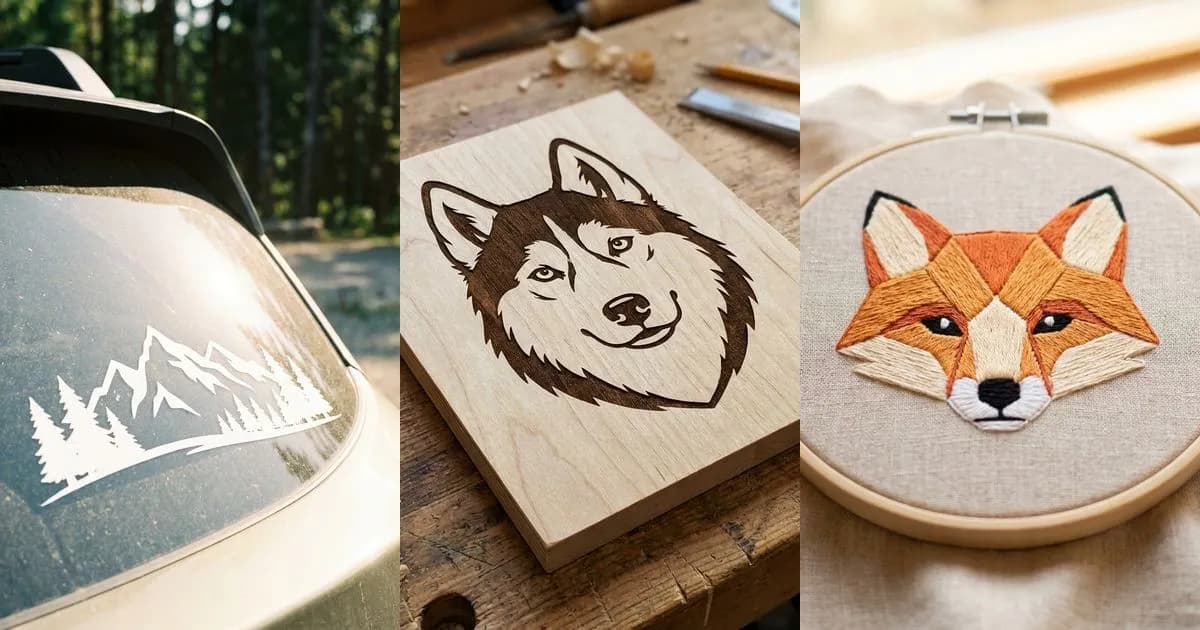
Founder and developer of VectoSolve
Self-taught developer who founded VectoSolve in 2024. He builds the conversion engine and the cutting, embroidery and 3D printing exports, working with the VectoSolve team of graphic designers.
How this article was made: drafted with AI assistance, then edited and fact-checked before publication. About the author
Try it on your own file, in Cricut mode
Free preview, no signup. Drop an image and see the vector before deciding anything.
You have a favorite photo on your phone, maybe your dog in the garden or a drawing your child made. That one picture can become a decal on the back of your car, a sign engraved in wood and a patch stitched on a cap. Each of those projects starts from the same image, but each machine needs a different kind of file to do its job.
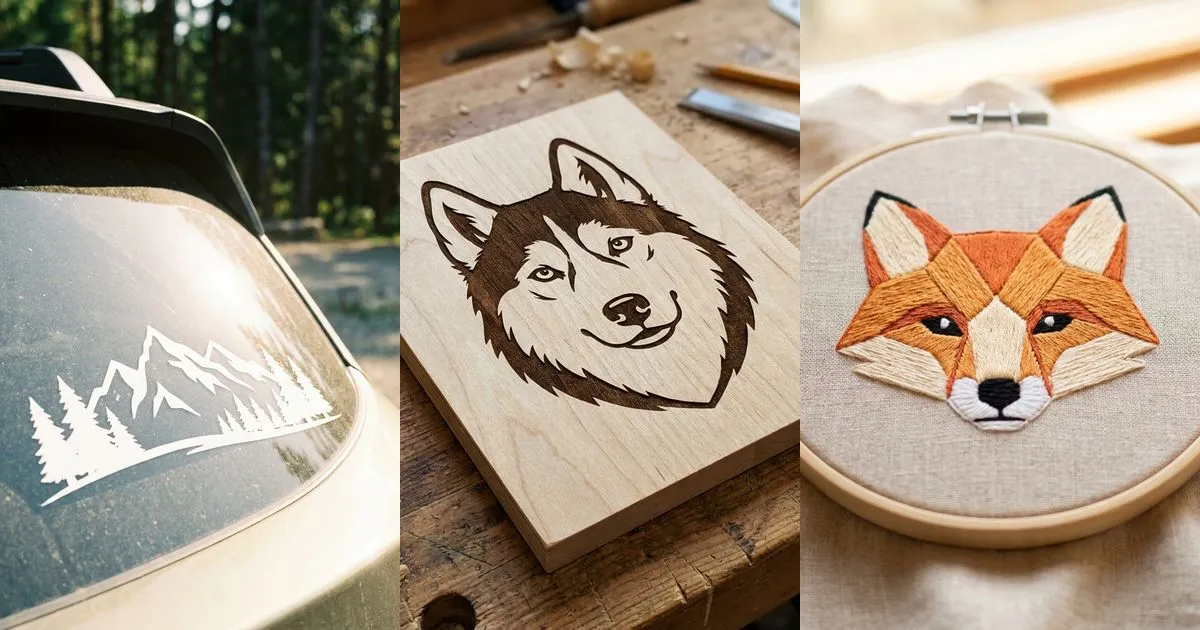
Why one photo is not one file
A phone photo is made of tiny colored squares called pixels. Zoom in far enough and you see them: the edges turn into little steps. That is fine on a screen or on paper, but a crafting machine does its best work from something else.
A cutting machine follows outlines. A laser follows outlines or scans back and forth to fill an area. An embroidery machine follows stitches, one after another. All three want shapes described as lines, which is what a vector file is: outlines and areas drawn with math, so they stay smooth at any size.
So the same picture has three jobs ahead of it. The cutter needs clean closed shapes, the laser needs shapes it can trace or fill, and the embroidery machine needs those shapes turned into stitches.

On a Cricut or Silhouette: a vinyl decal
On a Cricut or a Silhouette you usually cut vinyl, iron-on or cardstock. The machine follows lines, so your photo has to become a few bold, closed shapes. Each color of a decal is often its own sheet of vinyl, cut separately and layered. A photo with dozens of shades needs to come down to a handful of colors, or just one.
For a decal of your dog, that means the outer shape of the dog, plus separate shapes for the eyes or the nose if you want them in another color. Every shape must be closed so the blade can go all the way round. Fine fur strands and tiny specks are exactly what you do not want: they are hard to cut and even harder to weed.
Tip: weeding is peeling away the vinyl you do not need after the cut. Lots of tiny, unconnected pieces turn it into an hour of frustration. Bolder shapes weed in minutes.
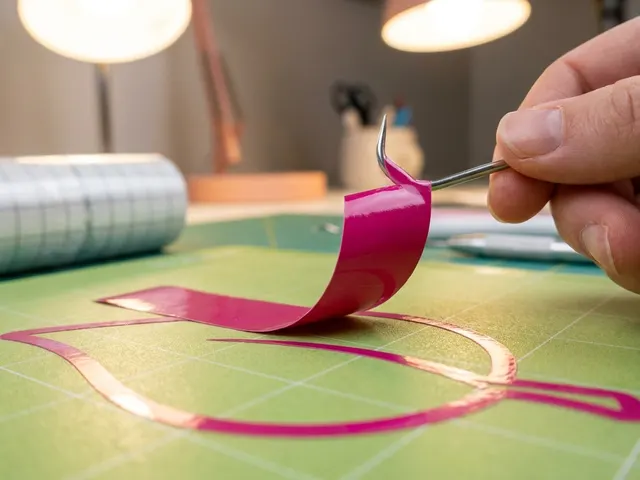
Where the file opens:
- Cricut Design Space: Upload, then Upload Image, then Browse, and pick your SVG.
- Silhouette Studio: File, then Open. DXF opens in every edition; SVG needs Designer Edition or higher.
On a laser: an engraved sign
A laser like a Glowforge or an xTool can cut and engrave wood, acrylic, leather and more. Where a cutting machine only follows lines, a laser can do two things: cut along a line, or engrave by filling an area.
For a laser you want an SVG or a DXF. The look depends on how you use it: outlines give a drawn, line-art feel, filled areas give solid dark shapes. Many good engravings mix both, with outlines for the main shapes and fills for the darkest parts.
A photo with strong contrast, clear lights and clear darks, translates best into an engraving. Very soft changes of tone tend to disappear in the wood.
Tip: always run a small test on a scrap of the same material first. Two boards of the same wood can burn differently, and a one-minute test saves a ruined piece.
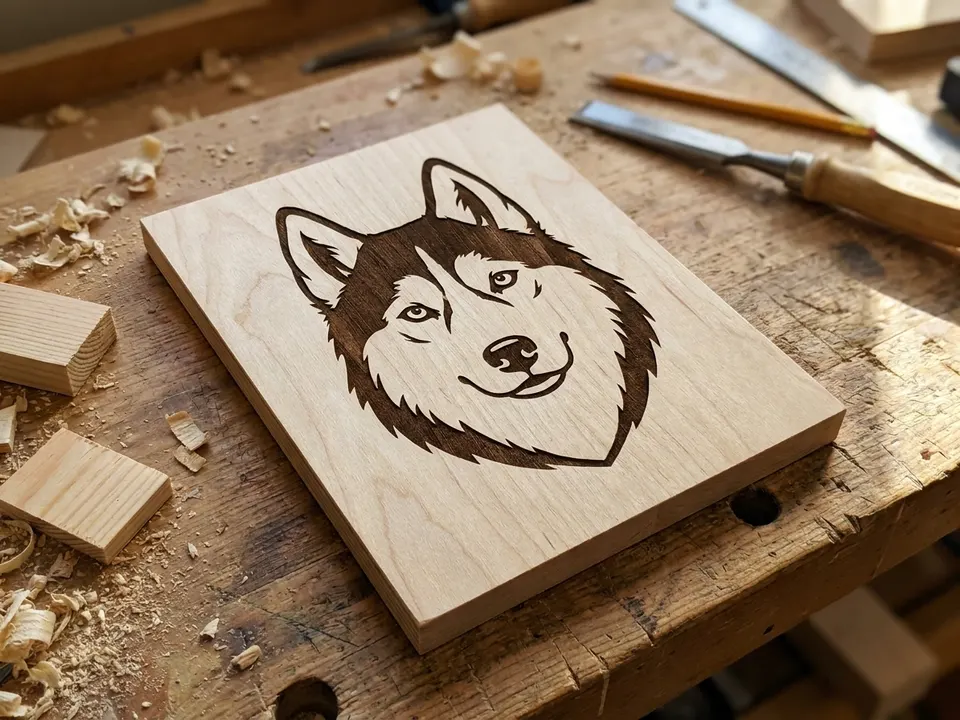
Where the file opens:
- LightBurn: File, then Import, and pick your SVG or DXF.
A Full Year of Conversions for $49
Starter Annual: 25 conversions every month, $49 for the whole year. That is about $4.08 a month · Cancel anytime
Get the Annual DealOn an embroidery machine: a patch or a cap
An embroidery machine sews thousands of stitches into fabric, which is a different job from cutting or engraving. It needs a stitch file that says where every stitch goes and which thread color to use. The common formats are DST for Tajima machines, PES for Brother and JEF for Janome.
For embroidery, a photo has to be simplified a lot. A machine cannot sew a smooth gradient or the fine detail of a photograph. The picture becomes areas of flat color, then stitches. VectoSolve sews outlines with running stitches and fills areas with fill stitches. It does not make satin columns, the shiny borders a professional digitizer adds by hand, so very detailed artwork is still a job for a digitizer.
Keep embroidery designs bold and simple, like a logo: clear shapes, distinct colors. Most designs use between 2 and 6 colors. More are possible, but every color change stops the machine for a new thread.
Watch the text: lettering smaller than about 5 mm tall does not sew well. The stitches crowd together and the letters blur. If you want words in the design, make them big.
15 things people make from one picture
On a Cricut or Silhouette (vinyl and other cut materials)
- Car decal: a simple, high-contrast outline of your pet, cut from permanent outdoor vinyl.
- Tumbler: your child's drawing in adhesive vinyl on their water bottle.
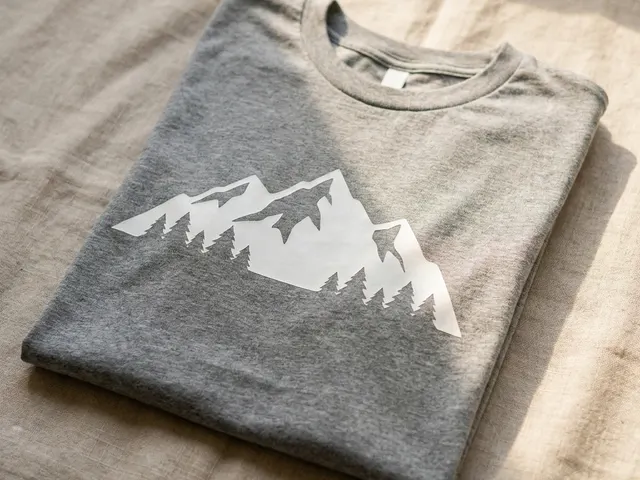
- T-shirt: a bold one-color design cut from iron-on vinyl and pressed at home.
- Wall decal: a large silhouette of a tree or a branch, cut from removable vinyl.
- Laptop sticker: a clean silhouette of something you love, cut in one color.
On a laser (engraving and cutting)
- Wooden sign: a pet portrait engraved on birch plywood.
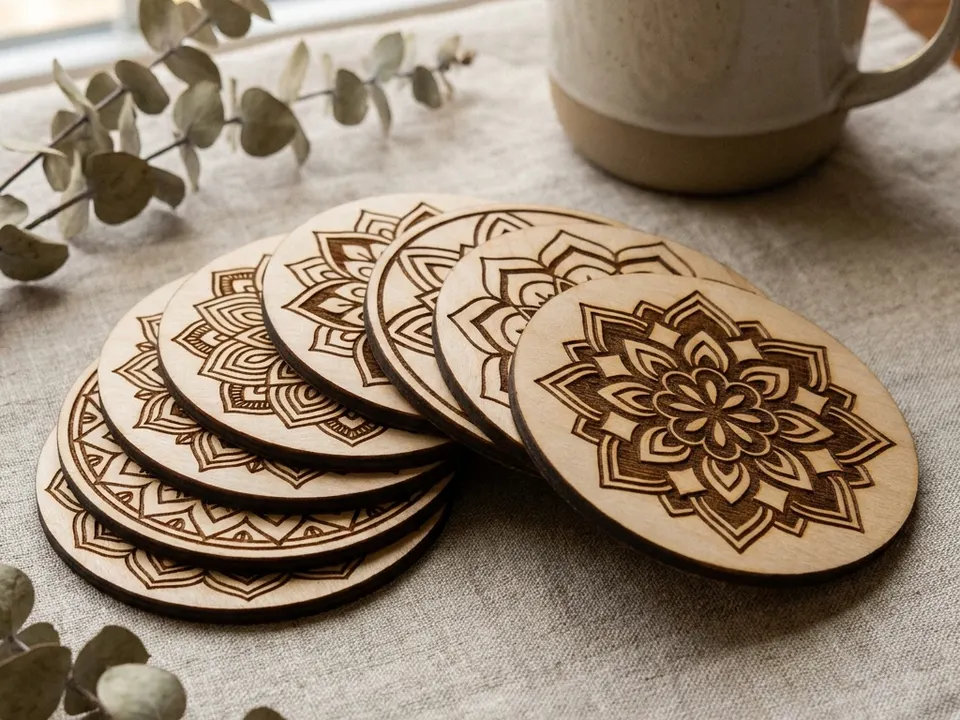
- Coasters: a set of four engraved coasters, one picture each.
- Leather keychain: your own logo or initials engraved on a leather blank.
- Jewellery: small wood or acrylic pendants with a pattern taken from a photo.
- Ornament: a holiday ornament engraved with a drawing of your house.
On an embroidery machine (stitch files)
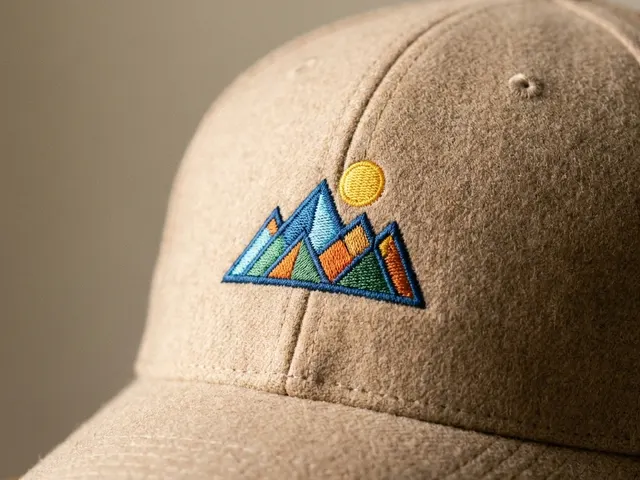
- Cap: a small, bold logo you own, stitched on the front panel.
- Patch: a jacket patch with a cartoon character in 3 or 4 colors.
- Polo logo: your small business logo on the left chest of a polo shirt.
- Tote bag: a stylized flower from one of your photos, stitched on canvas.
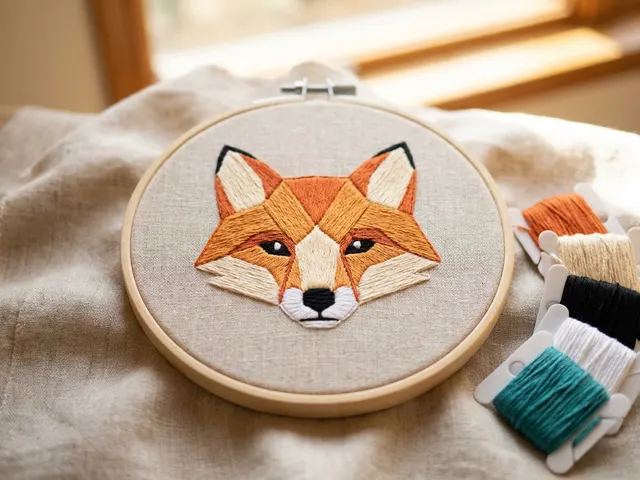
- Hoop art: a simplified portrait of your cat, stitched and framed in the hoop.
Which picture works best
The better the starting photo, the better the file, whatever the machine. Five things to look for:
- Good light: the subject is well lit, not too dark and not washed out.
- One clear subject: one dog, one flower, one logo. Busy scenes are hard to simplify.
- Plain background: a wall, a sky or a sheet behind the subject gives cleaner outlines.
- High contrast: clear differences between colors help the edges come out sharp.
- Bigger is better: around 1000 pixels on the long side is a comfortable minimum.
Free SVG Tools for Crafters
Design Checker · Color Separator · Mat Preview · Offset Generator · Text to SVG
Check Your SVG FreeTry it with your own photo
Want to see what your own picture gives? On VectoSolve you upload a photo and get a preview of the converted file in a few seconds. The preview is free, needs no signup and carries a watermark, so you check the result before you pay anything.
If it looks right, one clean, watermark-free file costs $6.99. If you make things every month, a Starter plan is $49 a year for 25 conversions a month. Embroidery files (DST, PES and JEF) come with a Starter or Pro plan.
Pick the page for your machine and drop your picture in: Cricut and vinyl, laser engraving or embroidery.