
Turn a Photo of Dad Into a Cricut Gift in 10 Minutes (Father's Day 2026)
Every shipped gift is a gamble now, but your Cricut is not. One photo, ten minutes of file work, and five gift recipes ranked by how much weekend they cost.
Founder of VectoSolve
Self-taught developer, founder and sole developer of VectoSolve since 2024. He builds the conversion engine and the cutting, embroidery and 3D printing exports.
How this article was made: drafted with AI assistance, then edited and fact-checked before publication. About the author
Try it on your own file, in Cricut mode
Free preview, no signup. Drop an image and see the vector before deciding anything.
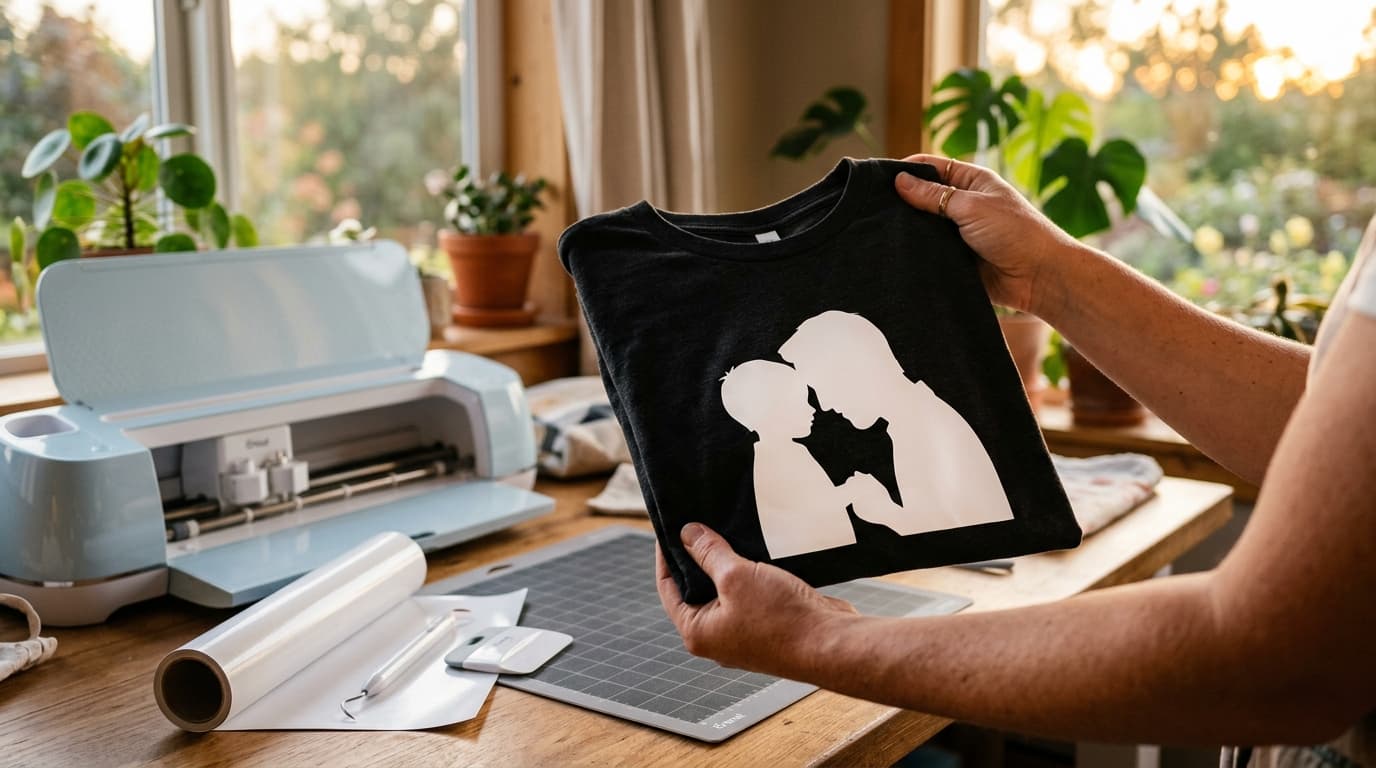
Father's Day is June 21. If you are reading this in the week before, every shipped gift is already a gamble, but your cutting machine is not. The gift that beats anything with a barcode takes one photo from your camera roll, ten minutes of file work, and whatever blank you have in the craft drawer.
This guide is the exact workflow: which photo to pick (this decides everything), how to turn it into a file your machine will actually cut, and five gifts ranked by how much weekend they cost you.
Key Takeaways
- The recipe: one clear photo, converted to a clean SVG silhouette, cut in HTV or adhesive vinyl, pressed on a shirt, mug or frame. File work: about 10 minutes.
- The photo decides 90% of the result. Side profiles and clear outlines convert beautifully. Busy backgrounds and group shots do not.
- The classic Saturday-night fail is forgetting to mirror before cutting heat transfer vinyl. It is always the mirror.
- Free SVG packs cannot do this. Everyone can cut "Best Dad Ever". Only you can cut his actual silhouette with his kid.
Why a photo beats another "Best Dad Ever" decal
Search any marketplace for Father's Day SVGs and you will find ten thousand sellers cutting the same twenty designs. They are fine. They are also interchangeable, and dads know it.
A silhouette cut from a real photo is a different category of object. It is the piggyback ride from last summer, the fishing trip, the two heads leaning together on the couch. Cricut's own blog pushes photo-based gifts for exactly this reason: personalization is the whole point of owning the machine. The step their tutorial glosses over is the hard one, turning a messy phone photo into a file the machine accepts. That is the step this guide does properly.
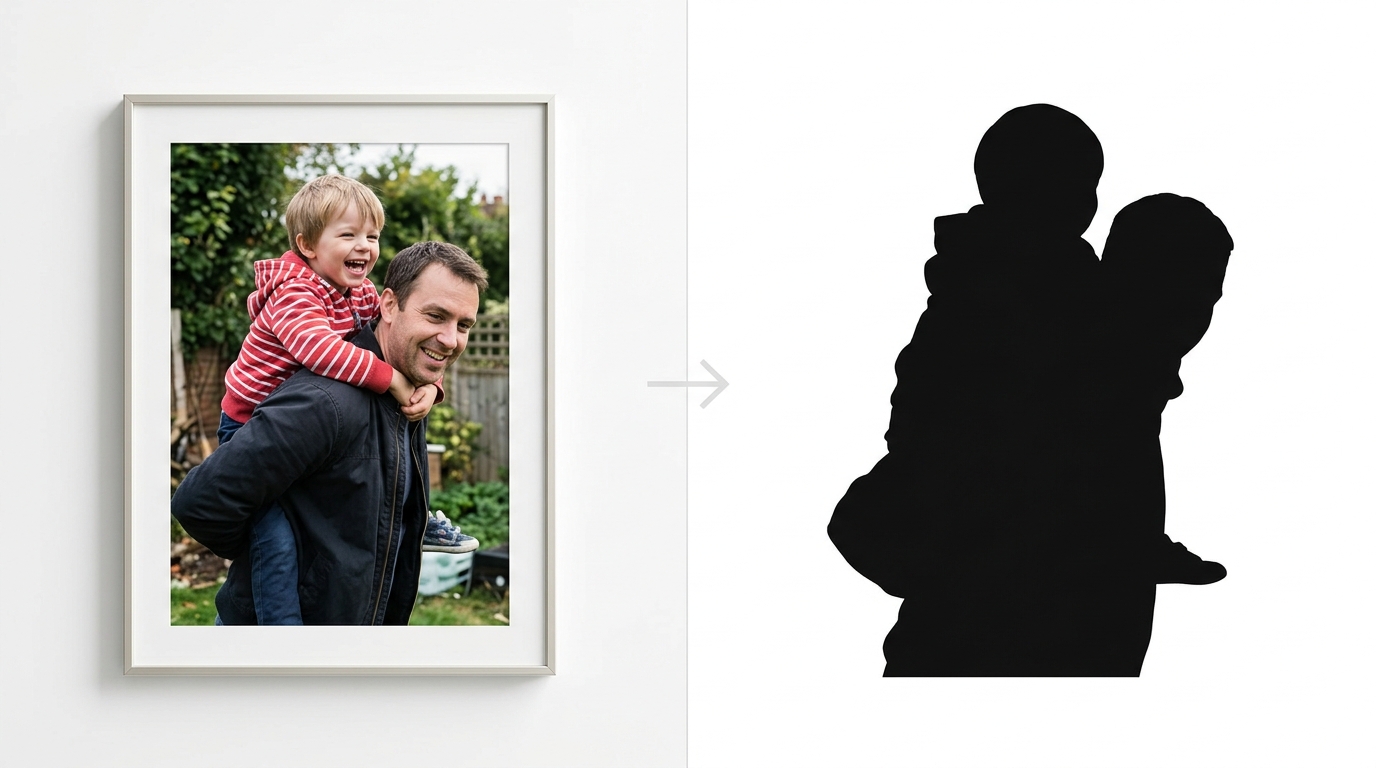
Step 1: pick a photo that will survive the conversion (2 minutes)
This is where most photo gifts die, so choose with the end result in mind. You are not picking the best memory, you are picking the best outline.
| Works beautifully | Fights you the whole way |
|---|---|
| Side profiles (faces read instantly in silhouette) | Straight-on faces (become featureless blobs) |
| One or two people, bodies separated from background | Group shots with overlapping people |
| Strong contrast between subject and background | Subject in shadow, cluttered background |
| Distinct shapes: piggyback, fishing rod, holding hands, a dog | Hands in pockets, person merged with a chair |
Two tests before you commit: squint at the photo until it blurs. If you can still tell what is happening, the silhouette will read. And check the edges, because whatever touches your subject (a doorframe, a stranger, half a car) becomes part of the cut.
Pro Tip: The piggyback shot, the shoulder carry, and the hand-in-hand walking photo are the holy trinity of dad silhouettes. If you have one of those, use it.
Step 2: photo to cut-ready SVG (3 minutes)
A cutting machine does not cut photos. It cuts vector paths, closed outlines it can drive a blade along. The conversion from pixels to paths is the technical heart of this gift, and doing it by hand in design software is the part that takes people hours.
The shortcut: upload the photo to our image to SVG converter for Cricut. The AI traces the outline, drops the background, and outputs a closed-path SVG sized for cutting. The free preview shows you exactly what the silhouette will look like before you commit anything.
Three style decisions, depending on the gift:
- Solid silhouette (the classic): one color, one cut, weeds in two minutes. Best for shirts, mugs, and frames. If the preview shows stray islands from a busy background, recrop the photo tighter and run it again.
- Line-art portrait: keeps facial features as clean strokes instead of a filled shape. Better for engraving, card fronts, and prints. See the dedicated photo to vector flow for this style.
- Layered multi-color: the converter can separate colors into individual paths, one vinyl layer each. Impressive result, but layering HTV takes alignment patience. Not the move if it is already Saturday night.
Pro Tip: If the photo has a distracting background the trace keeps picking up, run it through background removal first, then vectorize the clean cutout. Thirty extra seconds, dramatically cleaner paths.
A Full Year of Conversions for $49
Starter Annual: 25 conversions every month, $49 for the whole year. That is about $4.08 a month · Cancel anytime
Get the Annual DealStep 3: into Design Space without drama (2 minutes)
Upload the SVG in Design Space (Upload, then Browse, the file lands as a single cuttable image, no Image Trace cleanup needed because the tracing already happened). Size it to the blank: around 25 cm wide for an adult shirt front, 7 to 8 cm tall for a standard mug, whatever the frame opening is for paper.
Then the step that has ruined more Father's Day shirts than any other:
If you are cutting heat transfer vinyl, toggle Mirror ON before you cut. HTV cuts face-down on the carrier sheet. Skip the mirror and the silhouette presses on backwards. Adhesive vinyl for mugs and tumblers does not get mirrored. Paper does not get mirrored.
Set the material to your actual vinyl type, shiny carrier side down for HTV, and cut.
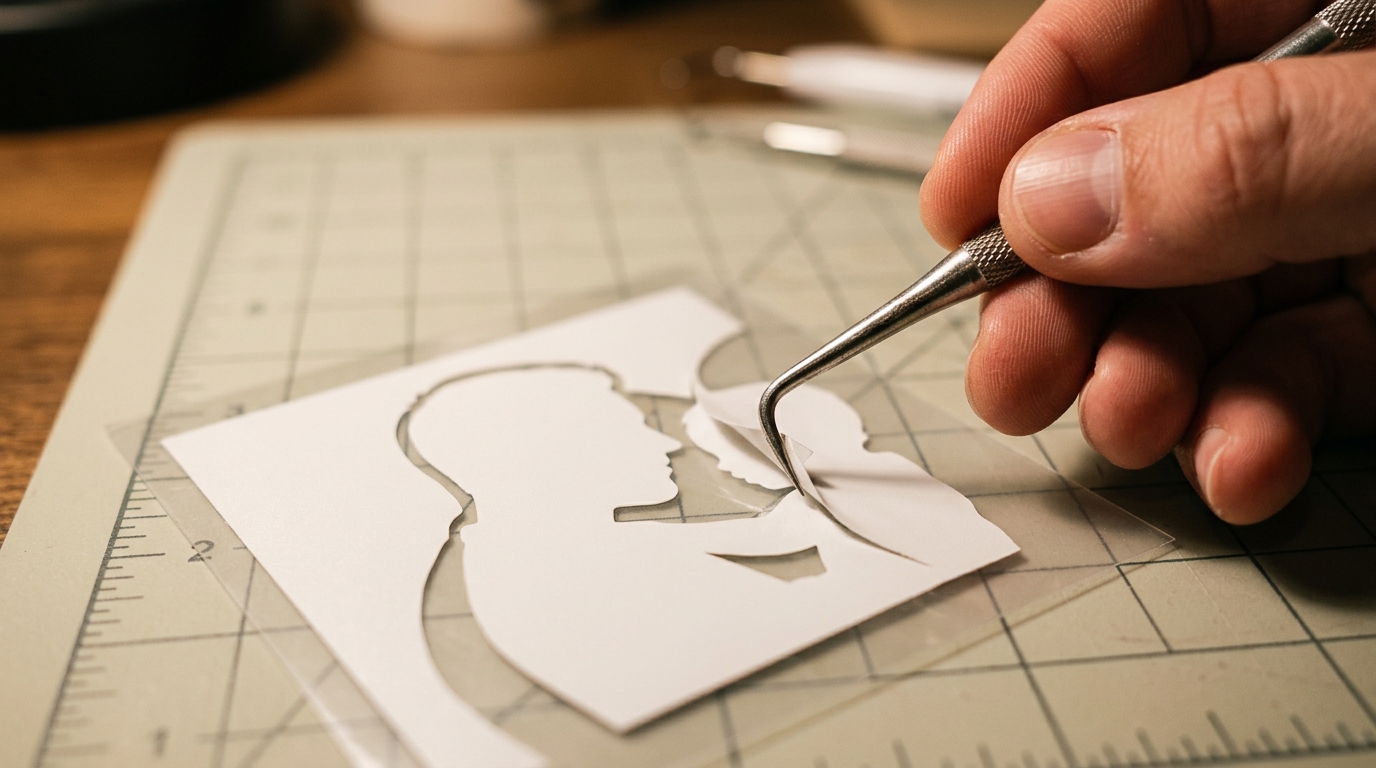
A clean vector pays off right here: a well-traced silhouette is one big shape with smooth edges, so weeding takes minutes. A messy auto-trace full of slivers and pinholes turns weeding into archaeology.
Five gifts, ranked by how much weekend they cost
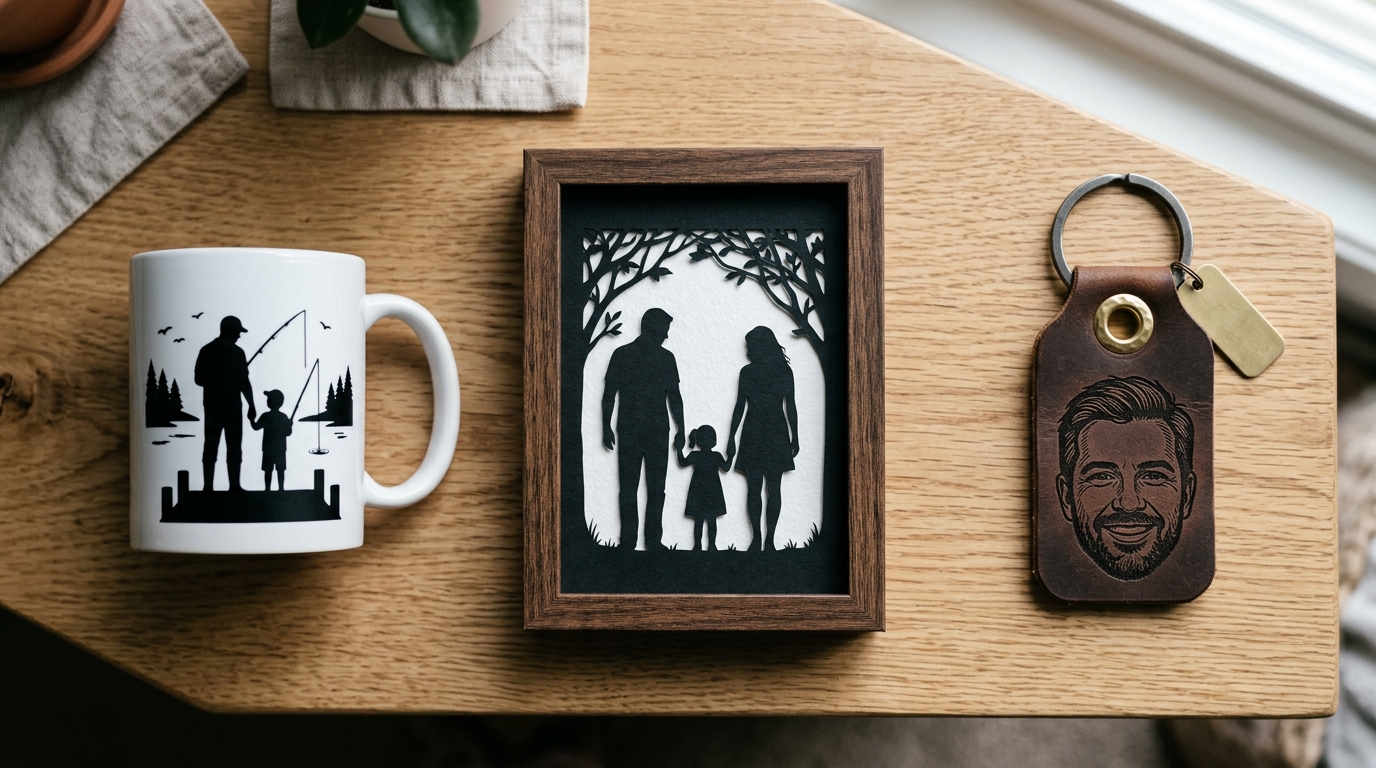
| Gift | Material | Total time | Difficulty |
|---|---|---|---|
| Mug or tumbler decal | Permanent adhesive vinyl | 20 min | Easiest. No press needed, just apply with transfer tape |
| The silhouette shirt | HTV, one color | 30 min | Easy. Mirror, cut, weed, press per your vinyl brand's temp chart |
| Framed silhouette | Black cardstock | 30 min | Easy, and zero special blanks: any photo frame works |
| Card with line-art portrait | Cardstock + pen tool | 40 min | Medium. Use the line-art style and your machine's pen holder |
| Layered two-color portrait shirt | HTV, two colors | 60+ min | The showpiece. Cut layers separately, align with the carrier sheet |
Every one of them starts from the same converted file. Make the SVG once, size it per project.
The four mistakes that ruin it on Saturday night
- The unmirrored HTV cut. Covered above. It is always this one. Check Mirror, then check it again.
- The too-busy photo. If the preview silhouette looks like noise, do not fight it in the weeding stage. Go back and crop tighter or pick the other photo.
- Tiny interior details. A 5 mm gap between an arm and a body becomes an unweedable sliver at mug scale. Simpler trace settings beat maximum detail for small blanks.
- Pressing on a wrinkled shirt. Pre-press the blank for a few seconds to flatten and dry it before laying the vinyl. Follow your vinyl brand's time and temperature chart, not a random forum number.
Free SVG Tools for Crafters
Design Checker · Color Separator · Mat Preview · Offset Generator · Text to SVG
Check Your SVG FreePair it with the free pack
A portrait silhouette plus a frame of lettering is a stronger layout than either alone. Our free Father's Day SVG collection has the accents: borders, EST. year stamps, "Dad" scripts, all cut-ready and free. Portrait in the center, lettering around it, one press.
FAQ
What photo works best for a silhouette gift?
Side profiles and clearly separated subjects. The squint test: blur your eyes at the photo, and if the scene still reads, the silhouette will too. Piggyback and shoulder-carry shots convert almost perfectly every time.
HTV or printable vinyl for a photo gift?
For silhouettes and line art, cut HTV gives the cleanest, most durable result on fabric. Printable vinyl reproduces the full photo but needs an inkjet and looks like a printed photo, not a crafted object. For mugs and tumblers, permanent adhesive vinyl is the standard.
Can I do the conversion from my phone?
Yes. The converter runs in the browser, phone included, and Design Space has a mobile app. The full phone workflow is covered in our phone photo to SVG guide.
What file format does Design Space need?
SVG is the one you want: it uploads as a ready-to-cut image with no trace cleanup. PNG and JPG force you through Design Space's own background removal, which struggles with exactly the busy photos that need help most.
Is one color really enough?
For silhouettes, one color is the look, not a compromise. Black on a light shirt, white on charcoal. If you want depth, the two-color layered version is the upgrade path once the single-color press is done.
The window for this gift closes when the weekend does. One photo, ten minutes of file work, and he is wearing the piggyback ride from last summer.