
Burn-Ready Vectors From Any Image
Drop a photo, logo, or sketch. AI traces clean, closed cut paths your machine follows exactly. Sharp edges, crisp engraving, no stray nodes. Ready in seconds.
Drop your image to convert
Loading converter…
“You are simply too good to be true.”
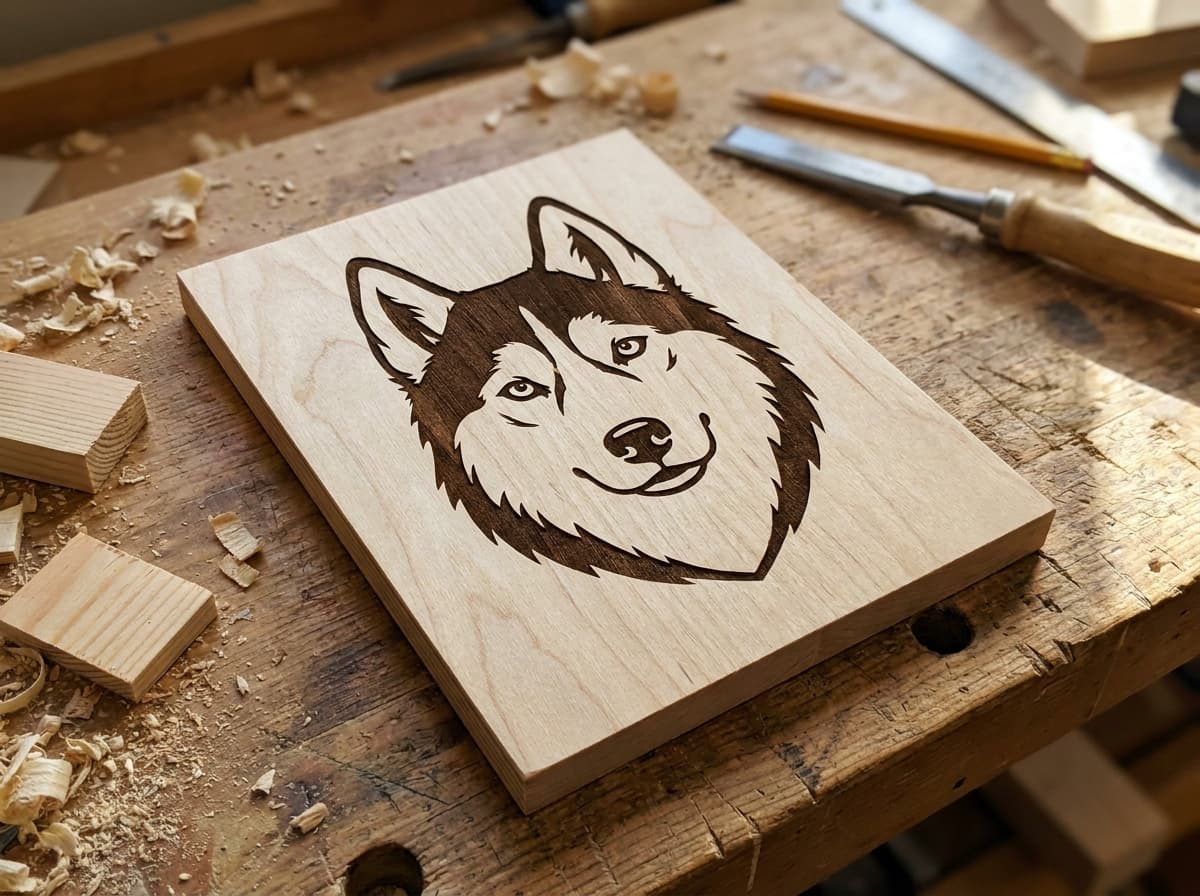
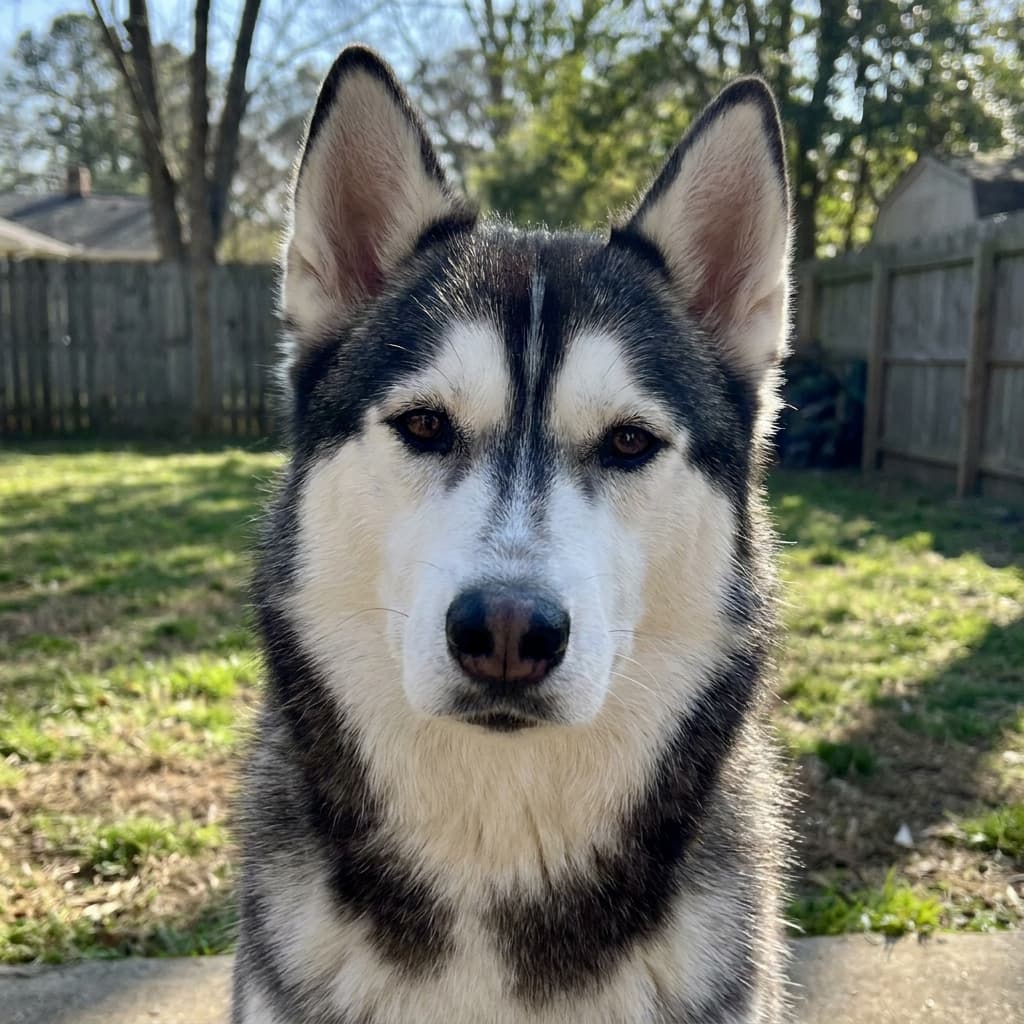
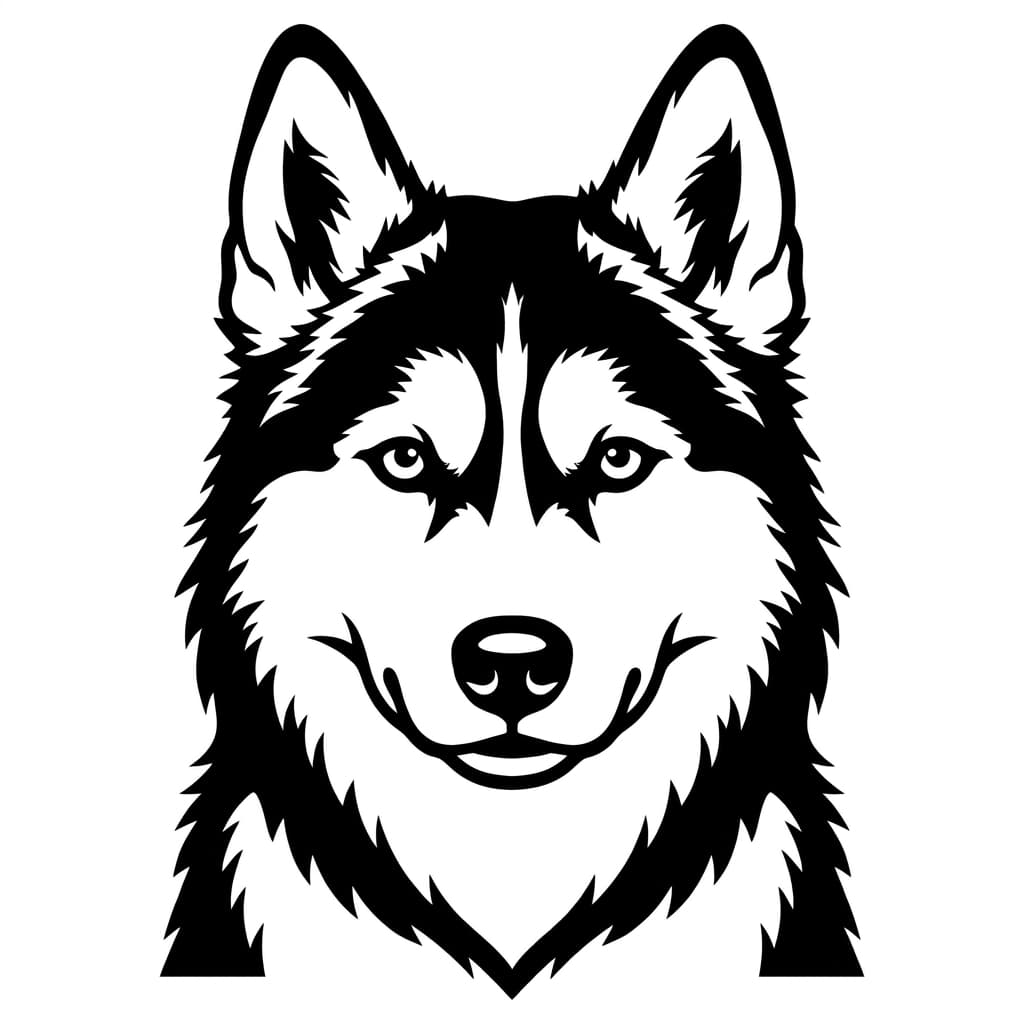
Same dog, start to finish. Closed paths and flat fills, the file your laser actually wants.
New: Precision Cut
A cut path that follows your design to the pixel
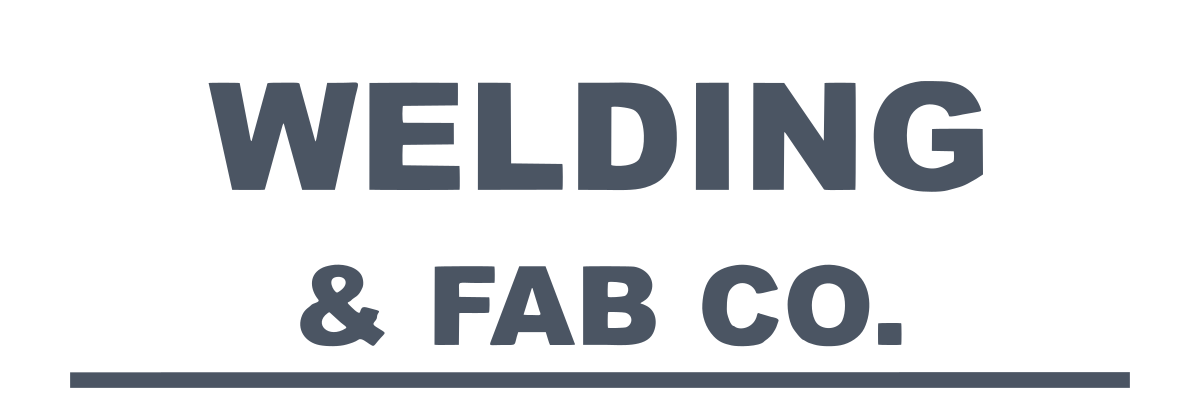
Made for laser cutters: crisp lettering and holes that drop out cleanly.
- Holes stay holes: the inside of O, A, R and B is cut out, even if your software ignores fill rules.
- Small lettering keeps its shape: straight edges stay straight, corners stay sharp.
- Clean DXF: no tiny segments that slow the torch or the laser head.
Best on one-color logos and text. Same price as a standard conversion.
Try Precision CutWhy your laser needs vector files
Laser cutters follow paths, not pixels. A PNG or JPG is a grid of dots, so a cutter has nothing exact to trace. An SVG stores mathematical paths the laser follows precisely, giving you sharp edges, smooth curves, and repeatable cuts every time.
VectoSolve turns any image into those clean vectors. Custom signs on a Glowforge, jewelry on an xTool, intricate patterns on a K40, the output drops straight into your machine.
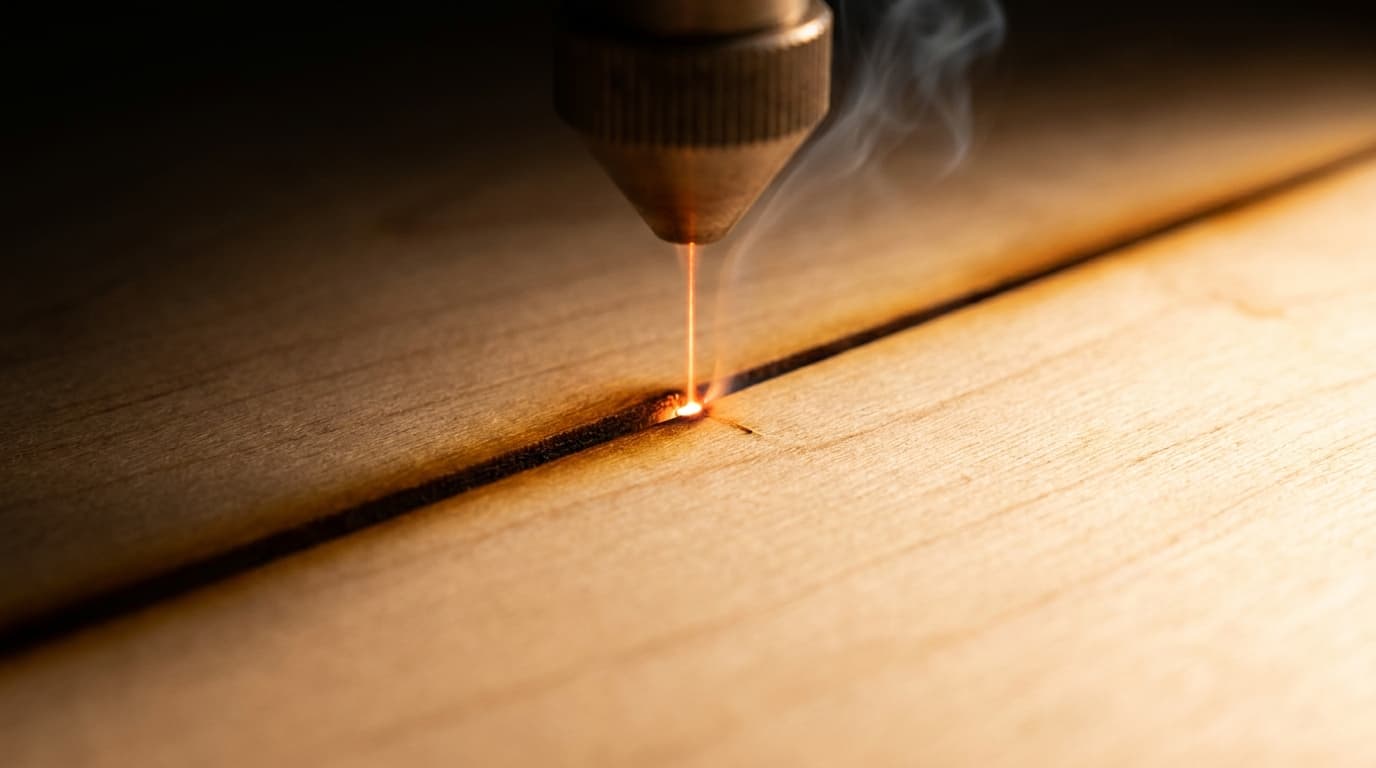
Built for laser work, not generic tracing
Most online tracers spit out a vaguely-shaped path. These four things are why the output actually cuts.
Closed, cut-ready paths
Output is closed vector contours with merged nodes, exactly what a cutter needs to follow a continuous toolpath without dropouts or double-cuts.
SVG and DXF export
Standard SVG imports into Glowforge, xTool Creative Space and LightBurn. DXF covers Fusion 360, RDWorks and CAD-driven setups.
No Illustrator required
Skip manual tracing in Illustrator or Inkscape. Drop a raster image and get an editable vector you can scale without quality loss.
Seconds, not hours
Conversion runs in 2-5 seconds, so iterating on a design or prepping a custom order does not stall your job queue.
What makers cut with it
Every one of these started as a flat image and came out as a clean cut file.
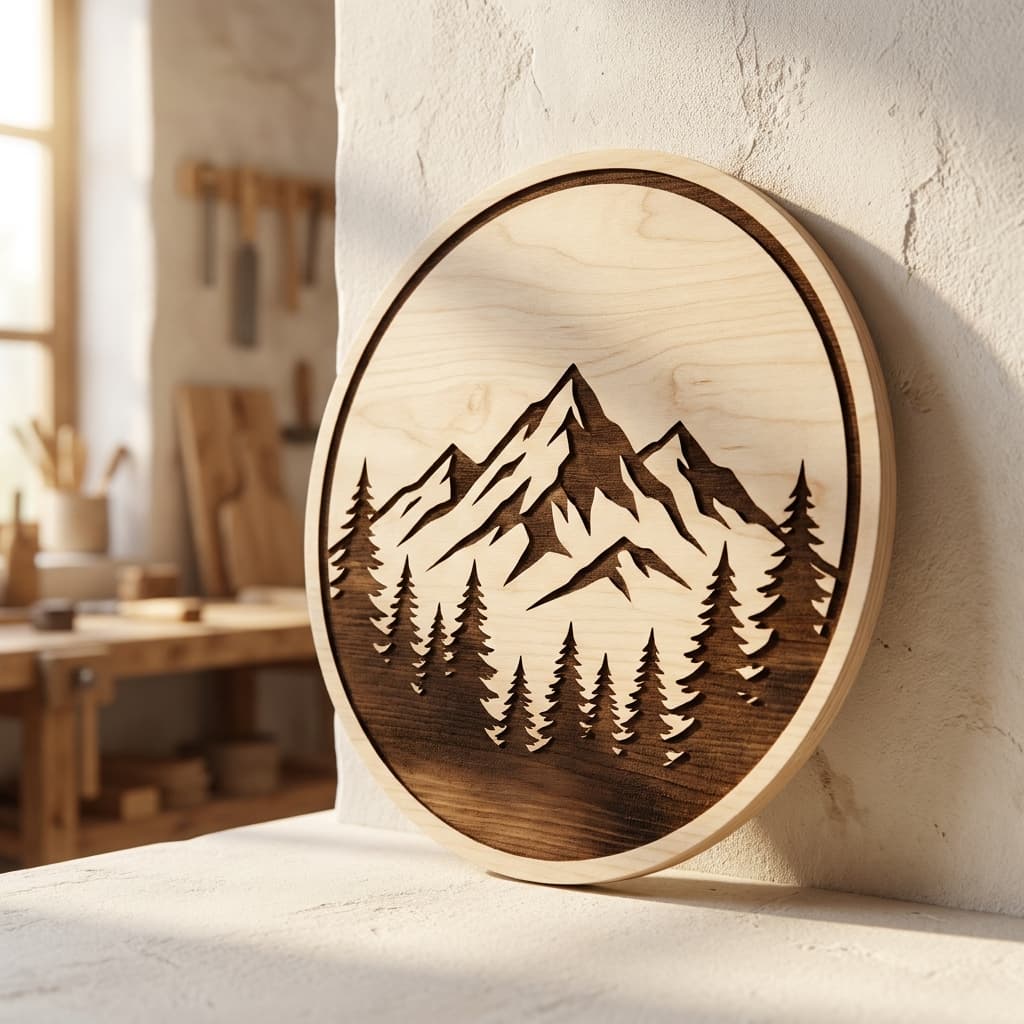
Signs & wall art
Engraved wood and acrylic signage
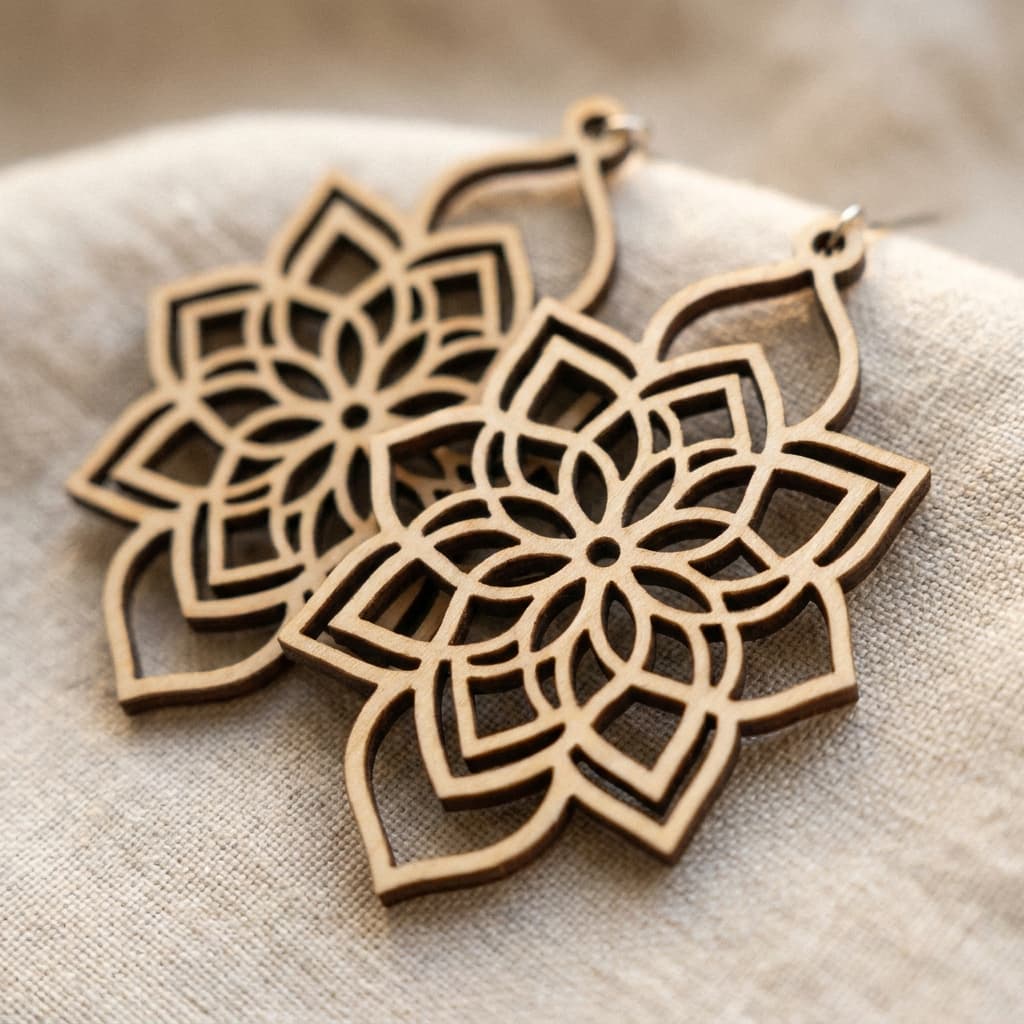
Jewelry
Earrings, pendants and charms
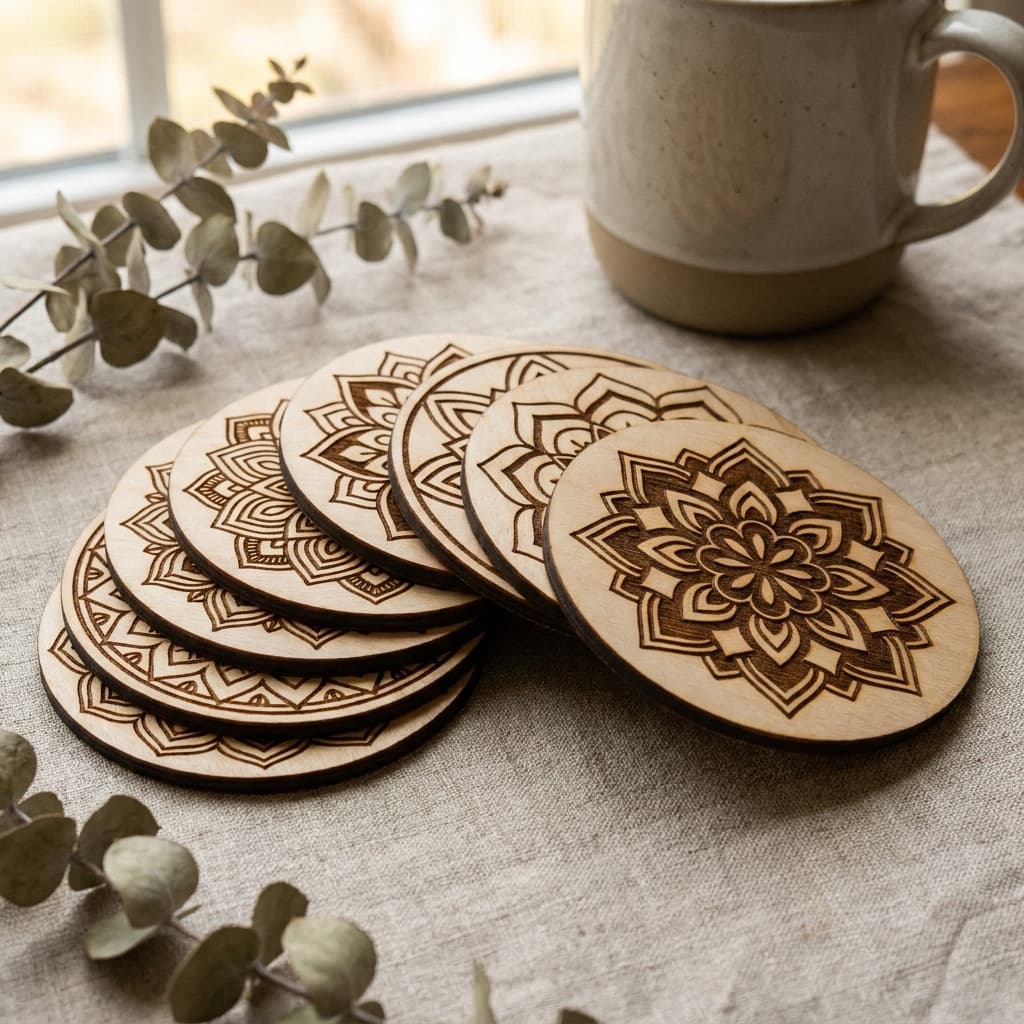
Home decor
Coasters, ornaments, mandala sets
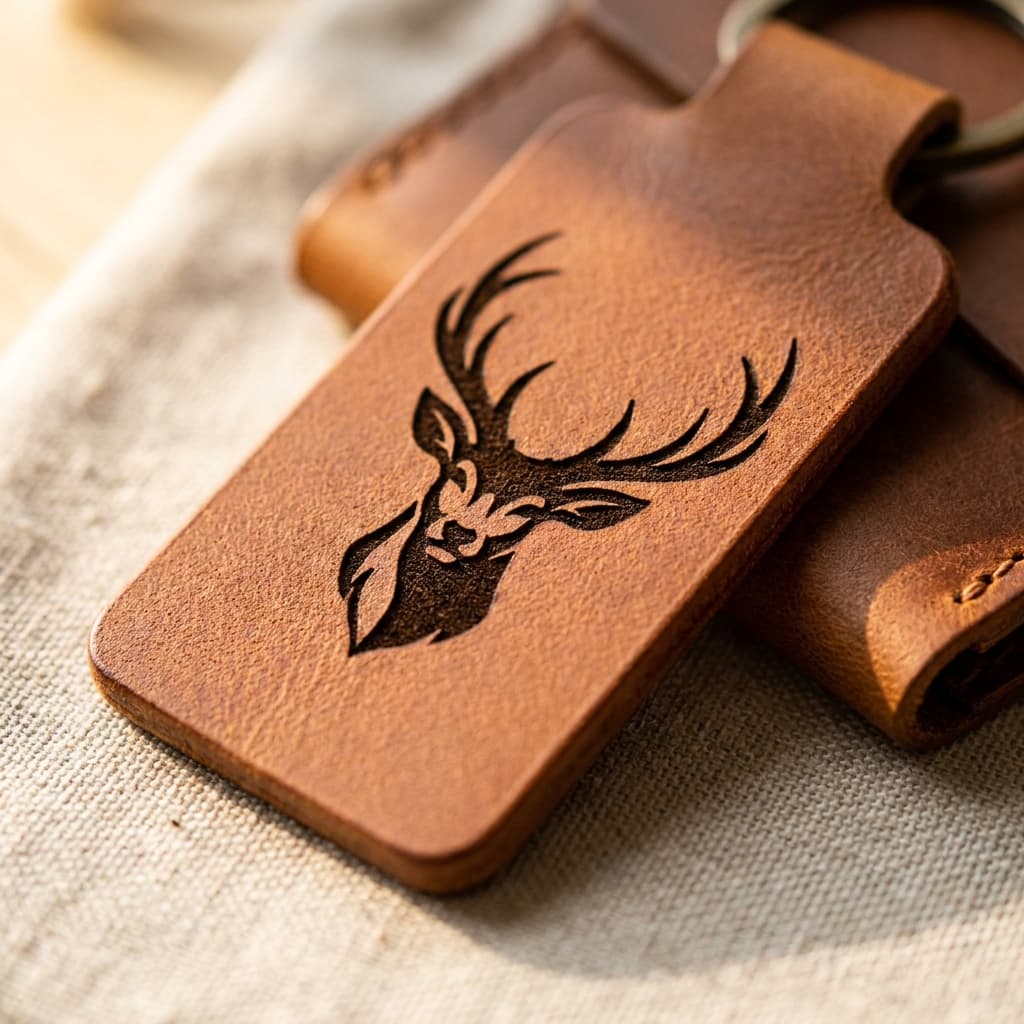
Leather goods
Engraved keychains, wallets, tags
One plan, every laser tool
Everything your laser workflow needs, in one yearly plan. Billed annually, cancel anytime.
- Every laser format: SVG, DXF, EPS, PDF, cut-ready ZIP
- Engrave & cut layer separation, closed flat-fill paths
- SVG Editor Pro + batch processing for production runs
- Also unlocks Cricut, embroidery, Etsy & brand tools
- Commercial-use license on every file
- 300 conversions / year · unused credits roll over
See it before you pay
The full preview is free. You only pay once the file looks right.
Failed conversion? Credit back
If a paid conversion fails, the credit returns to your balance automatically.
Cancel in two clicks
Plans stop from your account page, no email, no phone call.
Support by email
A question about a file or a plan? Write to contact@vectosolve.com.
Laser Cutting SVG FAQ
Can I use VectoSolve SVGs directly with my Glowforge?
Yes! VectoSolve generates standard SVG files that import directly into Glowforge, xTool Creative Space, LightBurn, and other laser cutter software. The clean vector paths are ready for cutting or engraving right away.
What types of images work best for laser cutting SVGs?
Images with clear outlines and solid areas work best, logos, silhouettes, line art, and simple illustrations. High-contrast images with distinct shapes produce the cleanest laser-ready cut paths.
Do I need to clean up the SVG before laser cutting?
In most cases, no. VectoSolve AI produces clean vector paths with smooth curves that are optimized for cutting. For very complex designs, you may want to do minor adjustments in your laser software, but the output is typically cut-ready.
Can I convert a photo to an SVG for laser engraving?
Yes, VectoSolve can convert photos into vector engravings. The AI traces the key outlines and details, creating vector paths suitable for engraving. For best results with photos, simpler compositions with clear subjects work best.
What laser cutting machines are compatible with VectoSolve SVGs?
VectoSolve SVGs work with virtually any laser cutter that accepts SVG files, including Glowforge, xTool D1/M1, Epilog, K40 (with LightBurn or K40 Whisperer), OMTech, Ortur, Atomstack, and many more.
Is VectoSolve free for laser cutting SVGs?
The preview is free, with no signup required; the clean file comes with a plan. The annual plan ($49/yr) covers 300 conversions a year with DXF export, commercial use, and cancel anytime.
Customer artwork arriving as screenshots every week?
We also do the whole job as a service: send the customer's file, get a free quote, see the watermarked preview, then pay. From $9 a file, delivered in the format your machine reads, with no VectoSolve name in the files.
Done-For-You ServiceRelated pages:
Pick the right converter for your laser workflow
Most laser software accepts SVG, DXF, or G-code. Pick your source format.
If laser cutting and engraving is your business, you are probably paying per file.
An outside art service charges 6 to 26 dollars a logo and comes back the next day. Redrawing it yourself costs half an hour you could bill. A year here is $49 for 25 conversions every month, every machine format included, which works out cheaper than two outsourced logos.
Everything on this page stays free. This is only worth it if you do volume.