
SVG and DXF Files for Carbide Create
Carbide Create imports SVG and DXF, and it can trace high-contrast pictures itself. For photos, soft scans and colored logos, convert here first and import closed vectors that are ready for toolpaths.
- Closed vectors ready for pocket and contour toolpaths
- Paths only, no picture for Carbide Create to ignore
- A DXF in the same download
Works with Carbide Create Core and Pro, on Shapeoko and Nomad, and on other CNC routers with Pro.
How to bring an image into Carbide Create
- 1
Upload the image
Drop the logo, sketch or photo. The free preview shows each closed shape before you pay.
- 2
Pick a preset
V-Carve keeps fine detail for V-bit carving, Balanced suits most signs, Profile Cut keeps bold shapes for cutouts.
- 3
Download SVG or DXF
Both hold the same closed shapes. The SVG is the usual choice in Carbide Create; the DXF is there for other CAM.
- 4
Import and add toolpaths
Import the vectors in the Design tab and set the size, then add contour, pocket or V-carve toolpaths and save the G-code.
What Carbide Create needs from a vector file
Vectors only
Carbide Create ignores a picture stored inside an SVG, the common reason an SVG opens empty. The file from this page holds paths only.
Text as shapes
Live text in an SVG has to be converted to paths first. A traced logo has no live text: the letters are already shapes.
Closed paths
Pocket and V-carve toolpaths need closed shapes. An open vector can only take a contour that follows the line.
Core or Pro
SVG and DXF import and image tracing are in both Core and Pro. Pro is needed to save G-code for CNC machines from other brands.
Common Carbide Create import problems
The SVG opens with no vectors
The SVG holds a picture, not paths. Convert the image here and import the new SVG.
A pocket will not generate
The shape is open. Use the closed trace from this page, or join the open vectors in Carbide Create.
The built-in trace picks up noise
Image tracing works best on high-contrast black and white. On photos and soft scans, convert here first and import the vectors.
Fine detail breaks off in the wood
Details narrower than the bit cannot be cut. Use the V-Carve preset with a V-bit, or scale the design up.
For sign makers on a Shapeoko
Carved signs from any customer logo
Wood signs and plaques start with a logo sent as a JPG. Convert it into closed vectors here, or send a batch of sign jobs for a quote and get files ready for toolpaths.
Free preview of each vector, no signup. Quotes list the price before work starts.
What each file is for
- SVG Carbide Create import, closed vectors
- DXF other CAM, such as VCarve or Fusion 360
- PNG an approval preview for the customer
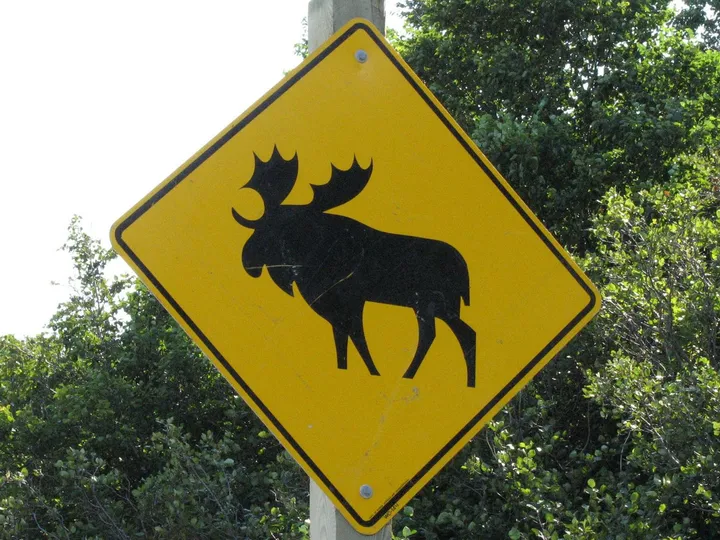
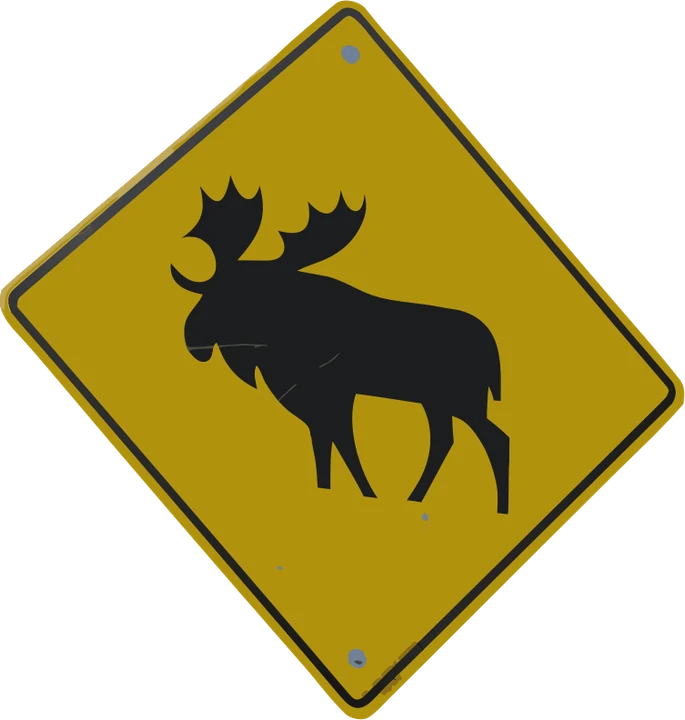
Product photos are mockups: each design is the real VectoSolve file, not retouched. Source photos are public domain or CC0. Photo: JPark99, Wikimedia Commons, public domain.
Custom · On quote
Top-of-market quality for complex jobs: large-format murals, detailed illustrations, photo to vector, multi-layer print files. Finished by hand by our team and checked before delivery.
No machine at the end of the job? The VectoSolve vectorizer turns any picture into an SVG, and the PNG to SVG converter for Cricut and Silhouette keeps the paths ready to cut.
SVG for Carbide Create FAQ
Can Carbide Create import SVG files?
Yes. Carbide Create imports SVG and DXF in both Core and Pro. The SVG must hold vector paths, not a picture.
Can Carbide Create trace an image?
Yes. Both versions include image tracing, which outlines high-contrast areas. Photos and soft scans trace better here first.
Can Carbide Create use DXF files?
Yes. DXF imports like SVG. Use it when the same file also goes to other CAM software.
Do I need Carbide Create Pro to import a logo?
No. Core imports and traces. Pro adds 3D modeling and G-code for CNC machines from other brands.
Why does my SVG have no paths in Carbide Create?
It was saved from a photo editor with the picture inside. Carbide Create ignores pictures in SVG files, so convert the image into real vectors.
More machine guides: all VectoSolve tools