
DXF Files for RDWorks and Ruida Lasers
RDWorks V8 imports DXF, AI and PLT vectors, and its manual does not list SVG. Convert the logo or photo into a DXF here and import it straight into RDWorks, with closed shapes ready to cut or engrave.
- A DXF that RDWorks imports, no SVG needed
- Closed shapes for Cut and Scan layers
- One layer per color, matched to your RDWorks layers
Works with RDWorks V8 and Ruida-controlled CO2 lasers, including many OMTech and Monport models.
How to get an image into RDWorks
- 1
Upload the image
Drop the logo, drawing or photo. The free preview shows each traced shape before you pay.
- 2
Pick a preset
Clean Cut for shapes you will cut out, Balanced for logos, High Detail for engraving art with fine lines.
- 3
Download the DXF
The DXF holds closed shapes in millimeters. The same download has the SVG for LightBurn and a PNG for bitmap engraving.
- 4
Import it into RDWorks
Use File, Import and pick the DXF. Check the size, set each color layer to Cut or Scan with your speed and power, then send the job to the laser.
RDWorks import settings that matter
DXF rather than SVG
The RDWorks V8 manual lists DXF, AI, PLT, DST and DSB vectors. Some recent builds open SVG but drop parts such as the centers of letters, so DXF is the safe choice.
DXF unit
RDWorks has a DXF unit setting for imports. The DXF from this page is in millimeters: check the width after import, before you cut.
Layers by color
RDWorks gives each color its own layer. Keep cut lines and engraved areas in different colors so each gets its own mode, speed and power.
Short and duplicate lines
Very short or doubled lines slow the job and can make RDWorks stutter. A clean trace has one outline per shape.
Common RDWorks import problems
The SVG will not import, or parts are missing
Older RDWorks versions do not open SVG, and newer ones can drop parts of it. Import the DXF from the same download.
File format error on an AI file
RDWorks reads older AI versions best. Import the DXF instead of saving the AI again in several versions.
The design imports at the wrong size
Check the DXF unit setting, then type the final width in RDWorks with the proportions locked.
The laser cuts some edges twice
Touching shapes of different colors each have their own outline. Use Clean Cut for a one-color design, so each shape has a single outline.
For CO2 laser shops on Ruida
Customer artwork that RDWorks opens the first time
Sign shops and gift makers on Ruida lasers get logos as JPGs and screenshots. Convert them into DXF here, or send a batch for a quote and get closed-path files, checked before delivery.
Free preview of the traced shapes, no signup. Several logos fit in one quote.
Which file for which software
- DXF RDWorks V8 import, in millimeters
- SVG LightBurn, if you also run it on the same laser
- PNG Scan mode engraving as a bitmap
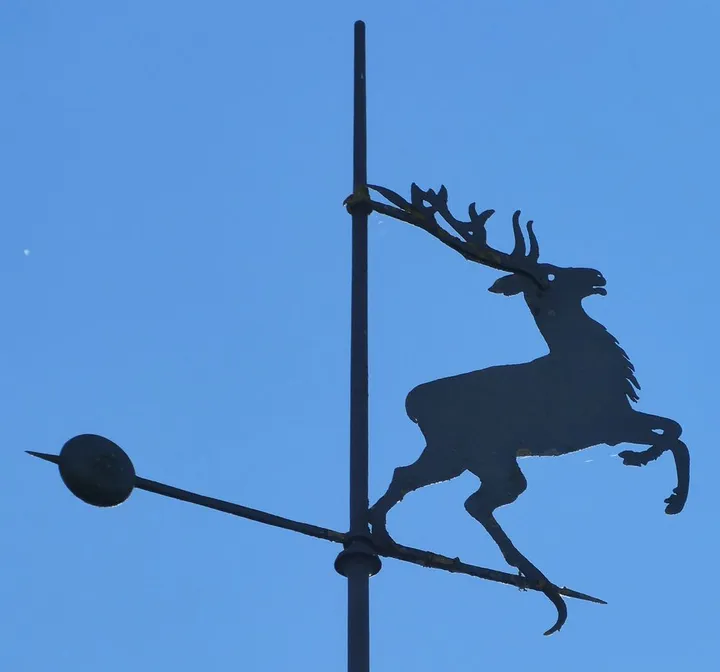
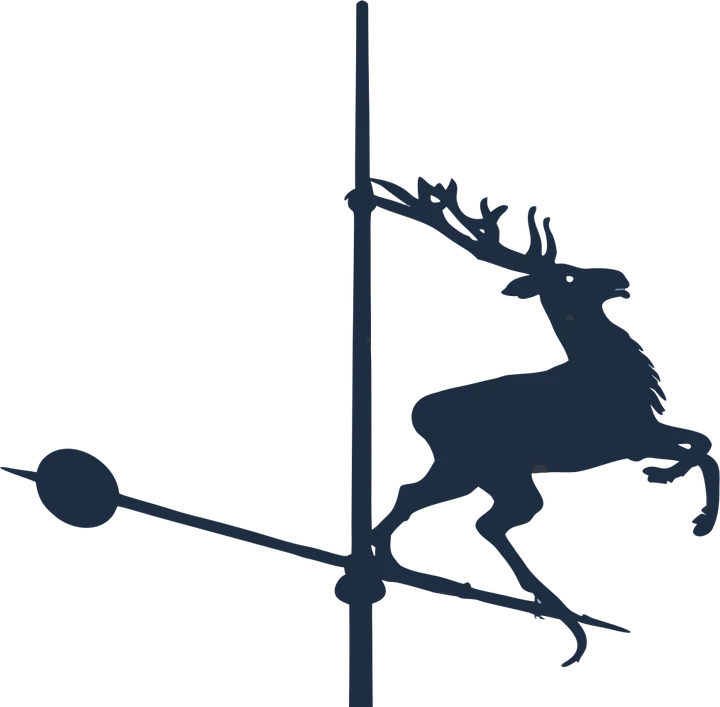
Product photos are mockups: each design is the real VectoSolve file, not retouched. Source photos are public domain or CC0. Photo: Renardo la vulpo, Wikimedia Commons, CC0.
Custom · On quote
Top-of-market quality for complex jobs: large-format murals, detailed illustrations, photo to vector, multi-layer print files. Finished by hand by our team and checked before delivery.
Working from a logo or a photo with no machine in mind? Use the AI vectorizer; for a vinyl or paper cut, the PNG to SVG converter for Cricut and Silhouette.
DXF for RDWorks FAQ
Can RDWorks import SVG files?
Not reliably. The RDWorks V8 manual lists DXF, AI, PLT, DST and DSB vectors. Some recent builds open SVG but lose parts of the design, so use a DXF.
What file types does RDWorks open?
Vectors in DXF, AI and PLT, embroidery-style DST and DSB, and images such as BMP, JPG, PNG and GIF. Projects save as RLD files.
Is the DXF from this page in inches or millimeters?
Millimeters. Check the DXF unit in the RDWorks import settings and the width after import.
Does the file also work with LightBurn on a Ruida laser?
Yes. LightBurn drives Ruida controllers too and imports both the SVG and the DXF from the same download.
Can RDWorks engrave a photo?
Yes, as a bitmap in Scan mode. Use the PNG for photos and the DXF for logos, text and cut lines.
More machine guides: all VectoSolve tools