
Convert PNG to G-code Online
Upload your image to convert to G-code
Drag & drop or click — PNG, JPG, WebP up to 25MB
A PNG is pixels, and a machine needs paths, so the conversion happens in two stages: the image is traced into vector outlines, then those outlines become ordered machine moves as GRBL-compatible G-code. The trace decides almost everything about the result. PNG is the best raster source you can bring because it is lossless, so its edges sit exactly where the designer put them.
For CO2 laser shops
PNG to G-code with the power and speed of your material
Pick the material before you download and the G-code carries that preset: power, speed and passes, tuned for a 40 to 60 W CO2 laser. The same ZIP holds the SVG, the DXF and a PNG of the traced logo.
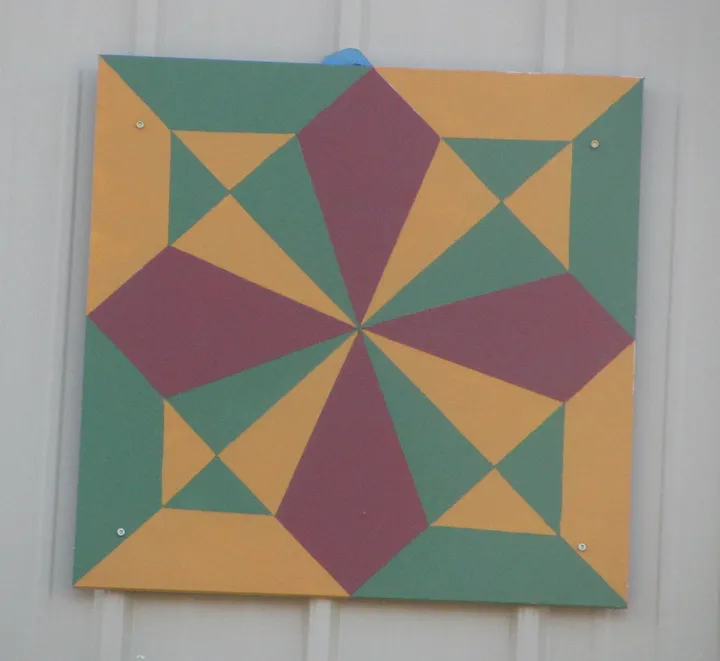
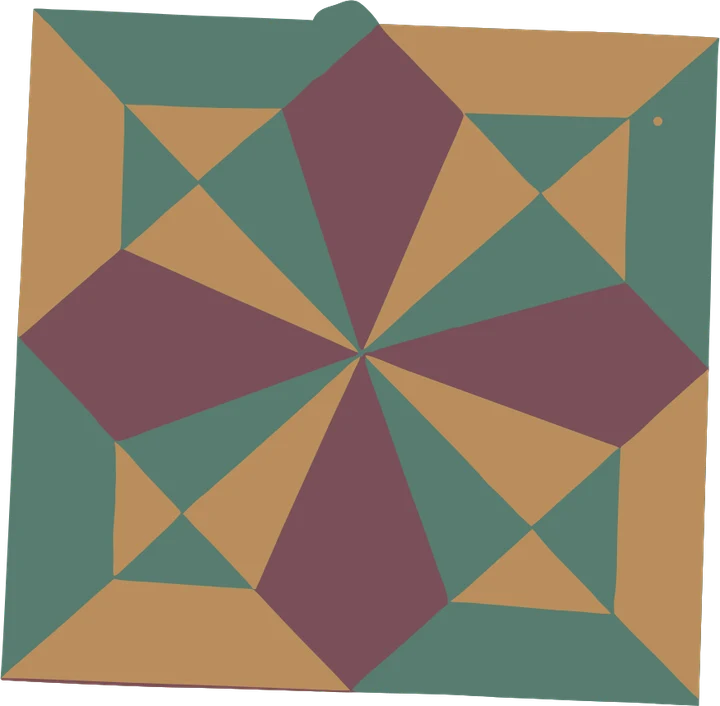
What the ZIP holds
- G-code the preset settings, for LaserGRBL, UGS or Candle
- SVG for LightBurn, which can fill solid areas itself
- DXF the same outlines for CAD or CAM software
- PNG the traced logo, as a proof
- 1
Engrave on wood
Power 40 % at 3000 mm/min, one pass, with no kerf offset: the beam runs on the line.
- 2
Engrave on acrylic
Power 35 % at 2500 mm/min, one pass, for lettering and logos on acrylic sheet.
- 3
Cut thin stock
Card at 30 % and 2000 mm/min, cotton at 25 % and 2500, 2 mm leather at 60 % and 1200.
Product photos are mockups: each design is the real VectoSolve file, not retouched. Source photos are public domain or CC0. Photo: NPS, public domain. Photo: Zarateman, Wikimedia Commons, CC0.
Custom · On quote
Top-of-market quality for complex jobs: large-format murals, detailed illustrations, photo to vector, multi-layer print files. Finished by hand by our team and checked before delivery.
Only need an SVG, not a machine file? Start with the image to SVG converter, or the PNG to SVG tool.
Everything depends on the trace, not on the G-code
It is tempting to look for the setting that will make the cut cleaner. In practice the G-code stage has very little room to improve things: it converts the outlines it is given into moves. If those outlines wobble, the machine wobbles, faithfully.
So the quality of the run is decided before you get here, by the image. Flat colours, hard edges, generous size. A logo exported cleanly from the original design file traces crisply. A screenshot, or a PNG saved from a website preview, carries soft anti-aliased edges that the tracer reads as genuine gradual transitions, because it has no way to know they were an artefact of scaling.
What the machine will and will not do with what it gets
Two limits worth knowing before you load material. First, the tool has a width: a router bit or a laser spot cannot produce a feature narrower than itself, so fine detail that survives the trace can still disappear in the cut. Check your smallest feature against your tool diameter.
Second, the file contains no feeds, no power and no depth. Those live in your sender because they depend on your machine and your material, and a generic guess would be wrong more often than right. Set them there, dry-run with the tool raised, and only then commit.
Starting from a vector instead? SVG to G-code skips the trace entirely. Cutting rather than engraving, and your CAM prefers CAD geometry? PNG to DXF gives you that.
Starting from a photo or a JPG instead?
The image to G-code converter takes PNG, JPG and SVG, lets you pick a material preset for feed, power and passes, and writes GRBL-compatible G-code in one step.
What Do Users Ask About This Converter?
9 questions about PNG to G-code conversion
PNG is lossless. JPEG compression leaves faint ringing halos around hard edges which are invisible at normal size but very visible to an edge detector, and on a machine those artefacts become real tool moves in the material. If both files exist, always bring the PNG.
Transparency is treated as empty space, which is usually exactly what you want: the shape is detected against nothing instead of against a white rectangle you would otherwise have to delete. If your PNG has a white background rather than a transparent one, expect an outer border path around the whole image, and remove it before cutting.
No. The DPI stored in a PNG is metadata for printing and has no effect on a toolpath. The finished dimensions are set in your sender or CAM. Set them before you run, and check the first pass against a ruler.
Around 1000 pixels on the long edge is a comfortable floor for a logo or line art. Below roughly 500 the edges are soft before the trace even starts, and the toolpath inherits that softness as visible wobble in the cut. Upscaling a small PNG first does not help, because it adds pixels without adding information.
That is a different job. Line and cut work follows outlines; photo engraving sweeps the laser in raster lines and modulates power per pixel. Sending a photo through a vector tracer gives a posterised outline, not a faithful engraving. For logos, line art and lettering, tracing is the right route.
GRBL-based machines: 3018, X-Carve, Shapeoko, OpenBuilds, home-built routers and diode lasers, driven by UGS, Candle, LaserGRBL or bCNC. The file uses standard moves, not vendor extensions.
It traces outlines: every shape becomes a path the beam follows. To fill solid areas, load the SVG from the same ZIP into LightBurn and use its fill mode.
The preset percentage, written as an S value out of 1000: 40 % for wood engraving becomes S400. Adjust it in your sender to suit your own tube.
This one runs in the browser: upload the PNG, pick the material, read the free preview and the time estimate, then download. Nothing goes on the computer that drives the machine.
Where Can You Learn More About PNG to G-code Conversion?
If CNC and routing is your business, you are probably paying per file.
An outside art service charges 6 to 26 dollars a logo and comes back the next day. Redrawing it yourself costs half an hour you could bill. A year here is $49 for 25 conversions every month, every machine format included, which works out cheaper than two outsourced logos.
Everything on this page stays free. This is only worth it if you do volume.