
Embroidery Files for Embrilliance, From Any Image
Embrilliance Essentials edits and merges stitch files, but it cannot stitch out a picture, and importing SVG needs StitchArtist Level 2 or higher. Convert the image here and open a ready PES in Essentials, or the SVG in StitchArtist.
- A PES that opens in Embrilliance Essentials
- A clean SVG for StitchArtist Level 2 and up
- DST and JEF in the same download
Works with Embrilliance Essentials and StitchArtist on Windows and macOS, and with Brother, Janome and Tajima machines.
How to get an image into Embrilliance
- 1
Upload the image
Drop a logo or drawing with bold shapes and few colors. The free preview shows the design and its sewn size.
- 2
Download PES and SVG
The download holds the PES with thread colors and the SVG, plus DST, JEF and a PNG of the same design.
- 3
Open the PES in Essentials
Open the PES in Embrilliance Essentials to merge it with other designs, add lettering, check the colors and save it for your machine.
- 4
Or digitize the SVG in StitchArtist
With StitchArtist Level 2 or higher, import the SVG as objects, then set the stitch type, density and angle of each shape yourself.
What each Embrilliance module can open
Essentials opens stitch files
Essentials reads stitch formats such as PES, DST, JEF, EXP, HUS, VP3 and XXX. It edits and saves designs; it does not digitize a picture.
StitchArtist Level 2 imports SVG
SVG import starts at StitchArtist Level 2, which brings vector art in as objects to stitch. Level 3 also exports vectors.
Pictures as a backdrop
StitchArtist can show a picture as a backdrop to draw stitches over. That is manual work; a converted PES skips it.
Saving for any machine
Essentials saves to PES, DST, EXP, HUS, JEF, VP3, XXX and more, so one design can go to any machine in the shop.
Common Embrilliance roadblocks
Essentials will not open my SVG or PNG
Essentials opens stitch files only. Convert the image here and open the PES instead.
The SVG import option is missing
SVG import needs StitchArtist Level 2 or higher. Essentials alone, or Level 1, does not have it.
The design is too large for a 4x4 hoop
The PES from this page is fitted to the 4x4 in field, 100 x 100 mm, which fits 4x4 hoops and every larger one.
For embroidery shops using Embrilliance
Skip the redraw: from a customer picture to stitches
Customer logos arrive as photos and screenshots. Convert them here into PES and DST, finish them in Essentials, or send larger designs for a quote, digitized and checked before delivery.
Free preview with the sewn size, no signup. Larger designs are quoted before any work.
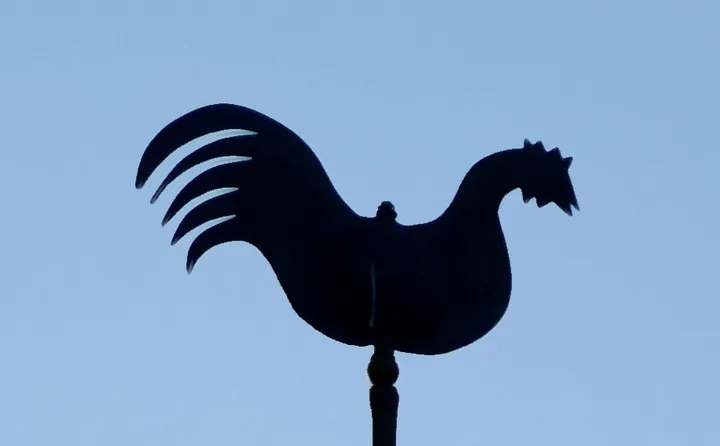
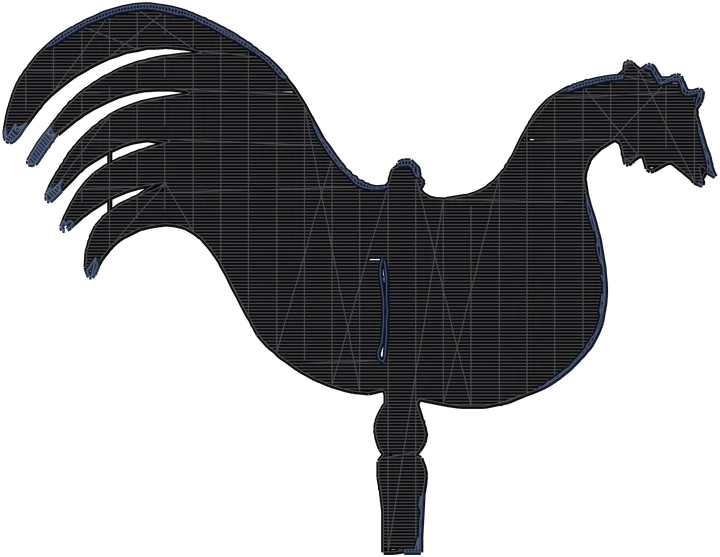
Where each file in the download goes
- PES Embrilliance Essentials, Brother and Baby Lock machines
- SVG StitchArtist Level 2 and up, imported as objects
- DST Tajima-format commercial machines
- JEF Janome machines
Product photos are mockups: each design is the real VectoSolve file, not retouched. Source photos are public domain or CC0. Photo: Helge Klaus Rieder, Wikimedia Commons, CC0.
Custom · On quote
Top-of-market quality for complex jobs: large-format murals, detailed illustrations, photo to vector, multi-layer print files. Finished by hand by our team and checked before delivery.
No machine at the end of the job? The VectoSolve vectorizer turns any picture into an SVG, and the PNG to SVG tool keeps the paths ready to cut.
Files for Embrilliance FAQ
Can Embrilliance Essentials convert an SVG to PES?
No. Essentials edits stitch files but does not digitize. Turning an SVG into stitches needs StitchArtist Level 2 or higher, or a converter like this page.
Which StitchArtist level imports SVG?
Level 2 and Level 3. Level 2 adds the import of SVG vector art as objects; Level 3 can also export vectors.
Can Embrilliance open a JPG and stitch it?
No. A picture has to be digitized first. Convert it here into a PES, then open that in Essentials.
Which file should I open in Essentials?
The PES. It carries the thread colors, and Essentials can then save it in the format your machine reads.
Does this work with Embrilliance on a Mac?
Yes. The converter runs in the browser, and Embrilliance runs on both Windows and macOS.
More machine guides: all VectoSolve tools