
Convert an Image to JEF (Janome) Online
Upload your image to convert to JEF
Drag & drop or click — PNG, JPG, WebP up to 25MB
JEF is the Janome stitch file, also read by Elna and Kenmore: a run of needle positions, not an image. Here the customer picture is traced into outlines, the outlines are filled with stitches at hoop size, and you download a genuine Janome JEF without installing anything. Flat logos come out well; width-varying satin is the one thing it will not make.
For Janome, Elna and Kenmore machines
JEF file converter for Janome embroidery machines
Janome, Elna and Kenmore machines read JEF. Send a JPG or a PNG and it comes back as a JEF with each colour mapped to a Janome thread number, plus the PES and DST of the same stitches.
Inside the JEF download
- JEF Janome thread numbers rather than screen colours
- PES for a Brother or Babylock in the same workshop
- DST for a contract embroiderer
- PNG the traced design to show the customer
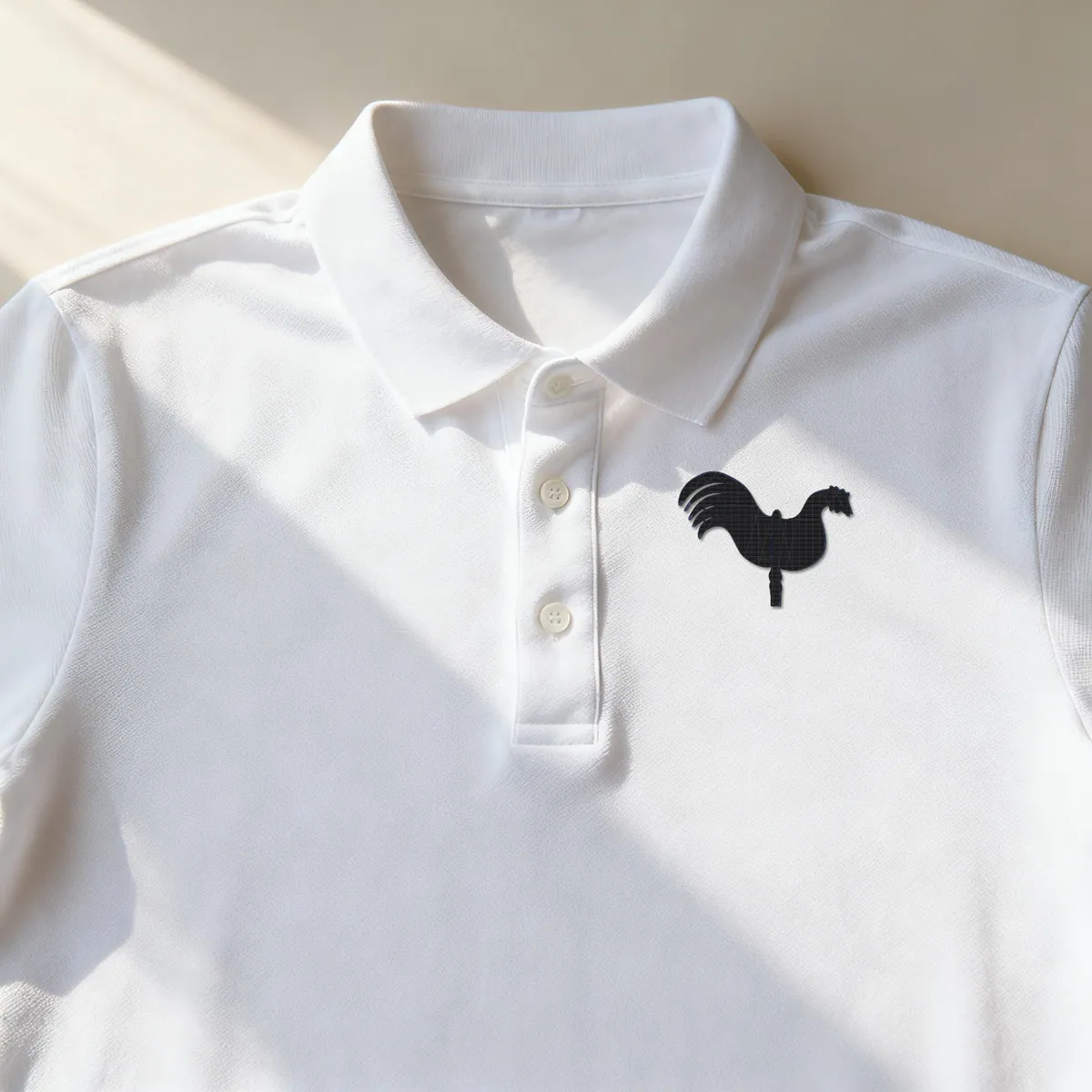
Product photos are mockups: each design is the real VectoSolve file, not retouched. Source photos are public domain or CC0. Photo: Helge Klaus Rieder, Wikimedia Commons, CC0.
Custom · On quote
Top-of-market quality for complex jobs: large-format murals, detailed illustrations, photo to vector, multi-layer print files. Finished by hand by our team and checked before delivery.
Three formats, one stitch engine
DST, PES and JEF exist because Tajima, Brother and Janome each built their own container. The differences that matter to you are small: DST carries stitches and colour stops only and is accepted by essentially every commercial machine; PES adds a Brother thread palette; JEF does the same for Janome numbering.
The stitches inside are generated the same way in all three. So the choice is simply which machine is running the job, not which format is better. If you serve several machines, convert once and export the container each one wants: DST, PES or JEF.
What the JEF does, and where a digitiser still wins
The JEF is planned at its final size. Before a single stitch is placed on your Janome file, the traced design is fitted to a 100 x 100 mm field with a 5 mm border kept clear, so spacing and stitch length are true millimetres rather than numbers stretched afterwards. When the short side would come out below 5 mm, the converter stops, writes nothing and charges nothing. SVG to DST explains the method in full.
What the stitch engine leaves out: width-varying satin, pull compensation and per-area density.
The honest place for this tool is one step before the digitiser rather than instead of one. It turns what the customer sent into geometry a stitch engine can read, and for a flat logo on a cap or a left chest that is usually the whole job. For anything where the satin work is the product, send it to a person.
What Do Users Ask About This Converter?
9 questions about Image to JEF conversion
Janome, and the Elna and Kenmore machines built on the same platform. For Brother and Babylock use PES; for commercial multi-heads from Tajima, Barudan, ZSK, Ricoma or Happy, use DST, which they all accept by default.
Your Janome needs shapes, and a photo only holds coloured dots, so the picture is traced first. A crisp, high-contrast image gives a clean JEF; a fuzzy screenshot gives fuzzy stitching, and no stitch option makes up for a weak trace.
Treat 500 pixels across the logo as the minimum. Under that, traced edges ripple and the thread follows each ripple. The customer may well have a vector original somewhere, so ask before you convert.
On a simple logo, frequently. On small script or thin outlines, it is not: what you get is running stitch, zigzag fill and underlay, while satin that swells and narrows, and pull compensation, remain a digitiser's craft.
Neither, now: sizing is part of the conversion. The outlines are fitted to the hoop first and the stitches are planned on that fitted shape, so stitch length matches the size you will actually sew. The one thing that is still fatal is rescaling the JEF afterwards, on the machine or in software: that multiplies stitch length and row spacing together, which is why a file scaled up on the machine stitches thin.
JEF stores colour information referencing Janome thread numbering. As with any format, what actually stitches depends on the cones loaded, so treat the on-screen colours as intent rather than guarantee.
Drop the JPG on this page and look over the free preview. The design is traced, planned in a 100 x 100 mm field with 5 mm kept clear, and written as a JEF; the PES and DST download with it.
The JEF stores Janome thread numbers, each the closest match to a colour in the picture. What stitches is the cone you load, so check each stop against your thread before the run.
Yes. It is planned for a 100 x 100 mm field, so it sits inside any larger hoop as it is, with no resizing that would stretch the stitches.
Files for your trade
The same engine, set up for the machine or the shop you work with.
Where Can You Learn More About Image to JEF Conversion?
If embroidery is your business, you are probably paying per file.
An outside art service charges 6 to 26 dollars a logo and comes back the next day. Redrawing it yourself costs half an hour you could bill. A year here is $49 for 25 conversions every month, every machine format included, which works out cheaper than two outsourced logos.
Everything on this page stays free. This is only worth it if you do volume.